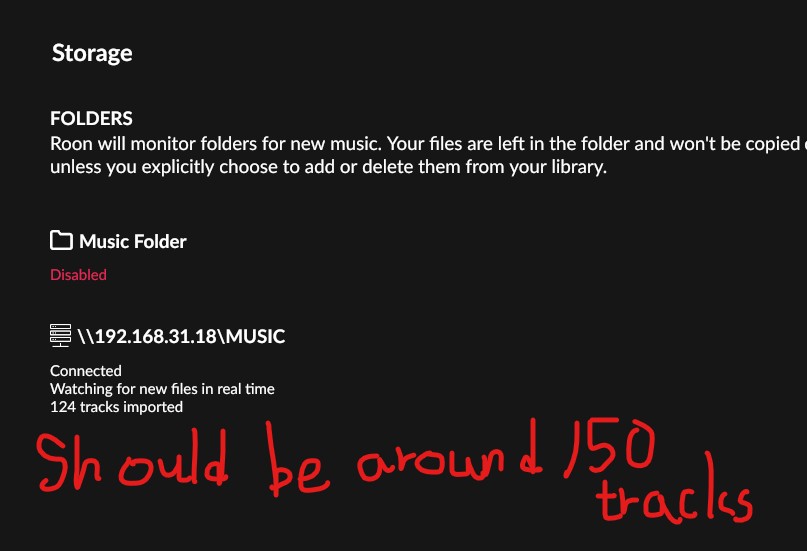
Just bought a few Hi-Res flac files, and put it in my NAS where Roon constantly monitors. But Roon just would not add those new files into database. All previous files are still working fine, just new files have problems...And I still can play those new files if I navigate to "Folders"
Hi i have tried thos before i posted here. All new files can be played correct if i navigates to folders in roon. I can add files to my play lists too. It just somehow roon, while it shows it is constantly monitoring the folder, just wont add thos files to the database.
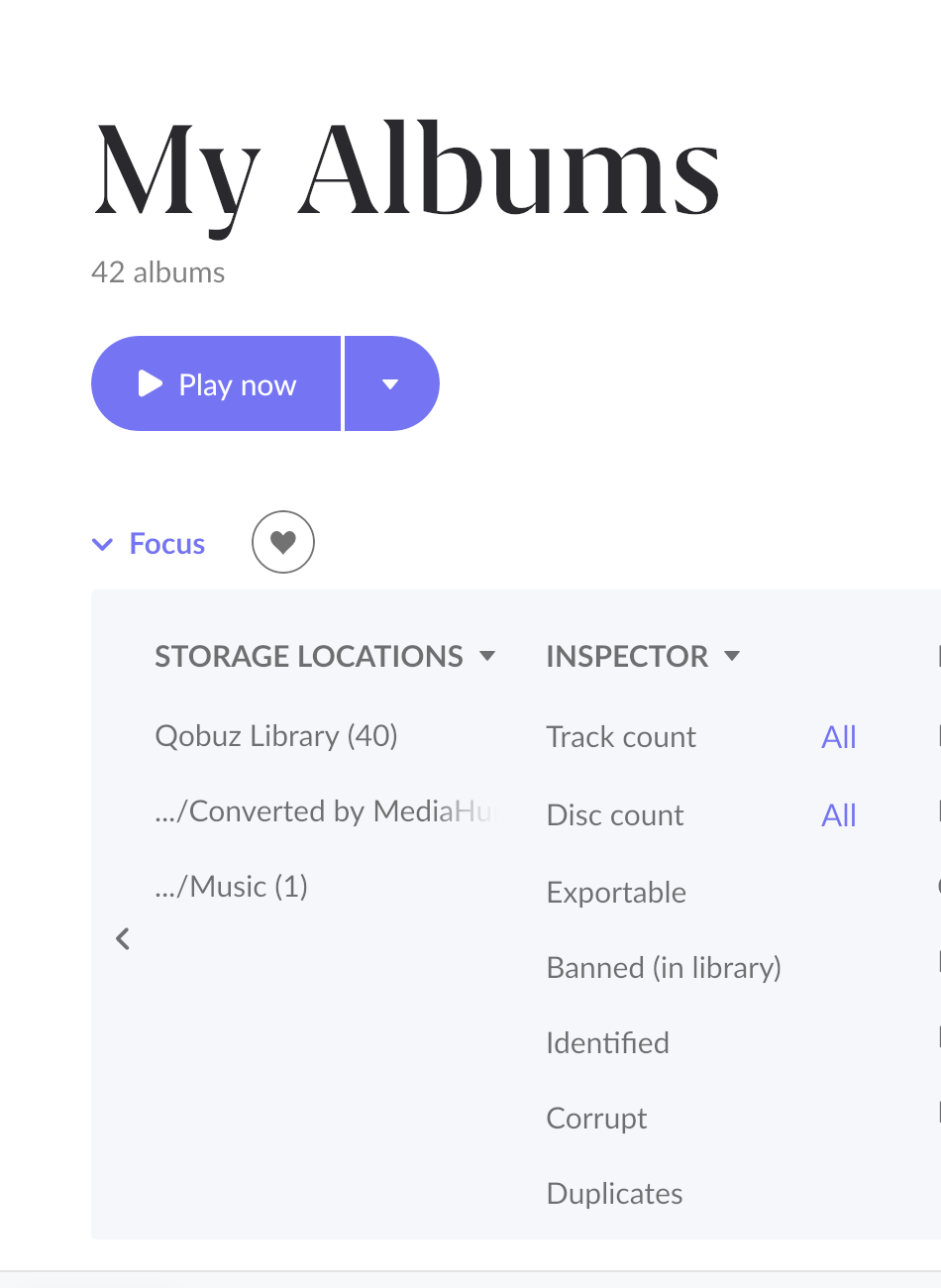
Can you please go to “My Library”, select “Focus” and filter by “Storage Locations” and select the path you saved the Album to and check if it appears ? (like on photo)
If it is there please let us know and we’ll let you know how to deal with duplicates.
Can you share a few specific examples of your issue albums?
With that, it may be helpful for our team to analyze some of them further - if you could please zip up an issue album and upload it to our media uploader below, that would be helpful:
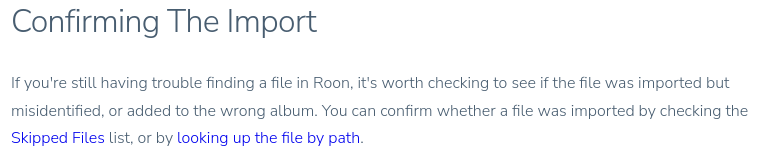
Just to confirm an item from above for due diligence - none of these missing albums are in your Skipped Files list under Settings → Library → Skipped Files?
I do not see a force rescan option under Settings-Library. If you are saying the one under Settings-Storage…..then….yes, the force rescan there is the very first thing I tried….it won’t work….
My apologies if this has been glazed over, but have you safely rebooted the NAS itself since adding the files? This may help trigger Roon to re-check the newly added content.
I guess since I can still play those albums and add them to a playlist….so….its not like I can’t play those songs at all. Maybe it will eventually be ok…
A small side test for you - if you add some new material to a new folder to your NAS, and create a fresh network share within Roon to this new folder, do your newly imported tracks show properly?
Let me know if you’re able to give this a try - thank you!
Please let us know the results of the test @benjamin suggested above when you have a chance.
We’re hoping to ascertain whether the filepath or the entire drive is encountering scanning problems in Roon.
Concerning your submission of actual Roon library files, we wanted to elaborate: the team only keeps these for the duration of the support ticket and stores them securely in our upload servers. This technical support activity is standard practice and covered in the terms of service for Roon. Of course, you don’t have to provide these track files in the future if you don’t want, and we’ll find other ways to support this request. But we can assure you we prioritize music industry best practices for both privacy and file management. The files you’ve provided will be permanently deleted from our servers as soon as this thread is resolved.
I have renamed the folder that contains all my music alnpbums…
And add this new folder to Roon.
The result is the same, only the original 124 songs were added, the rest were not detected by Roon.
Would you be able to share the more specific steps you took here? From a fresh Roon Server diagnostic report, it appears that Roon did not see this as a brand-new library location containing all the albums.
Instead, it treated \192.168.yy.18\MUSIC1 as a replacement for an existing share, and therefore retained only the tracks it already knew belonged to that storage backend, which is exactly 124 tracks.
So Roon never indexed the rest of the files because, from its perspective, they were not new content and/or not visible at the root level it was scanning.
What is your specific folder structure for your local library? Is it: