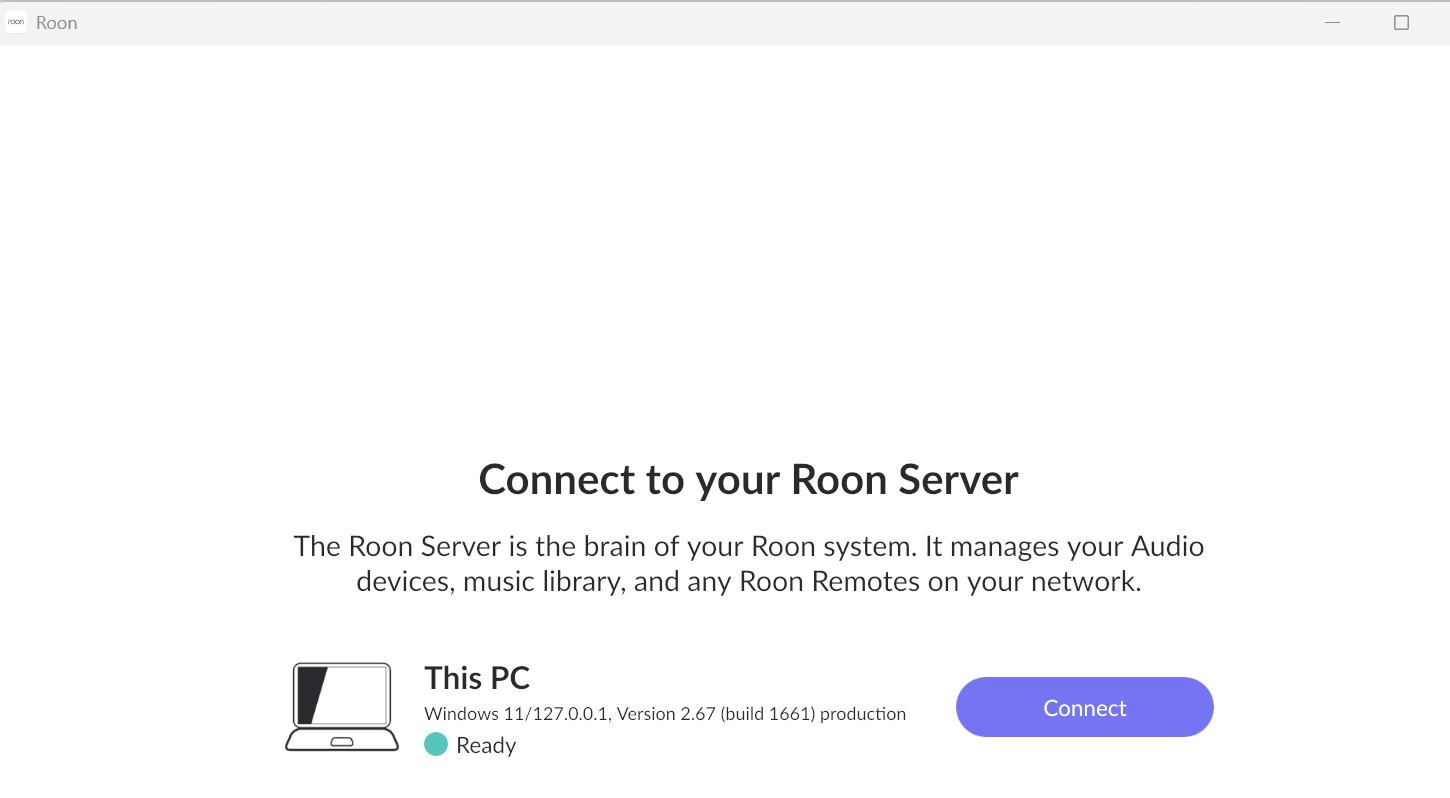
· Basically a couple of weeks ago Roon stopped opening on my windows laptop where the server is located. Same laptop no changes on my end. I have tried to uninstall and reinstall and it looks like the install is working but when I click on the roon icon on my desktop it shows that it is ready to "connect to your roon server" and screen shows "This PC "with a green ready icon. I click on Connect and then I get the black half circel with the moving lines going back and forth and that's it. Won't open
Thanks for writing in, it’s good to see you on the community.
Good news first: your logs show the Roon Server on your laptop is actually running fine and hasn’t crashed. Your library is intact (about 49,700 tracks / 5,600 albums), and it’s communicating with our servers normally. So the problem isn’t the server failing to start, it’s that the app can’t finish connecting to it, which is why you’re stuck on that spinning animation after clicking Connect.
The logs point to a few likely culprits, and I’d like to work through them in order:
Your music folder is inside OneDrive. Your library is stored under C:\Users\Owner\OneDrive\Music\iTunes\. Watching a OneDrive folder is a known source of trouble, because OneDrive constantly shuffles files between "in the cloud" and "on this PC," and Roon sees that as endless changes. Your logs show Roon stuck repeatedly re-processing the library and unable to catch up, which can tie it up right when the app is trying to connect. If possible, please move your music to a normal local folder (for example C:\Music), or right-click the OneDrive Music folder and choose "Always keep on this device." Then in Roon, remove and re-add that folder as your watched storage location.
Leftover VPN pieces. Even though you disconnected PIA, its network adapter is still installed, and I can see a related connection hiccup at startup. Disconnecting isn't always enough, please fully uninstall Private Internet Access, then reboot. After that, make sure Windows Firewall is allowing Roon (you can reset this by reinstalling, which you've already done, but the VPN removal is the key part).
Give it a few minutes on the next attempt. Because of the library backlog above, the very first successful connection may take several minutes to load. After the reboot, open Roon, click Connect, and please leave it alone for 10–15 minutes before deciding it's stuck.
Could you start with steps 1 and 2, reboot, then try connecting and let me know how far it gets? If it's still spinning after that, the next step will be to clear Roon's cache so it can rebuild cleanly, but let's try the above first, since these are the clearest signals in your logs.
Hi Benjamin thanks for the info. I had to completely uninstall (and lose all history) . I then moved the music folder so it’s directly located on the C drive and note on the one drive. Everything appears to be ok now. Not sure what caused the initial issue as it had performed perfectly for years without any issues. Hopefully all good now. Cheer - John
I am glad to hear that everything is up and running smoothly again, although I am sorry you had to do a complete reinstall and lose your history to get there.
To answer your question about why this suddenly happened after years of perfect performance: it almost always comes down to silent background updates from Microsoft. Cloud storage services like OneDrive frequently roll out updates that automatically enable space-saving features (such as “Files On-Demand”). When these features activate, they start silently offloading your local music files to the cloud to save hard drive space.
Because Roon requires permanent access to your local files, it suddenly sees a massive, constant stream of file changes or missing directories. This triggers the exact endless scanning loop that was freezing your app connection.
Moving your music folder directly to your C: drive bypasses the OneDrive sync engine entirely. This is the absolute best and most stable configuration for Roon, so you shouldn’t have to worry about this happening again.
I’ll go ahead and mark this thread as resolved. If you run into any other trouble in the future, please don’t hesitate to reach back out.