We’re having a tough time connecting to your Nucleus to request diagnostics, could you please send over a set of manual Roon Server logs?
Can you please use the directions found here and send over a set of logs to our File Uploader? Once logs have been uploaded, please let us know so that we can check the server for your files, thanks!
The logset you submitted shows the majority of outbound HTTPS requests to Roon’s upstream services either failing or timing out.
Are you relying on a VPN to use Roon? Try disabling it, if so.
Also try assigning a known, reliable DNS service in your router’s DNS section. We recommend Cloudlfare (1.1.1.1).
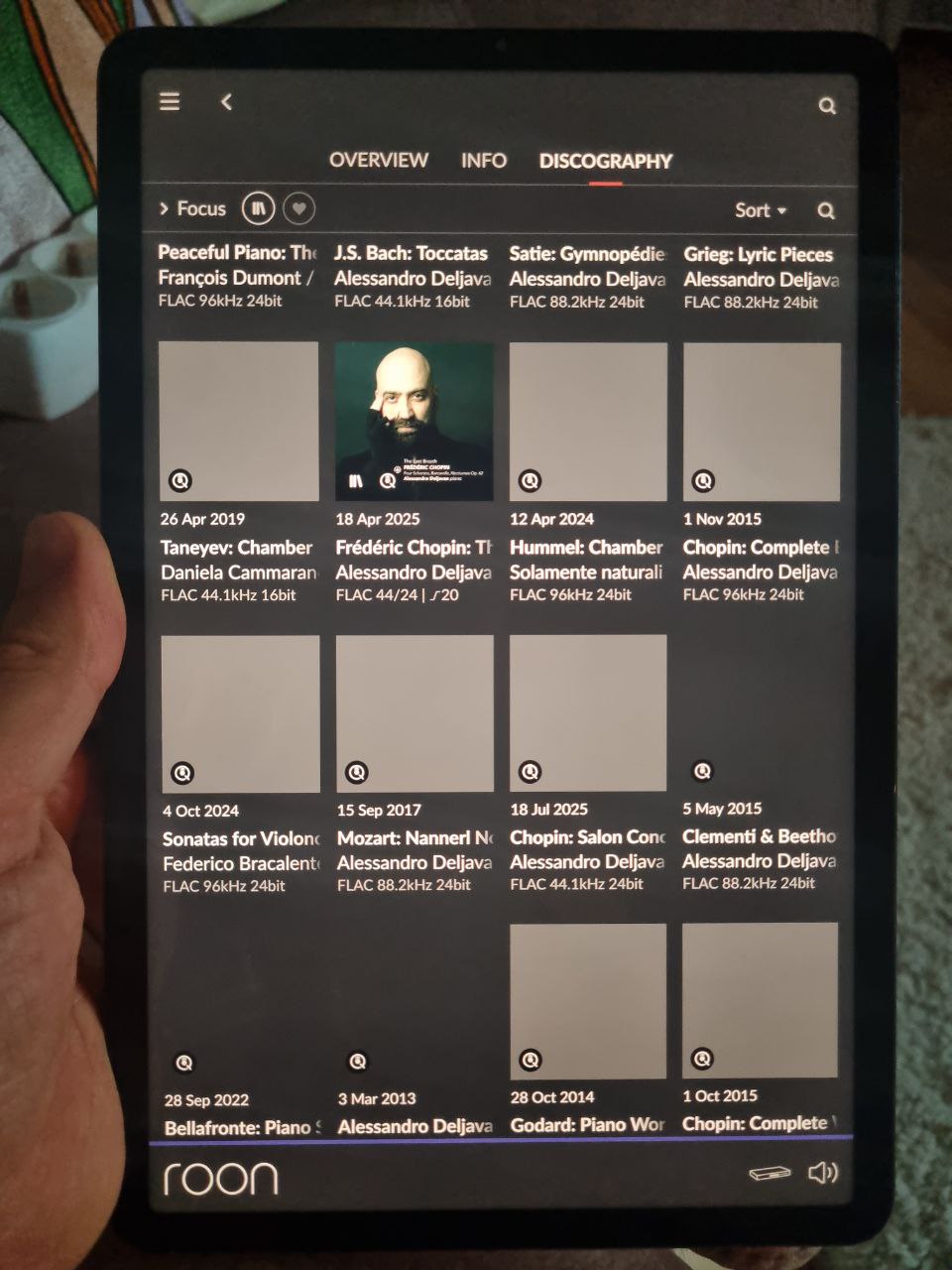
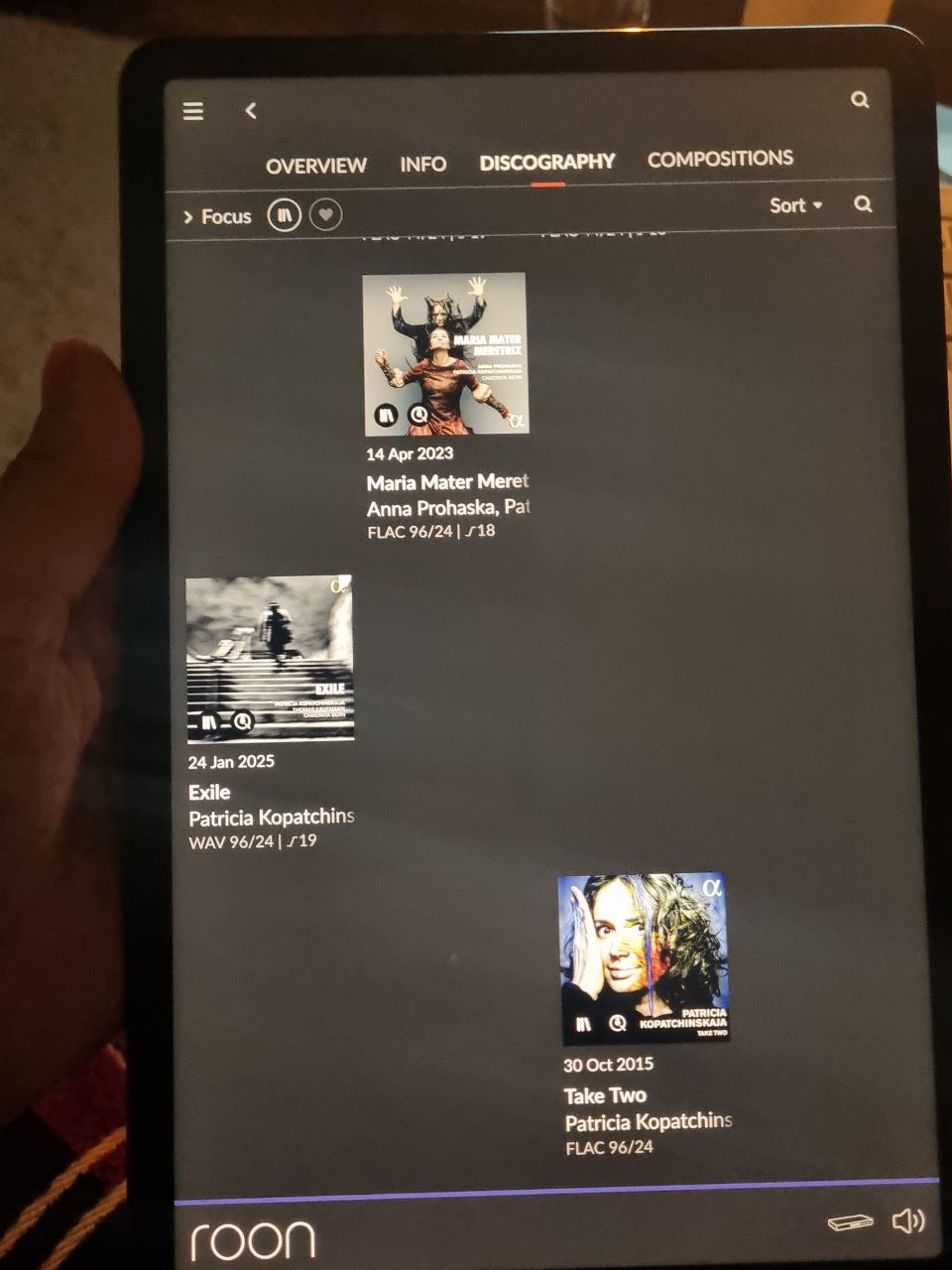
If you’re using any third-party network security, ensure RoonServer is an exception. The greyed-out artwork in your screenshots is a result of imageserver requests returning 404.
Concerning importing, can you please try disconnecting and re-mounting the network share location or physical drive you’re using to store these files?
Roon Server is an exception to network security. I’ve already reconnected the drive. I didn’t change anything in the network settings; everything was working fine before.
One of these network components is either intercepting Roon’s requests to upstream services or blocking the responses. The most expedient way to pinpoint the error is to reduce the setup to a single router and then add elements back in until you can reproduce the errors.
The culprit is most likely the DPN router. Have you tried relying on the Archer c80 entirely, disabling the DPN router?
The first thing I did was disable the DPN router. This had no effect on Nucleus’s operation. Moreover, the network configuration hadn’t changed for about two years. Everything was working fine before.
To confirm, we’re hoping you can bypass all network gear here, including the switch and DPN router. Get the Nucleus connected via ethernet directly to your primary router, reboot everything, and let us know how things perform.
Hi Yury!
I guess you are located in Russia. I had the same set of problems in the last ten days, and yesterday the problem was gone by itself - the same way it had previously appeared. Seems
like it was caused by Roskomnadzor’s interference