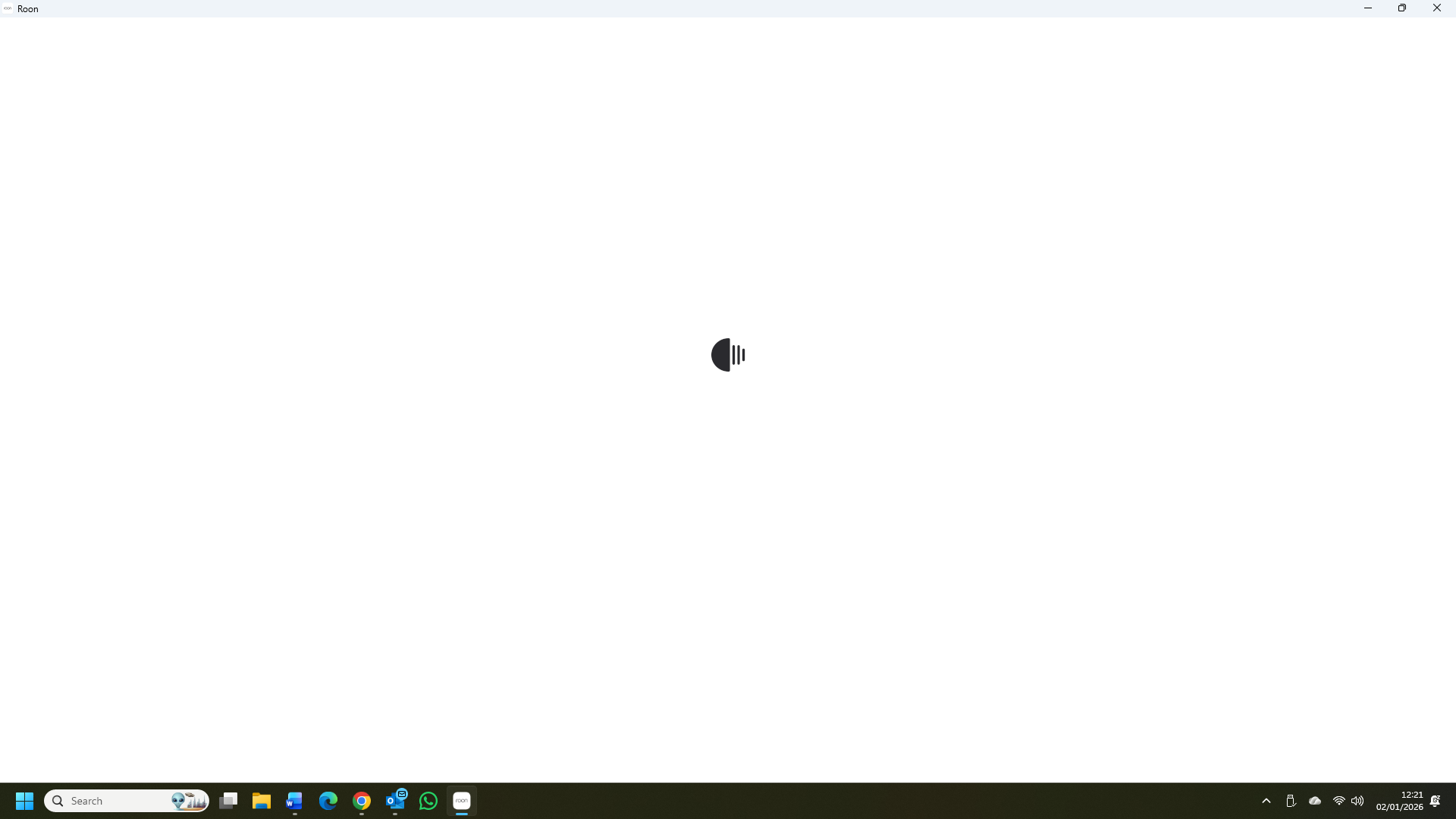
· I have nothing on my PC (Windows 11) screen except the circle with the jiggling lines. I've left it on overnight and no change. I'm using a Roon Nucleus. I've tried installing a new app, unplugging Nucleus and leaving it for 5 mins before restarting, restarting the modem. I also tried connecting Nucleus directly to a monitor and it shows up OK there. The Nucleus is connected to the modem by ethernet cable. Tidal and other services are working fine on their own but not via Roon. Roon was working well until a couple of days ago. Nothing else has changed.
Tell us about your home network
· It's a basic Movistar router, no switches or extenders.
To better understand what’s going on, I’d like to clarify a few things first:
Did this start happening without any changes?
Just to confirm — there were no recent changes before this began (no updates, power outages, network changes, etc.)?
Is the Nucleus visible from other devices?
For example, can you see or connect to the Nucleus from:
A smartphone or tablet running Roon
Another computer on the same network
Do you have backups stored outside the Nucleus?
If needed, a system reinstall can be done from the Web UI, but this is safest if you have a backup stored on another device (NAS, USB drive, network share).
Backup info here for reference: https://help.roonlabs.com/portal/en/kb/articles/backup
Once we know whether the Web UI is accessible and whether other devices can see the Nucleus, we can decide the best next step.
I accessed the Web UI by typing 168.1.51. Everything there is shown as OK.
I get the same spinning wheel on my phone and laptop.
I have a backup installed on a Synology NAS.
Something interesting just happened: The large central wheel stopped spinning and the Roon page appeared. The small wheel was spinning in the top corner. I clicked on it. It said: connected, scanning now, 9265 files scanned. Then the scan suddenly stopped and the word “error” appeared. I think there were some other words too but they disappeared too quickly to read. Then the large central wheel started up again.
Thanks for the additional information! From a fresh Nucleus diagnostic report, we can see repeated out of memory errors being thrown - causing your Nucleus to stop running / processing and restart. For example:
Out of memory: Killed process 3532 (RoonAppliance)
and
oom_kill_process.cold.45+0xb/0x10
It looks like your Nucleus current has around ~4GB of RAM, which is likely not enough for the size of your library.
The easiest next step for you would be to temporarily slice your local library in half. That will likely get you back up and running.
That said, the best long-term solution would likely be to increase the amount of RAM in your Nucleus. You can do this manually, or send the machine in for our team to perform the upgrade.
Here is more info:
Let us know if you have any additional questions! Thank you
Thanks, that´s helpful. I´d like to upgrade the RAM. Am I correct in saying I have Nucleus Rev A or Rev B, in which case I need to buy Crucial DDR4 2666 MHz CL19? If so, how many GB would you suggest? If 16GB, this one is available on Amazon Spain (I live in Spain): Crucial
RAM CT16G4SFRA266 16GB DDR4 2666MHz CL19 Memory Notebook. Is that the correct one? CT
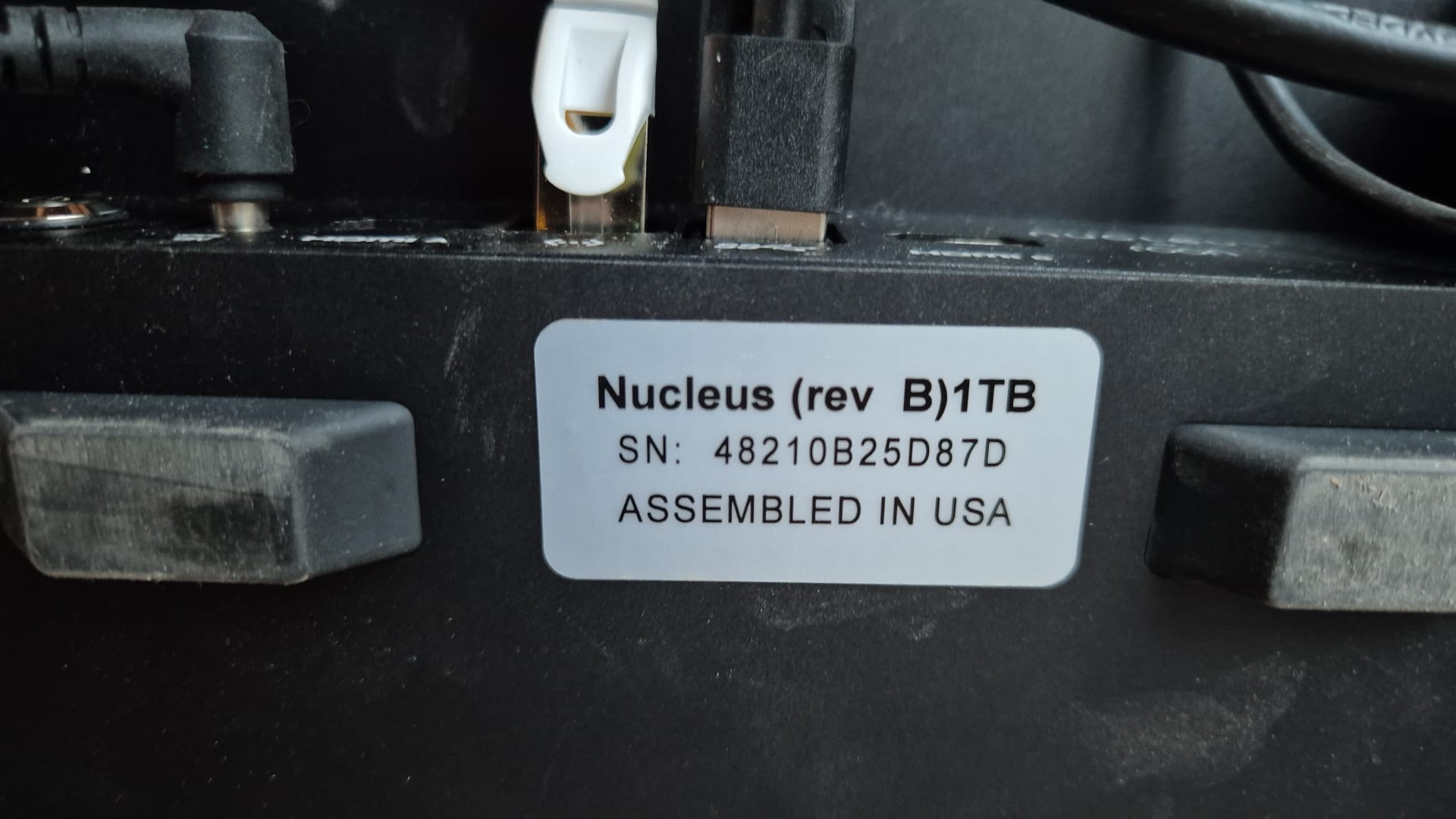
Yes, it looks like you currently own a Nucleus Rev A - the RAM SSD Requirements are: DDR4 2666 MHz CL19 - ECC Type = Non-ECC, Form Factor = SODIMM, Pin Count = 260-pin, PC Speed = PC4-21300, Voltage = 1.2V, Rank and Configuration = 1Rx16, 1Rx8 or 2Rx8
Depending on how much you plan on growing your library, 8GB or 16GB would likely be fine.
That looks to align with the above requirements, so you should be good to go with this!
Happy to help @Charles_Taylor! Keep us posted on how the process goes, and if it helps.
In the meantime, we’re actually having a tougher time fully identifying your specific Nucleus model - the good news there is that both the Rev A and B take the same RAM cards.
If possible, are you able to snap a screenshot of the bottom of your Nucleus? That would help us better identify your model. Thank you!
The instructions for upgrading the RAM say I should have a backup. I have one in Dropbox. There’s nothing in the Roon folder there except this: 5e3baad5-5974-4697-9745-70098410b143
Is that all I need to restore a backup?
I’d suggest creating a few different backups to additional locations just for safekeeping.
It’s also worth mentioning - We do not recommend restoring a backup directly from Dropbox. The Dropbox API has some limitations in speed which can cause this process to take a very long time, so it is best to download the backup from Dropbox to a USB drive.
Our diagnostic servers see a new unit hosting your RoonServer - are we correct in our assumption that you’ve resolved this problem by moving to a new RoonServer machine?
Please let us know if you have any further questions or concerns and we’ll promptly assist. Otherwise, this thread will auto-close due to inactivity after another several days.