After a power loss, the Nucleus can sometimes fail to boot correctly. To help us diagnose what is happening, please connect your Nucleus+ to a TV or monitor via an HDMI cable, power it on, and let us know what you see on screen - any text, a Roon logo, or a blank screen.
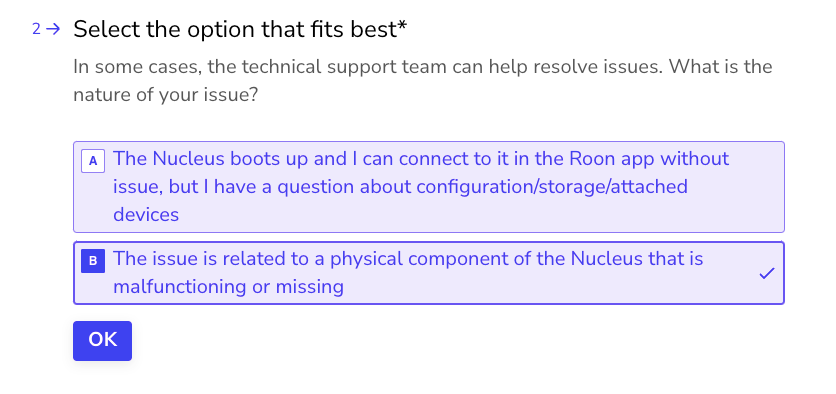
Thanks for the update, and I’m sorry to hear you’ve hit some hardware issues with your Nucleus. The best next step here is to get in touch with our RMA department directly, as they’re in charge of all hardware-related Nucleus issues. To do so, open the Typeform link below and select ‘Other’ followed by 'This issue is related to a physical component".
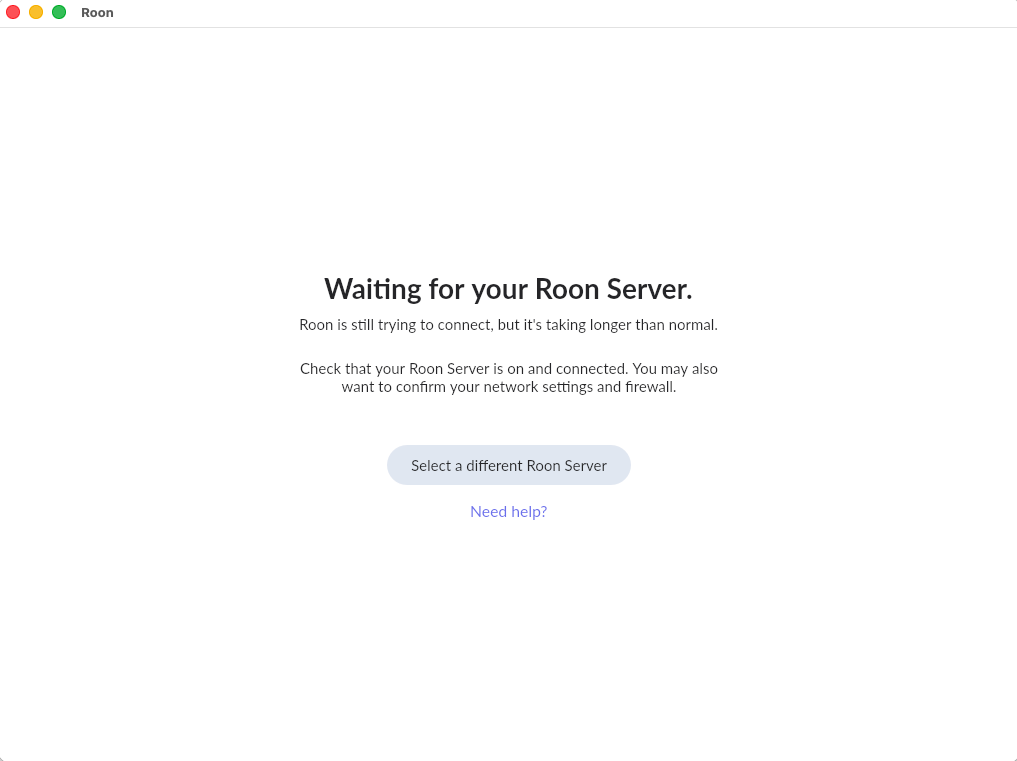
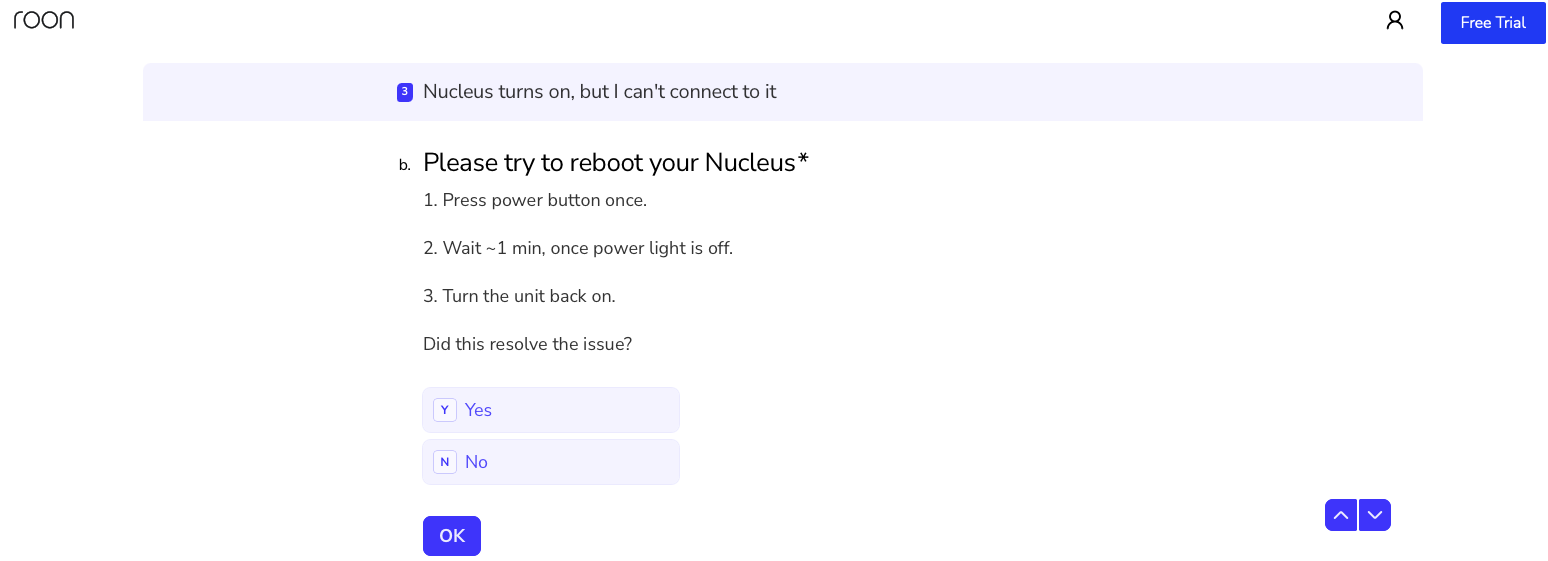
I’m at this step in the Nucleus Troubleshooting questionnaire that you linked. Five minutes after pressing the power button nothing had happened so I pressed the button again. Five minutes later, the power light is still on, the ethernet status lights still blink, but no change on the Roon app so I press the button again… Five minutes later, same status and I’m reporting here while still on that screen.
Thanks for the update! It’s no problem if you’re not able to power off the Nucleus via the power button, please continue forward with the RMA typeform and our team will continue to help with next steps afterward.