What kind of performance/speed issue are you experiencing?
· Tracks take a long time to play
Please try to reboot your Roon Server
· Yes, rebooting helps, but the issue returns after some time
Please try to reboot your networking gear (Router/Switches/etc.)
· No, the issue is still the same even after a reboot
Is there any change in behavior if you try to navigate to Roon Settings -> Library and set both Background and On-Demand Audio Analysis to Throttled or Off?
· No, the issue is still the same
Does the issue happen on multiple Roon Remotes (controllers) or just one?
· Issue happens on multiple remotes
Router Domain Name System (DNS) change
· I was able to change my router's DNS servers but it did not help
What is the operating system of your Roon Server host machine?
· Nucleus
Which model Nucleus do you have?
· Nucleus Rev B
Timestamp of issue occurrences
· For months now
Describe the issue
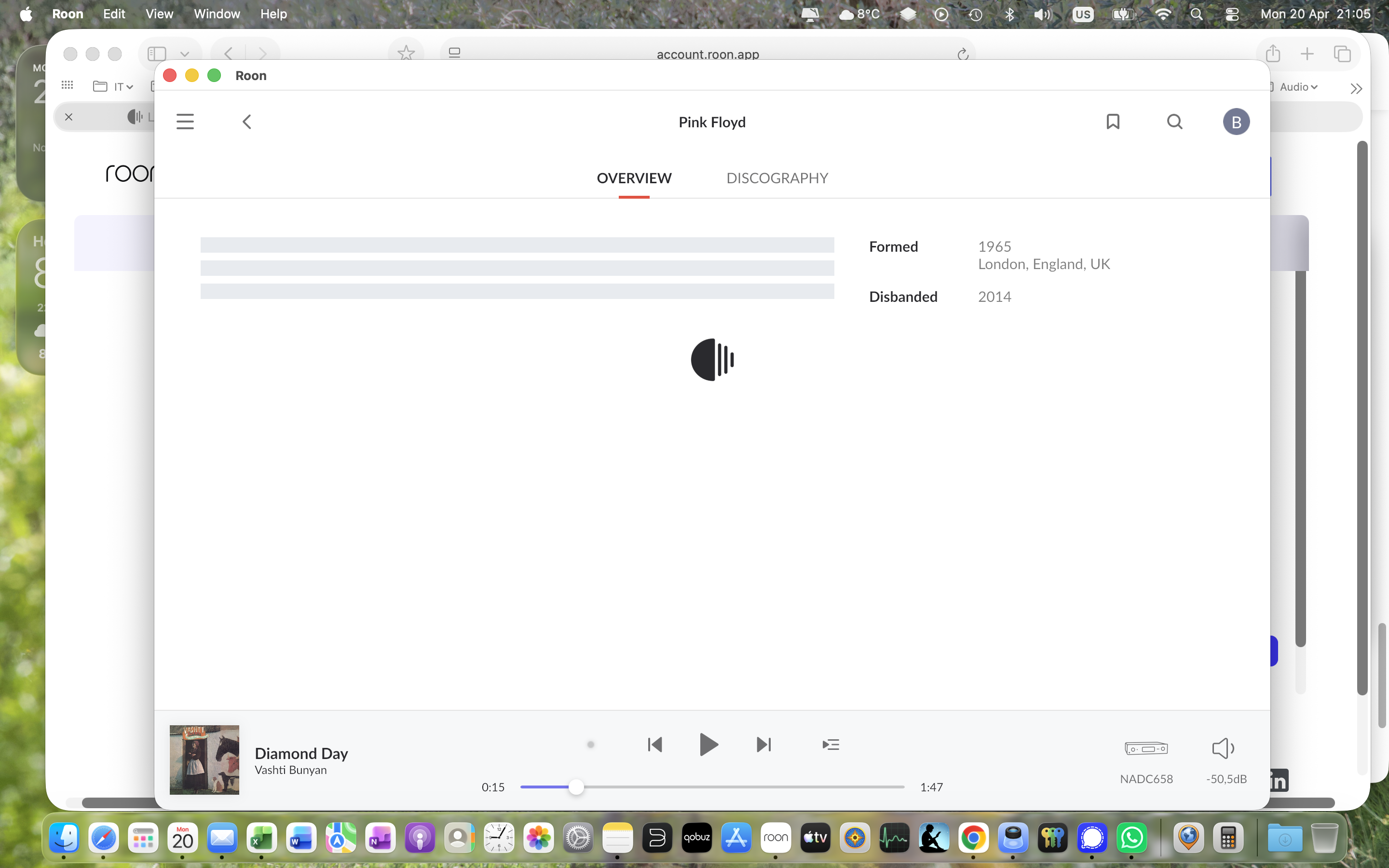
My Nucleus is so slow. I use Qobuz as HiRes service. Loading a playlist in Qobuz only takes seconds. In Roon it takes minutes. It is so annoyingly slow that I’m serious thinking of using another service.
Loading a playlist with 22 tracks created by Roon, takes minutes. I’m really sick of it.
Can anyone help me, please.
Describe your network setup
Gbit Zyxel switches, All relevant network traffic is cabled. ISP is Ziggo 400 mbit down - 40 mbit up
Looking at the symptoms, it seems like your Nucleus is struggling with a massive backlog of metadata updates and slow database commits.
Here are a few things you should try to narrow this down:
Simplify the Network Path (Crucial)
Since you are using Zyxel switches, there’s a possibility of a multicast or flow-control issue. Please try to connect your Nucleus directly to the main Ziggo router via Ethernet, bypassing all switches. If the speed improves, the issue is in the switch configuration (IGMP Snooping, etc.).
Check IPv6 (Ziggo specific)
Ziggo routers are known to sometimes have issues with IPv6 and Roon’s metadata cloud. Try disabling IPv6 in your router settings and use IPv4 only. Many users in the NL have reported this fixed their “slow loading” issues instantly.
Database & Cache maintenance
Your logs show some object duplicates and slow “mutations” (database writes).
Go to Settings -> Setup -> Clear Cache.
If that doesn't help, try a 'Reinstall' of the Operating System via the Nucleus Web Administration Interface (this won't delete your music/database, but will refresh the Roon OS files).
4. DNS in the Core
Even if you changed DNS on the router, try to set a static IP for the Nucleus in your router and, if possible, manually point the DNS to 1.1.1.1 or 8.8.8.8.
The fact that Qobuz works fine natively but slow in Roon usually points to the Nucleus having trouble reaching Roon's "Metadata Service" cloud, rather than a bandwidth issue."