Roon Core Machine
Nucleus Version 1.0 (build 254) production
Networking Gear & Setup Details
Router: Ubiquiti UniFi Dream Machine, Nucleus is hard-wired and computers running remote are a mix of wired and Wi-fi
Connected Audio Devices
McIntosh C47 preamp connected via USB
Number of Tracks in Library
Don’t recall
Description of Issue
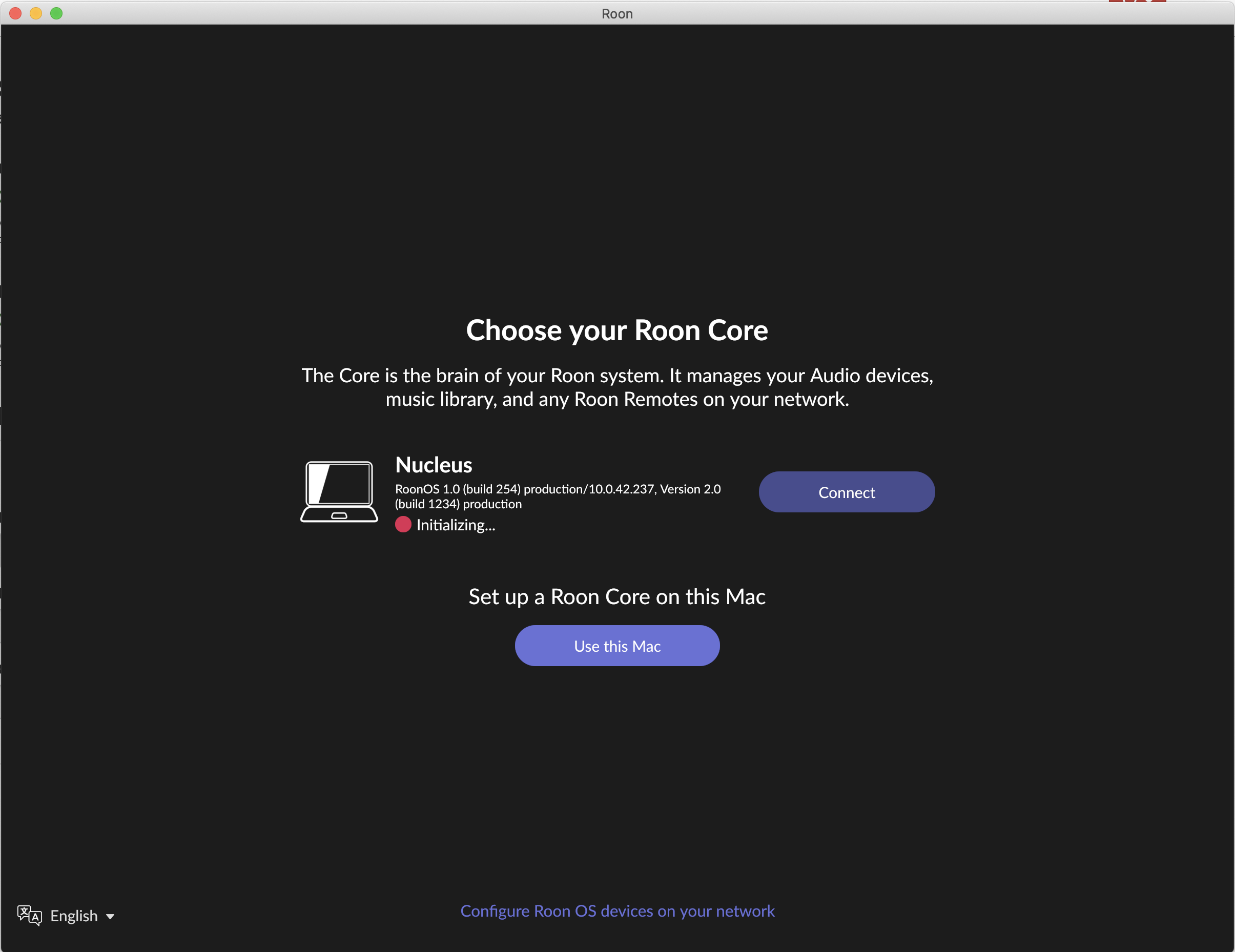
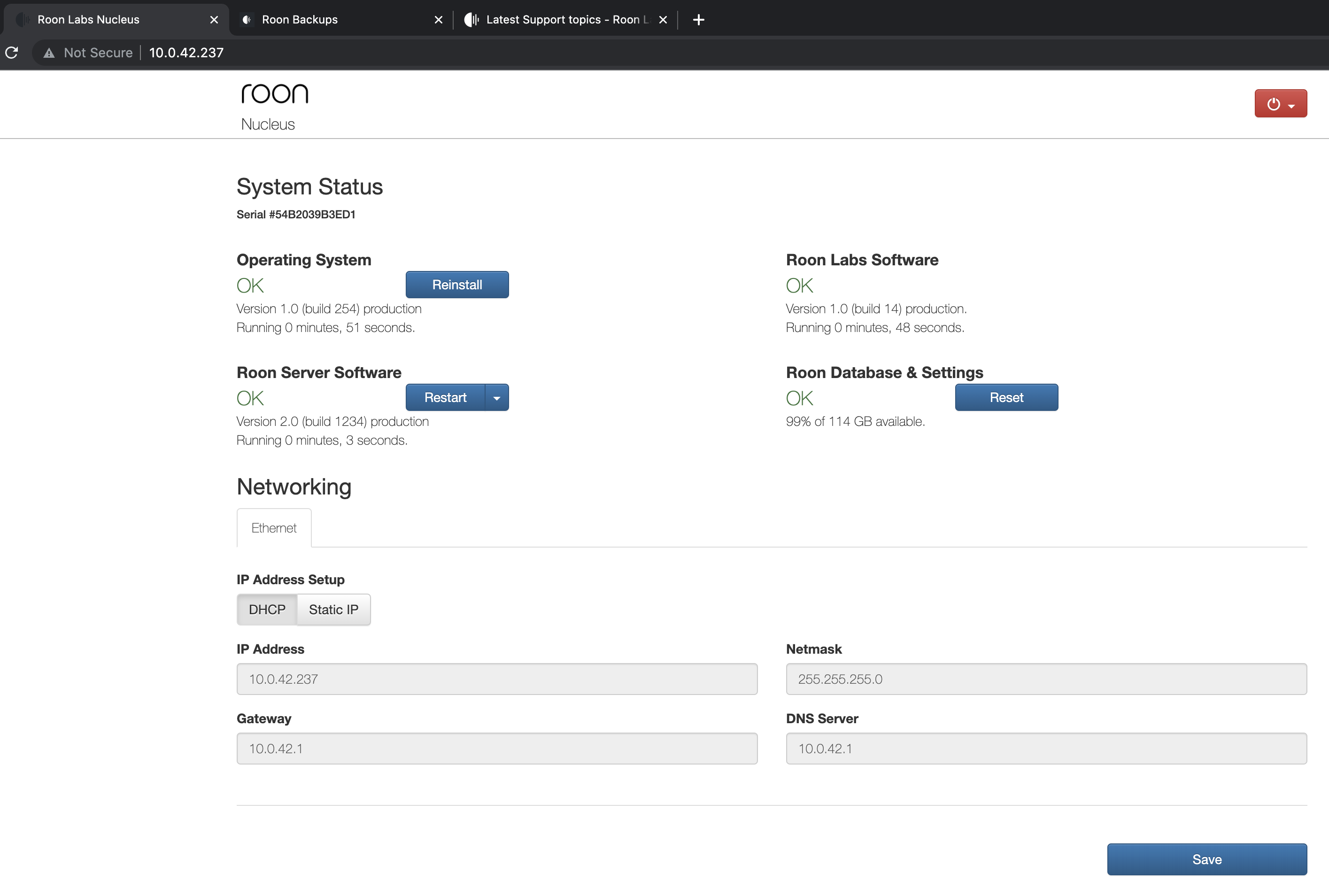
About a week ago my remote software stopped finding the Nucleus. If I choose the “Select another Core” option the Nucleus is there, but I can’t connect and its status is shown as “Initializing…” If I go the web UI, all components appear to be up and running. I have tried:
- Re-starting the Roon server from the web ui
- Rebooting the Nucleus from the web ui
- Rebooting the Nucleus via a hard power cycle
- Reinstalling the operating system software from the web ui
Nothing I’ve tried has had any effect, after the system comes back up the web ui makes it seem as though everything is working normally, but the remote software shows the Core as “Initializing.” I have tried multiple computers running remote, one running Windows 10 Home and one running MacOS 10.15.7