Thank you for reaching out, and a huge thanks to @Moonshiner for the accurate information and sound advice.
I completely understand the initial reaction to wait for a rollback. However, as Moonshiner mentioned, we strongly advise against this. Furthermore, older server versions will quickly lose compatibility with the latest mobile remote apps (iOS/Android) and streaming service integrations (like TIDAL and Qobuz).
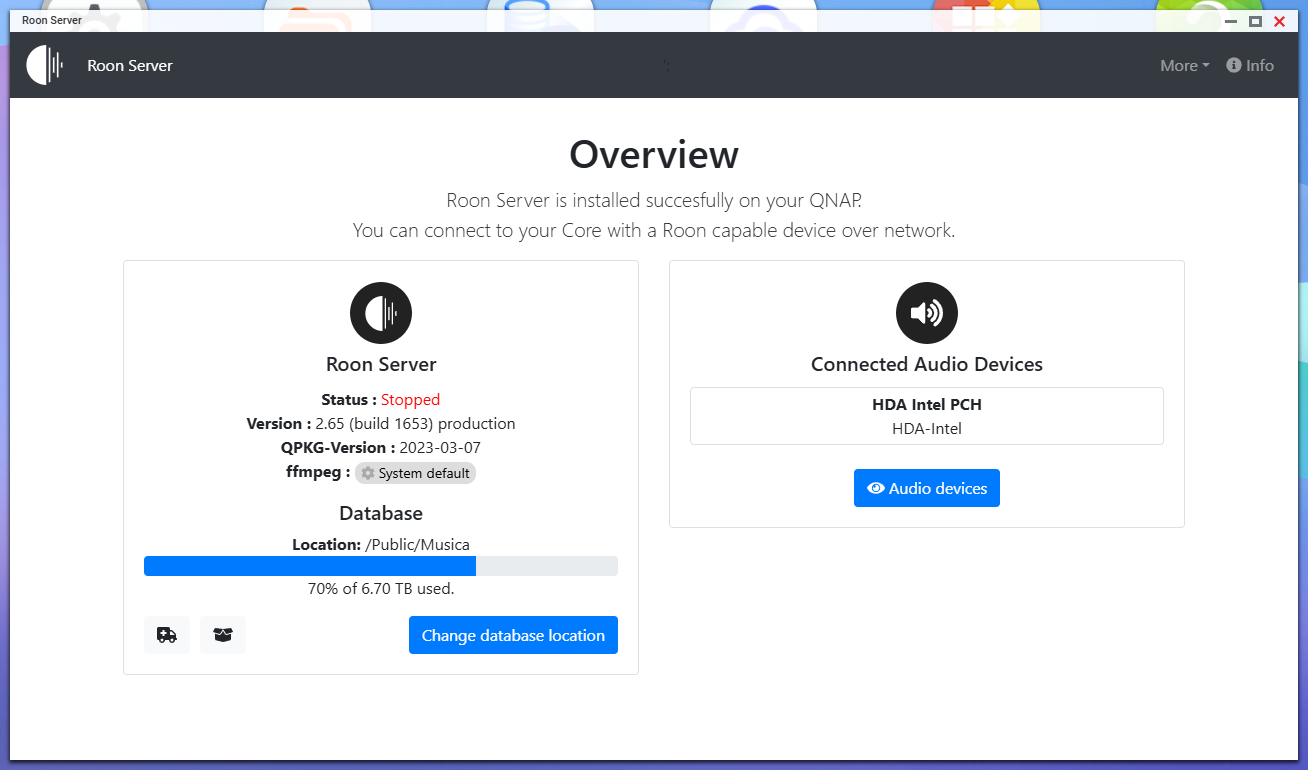
The good news is that your QNAP TS-264 is still a highly capable machine and can absolutely still run Roon! It just needs to run inside a Docker container instead of as a native QNAP app. Docker provides an isolated environment that contains all the modern software libraries Roon requires, which the native QNAP OS lacks.
A quick tip to save your history: You do not have to rebuild your library from scratch. Before you start, ensure you know where your previous Roon backups are stored on your NAS. Once the Docker container is running, just click the “Restore from backup” link on the initial Roon login screen to bring back all your playlists and settings.
Take a look at the guide, and if the process seems overwhelming or if you get stuck, please let us know. We are more than happy to walk you through it!
I am thrilled to hear that you successfully made the transition and that Roon is back up and running on your system!
Regarding your question about updates: because Roon is now operating inside a Docker container, the update process works a little differently than it did with the native QNAP app. The standard “auto-update” feature inside the Roon software cannot automatically upgrade the server component anymore.
Currently, updating your Roon Server requires a manual restart of the container along with a re-pull of the Docker image.
When a new Roon update is released, here is the general process you will follow:
Open Container Station on your QNAP.
Stop your currently running Roon container.
Re-pull/Recreate the image. In Container Station 3, you can usually do this by clicking the “Recreate” button on the container and ensuring it pulls the latest image version.
Start the container again.
While it takes a couple of extra clicks, it ensures your server safely transitions to the newest version. (Note: Your Roon Remote apps on your phone or computer will still update automatically through their respective app stores).
Enjoy the music, and please do not hesitate to reach out if you need help with anything else!