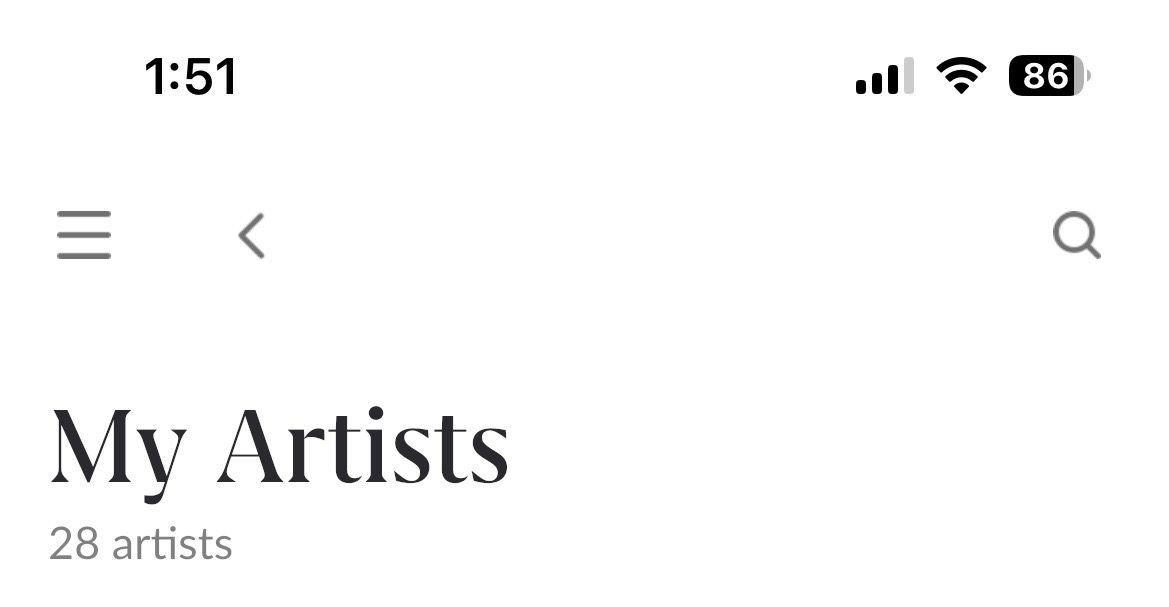
· ROON is installed on a PC and running perfectly through my Matrix MS C1 streamer except it “displays” only 28 artists and 30 albums (when I click on artists or albums) even though they are all available when I search for a specific artist or album. When I had the Innuos streamer, it displayed all the artists and albums offered by Tidal.
Tell us about your home network
· Orbi RBR50 Internet at 750 Mbps All components are connected via Ethernet.
Thanks for the details, I dug into your Roon Server logs and the good news is nothing is broken. Your Tidal login, subscription, and playback are all working normally.
What you’re seeing is actually how Roon is designed to work. The Artists and Albums pages show only what’s in your library, the artists and albums you’ve added (the heart / “Add to Library” button), plus any local files. Search, on the other hand, queries all of Tidal’s catalog, which is why every artist and album still turns up there.
Your logs show that the Tidal account this Roon Server is signed into currently has about 28 favorited artists and 30 favorited albums, and that’s exactly what’s appearing in those tabs. Everything is syncing correctly; there just aren’t more favorites on the account to display.
The difference from your Innuos experience is almost certainly the browsing model, not a sync problem. If you were using the Innuos’s own app (Innuos Sense) rather than Roon, that app browses Tidal’s entire catalog like the native Tidal app does. Roon instead builds a personal library out of the albums and artists you add, so the two look very different even though the underlying Tidal account is the same.
A couple of things to check and try:
Add items to your library. Any album or artist you want in those tabs, tap "Add to Library" (or heart it). Favorites you make in the Tidal app will also flow into Roon on the next sync.
Confirm the account. Please make sure you're signed into the same Tidal account you used with the Innuos. The account on this Roon Server ends in …588. If you expected hundreds of items, they may be favorited on a different account.
Force a re-sync if you believe items are missing: Settings → Services → Tidal → log out, then log back in.
Let me know how it goes and I'm happy to keep digging. 👍
Hi @Greg_Shark, just checking in to see if you’ve had a chance to review Benjamin’s response above. Please let us know if that addressed your concerns or if there’s anything else we can help with. This thread will close automatically soon, but you’re welcome to reopen it anytime through the Technical Support form: