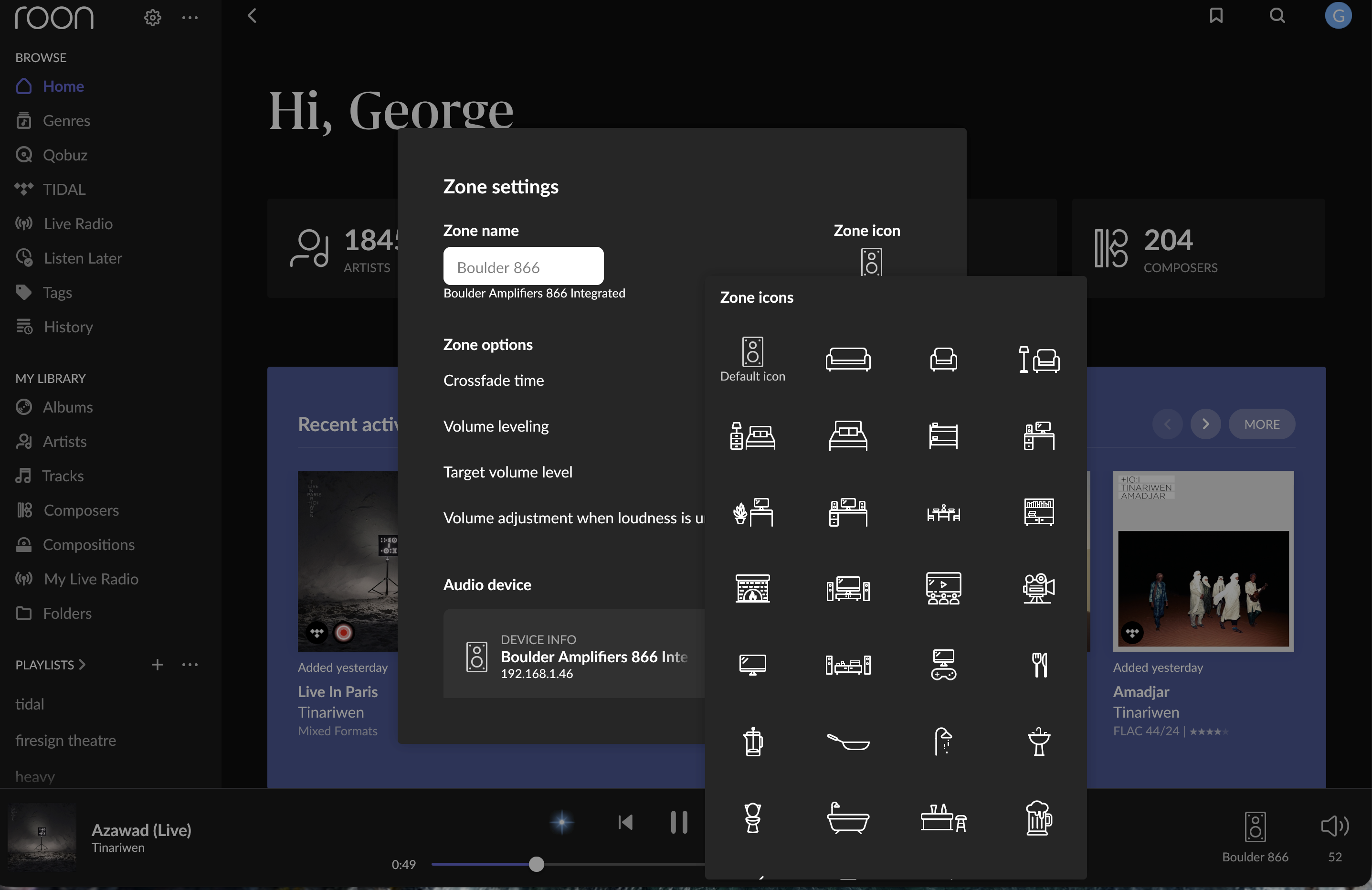
Roon Ready device icon replaced with default Speaker Icon on v2.58 (ref#70LF5Q)

Hi! What’s not quite right with Roon?

· None of the above quite fits

None of the above quite fits

· None of these quite match

Tell us what's going on

· At the suggestion of someone on community page I am opening a "ticket". With the most recent update (new version 2.58) the icon for my roon ready device a Boulder Amplifier 866 is replaced with the default Speaker Icon. Everything else seems OK. Thanks

Tell us about your home network

· Orbi43


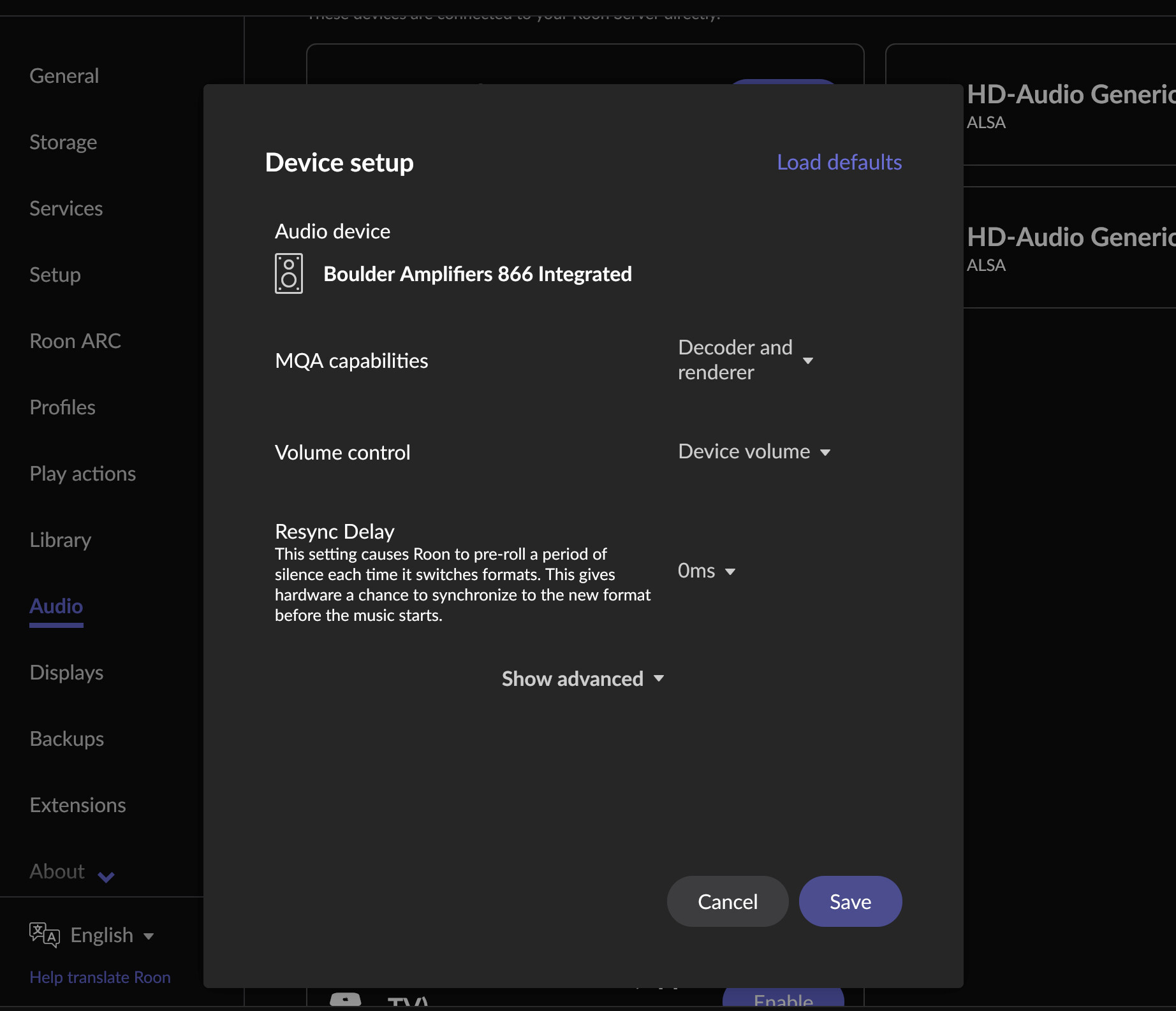
This image is to demonstrate that the blue “identify button” is not availible to me in the Device setup dialogue box. This was asked of me in the original thread.

Hi @George_Dunham,

Thank you for the report and for sharing the screenshot — that’s very helpful.

We’re flagging this internally.

As a first troubleshooting step, could you please try clearing the endpoint cache? This can help refresh how device metadata and icons are loaded.

Please follow these steps carefully:

  1. Create a fresh Roon backup
  2. Stop Roon / RoonServer
  3. Locate and open your Roon / RoonServer folder
    :backhand_index_pointing_right: https://help.roonlabs.com/portal/en/kb/articles/database-location
  4. Navigate to:
    Roon/Database/Registry/Core/
  5. Delete all files in this directory
  6. Restart Roon

Please note:
Deleting these files will:

  • Log you out of TIDAL / Qobuz
  • Remove custom endpoint names
  • Remove saved DSP configurations

If this does not resolve the issue, you can restore the backup you created before performing these steps.

Let us know how this goes, and we’ll continue from there.

1 Like

Completed as instructed. Boulder 866 icon is back. Seems that everything is as usual. Had to leave before completing a thorough review but looks good. If anything is found, I will let you know here. Thanks so much.

1 Like

Hello @George_Dunham ,

Glad to hear the icon is back in working order! I‘ll go ahead and mark the case for closure but should the problem surface again, please just let us know.
This topic was automatically closed 24 hours after the last reply. New replies are no longer allowed.