What best describes your playback issue?
· Music doesn't start when I press "Play"
What type of Zone is affected by this problem?
· *Network Zones* are affected.
Is the affected network Zone connected with Ethernet or WiFi?
· Ethernet
Does the issue affect all file formats?
· The issue affects *multiple/all* file formats.
Does the issue happen with local library music, streaming service music, or both?
· *Only streaming* music is affected.
Please select the streaming service(s) with which you're encountering playback problems.
· TIDAL
Have you tried logging out and back in again to your streaming service in Roon Settings?
· Logging out and back in had no impact, the issue remains
Do you have an approximate timestamp of when the issue last occurred?
· No
What are the make and model of the affected audio device(s) and the connection type?
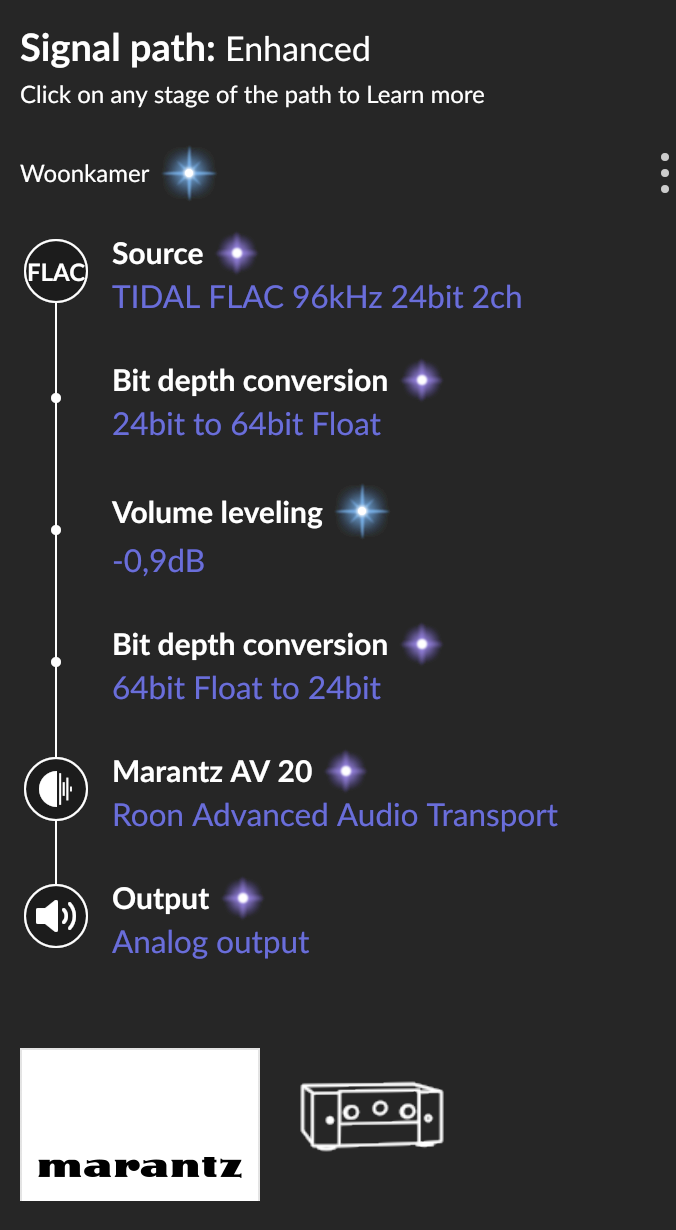
· Marantz AV 20
Describe the issue
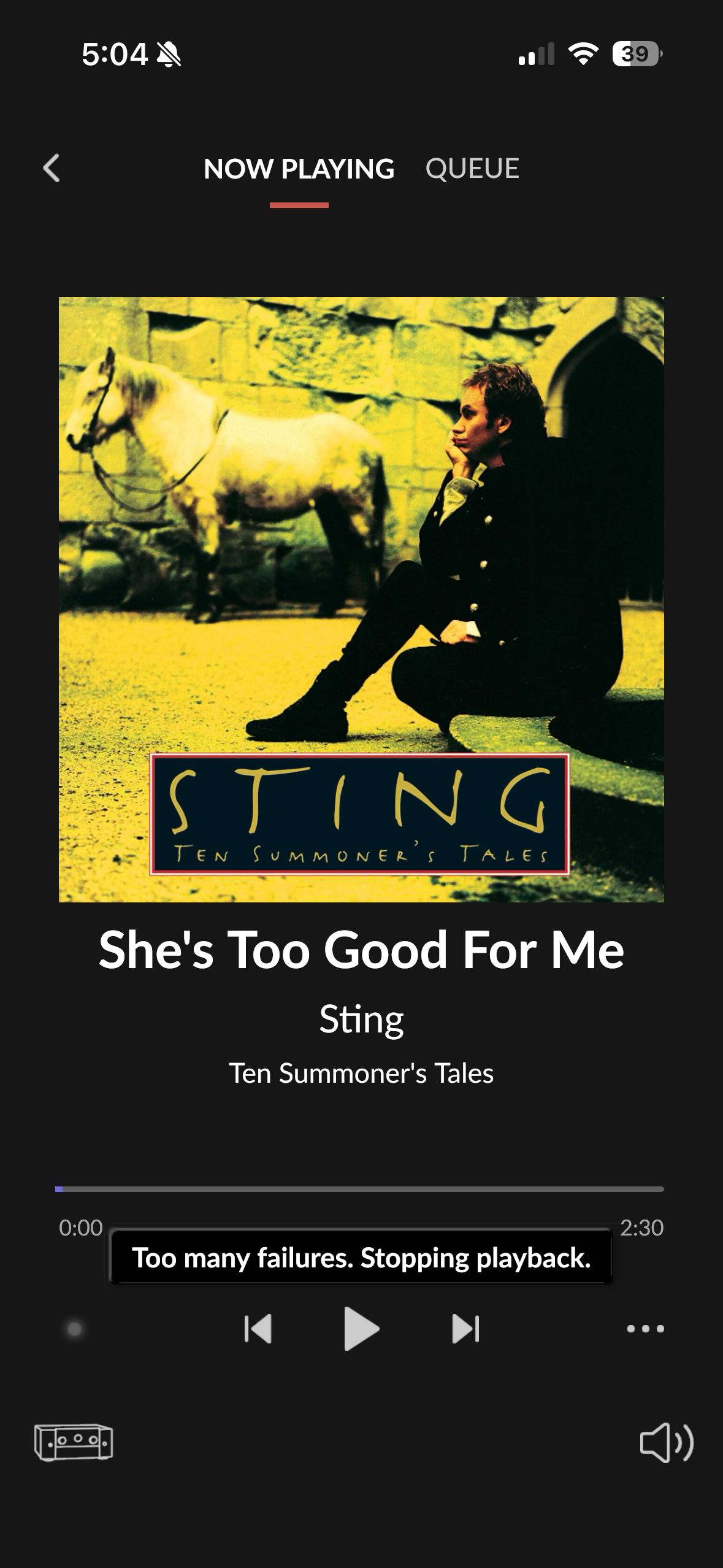
I’m having a problem with native Roon Ready playback to a Marantz AV 20. Roon discovers the AV 20 normally and allows me to select it as a Roon Ready endpoint, but when I start a track, Roon remains at “Starting playback on your Audio device. This may take a moment!” and no audio plays.
System:
* Roon Server: Nucleus – 10.0.0.46
* Roon Server: 2.71 (build 1683), production
* RoonOS: 1.0 (build 259)
* Marantz AV 20: 10.0.0.66
* AV 20 firmware reports Up to date
* AV 20 RAAT version reported in RoonServer log: 1.1.47
* Roon endpoint version: 3.139.173
* RAAT protocol version: 3
* AV 20 RAAT port: 40073
The AV 20’s general network functionality appears normal.
What works:
* HEOS playback on the AV 20 works normally.
* AirPlay 2 from Roon to this same AV 20 works normally.
* Another Marantz Roon Ready endpoint on the same network works normally.
* The AV 20 passes its network diagnostics.
* Roon successfully discovers the AV 20 as a Roon Ready endpoint.
Troubleshooting already performed:
* Restarted/power-cycled AV 20.
* Disabled and re-enabled Roon Ready on the AV 20.
* Disabled/re-enabled the AV 20 endpoint in Roon.
* Tested both Device Volume and Fixed Volume.
* Performed the AV 20’s network reset and reconfigured networking/Roon Ready.
* Confirmed AV 20 firmware is current.
* Confirmed Nucleus/Roon Server is current.
* Tested a normal PCM stereo track.
* HEOS and AirPlay continue to work after these tests.
I have not factory-reset the AV 20 or reset/reinstalled the Nucleus/Roon database.
Describe your network setup
Xfinity internet, English Electric switch