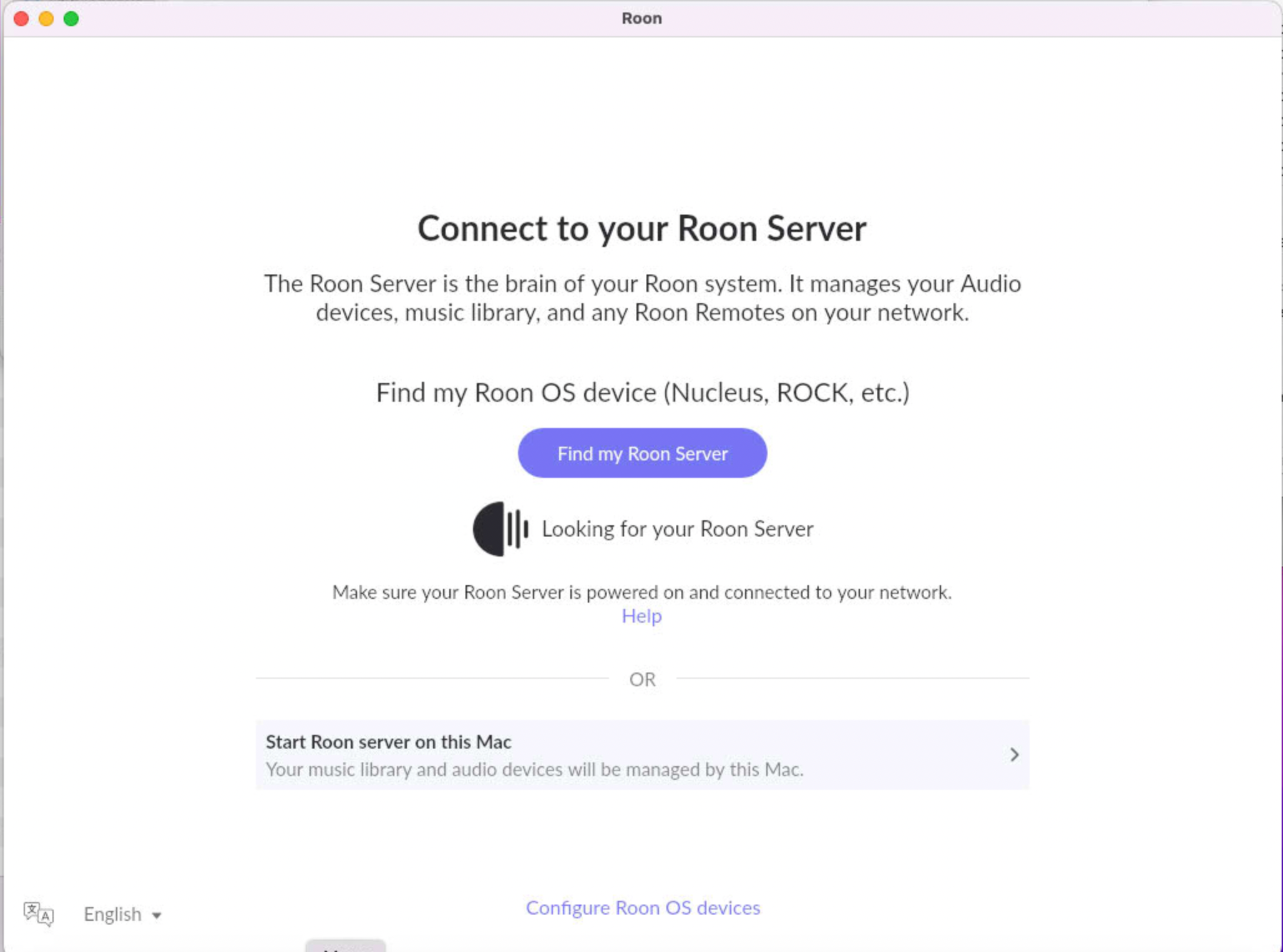
For Roon connectivity to work properly, both Roon Server and Roon Remote need to be turned on.
· I can't turn on Roon Server, I need help.
Describe the issue
Roon remote cannot find Roon Server on my Mac mini device where it normally operates since attempting to update to v2.71. Roon Server is not listed as an active process nor is it listed as a separate application. Do I need to download and reinstall Roon Server?
Describe your network setup
The router is a Fritzbox and the Roon Server device is a Mac mini. They are connected by Ethernet cable. The Roon Remote app on the server device cannot see the server.
Carl has this right, and thanks Carl for jumping in.
Install build 1683 over the top of your existing installation first. That is the least disruptive option and it is usually all that is needed. If Roon Server still will not start after that, then quit Roon, drag the app from your Applications folder to the Trash, empty the Trash, and install a fresh copy.
There is nothing to worry about in doing either. On a Mac, your library, playlists, settings and play history are stored separately from the application, so removing and reinstalling the app does not touch them. A fresh install picks them all up again.
Downloads are here:
One thing to watch for on a Mac: please drag the app into your Applications folder and replace the existing one, then launch it from Applications rather than from the mounted disk image window. Running it from the disk image leaves the old version in place, which is the most common reason an update appears not to have worked.