For Roon connectivity to work properly, both Roon Server and Roon Remote need to be turned on.
· Roon Server is on, but I'm still having trouble connecting.
What do you see on your screen?
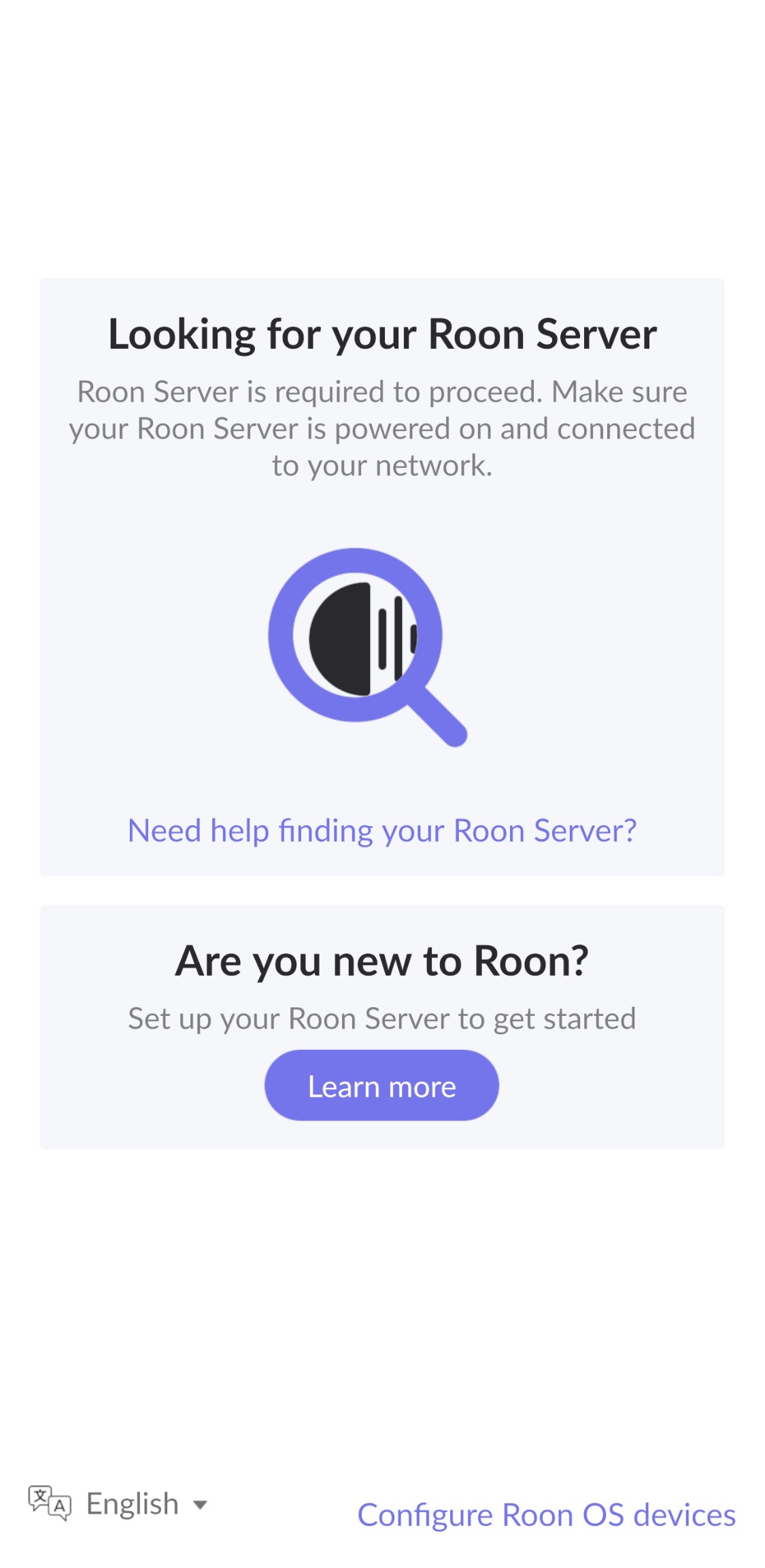
· "Looking for your Roon Server"
Please try to restart your network setup by unplugging, waiting 30 seconds and then replugging in your networking gear.
· No, the issue remains the same
Please select how you've connected your Roon Server to the internet
· Roon Server is connected by *Ethernet*
Have you checked your firewall settings to ensure that Roon is allowed through?
· Roon still won't connect even after checking this aspect
Have you verified that Roon Server is on the same subnet as your Remotes?
· My Remotes and Server are on the same subnet and I still can't connect
Sometimes the issues can be resolved with a reinstall of your Roon Remote app. Let's try to perform a reinstall and see if it helps.
· I've reinstalled the Roon Remote but it did not help
What is the operating system of your Roon Server host machine?
· *Nucleus*
Select any of the following components that are present in your local network setup
· *Mesh networks*
You mentioned a mesh network in your setup. Certain common mesh networks might require slight reconfiguration to support Roon.
· None of the above
Describe the issue
My Roon remote was working very slowly after upgrading to the latest version of Roon server a few days ago. The sound is intermittently stop (playing stuttered), especially with the high res music. Then I tried some network settings change to see if it helped. The last one that I tried is to change the IP address from DHCP to static IP, but unfortunately the wrong gateway and IP was saved (the old one’s a few years ago) accidentally. The I got the problem, the Roon remote couldn’t connect to the server any longer. I thought a reset button exists on my nucleus+, but it does not. How can I resume the Network settings of my nucleus? Really appreciate your help!
Describe your network setup
Server connection: Huawei Q7 router ->Ansuz LAN Power Switch D2 -> Necleus +
I’ve had a similar experience last week, thought I was going crazy.
I changed the IP address assigned to my Roon server and the remote would no longer connect to it find the server.
Resetting the remote app didn’t help.
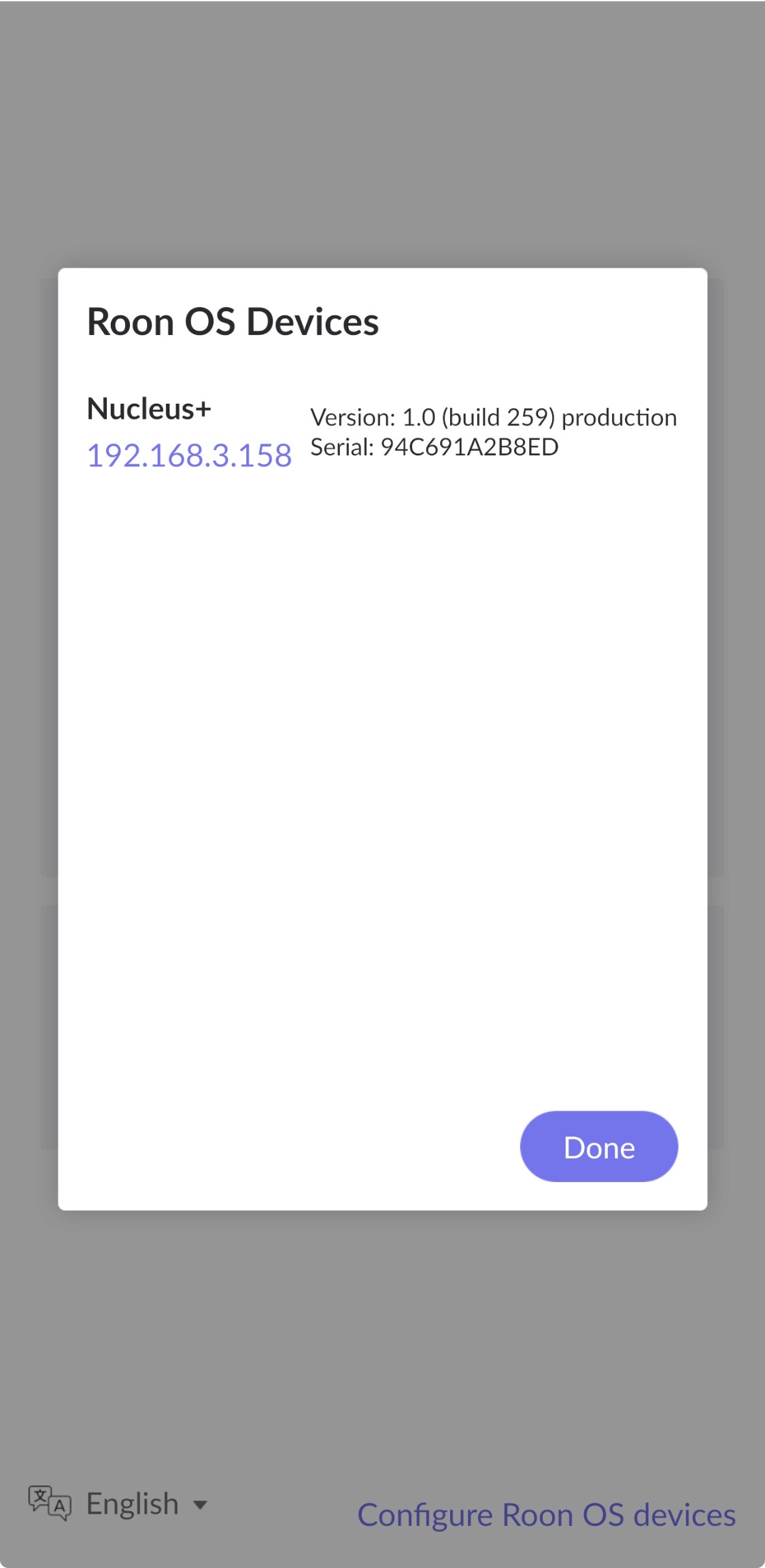
What did work was clicking on ‘Configure Roon OS devices’ (bottom right part in your screenshot’ then accessing my Roon server (ROCK) through the link in the form that popped up and do a resest from there.
Just restarting the server / entire NUC didn’t help.
After the reset I restored a DB backup and I was then able to access the server through the remote.
Ive been able to retrigger the same problem multiple times, and only a reset/restore back up helped.
Be careful if you try the reset, make sure you have access to fresh backups of your server.
I tried the same a few times already before submit the help thread. But I was not lucky.
After clicking the button “Configure Roon OS devices”, and then click the IP link “192.168.3.158”, got nothing but a hangup screen with a running Roon icon.
I also tried to change the IP to 192.168.3.159, but no help. The same old workable IP (192.168.3.158) showed in the popup window after clicking the “Configure Roon OS devices’” button.
Any other recommendations that I can try to “reset” my Necleus+?
Thanks! Yes, Nucleus can be seen in router under offline equipment list with that IP. Let me try to connect a display and keyboard or mouse and post the result here.
Seems this is ONLY way to reset the network settings.
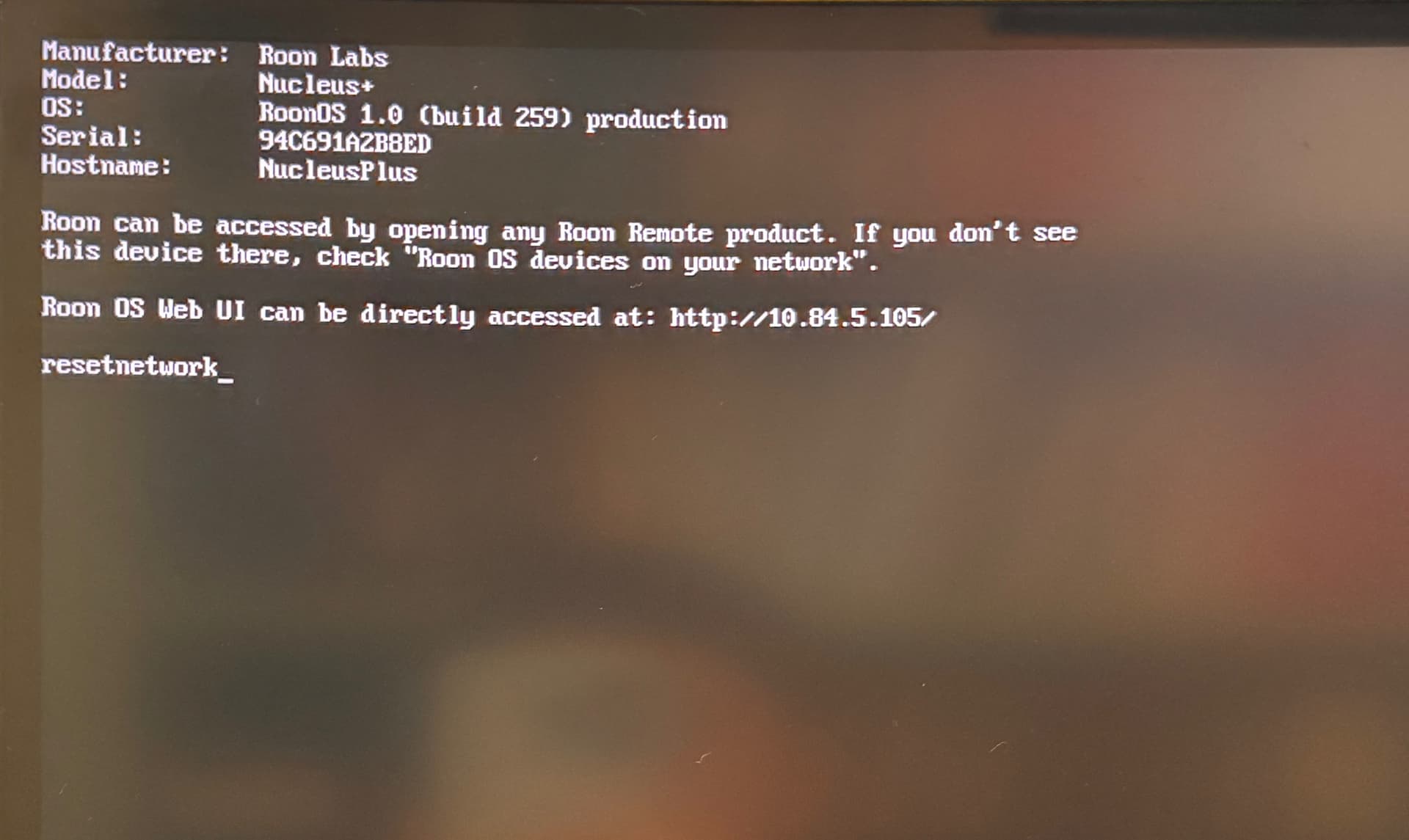
Once you have attached the screen and keyboard, turn the power on and wait for it to boot.
You should then be able to press ENTER on the keyboard to access the command prompt.
Then type the command: resetnetwork and press ENTER again and confirm.
Reboot and hopefully its all good.
If not, I fear a recovery my be required.
Hopefully someone knowledgeable with Nucleus can assist further.
Thanks Vadim! The stuttering issue disappeared somehow. Now even DSF file can be played smoothly. Let me monitor a few days, if the problem came back, then I will follow the instructions to upload the data.
Based on the diagnostic data we see in your account. At a certain point in time, your Nucleus consumes almost all of the memory. The reason for this is something in the database. If you are not currently experiencing this issue, it may return. To avoid this in the future, we wanted to provide as much information as possible to the R&D team, so your database can be very helpful.
Hi Vadim,
Thanks for your kindly reminder!
Got the same problem soon. Seems something was wrong in my Nucleus system.
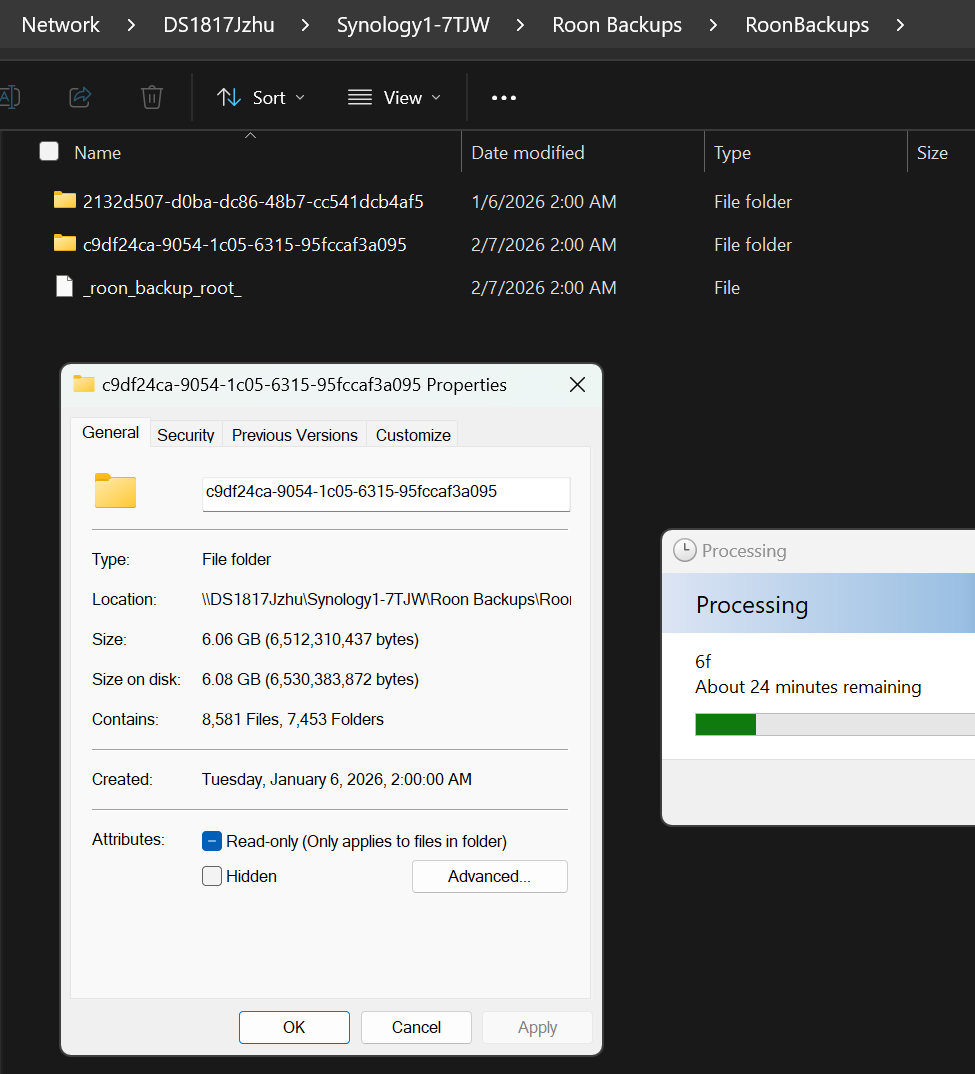
If I understand correctly, below snapshot shows the database I found in my backup folder.
But zip file will be really big, which includes thousands of files. Is it what your RD needs for cause analysis?
We don’t yet see a compressed copy of the database in our secure uploader. Our team will need this in order to more precisely identify the cause of the memory spikes we see in diagnostic logging.
At your convenience, please follow the directions @vadim has sent above. You can use this uploader.