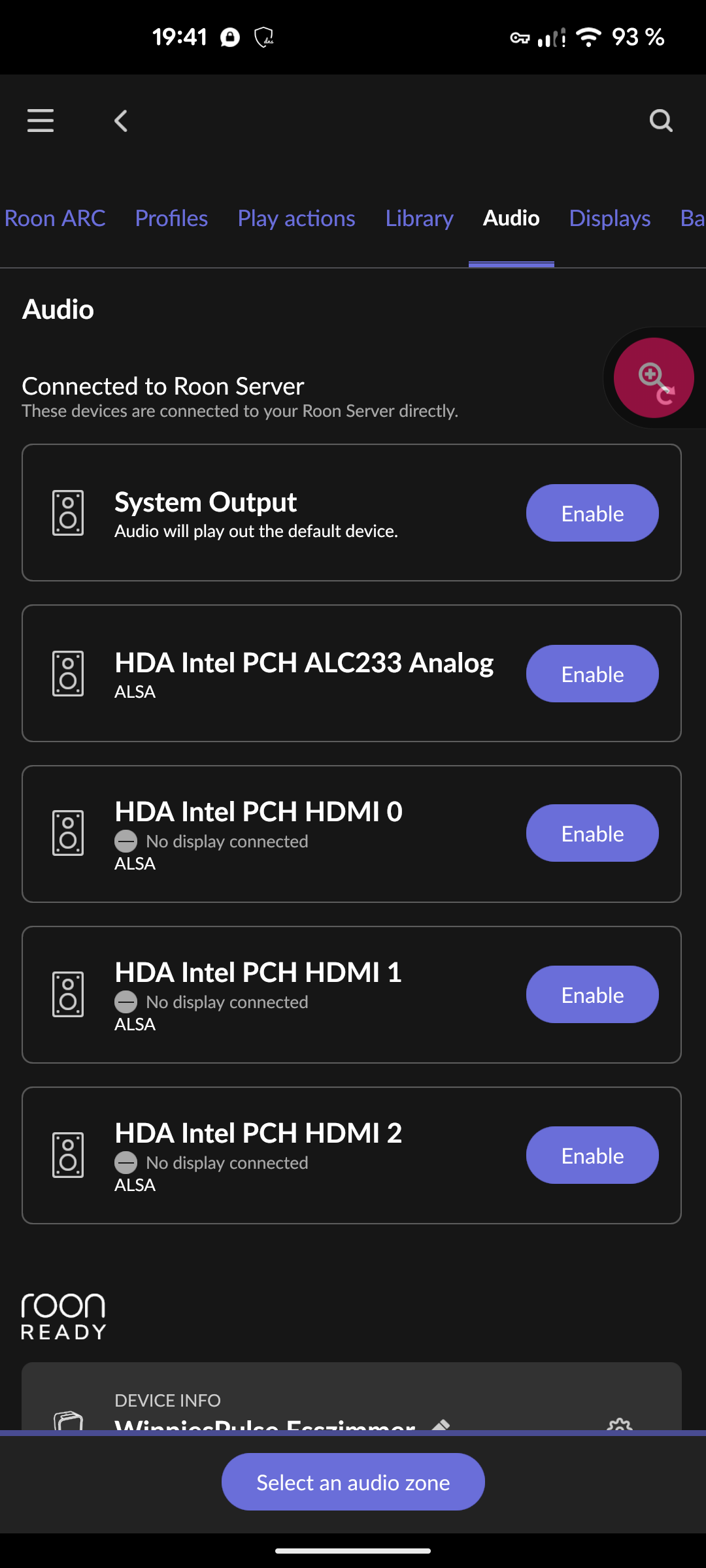
· I am running Roon on a Intel NUC, fully supported, working pretty well. However, on my Android phone (Asus Zenfone 8, LineageOS 24.0, latest update) I have no access to the devices speaker or bluetooth streaming. Roon remote does not "see" my device (the Asus Zenfone) as a destination for music output, only if I deactivate the firewall. With the firewall deactivated, I can choose "Default Output" but I do not hear any sound at all. Not on loudspeakers, not on bluetooth. If I re-activate the firewall, the device disappears and I have no output possibility on my phone at all. Funny thing: If I use Roon ARC, everything works just fine. Local loudspeakers, bluetooth streaming, it just works. So, what is the difference between the two apps that leads to Roon Remote not being able to stream music to recognized destination?
Tell us about your home network
· I use a Fritzbox 6590 AX, no VPN, Roon OS on a Intel NUC on local network
The difference is the direction of the connection. ARC connects out to your Roon Server and pulls the audio itself. When you use the phone as an output in the Roon app, your Roon Server has to connect in to the phone on your local network.
Your server’s logs show exactly this. The phone announces itself as an output at 10.111.222.1, which is a VPN tunnel address created by your firewall app rather than your home network address. When the server tries the phone’s real address (192.168.178.x), every connection attempt fails, so the zone either doesn’t appear or appears but plays nothing.
In your firewall app (RethinkDNS or similar, the kind that runs as a local VPN), please:
Exclude the Roon app from the firewall/VPN (often called “Exclude” or “Bypass”), or
Allow incoming connections from your local network (192.168.178.0/24) to the Roon app.
Then force-close Roon on the phone, reopen it, and check Settings > Audio for the Zenfone 8.
Glad that helped, and thanks for the kind words! Since the phone is working as an output now, we’ll close this thread. If anything else comes up, feel free to open a new one.