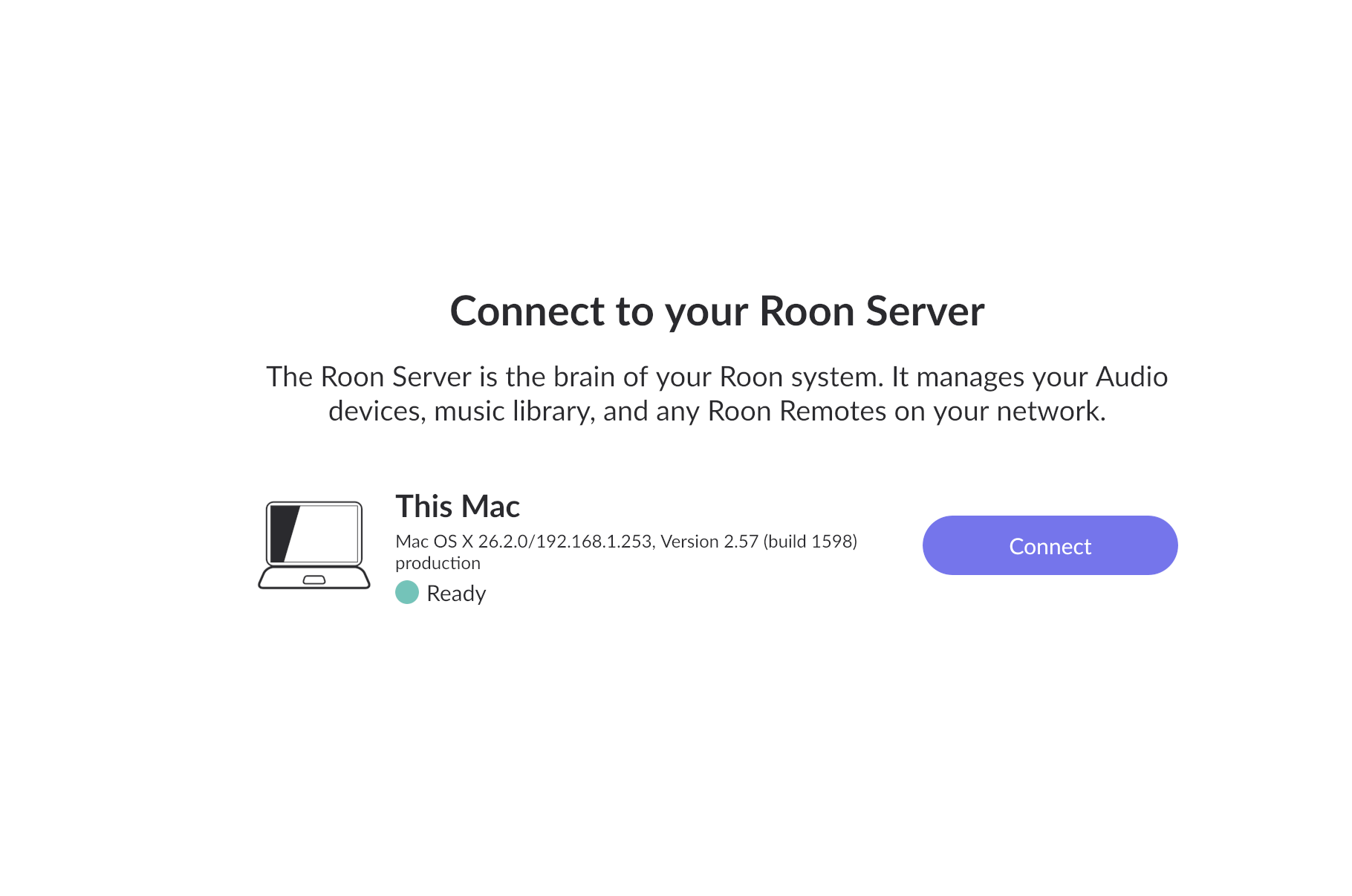
Is Roon Server running?
· Yes, Roon Server is turned on and running.
What do you see on your screen?
· "Looking for your Roon Server"
Please try to restart your network setup by unplugging, waiting 30 seconds and then replugging in your networking gear.
· No, the issue remains the same
Please select how you've connected your Roon Server to the internet
· Roon Server is connected by *Ethernet*
Have you checked your firewall settings to ensure that Roon is allowed through?
· Roon still won't connect even after checking this aspect
Have you verified that Roon Server is on the same subnet as your Remotes?
· My Remotes and Server are on the same subnet and I still can't connect
Sometimes the issues can be resolved with a reinstall of your Roon Remote app. Let's try to perform a reinstall and see if it helps.
· I've reinstalled the Roon Remote but it did not help
What is the operating system of your Roon Server host machine?
· *MacOS*
Select any of the following components that are present in your local network setup
· *Mesh networks*
You mentioned a mesh network in your setup. Certain common mesh networks might require slight reconfiguration to support Roon.
· Orbi
Click below for next steps with an Orbi mesh network.
· I still need help.
Describe the issue
I bought a new M4 Mac mini and wanted to use my current Mac mini M2 as just a Roon Server. I'm able to run the M2 as a headless server. But when I try to put Roon remote on my new M4 it looks to this computer for the Core. And it won't find the Core that is on the old M2. I uninstalled and reinstalled Roon without any change. I did rename the Core on the M2 and the two Macs have different names, but I think there may be a foul from using Migration Assistant and briefly the two computers having the same name? Thanks John
Describe your network setup
I have Netgear Orbi 9770 wifi7. However, the two Mac minis are both hardwired