What happens if you press the "Select a different Roon Server" button?
· I don't see Roon Server.
Please try to restart your network setup by unplugging, waiting 30 seconds and then replugging in your networking gear.
· No, the issue remains the same
Please select how you've connected your Roon Server to the internet
· Roon Server is connected by *WiFi*
Have you checked your firewall settings to ensure that Roon is allowed through?
· Roon still won't connect even after checking this aspect
Have you verified that Roon Server is on the same subnet as your Remotes?
· My Remotes and Server are on the same subnet and I still can't connect
Sometimes the issues can be resolved with a reinstall of your Roon Remote app. Let's try to perform a reinstall and see if it helps.
· I've reinstalled the Roon Remote but it did not help
What is the operating system of your Roon Server host machine?
· *Roon Optimized Core Kit* (ROCK)
Select any of the following components that are present in your local network setup
· *Mesh networks*
You mentioned a mesh network in your setup. Certain common mesh networks might require slight reconfiguration to support Roon.
· Eero
Click below for next steps with an Eero mesh network.
· I still need help.
Describe the issue
I have been able to connect to Roon seamlessly until today. The remote app on my phone just shows “Waiting for your Roon Server”.
My phone (Pixel 7 pro, Android 16) is on the same wifi network as my Roon Server I can connect to the Roon Server using the Roon remote on my laptop (Mac)
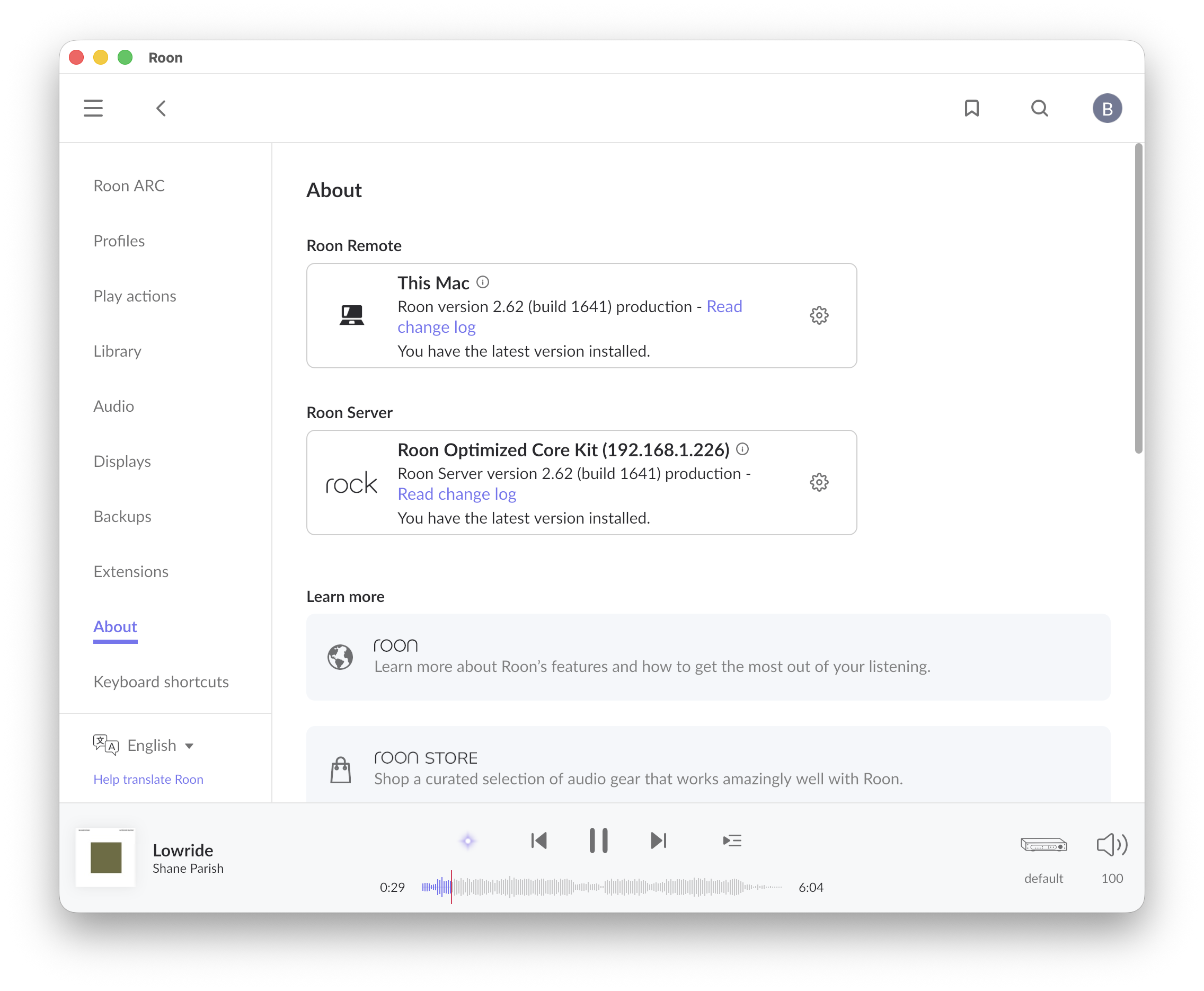
My Roon Server is a Roon Optimized Core Kit (version 2.62)
I tried to fix the issue by rebooting my phone. I am not running a VPN.
Describe your network setup
Roon Server is hardwired on ethernet. Phone is on wifi
AceRimmer
("I’m not just a hero; I’m a legend!")
2
I was able to point the Roon Remote to the IP address of Rock and it’s now connected to the server. It looks completely different than the previous version of the app I had installed though. Much more like the desktop app. Was there a major update recently?
Glad to hear that pointing the Remote directly to the IP address got you successfully connected to your ROCK again!
Regarding the interface: there hasn’t been a major visual overhaul of the app recently. The most notable recent change in the 2.62 update was the addition of the nugs.net streaming integration.
If you ever want to keep track of exactly what is included in our updates, you can always follow our official release notes here: Roon 2.62 is Live! - #2
Let us know if everything is running smoothly now or if you run into any other connectivity hiccups!
I spoke too soon. So this morning, I opened up the Roon app on my phone and now it’s stuck looking for the server again. (I am able to access the server on my desktop app.) When I click on configure Roon devices in the app, I can see the core kit and its IP address. Clicking on that opens my web browser, showing the Core Kit up and running.
Welp… When I reopened the app just now, it briefly searched, then found my server. Not sure what’s up, if it just needs more time to discover now? I did get a Pixel update pushed to my phone this morning, so maybe that had something to do with it? Apologies.