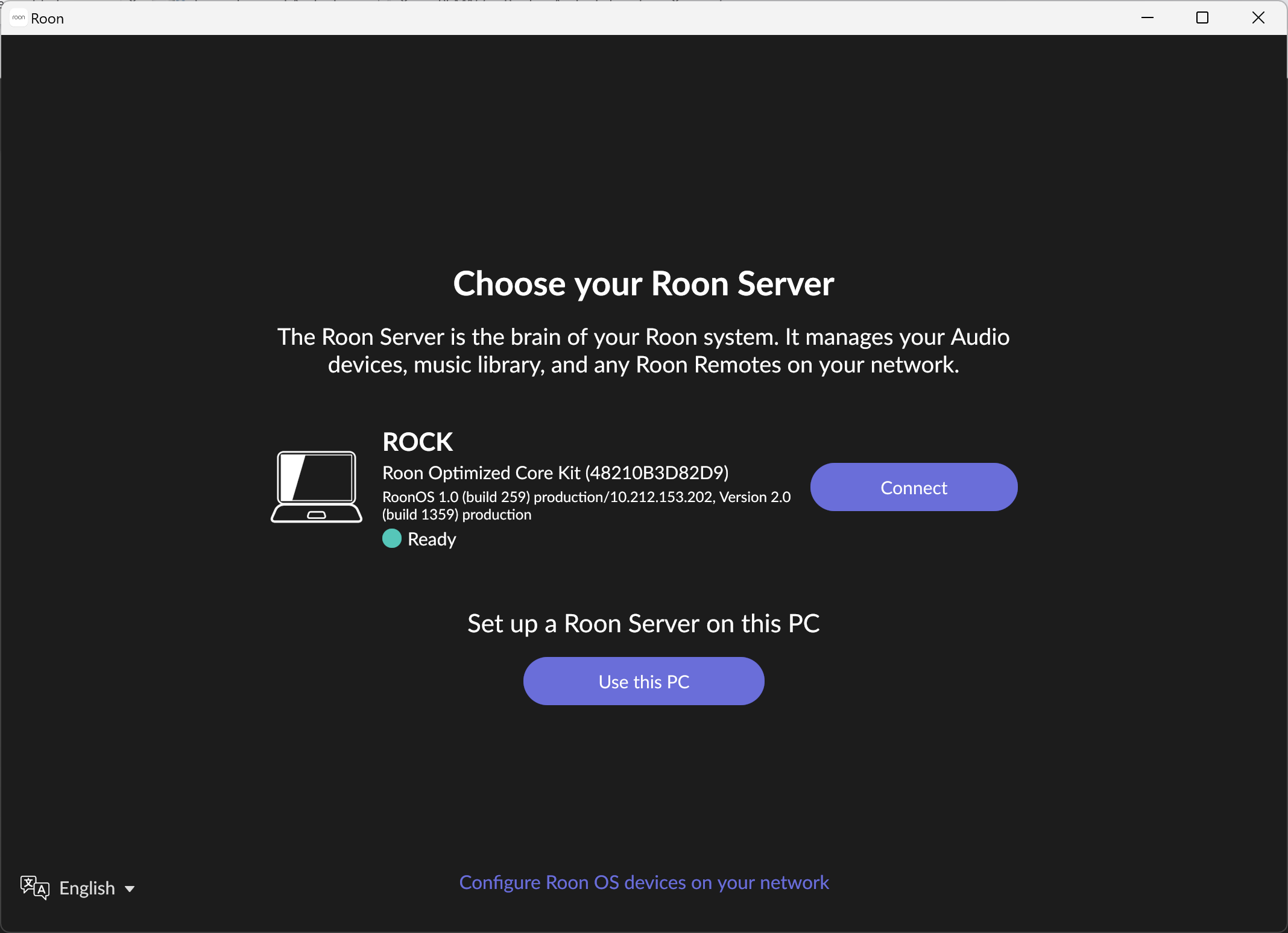
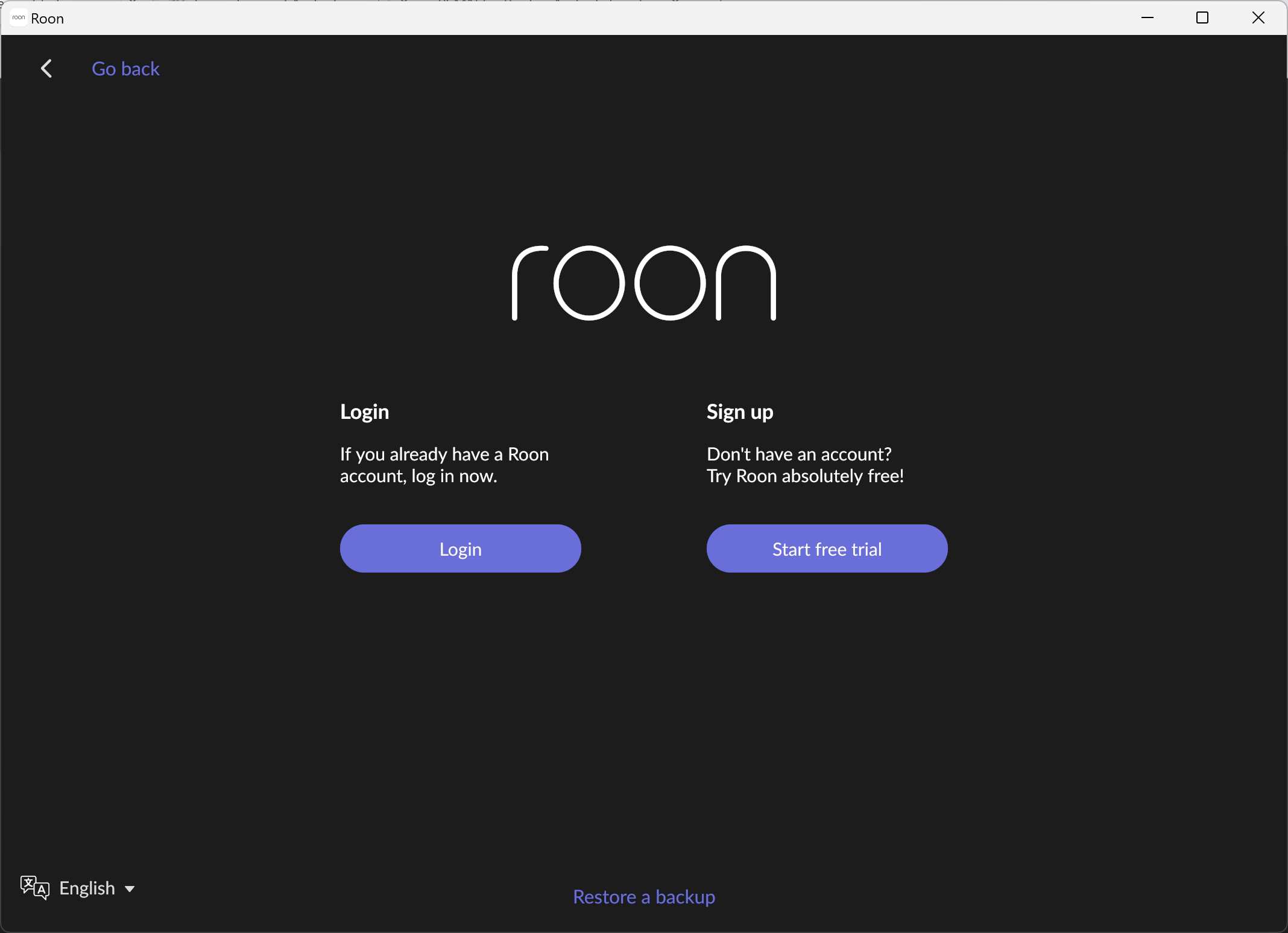
Roon remote won’t connect to my server.When I press enable the log in page pops up
Roon Server Platform
Roon Server Specifications
Trigon Exxceed Roon audio server/streamer with Roon for life membership & 2TB SSD.I bought from Audio Emotion (www.audioemotion.co.uk)Model number 50018.email trigon@trigon-audio.de
Connected Audio Devices
I connect the Trigon server to my virgin router with an audio quest cinnamon Ethernet cable.I play the music through my iPad Pro 11 inch
Home Network Details
Server connected to a Puritan psm 156 studio master
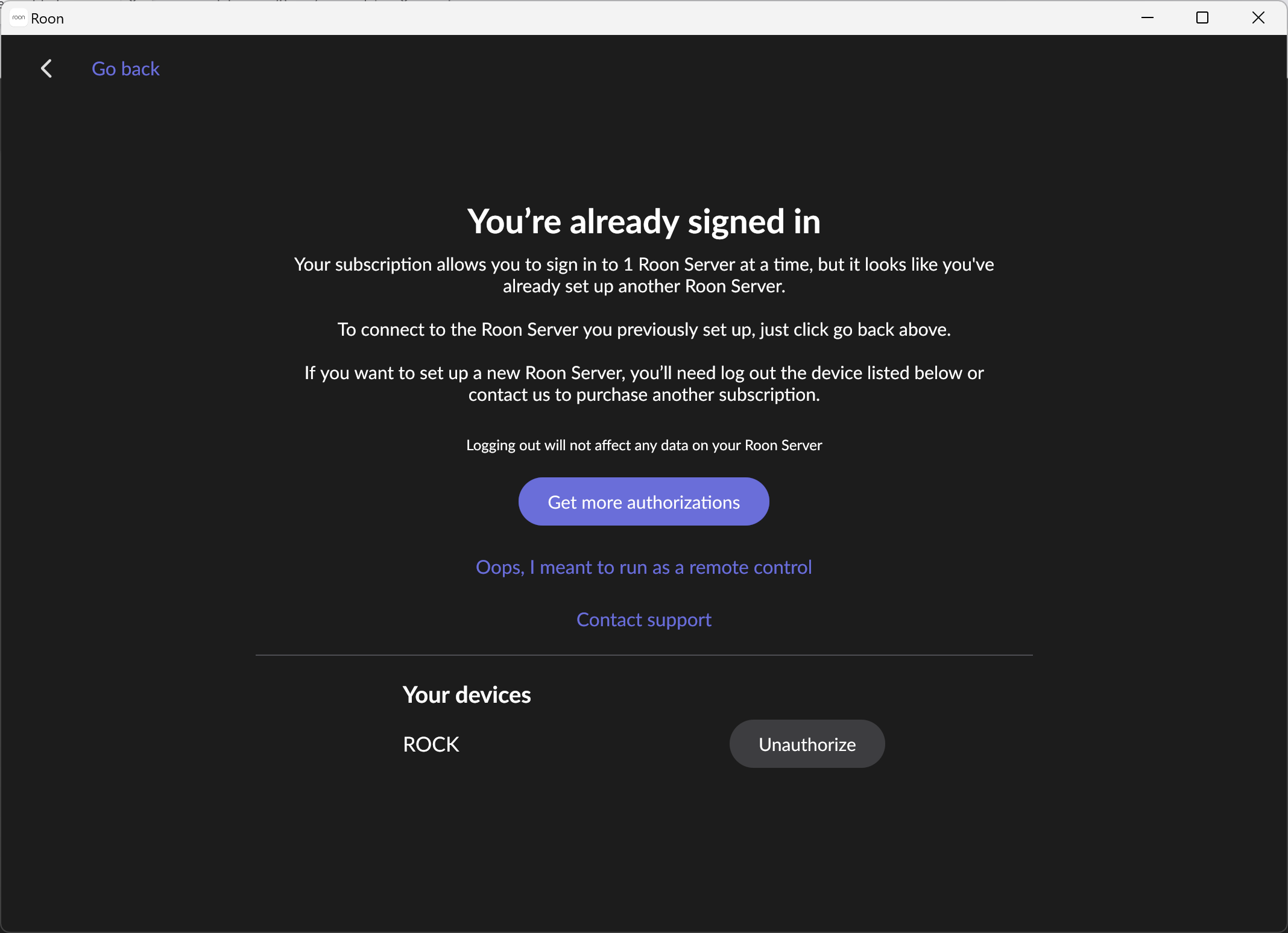
If you already have a Roon server that is logged in to your Roon Account (either the same server previously logged in but, for some reason, not recognised as the same by Roon’s company servers or you have previously been using a different Roon Server, you may get a screen something like:
If you get this, you need to click the ‘Unauthorise’ button to continue (This will break the association between your Roon account and your previous server and allow you to login and create a new association between the new server and your Roon account.
When you have done this, you should be able to complete the login. Thereafter, when starting Roon remote, you will not need to login whilst you are using this server (unless some happens to make Roon think the server has changed - like, maybe, network configuration changes).
Note: The screen shots above will be somewhat different to those that you see because I am using the Windows Roon application as my remote (to make screen shots easier).
Thanks this has worked I will know what to do if this happens again.What does restore a backup do I notice this on the log in page.Also my ripped cd order on the home page of Roon options has been mixed up …is this because I reset my iPad when trying to resolve the issue.
Thanks for your help
John
Your play history and play counts (so that Roon knows what you like)
Any playlists that you create in Roon.
Various other things
Consequently, if is a very good idea to backup your database regularly. Databases of any kind can get corrupted and having a recent back allows you to restore it to a relatively recent state.
Backups can also be useful if you ever end up needing two roon servers on the same account and want to migrate/copy you database from one server to the other. Side note: To have two servers active at the same time, you need two subscriptions - either on the same account or on different accounts. You cannot restore a database from a server on one account to a server on a different account.
Once you have a recent backup, you can restore it to the same Roon server or a different Roon server on the same account.
Restoring a backup will restore the database to the state it was in at the time the backup was made - all changes to the database between making the backup and restoring it will be lost. Media files are not part of the backup and will not be affected (although the backup does include paths to network shares that hold media files so it is possible that these network paths may get lost (or incorrect out of date ones re-instated).
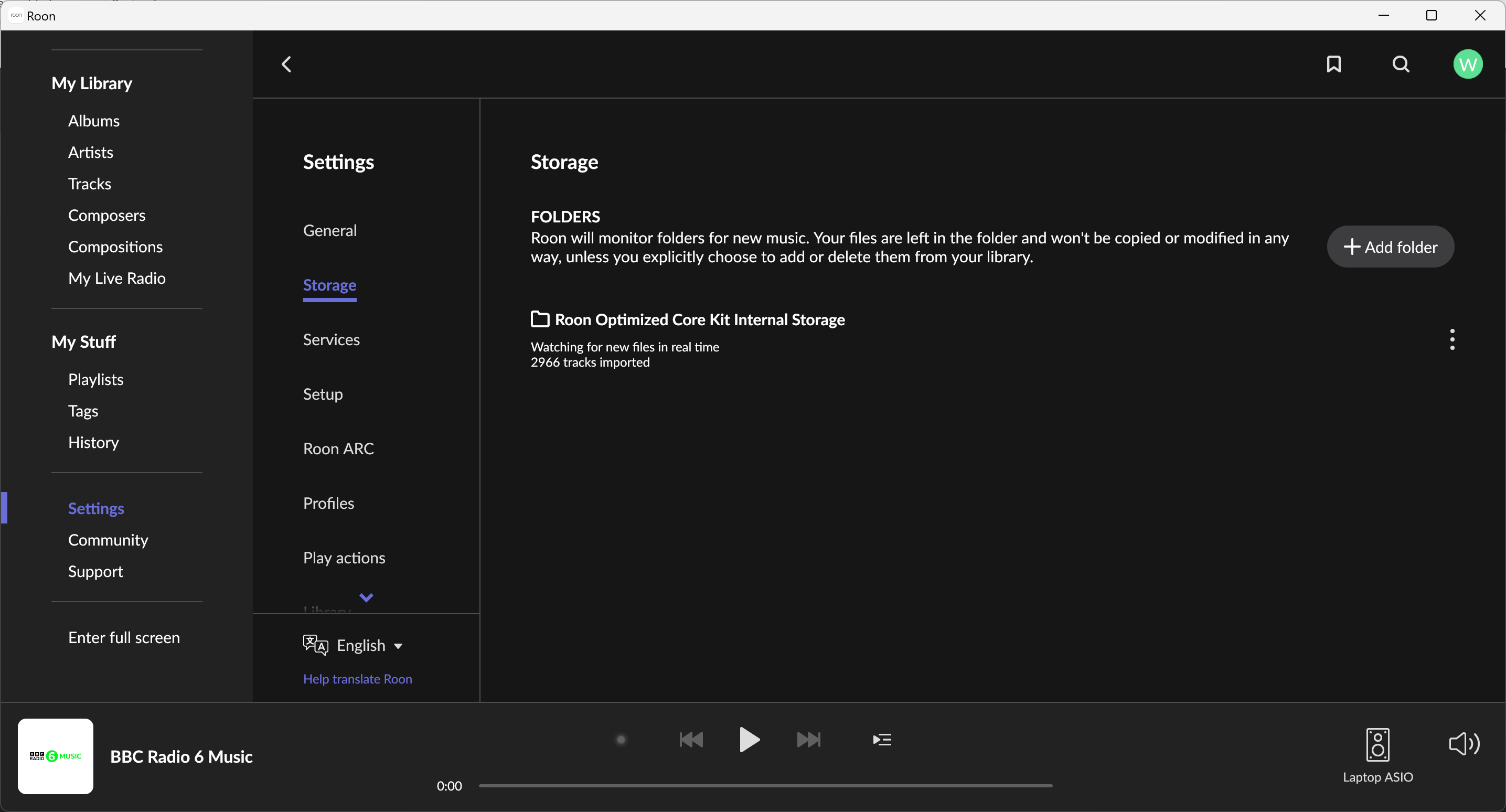
Network storage (and USB connected storage) locations can be configured as below: