I've recently deployed Roon ROCK on a an Intel NUC8i7BEH. Got it running successfully and connected to my Roon client. Since I don't have an internal NVMe to place local music, I am going to use USB drive until I can do that which ROCK supports.
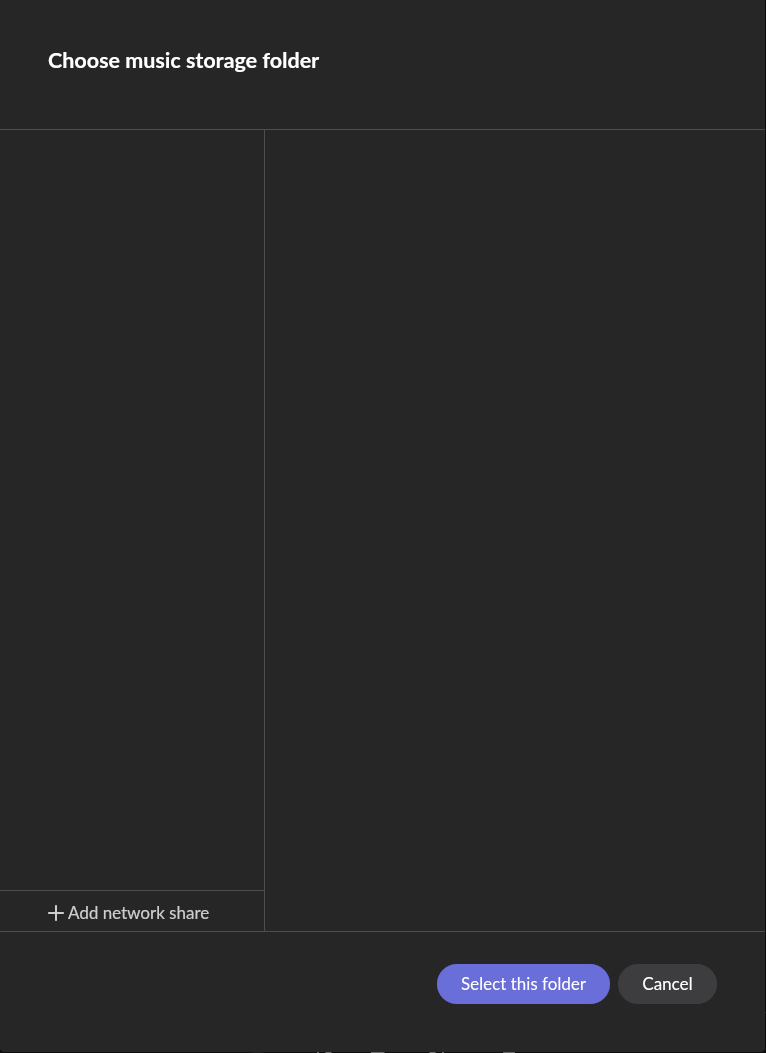
However, ROCK doesn't seem to be detecting any USB drive I plug in that is formatted with exFAT or ext4. When I try and add a local folder via my Roon client, no folders appear despite there being a "Music" folder. If I try to force adding it, the "Add" button is grayed out.
I've tried different USB ports, different USBs, rebooting, powering it down, formatting it with exFAT or ext4. No matter, the ROCK interface or the Roon client connected to ROCK does not detect any additional/external storage.
Is there any way I can SSH into ROCK to see if it detects a disk? What troubleshooting steps can I do here?
Tell us about your home network
· Roon Client and NUC/ROCK are on the same local segment -- no router is sitting in between. ROCK/NUC is connected to a switch, as well as my localhost running Linux.
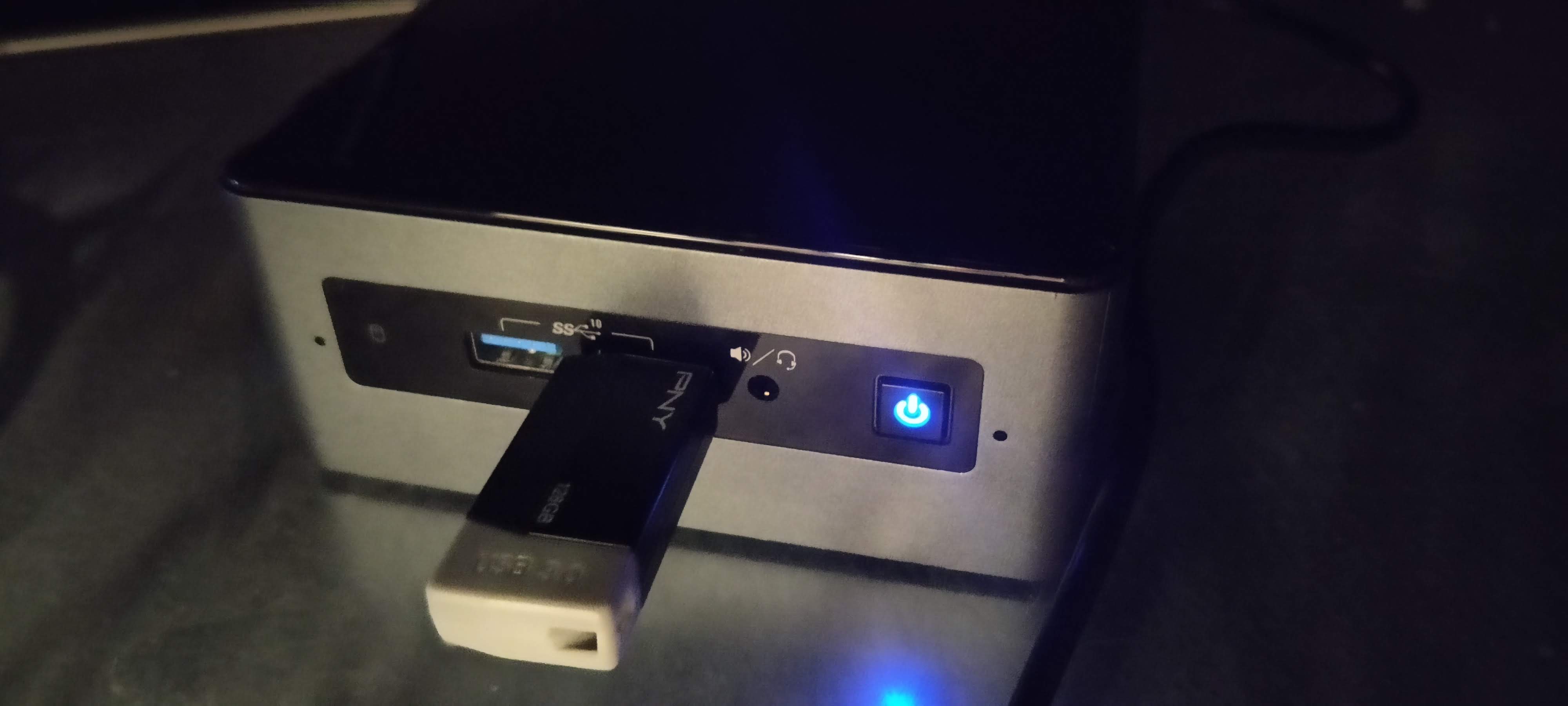
Here are some additional images to show USB plugged into the Intel NUC.
Thank you for reaching out and for providing a clear description of your setup.
To answer your first question: Roon OS (ROCK) is a closed appliance operating system, so SSH access is not available to users. However, we can pull diagnostic reports directly from your Core to see what the OS is doing under the hood.
I have reviewed the diagnostic logs from your NUC, specifically looking at the system’s active mount points and connected devices. Currently, the operating system only sees the internal drive (/dev/sda housing the ROCK boot, app, and data partitions). It is not detecting any external USB block devices at all (there are no /dev/sdb or /dev/sdc devices present in the logs).
Since ROCK isn’t seeing the hardware at the OS level regardless of the format (exFAT/ext4) or the USB port used, we need to check a layer lower.
Could you please try the following:
Connect the USB drive to the NUC.
Reboot the NUC and press F2 to enter the BIOS/Visual BIOS.
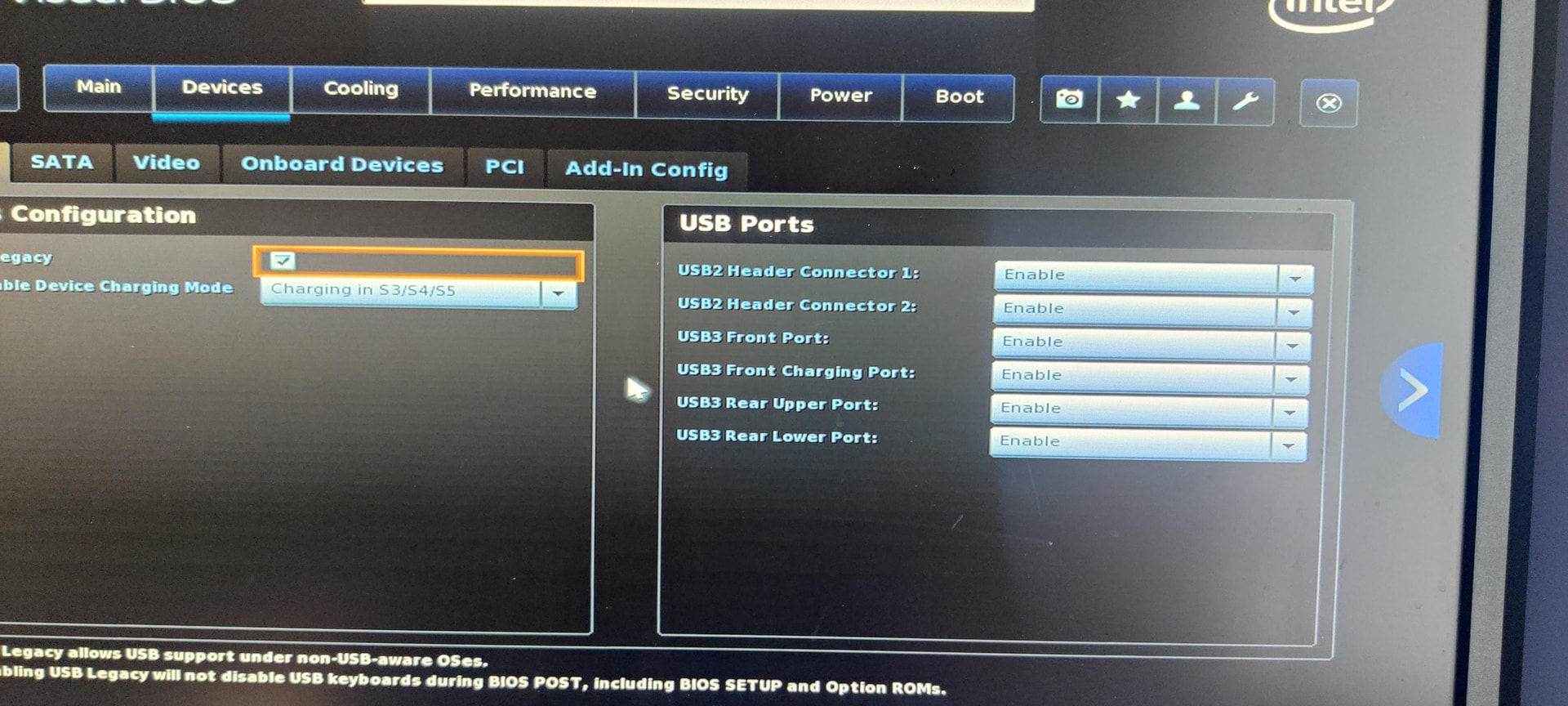
Check the Devices > USB section to ensure all USB ports are fully enabled.
Check the Boot or Storage menus to see if the BIOS detects the physical USB drive.
If the BIOS doesn’t see the drive, it might be a hardware quirk with that specific drive/NUC combination or a power delivery issue to the USB ports.
BIOS menu Boot menu does not display and USB drive, but I don’t think that’s because the NUC can’t “see” it – there is no EFI partition on this drive so it will not show up in the UEFI boot menu. I used this same drive to install ROCK, so unless this drive is only breaking on the NUC (highly unlikely) I think something else might be afoot.
To answer your question, all USB headers are enabled:
For fun, I decided to flash the usb with one of my available linux images. Before I used this NUC as a ROCK-only device, I had debian 13 installed using this same USB drive. The UEFI boot option appears for my flash drive:
Regardless, this is quite strange behavior. The only thing has changed is whether or not the drive has an EFI partition. What is Roon’s recommendation here? If you want to look at the logs again, be my guest – ROCK is still on.
Edit: Tried formatting a different drive to FAT32 with no luck. I made sure a directory exists and added a song to it. The add folder option displays no options.
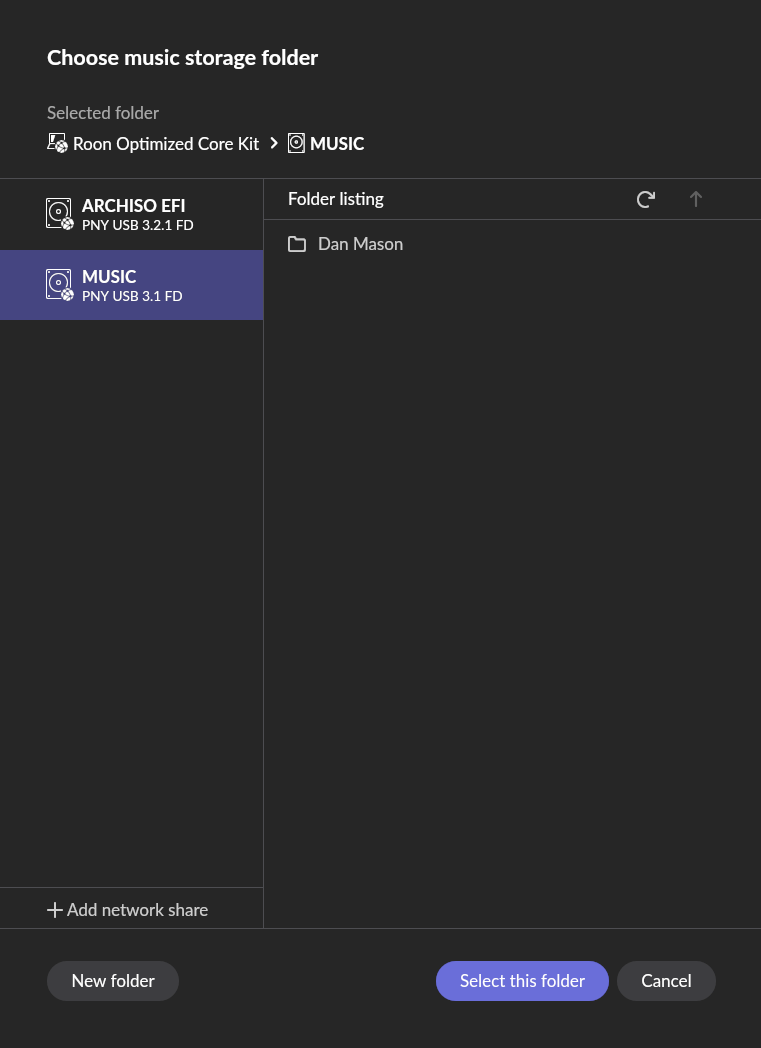
After sleuthing with Gemini, it turns out my drives partition table was configured for MBR and not GPT. After initializing GPT on the drive, and formatting it with exFAT, and plugging the drive in, the drive immediately shows up:
Considering your KB does not mention this anywhere (yeah, honestly who uses MBR these days, well apparently goof balls like me), I would highly recommend adding something about GPT being the required partition table. This isn’t an issue with normal Linux (even with CachyOS which is a rolling-release arch based distro), so wondering what might be the disconnect here.
Anyway, we can close this request. Hopefully that guide gets updated so someone doesn’t have a confusing situation like me. Thanks!