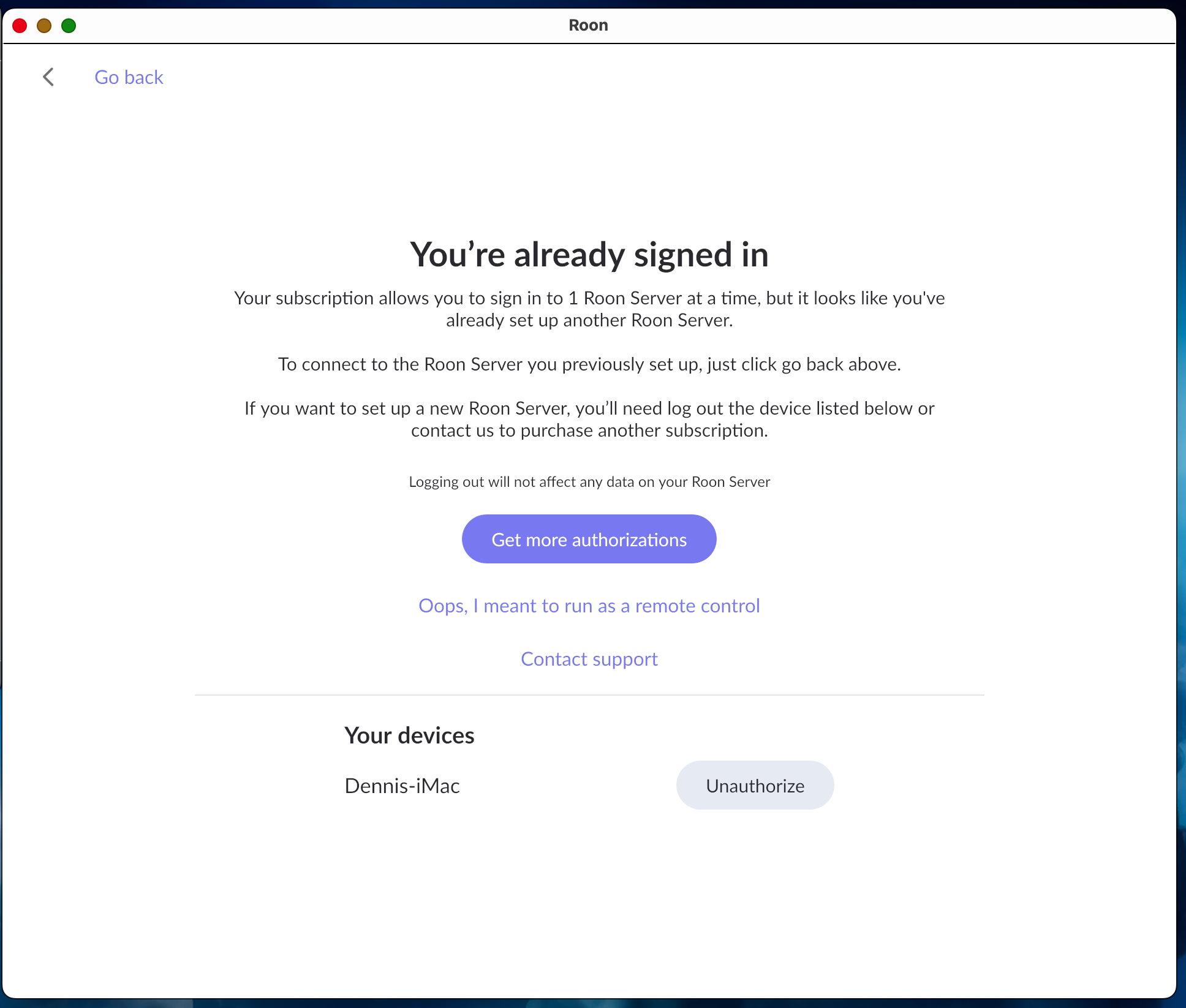
I have not used Roon in more than a year due to personal reasons. I received an email notice reminding me that the annual charge is about to renew and its triggered me to start using Roon again.
Describe your network setup
Roon Server and Roon Server App installed on an iMac (2017 27" with macOS 13.7.8). Roon is also installed on an iPad Pro (Gen 6). Music files installed on a NAS. This was all working as expected the last time I did use Roon. However, during the time that I was not using Roon I moved my User Home Folder to an external SSD. This was successful and I have not had any problems with other apps.
When I was not able to get Roon running I uninstalled Roon from the iMac.
I've downloaded the Roon App from https://roon.app/en/downloads and installed it on the iMac. Only the Roon App is installed. Not the Roon App Server. When I try to open the app I get into a loop that wants me log out of a previously running Roon App (there is none running or existing on the iMac) or buy a new license or start a Free Trial.
What's up. Can you please help me to get this sorted out?
I’ve resolved the problem by uninstalling the Roon remote on the iPad and reinstalling. That allowed me to set up the remote app and the Mac desktop app. So, back in business.
I guess the lesson learned is if you stop using an app for a year and then go back to it you might get lost for awhile.
Hi @Arlen,
Thanks for spotting, I’ve now removed those details.
If you see this again can you flag the post (other issue) as doing so is the fastest way to get the attention of mods.