· Cannot open Roon Server app on my desktop (Microsoft) or open Roon on my iphone since attempting update on 4 March.
Tell us about your home network
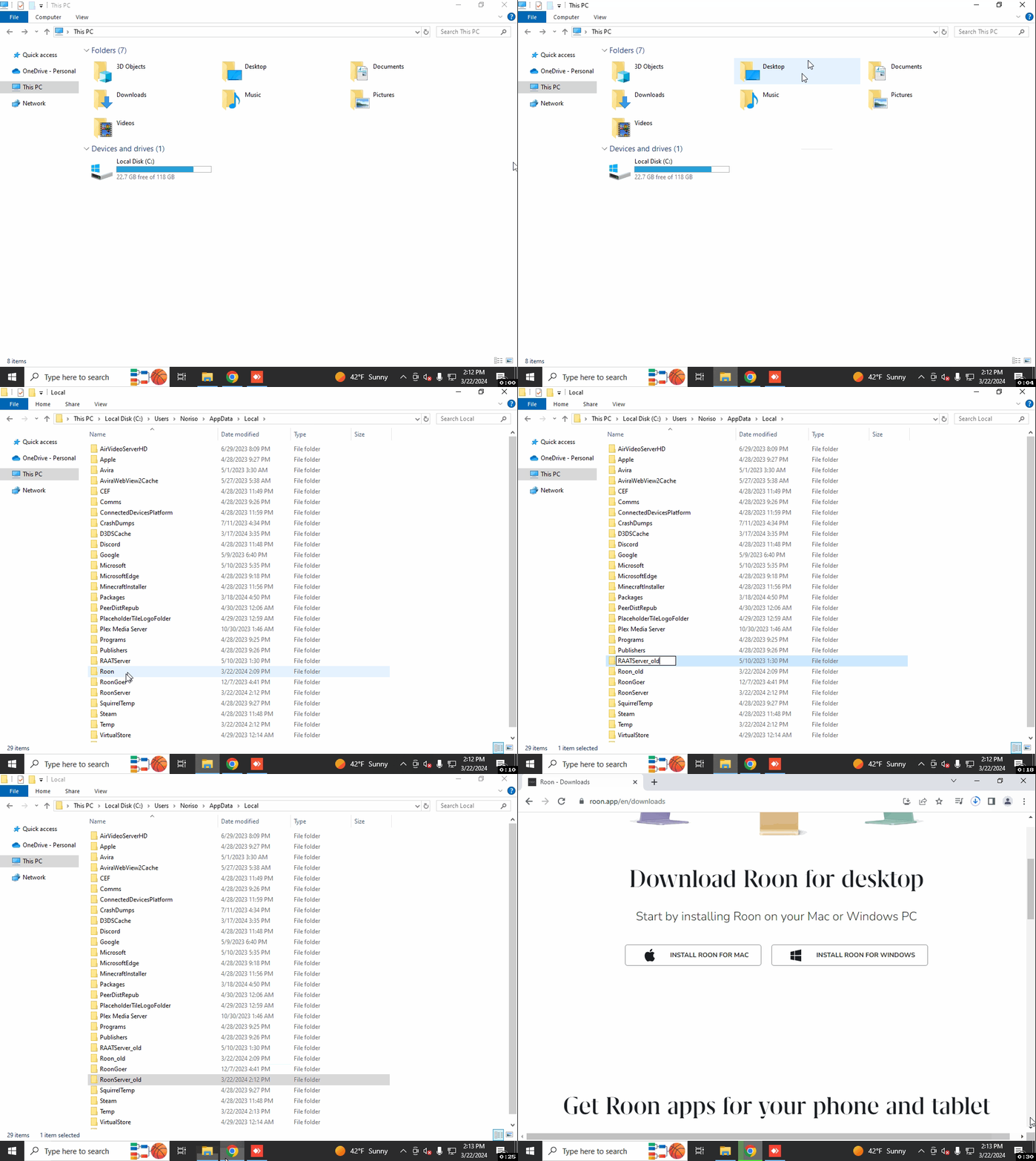
· I have Windows 11 Pro on HP Desktop computer.When I try to uninstall Roon on my desktop (to try a re-install) I get the following error message: Windows cannot find 'C cannot find 'C;\Users\pcrai\AppData\Local\Roon\Application\206201641\Uninstall exec'. My router is a Huawei HG659, but i don't think this is the problem - every other program is working fine. Connection to the computer is by wifi.
Account diagnostics show that a Roon Server instance might have recently been active on a desktop matching your post description. We’re not able to verify remotely whether you’re still having issues launching the app on your phone, however.
Can you please clarify whether you’re still encountering issues with the iOS app? If you’re having difficulty finding ther server, try setting a fixed WiFi address in the iOS WiFi Settings page for your network.
We’re going to allow this thread to auto-close due to inactivity, having received no responses in the last five days. Please reach out if you require any further assistance. Thank you!