Please try to restart your network setup by unplugging, waiting 30 seconds and then replugging in your networking gear.
· No, the issue remains the same
Please select how you've connected your Roon Server to the internet
· Roon Server is connected by *Ethernet*
Have you checked your firewall settings to ensure that Roon is allowed through?
· Roon still won't connect even after checking this aspect
Have you verified that Roon Server is on the same subnet as your Remotes?
· My Remotes and Server are on the same subnet and I still can't connect
Sometimes the issues can be resolved with a reinstall of your Roon Remote app. Let's try to perform a reinstall and see if it helps.
· I've reinstalled the Roon Remote but it did not help
What is the operating system of your Roon Server host machine?
· Roon on a *NAS* (Synology, QNAP, ASUSTOR)
Select any of the following components that are present in your local network setup
· None of the above
Describe the issue
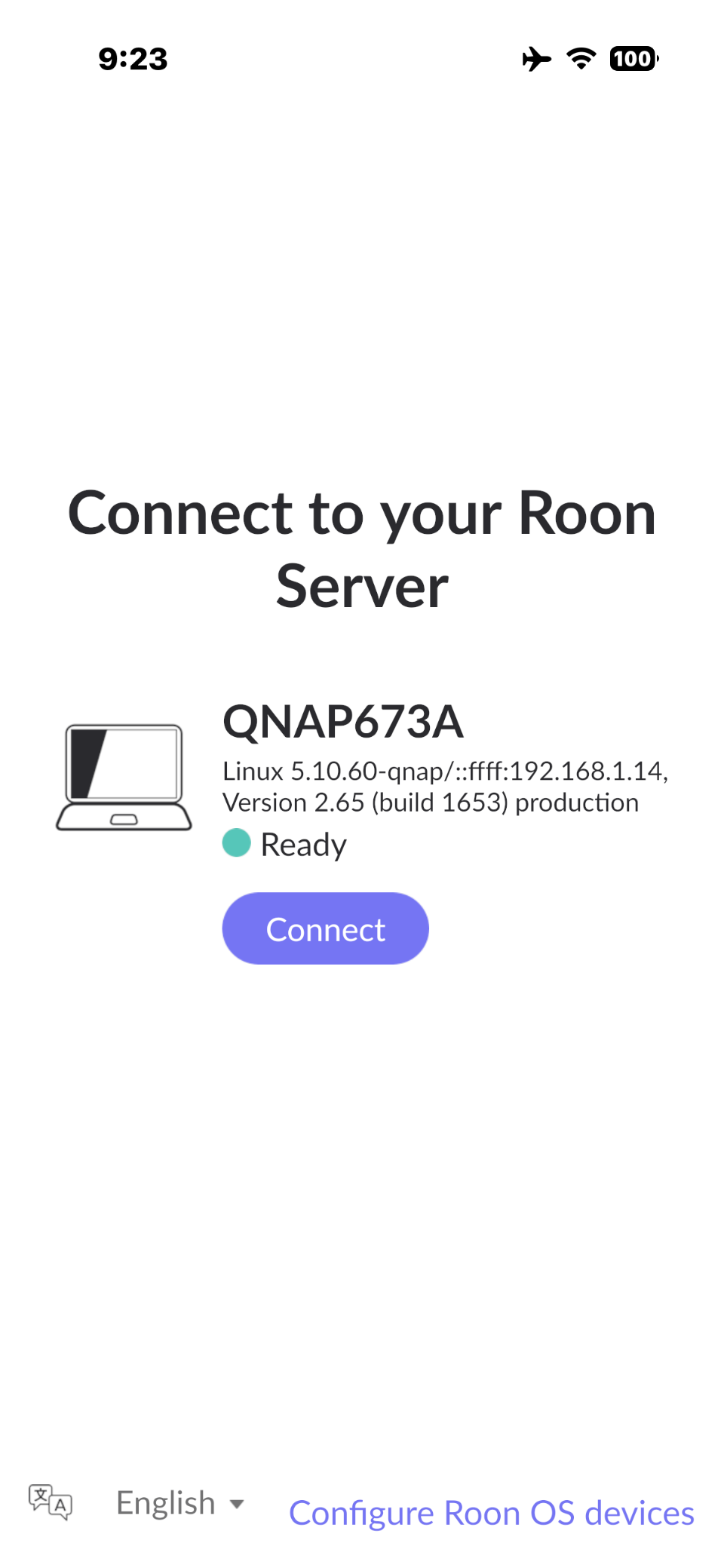
I lost access to my Roon server running on a QNAP TS-673A NAS populated with an array of SSD drives on 4/27/2026. I removed that install and proceeded with your instructions to install it in a Docker container using QNAP Container Station. The install went fine and the container is running and not reporting any errors in its log. When I try to connect to the server an iPhone 17 Pro, iPad Pro 2nd gen or MacBook M4 it hangs. The server shows up in all of these remote devices as QNAP673A Linux 5.10.60-qnap/::ffff.192.168.1.14, Version 2.65 (build 1653) production and Ready. 192.168.1.14 is the IP address of the QNAP NAS. When click on it, it hangs displaying only the Roon logo
To troubleshoot the connection hang on your remotes, please perform the following steps:
Restart the Container: Open QNAP Container Station and restart the Roon Server container.
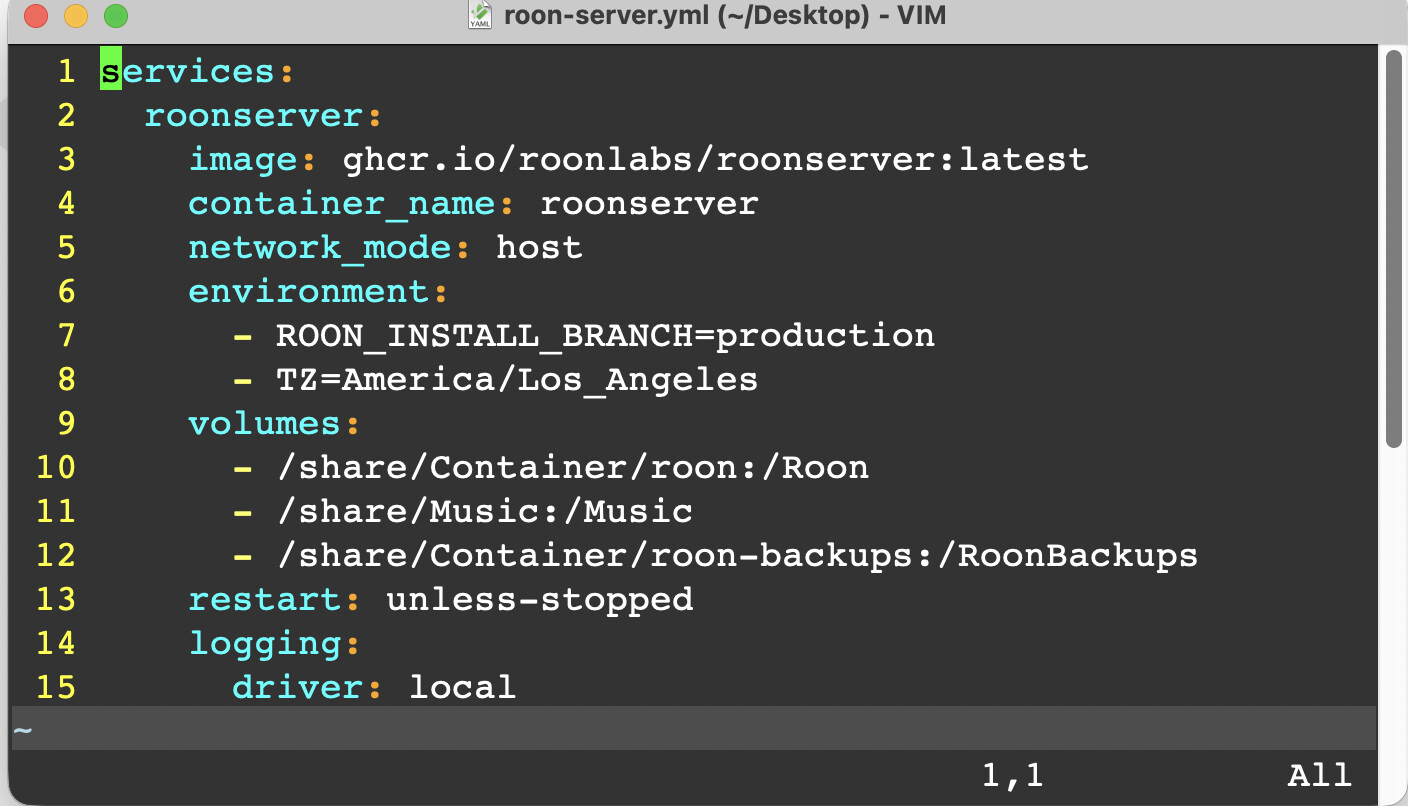
Provide YAML Configuration: Share the exact YAML code you used to deploy the application in Container Station.
Toggle Local Network Access: On your iPhone, iPad, and MacBook, go to the system settings for the Roon app and toggle the "Local Network" permission off and then back on.
These steps will help determine if the issue lies in the container's network configuration or the remote device permissions.
How did toggling the Local Network permissions on your MacBook affect the connection?
Container log including restart, no problems indicated - see below.
YAML code below.
Toggled Network access on remote devices and ran Roon:
For the first time I am seeing a message to disable the old server that did not fail gracefully, the Roon Remote apps run. I am now trying to share the preexisting music folder that is on the NAS filesystem (/music) with the Roon app. I don’t see it in the network share drop down and not sure how to share it with Roon. I will also have to access /RoonBackups on the NAS, the location of my music database backups.
I had no problems enabling Qobuz and mapping output devices. I can play music. No luck sharing the preexisting music directory on QNAP NAS (/music) with Roon. SMB is enabled but I’m getting path errors when trying to map the share using your recommended paths. It is listed in the /etc/smb.conf on the QNAP server. I can mount it on the MacBook.
I see that the new install wrote over /RoonBackups on the QNAP filesystem. I have not restored it. I have snapshots of it.