Roon server connection issue on macOS (ref#IQCO71)

Affected Product

Roon

Roon Issue Category

Playback

Description of Issue

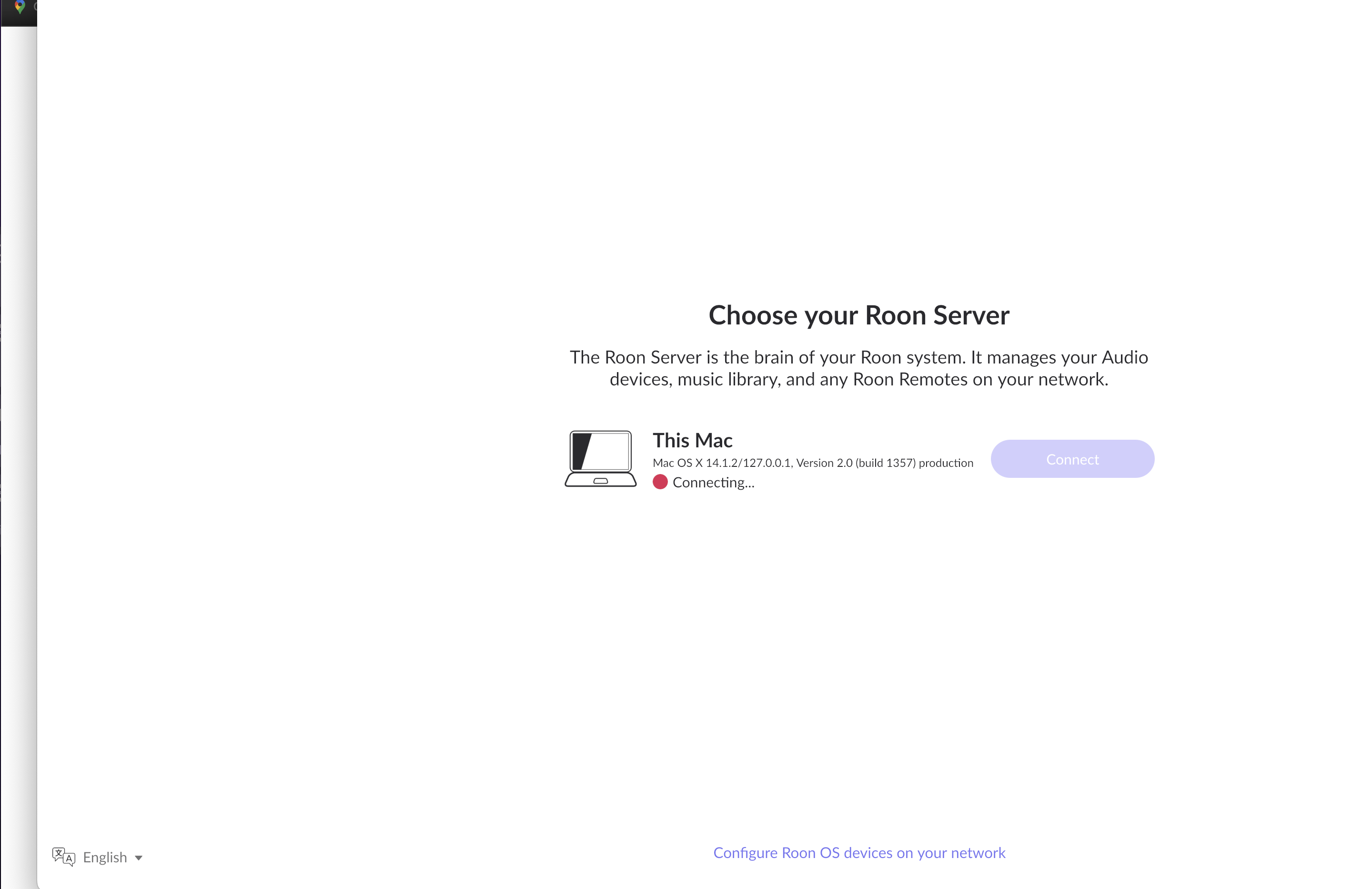
Cannot get the Roon server to work. It has been OK, but suddenly stopped. Now cannot even get it to connect.

Roon Server Platform

macOS

Roon Server Specifications

Macbook Air 15", 16GB Ram, brand new, 512GB SSD

Connected Audio Devices

Eversolo DMP-A6 streamer, Sonos ERa 300, wifi

Home Network Details

wifi, BT fiber router. Using EEro 6 mesh network. It’s all been OK till last week

Screenshot

Hi @Kevin_Johnston,

Thank you for the report. Certain events might trigger the Mac OS firewall to sever the connection between RoonServer and the Roon GUI app on the same machine (a MacOS update, certain Roon updates, etc.). Are you able to confirm whether your Mac OS firewall is active, and whether you have any exceptions in place for RoonServer and RoonAppliance?

If that doesn’t work, then I recommend fully refreshing RoonServer to verify there’s not a cached associated with a defunct database. Verify you have a Backup first for due diligence.

  • Exit out of RoonServer
  • Navigate to your RoonServer’s Database Location
  • Find the folder that says “RoonServer”
  • Rename the “RoonServer” folder to “RoonServer_old”
  • Reinstall the RoonServer App from our Downloads Page to generate a new RoonServer folder
  • On the Roon Remotes, press “Use another Roon Server” and connect to the new database

We’ll follow up from there. Thanks!

1 Like

Thank you Connor! That worked! Much appreciated.

1 Like