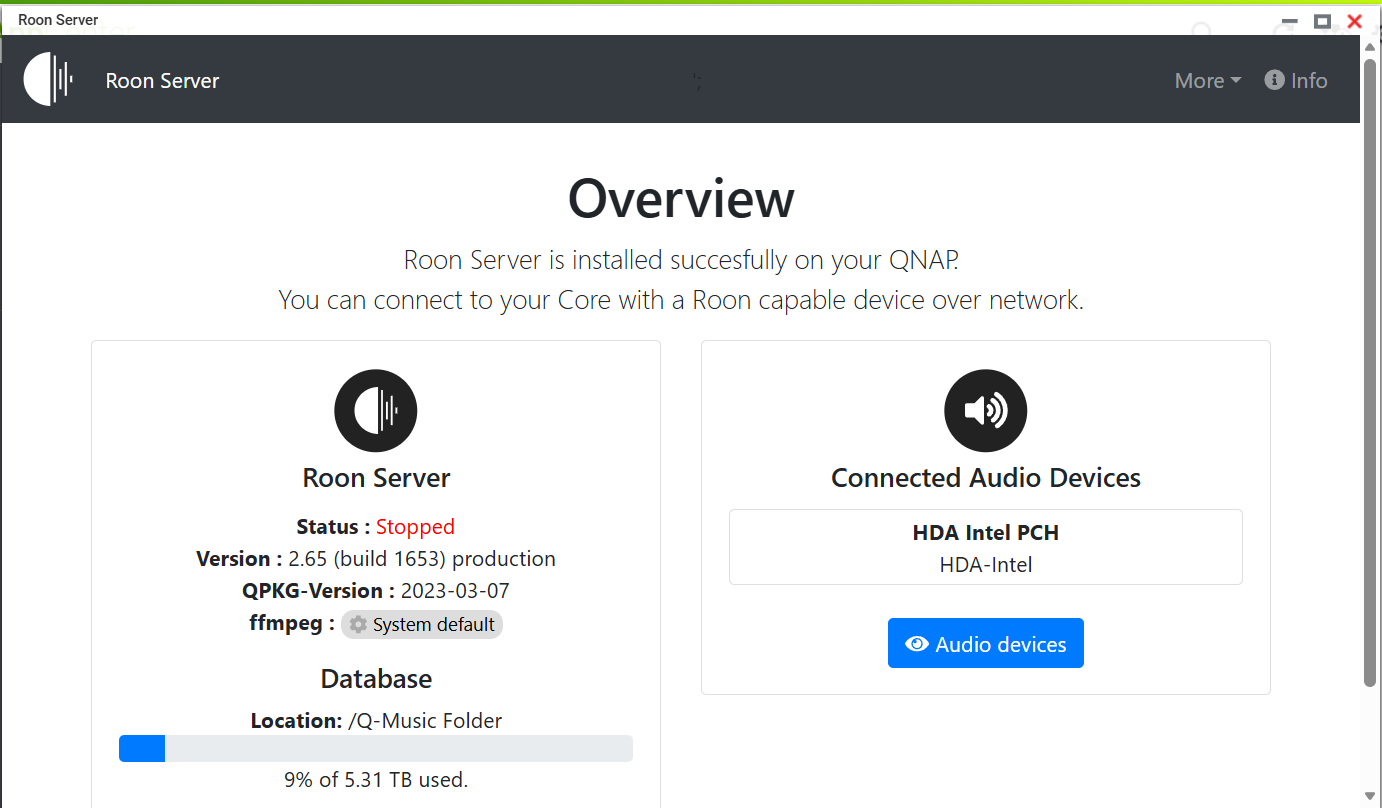
· Roon was always working fine on my Qnap TS251. I left town for several months and returned this past Monday. I turned on the NAS but the Roon server failed to start. I tried restarting the NAS and stopped and started Roon from the apps control panel but so far nothing has worked. I downloaded the log files and looked at the date that I first turned the NAS back on and I see several entries about not finding IPv4. I'm not sure that that is anything but I don't know how to proceed with trouble shooting. Any help would be greatly appreciated. Thanks so much.
Tell us about your home network
· ISP is Spectrum, WiFi Router is Eero Max 7, Switch is Netgear Gigabit GS116
Thanks for writing in and for your report. Since your Qnap TS251 had been working before the extended downtime, this lines up with the recent change to the Roon Server package for NAS devices.
The Roon Server package no longer works, so please switch to the official Docker image to run Roon Server on your NAS. More info here:
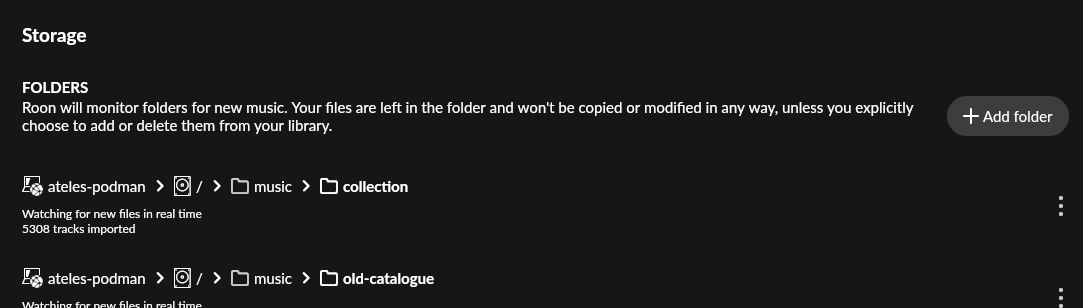
So I followed the instructions to the letter but when it came time to add the music folder it wasn’t showing in the list of folders. I added it to the path but now it has the NAS name then the > then a square with a circle and a dot in the middle then a back slash / another > and then the music folder icon and the folder name. However, it there is a message that the directory appears to be empty. Not sure what I’ve done wrong but can’t access the music. Sorry that I’m obviously an idiot!
It is best to map your existing music folder, assuming it exists on the same NAS, in the Docker Compose. You can change the default path given there or create an additional mapping - this you would then have to add in Roon.
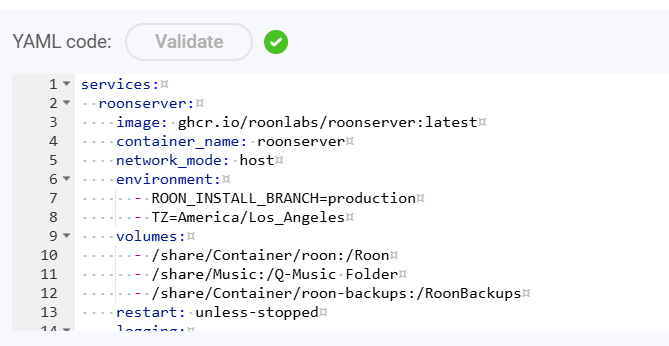
Also: Please post your Docker Compose so helpers can know what paths you mapped.
If there are no files in the folder, you have, most likely, not mapped /Music with the volume on the NAS that contains music files. This should be done using the Roon Docker Configuration Generator.
Can you share a screenshot of your docker-compose.yaml files, and confirm where your music files are located?
Can’t seem to locate where you go to edit the path for the music folder. I’m assuming it’s in the container station somewhere but can’t seem to find it. I’m so sorry to be such a pain in the ass with this!
You are not supposed to change the part after the colon, please leave it be (/Music). You need to adjust the part before the colon to match your existing music folder. This often is /share/ and then how the folder is shown in File Station.
Ok. That fixed it. I didn’t know that it was supposed to be before the colon. I thought with normal pathing it went after the colon. Thanks to all of the brilliant people that tried to help me out. Now I can go listen to music.