Hi! What’s not quite right with Roon?
· None of the above quite fits
None of the above quite fits
· None of these quite match
Tell us what's going on
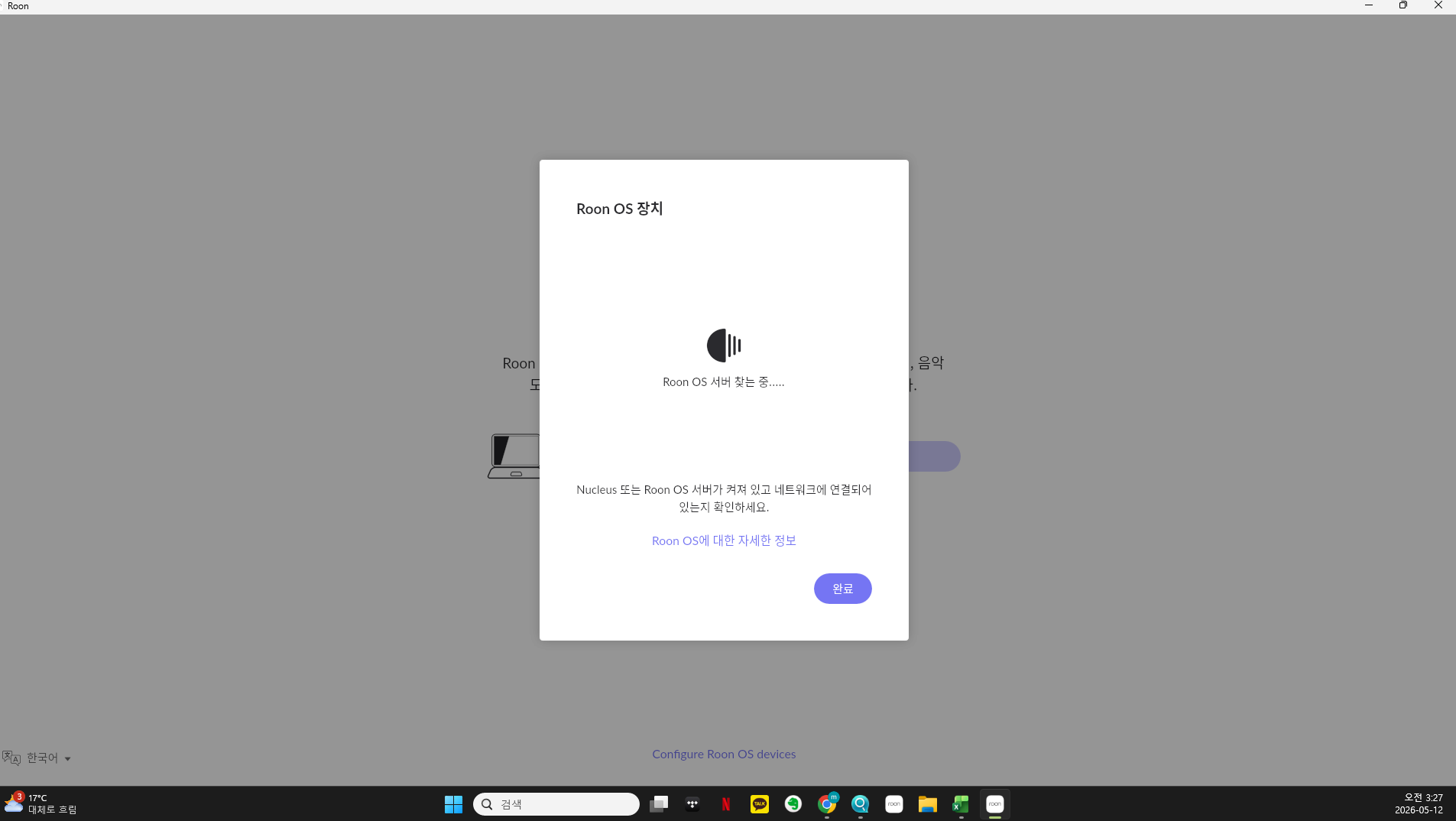
· 1. About two weeks ago, one night in my bedroom, I tried to listen to music through the ROON app on my phone, but the server was not connected. I didn't think it was a big deal because it happened often, but I think I pressed "Hang up the server" in my sleep. And then I think I clicked on the new server connection.
2. Since then, the ROON SERVER I installed on my NAS hasn't popped up and the list of servers on my desktop comes up, with the message "Loon only supports one server. Press Return to connect to the old server, connect from the list below to connect to the new server," and it didn't connect to my old server even if I pressed Return.
3. In this process, when I checked the rune server in the NAS app center, it was in a 'stopped' state. I thought it was because I disconnected the server. Even if I stopped the rune server at the NAS app center and started repeatedly, the rune server was always stopped. So I deleted it to try a new installation, but there was no rune server app in the app center before, so after asking QNAP customer center, I installed a new rune server in container station after twists and turns. (The first few failed, but when I translated the YAML code into English and reposted it, the rune server was installed. I'm not sure if it was made properly, but I've now confirmed that the rune-server is running in the QNAP container station.
4. I wonder if each individual needs his or her own settings when creating an application at QNAP NAS's Container Station. For example, the folder name I collected the sound sources in must be different from others, but when I created ROON-SERVER in the Container Station according to the manual provided by QNAP, I just made it according to the default settings, and I'm worried if it's right. It would be nice for ordinary users who have no knowledge of Linux to be able to install it directly from the app center as before, but I don't understand why it has been updated in such a difficult and worrisome way.)
5. The rune server is still not connected to mobile devices such as mobile phones. The difference is that my NAS server information appears on the first screen and even though I pressed Connect, only the navigation screen keeps showing up and not connecting.
6. Under the above circumstances, I cannot use ROON, the recovery process is too difficult, and it is difficult for ROON customer center to receive customer support as much as EVERNOTE, so I have canceled the subscription for now. (ROON HOMEPAGE is also unable to listen to music and only the account information page is accessed. Here, my information as a monthly subscriber was displayed, and even if I pressed the Go to Run Home button, I could not leave the account information page.) When this situation is resolved, of course, you should continue to subscribe to the rune. This is because I spent a lot of money building a NAS because of the rune, and music systems are built with run-ready or run-tested devices in each living room and room. The days when I can't listen to music are so difficult. The support system, which is confusing where and how to ask for help when needed, also makes me think about further subscriptions. I would like to know if there is an e-mail address other than the community that says, 'You can get immediate support if you contact me here.' I am worried that the e-mail I am sending now will be delivered right away.
7. Your help would be greatly appreciated. I look forward to hearing from you. Have a nice day.
Tell us about your home network
· To use LG U+'s internet service, I can expand LGU_EA77. I use a Linksys E5600 in a room where the signal is less sensitive, but this router is configured in bridge mode to aggregate IP doubles, and the network was expanding smoothly without any issues. However, this problem is currently at play. I believe the most critical issue is that after I answered "YES" to "Am I disconnecting from the existing server while half-asleep?", the ROON SERVER on the QNAP NAS changes to a STOP state, and even though I cannot stop and restart it, this state is recognized. Ultimately, it seems I went through a similar ordeal of deleting the Roon Server along with the attempt to resolve this, only to have to reinstall ROON SERVER on the QNAP NAS Container Station.
I do not use a VPN.