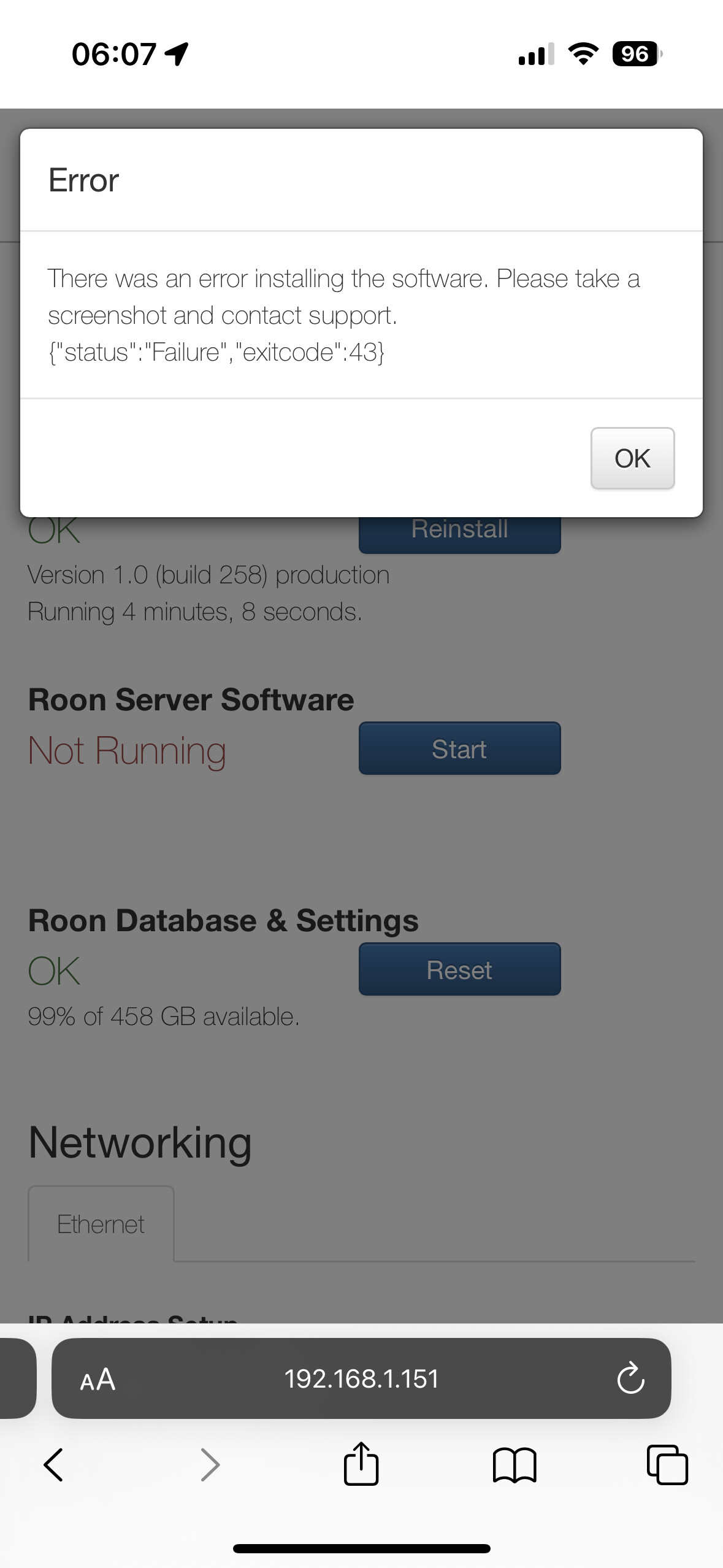
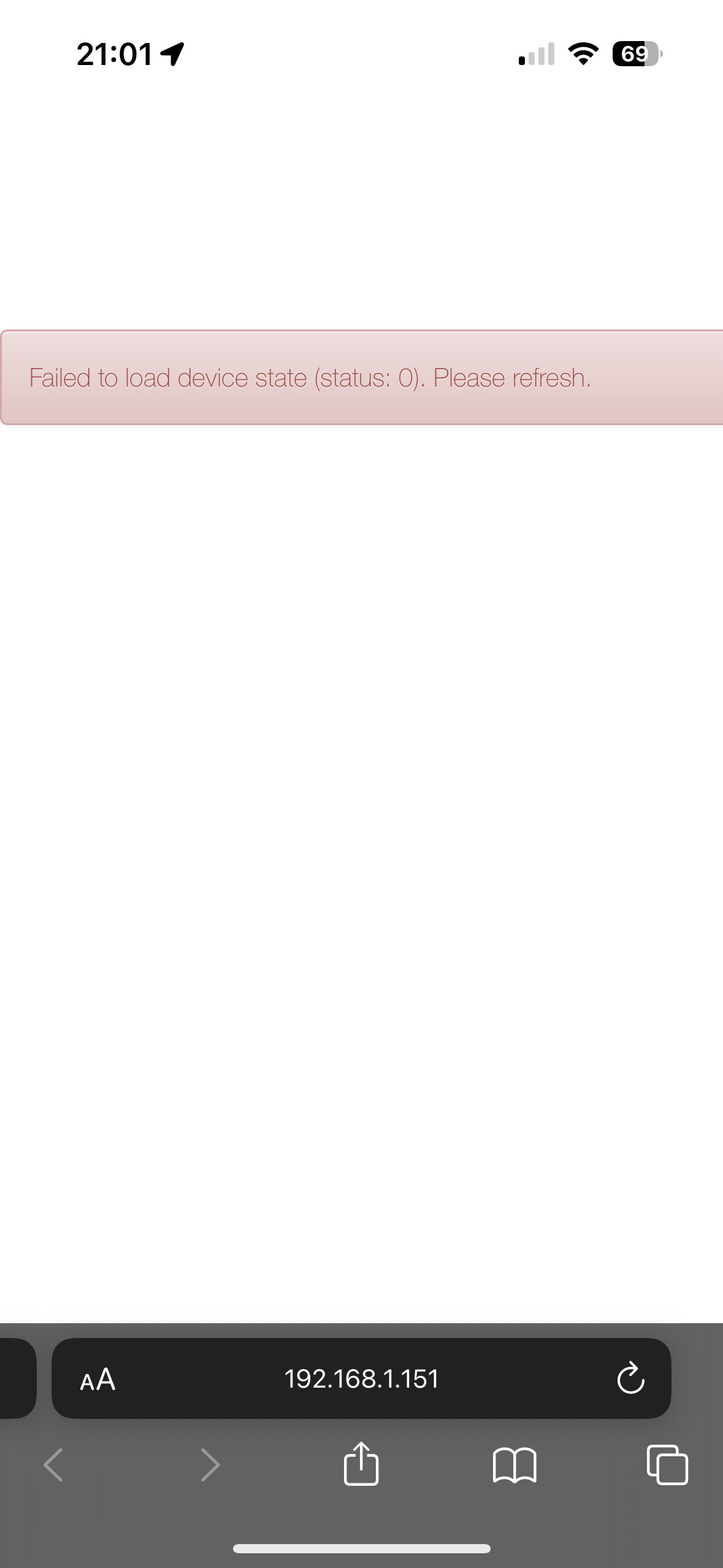
Roon Server Software Not Running after attempting to update to latest build failed

Roon Core Machine

Roon ROCK on fanless NUC i7 Gen8

Networking Gear & Setup Details

Russ Andrew’s switch + Velop Router no VPN

Connected Audio Devices

DCS Rossini + Naim Uniticore + QNAP NAS all via Ethernet

Number of Tracks in Library

Roon Rock about 50000 tracks

Description of Issue

Trying to update to latest 1277 build via Roon Remote on my iPad. Failed.
Trying to reboot Rock. Then the server software failed to restart. Tried to reinstall the Rock OS also failed

Include all the screenshots of error msgs

Please help!


I have tried this but still the same. The Roon Server Software simply refuse to run. When failed to restart, it also gives a message like this

Anyone got any ideas pls?

Tried reboot/restart a few times to no avail. So shall I reinstall the Roon ROCK from ground up and restore from backup?

Luckily I have scheduled backup on my NAS, last one is on 11June. Not so bad. But like to explore if there are other less hassle solutions.

Hi, @Gordon_Lau, thank you for your post. Could you, please, use the directions found here and send over a set of logs to our File Uploader? We are going to check them in to see if there is any clue about what might be happening with your RoonServer install.

Thanks!


Ivan

Hi Ivan, uploaded the two latest log files for your reference.

Many thanks.

Hey @Gordon_Lau,

I see you’ve already tried to manually reinstall the OS via webUI, I’m wondering if you might be able to try this again?

Do you have a recent backup saved?

Let’s set aside your database to see if that may help get RoonServer back up and running. Steps to follow below:

  • Stop RoonServer from running in ROCK’s WebUI
  • Navigate to your ROCK’s Database Location
  • Find the folder that says “RoonServer”
  • Rename the “RoonServer” folder to “RoonServer_old”
  • Restart the RoonServer in the WebUI to generate a new Roon database folder
  • On the Roon Remotes, press “Use another Core” and connect to the new database

Thanks!

I have tried to reinstall the OS via WebUI but that failed.

I have also tried the rename the Roon server into _old. Attempted to force a restart but that also getting nowhere. The server software just refuses to run.

Backup yes…. Last scheduled one was 11June.

If all things failed I guess the option will be reset and reinstall the ROCK from ground up, then restore with the old backup….

Hey @Gordon_Lau,

If possible, would you be able to send over your full Roon log folder? If you could compress it and re-send it to the same link above, that would be helpful!

This is certainly an option! If you do want to take this route, we have an install guide to which you could start at step #3 with getting a fresh ROCK download (if needed):

Thanks!

Hi Ben, just uploaded all the logs. Thanks

Hey @Gordon_Lau,

While investigating a fresh core diagnostic report, I’m seeing that your ROCK is now up to date on build 1277, and also had successful playback recently.
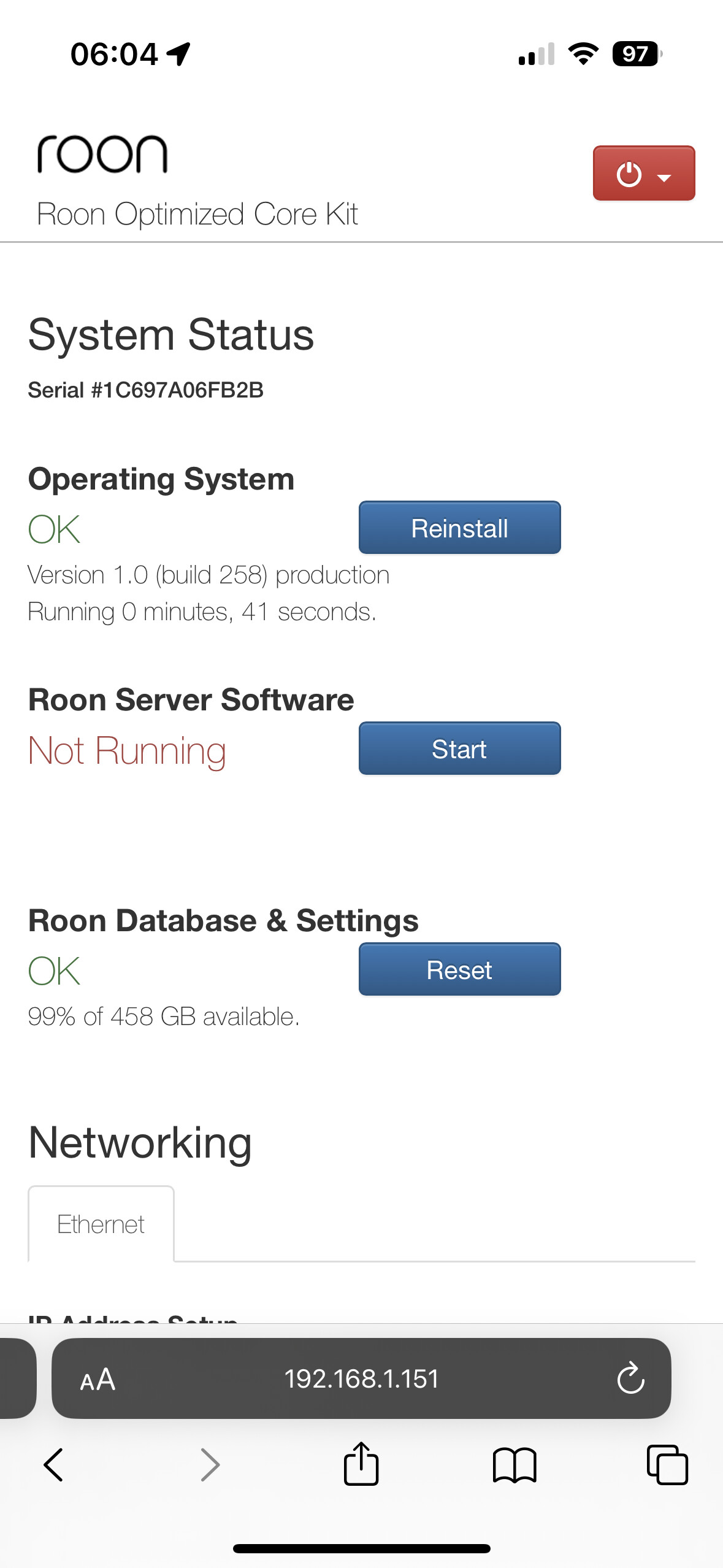
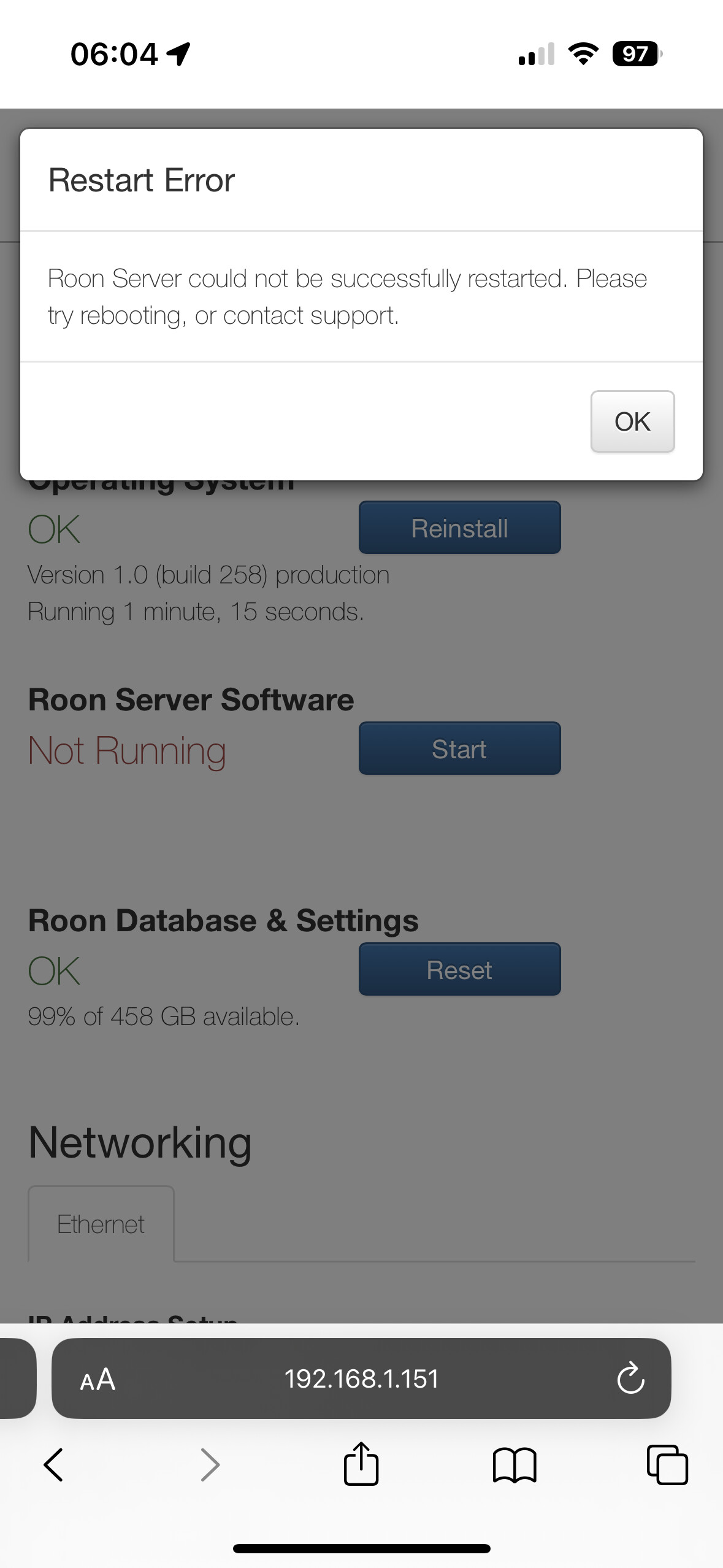
Are you still running into issues at this time?

No more issues now thanks

This topic was automatically closed 36 hours after the last reply. New replies are no longer allowed.