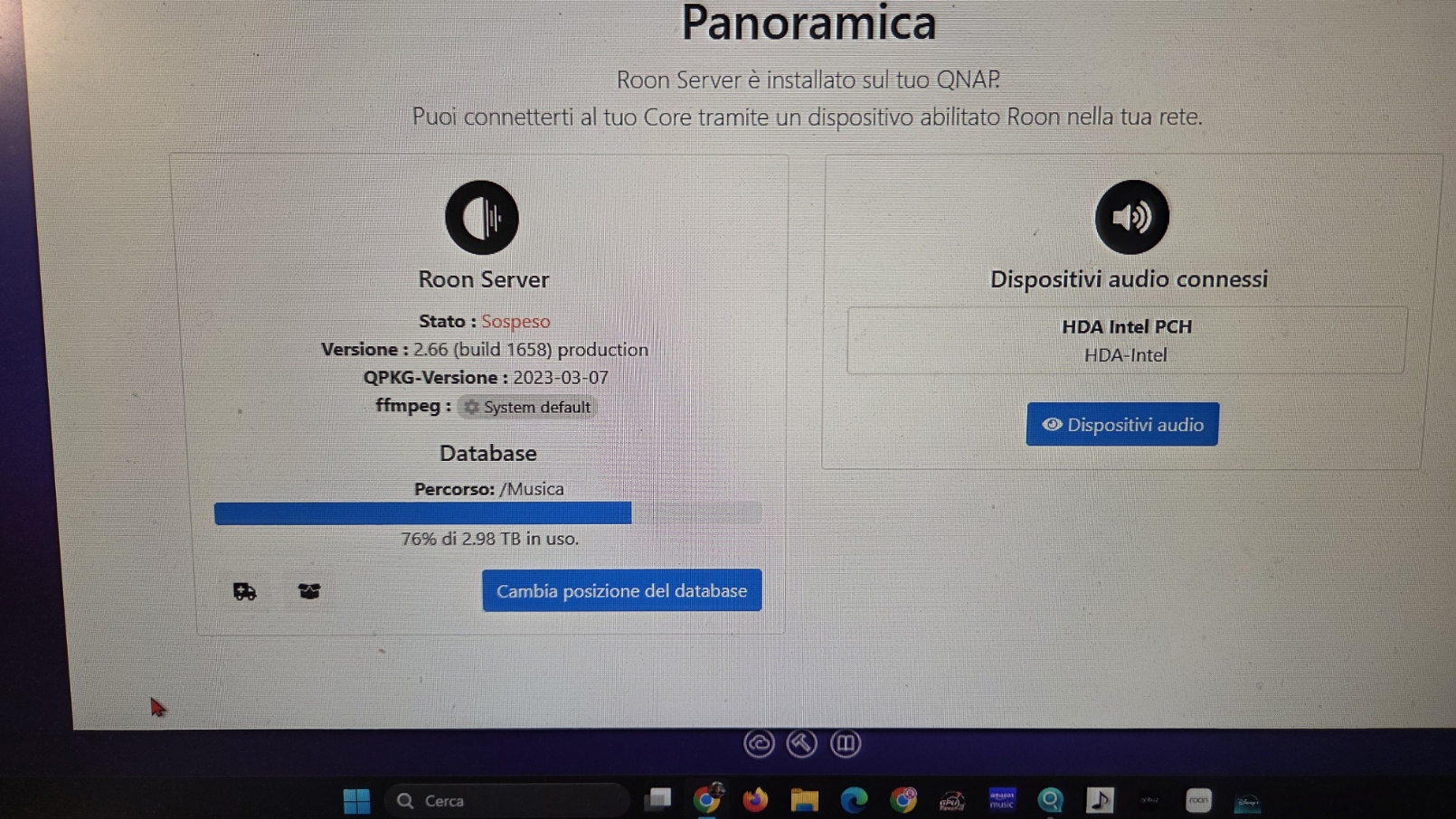
Roon 2.65 and later are not supported by Roon on NAS install on QNAP´s QTS 5.x system. The latter is not meeting the new minimum requirements anymore, s. official post her:
Many roon-on-QNAP users, myself included, have decided to run roon in a docker container via QNAP´s app Container Station instead. This requires stopping/deinstalling the roon on NAS app first, installing container station and creating an individual docker container for your machine. It is a bit tricky when it comes to finding correct share folder paths, but doable. More practical information:
Hi @Fabio_Mareschi, welcome to the community. Since your Roon Server is running on a QNAP TS-251D, the most likely explanation is that your current QNAP setup is no longer supported by the newer Roon Server builds.
Please take a look at Installing RoonServer on QNAP with Docker, which covers the supported way to run Roon Server on QNAP using Container Station. If you were previously using the QNAP app install, that will need to be stopped or removed before moving to Docker.
If you’d like, send us the exact QTS version shown on the NAS and whether Container Station is already installed, and we can help you figure out the next step.