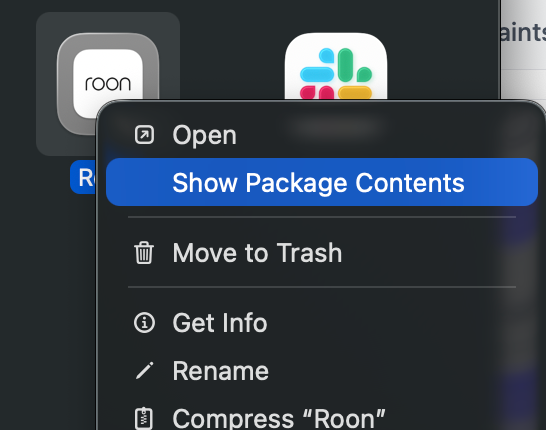
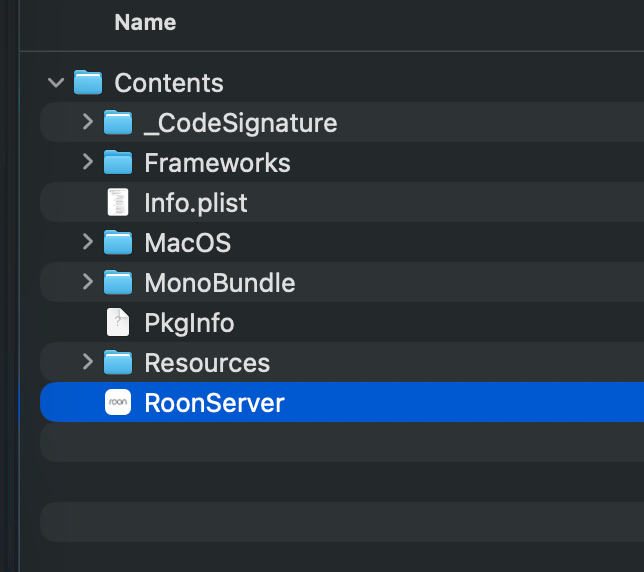
If you are using the same machine on which you’ve installed RoonServer to control RoonServer, then you also have a GUI (Roon) installed alongside the server. This all-in-one setup is common for users with MacOS or Windows machines.
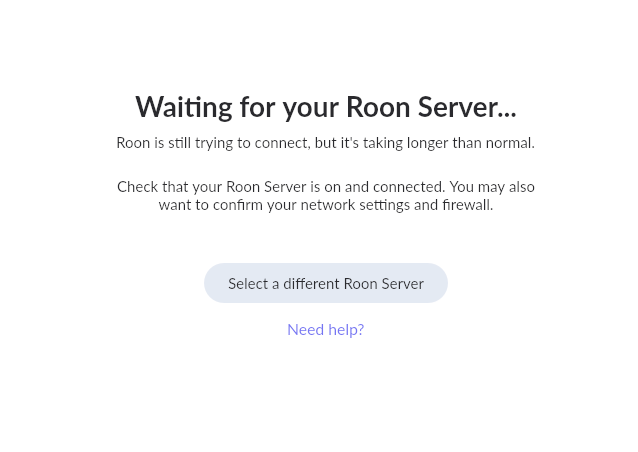
Please share a screenshot of what you’re encountering in Roon so we can clarify whether or not this GUI is connecting to the proper RoonServer instance.
Thanks for the follow-up! We’ve seen a handful of new issues pop-up with the new macOS Tahoe update, I’m sorry to hear you’re also experiencing issues.
To confirm, what is your current status? We’re seeing a few instances of Roon Server across multiple machines, can you specify which machine is your typical server?
If you select the ‘Select a different Roon Server’ option, does your proper Mac appear?
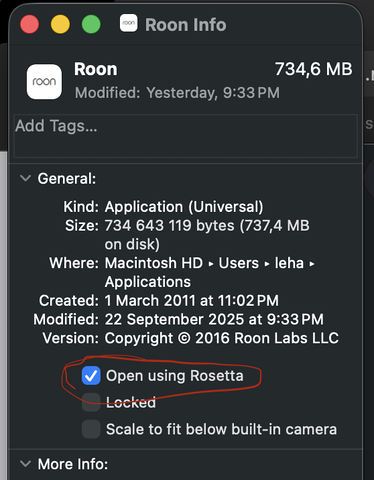
We’ve also seen a few reports of success by enabling ‘Open using Rosetta’ as a temporary workaround. You can access this setting by right-clicking ‘Get Info’ on the Roon app icon:
Our diagnostics servers show that the RoonServer instance was recently online, and that the Roon client (remote) on the same machine was online at some point in the last few hours as well.
First off, were you able to successfully launch the Roon app at this point on Tahoe per the steps above?
After launching, did you see the local RoonServer instance available in Roon?
Please let us know the current status of your crashing and connectivity issues and we’ll proceed from there with next steps.
The team has a fix in the pipeline for Roon remote crashes and remote connection issues affecting MacOS Tahoe. The workarounds we’ve provided above will hopefully patch your setup for now, but rest assured a more thorough fix will soon be released.