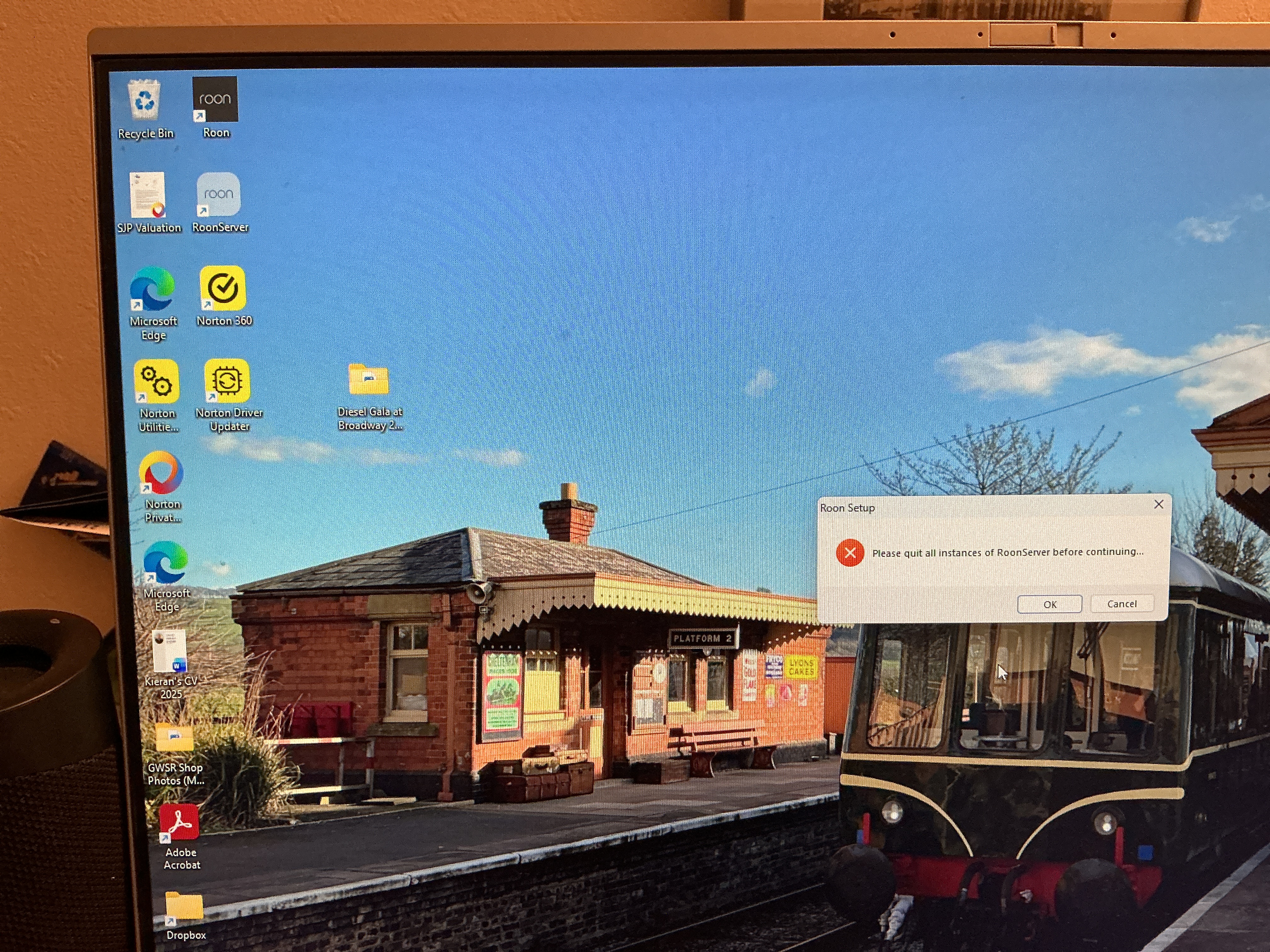
Roon setup error: "please quit all instances of RoonServer before continuing" (ref#X94OH3)

Hi! What’s not quite right with Roon?

· None of the above quite fits

None of the above quite fits

· App interface looks or behaves oddly

Tell us what's going on

· Roon setup says please quit all instances of RoonServer before continuing! Please help understand what this means

Tell us about your home network

· EE it has automatic DHCP

The Roon Server is a separate program from the graphical control app and runs in the background without having a window. You must quit it before you can uninstall/reinstall Roon, because it’s part of the Roon setup.

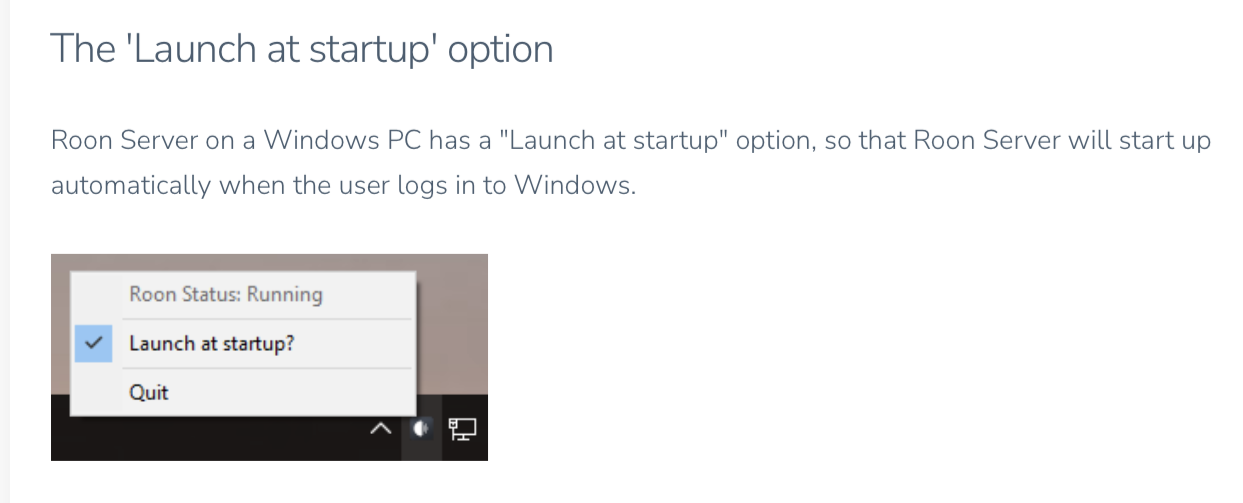
You can do this by right-clicking the Roon icon in the system tray area of your Windows task bar, bottom right where the clock is. Maybe it’s hidden behind the little ^ menu:
Thanks for helping me find the annoying icon! All working now