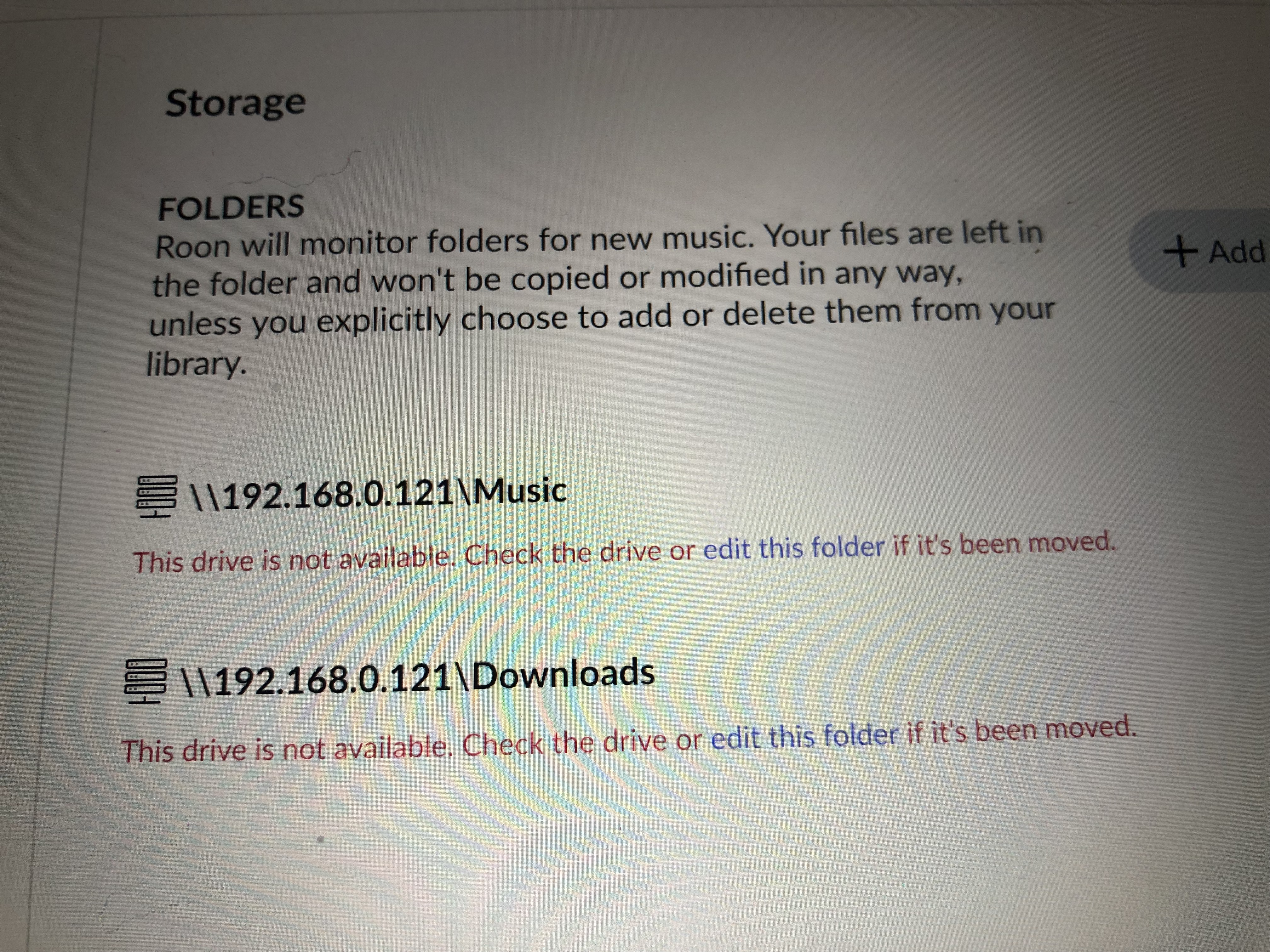
Automatic scanning for updates to my Playlist has stopped. When I go to Storage (under Settings), I see that both the Downloads and Music Folders have the red message: This drive is not available. Check the drive or edit this folder if it’s been moved. If it has moved, I have no idea what caused it to be moved. Can you please advise next steps for this non technical person - to get my Roon system back up and running again?
Describe your network setup
I have Weiss DSP-502 with WCORE and iPad all linked to the same WiFi network.
Hi @Mark_Rehn,
Thanks for reaching out to us about this issue. Can you tell us what type of machine these folders are hosted on? This information will allow us to provide you with more specific steps.
Thanks for the additional information - and welcome to the community by the way! We’re happy to have you here.
As a simple next step in troubleshooting, could you please update the rest of your Roon devices to the latest Roon release, and let me know if you run into the same issue? Here’s a link highlighting the latest Roon versions per each device. Hope it helps!