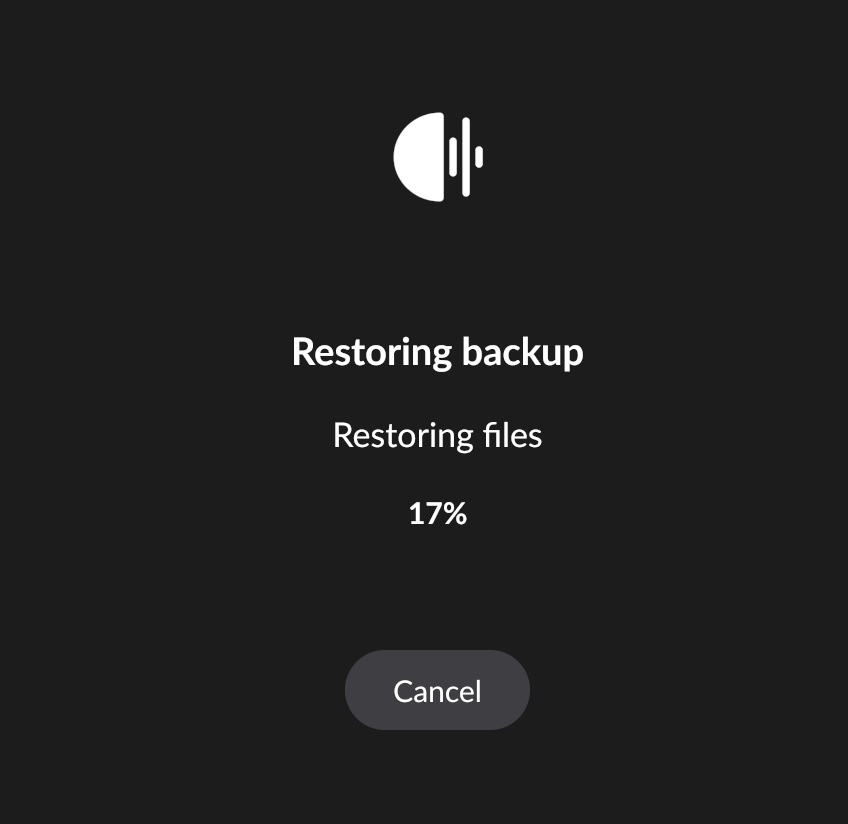
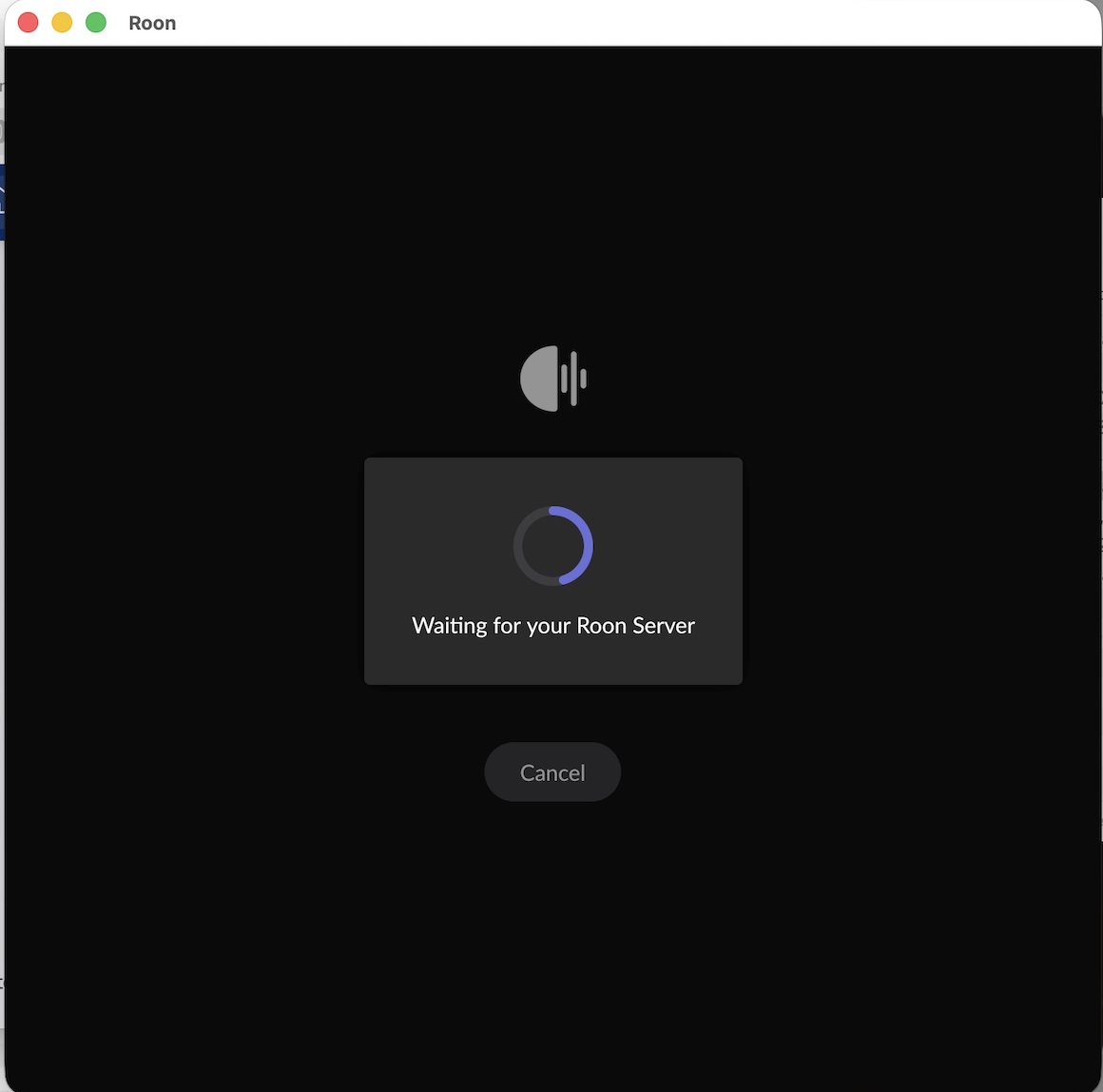
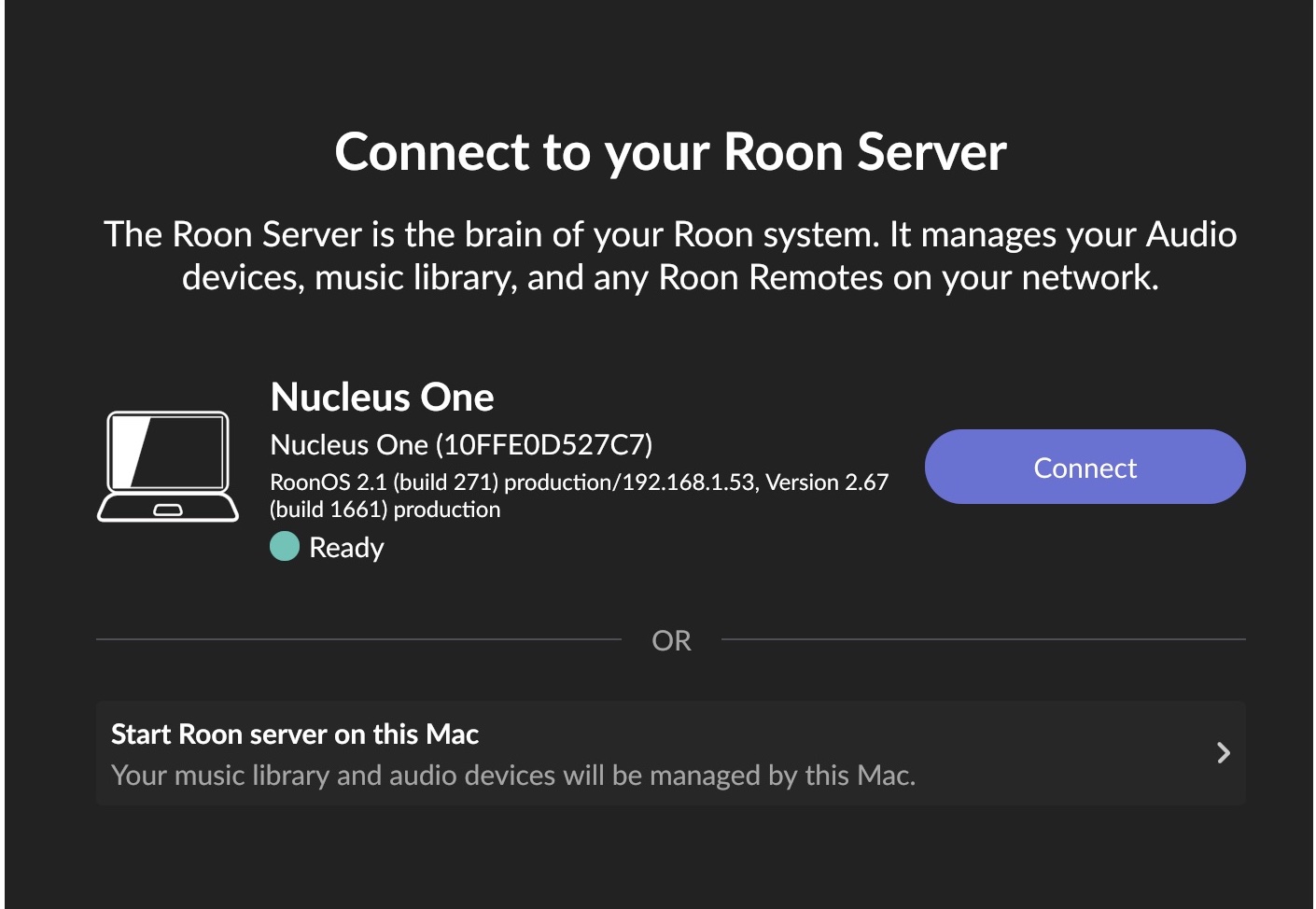
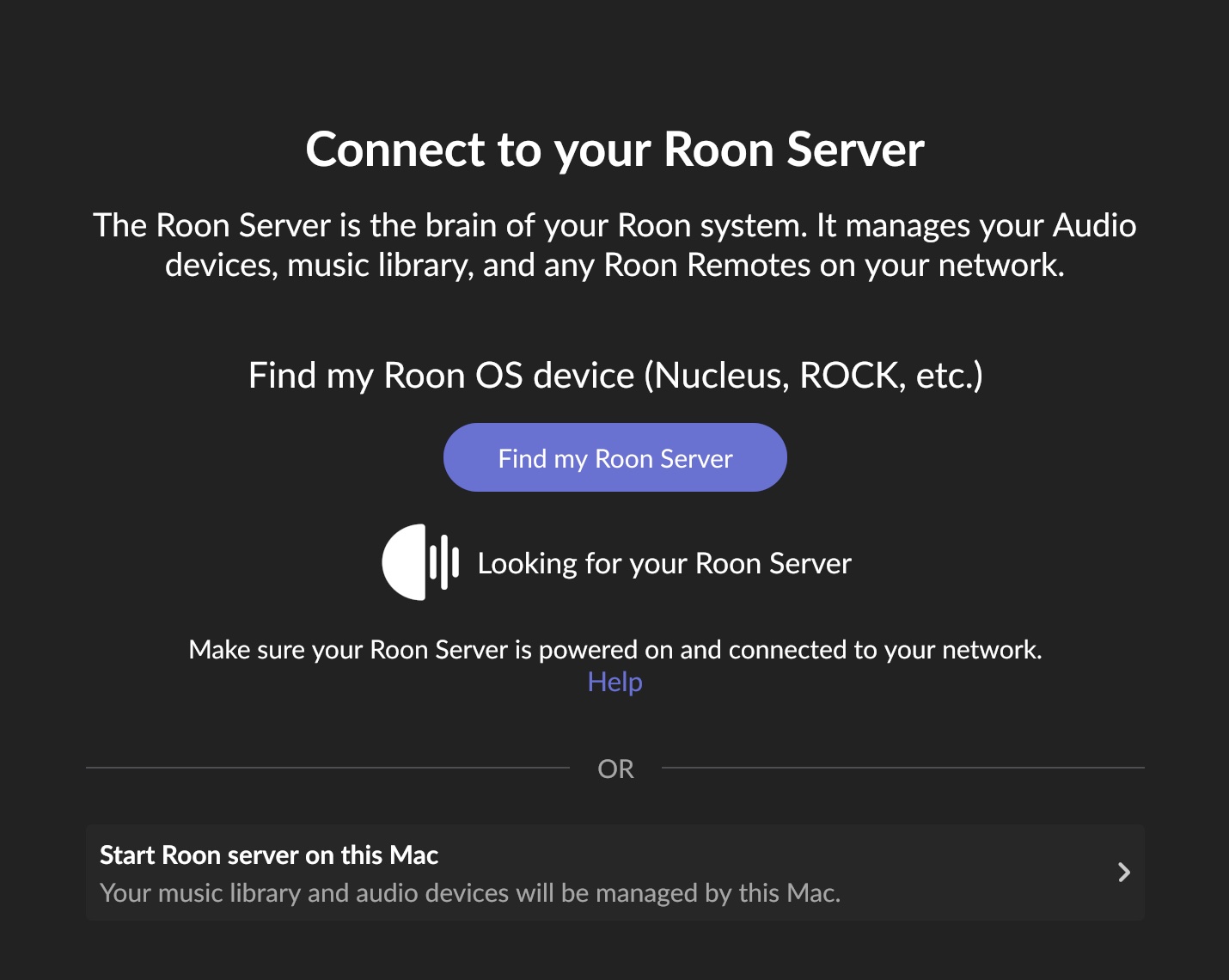
· Roon just spins. At times, it would load with "Choose you Roon Server", but then later crash and I'd have to start as a brand new user (ID, login, select music source on NAS, etc.)
This was intermittent, but now failing to load. I rebooted my router, spoke with Apple support to isolate it from the Mac (including deleting the Roon app and doing a fresh download). I then checked Roon access on my phone. It would just spin on both devices.
Tell us about your home network
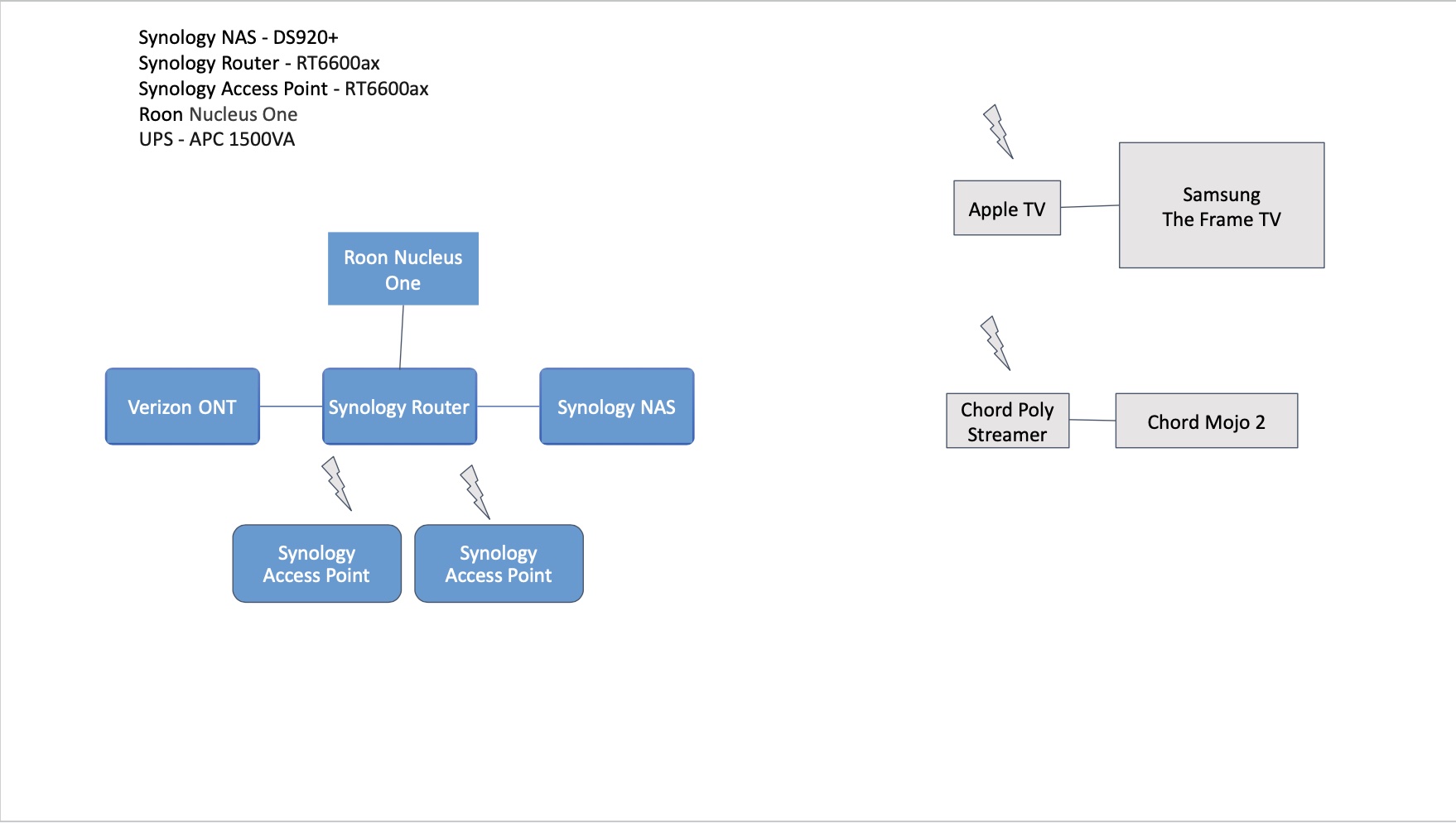
· I have a Synology RT6600ax router, configured as a mesh with the main point and two other hubs.
Nucleus One. I have the latest OS (can’t access it to better advise)
Networking Gear & Setup Details
Mac, iPhones, Chord Poly/Mojo2
Number of Tracks in Library
~50,000
Description of Issue
Roon just spins. At times, it would load with “Choose you Roon Server”, but then later crash and I’d have to start as a brand new user (ID, login, select music source on NAS, etc.)
______________
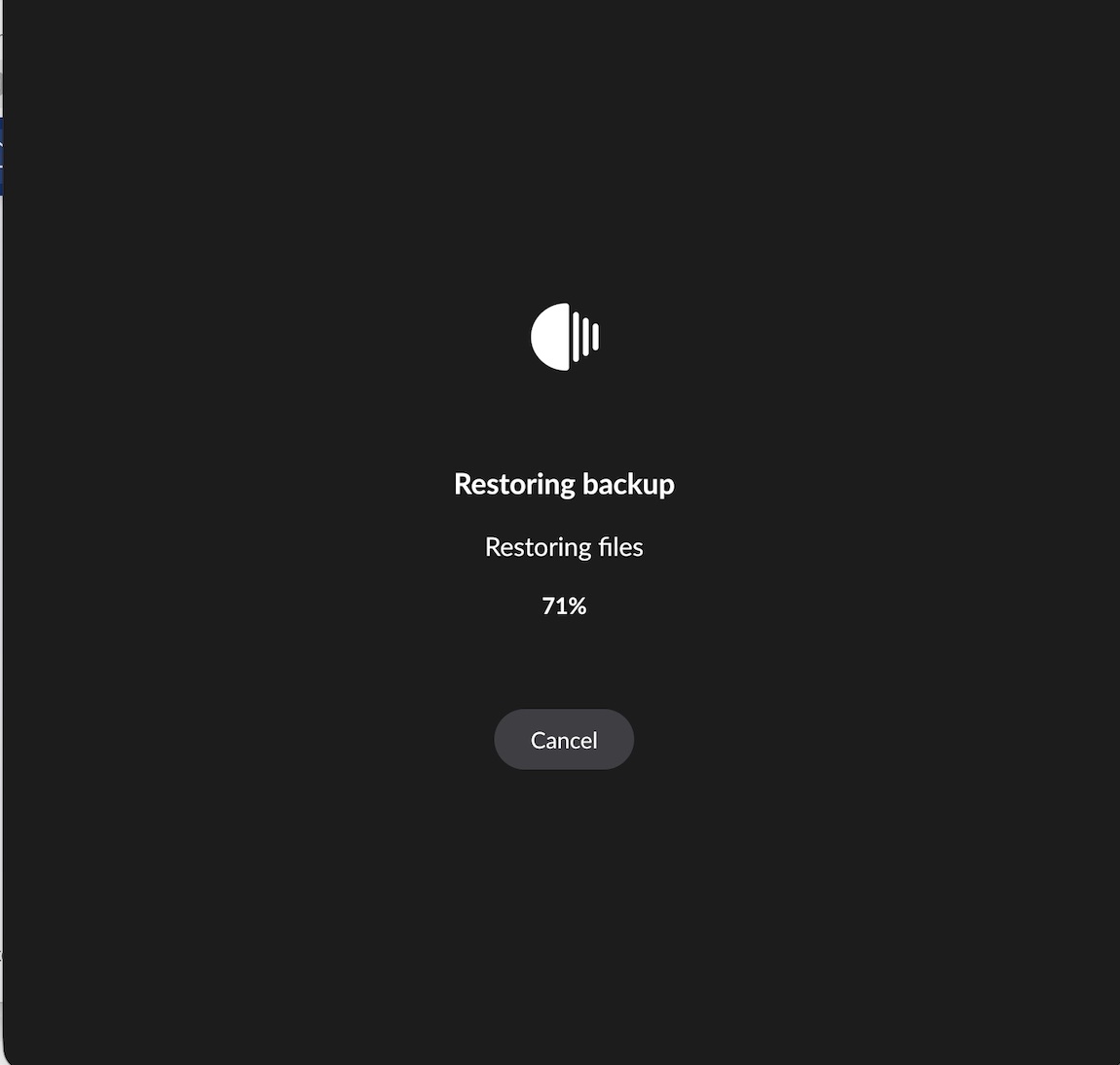
This was intermittent, but now failing to load. I rebooted my router, spoke with Apple support to isolate it from the Mac (including deleting the Roon app and doing a fresh download). I then checked Roon access on my phone. On both devices, I am getting this reply:
______________
Put this on hold for now. I rebooted the Nucleus One and it is loading.
Thanks for writing in and for sharing your report! Sorry to here stability has been inconsistent for you lately.
We were able to pull a fresh Nucleus diagnostic report for further inspection.
The good news is that your Nucleus One hardware is healthy. We see a normal boot: NVMe drive fine, no SMART/ATA disk errors, no overheating, no out-of-memory kills, and no filesystem corruption.
The Roon Server software is also running correctly right now, it’s on v2.67 (build 1661), your full library is loaded (51,884 tracks, 3,344 albums), and memory is stable. So the “spinning” is not a dead Nucleus or a corrupt database.
The actual problems show up in two places, and both point at your network rather than the Nucleus:
The NAS music share drops offline. We see the music storage (the \BouvierWeinberg CIFS/SMB share) went “offline” and “detached because: DirectoryNotReady,” then reattached ~30 seconds later. This is the same symptom class as your “select music source on NAS” pain.
Roon’s connectivity checks to your router keep failing. Repeatedly the server logs Connection refused (192.168.1.y) which mean the Server is trying to talk to the Synology router and getting refused. There are also frequent roondns flushed last-known-good entries and push manager failed… status code 999 events, Roon’s cloud connection being flaky.
The repeated restarts and the “start as a brand new user” behavior you described are the giveaway: when the client can’t reliably reach the Server (or the Server can’t reach Roon’s cloud auth), the app drops to the “Choose your Roon Server” screen and can appear to lose its identity.
Let’s see if any of the above help:
Give the Nucleus and NAS static/reserved IP addresses in the Synology router (DHCP reservation). On a mesh, devices can hop between the main point and satellites and get new IPs, which breaks both the SMB mount and client discovery. Reserve the Nucleus, the NAS, and ideally your main listening endpoints.
Check the SMB mount on the Synology NAS. Confirm SMB is enabled, and try forcing minimum SMB2 (some setups choke on SMB1/SMB3 negotiation). In Roon, remove and re-add the watched folder if it stays flaky after the IP/mesh fixes.
In the Synology router, verify UPnP/NAT-PMP is enabled
Test with a single mesh node temporarily. If you can, power down the two satellites for a test and confirm Roon stays connected on just the main router. If it does, the mesh backhaul is the culprit and you'll want wired backhaul or to keep audio gear on the primary node.
Thanks David, we’ll be monitoring for your reply and results.
Roon has been remarkably stable since I posted this a few days ago. I’m working with Synology (my router and NAS provider) on some dropped networking issues on my Mac. I’ll monitor Roon without making your suggested changes since Roon is stable. I’ll make your changes and circle back if needed.
Thanks for the update. It’s good to hear that Roon has been stable since you posted, even while you work through the dropped networking issues with Synology on the Mac side.
We’ll leave things here for now and keep this on hold while you continue testing. Please circle back if anything changes, and let us know how the system is performing after a few more days of use.