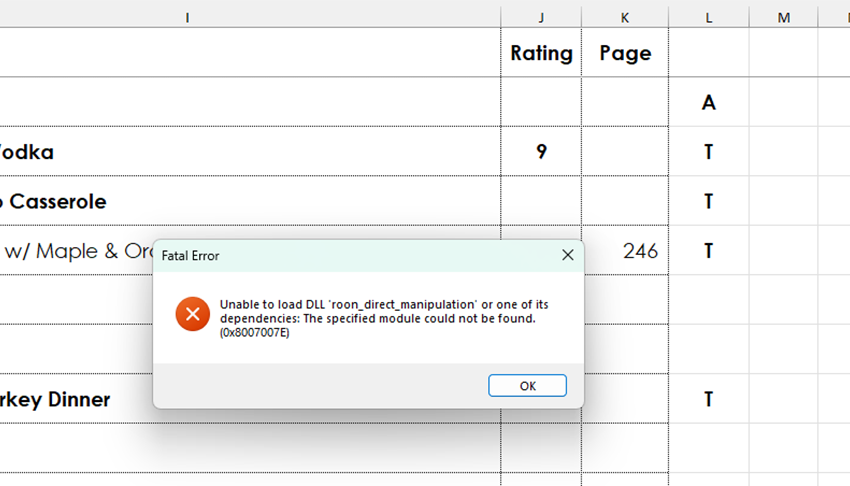
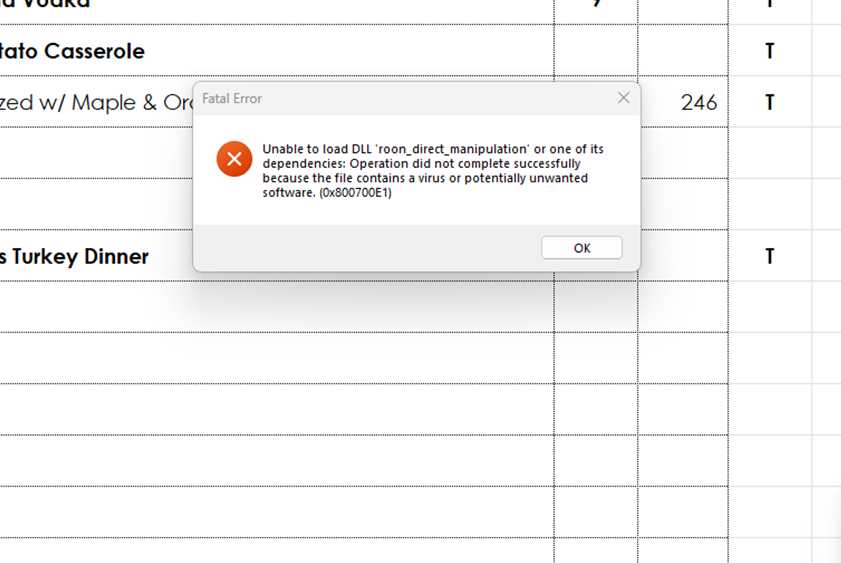
Thanks for your patience. From your screenshot, McAfee has quarantined the Roon update itself because of a non-threatening Windows dependency conflict. Anti-virus software is sensitive to Roon updates because updates are packaged as a “full” new download of the app.
The quick solution is to turn off/disable McAfee and then update Roon before turning your anti-virus software back on.
Try opening McAfee → “My Protection” → “Quarantined items.”
If you see anything related to Roon (often DLLs or installer components), restore it. Then add RoonServer.exe or related processes to the safelist.
This thread is closing due to inactivity, but you can reactivate the conversation anytime by submitting a new support request here and referencing the URL of this topic thread. Thank you!