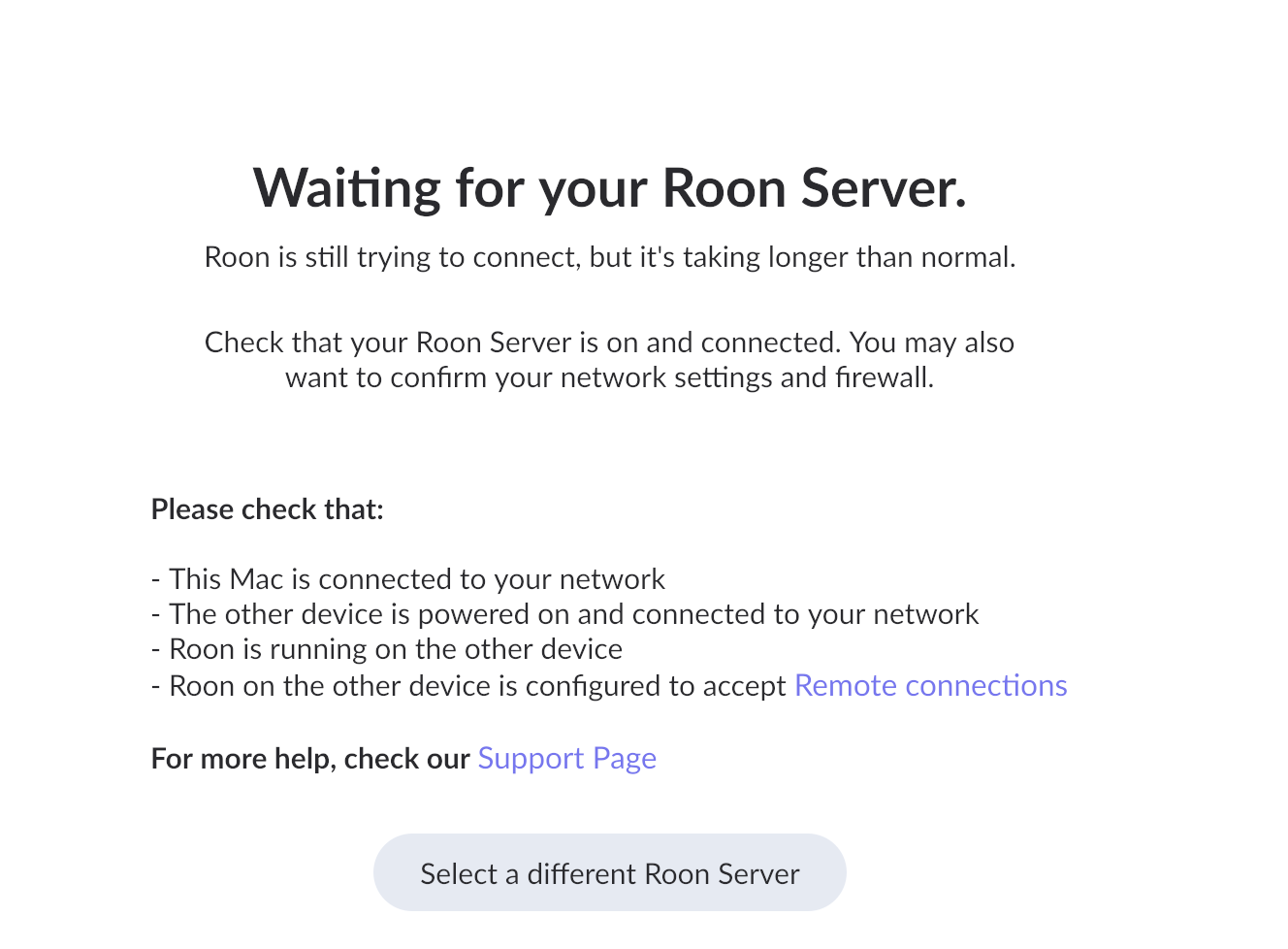
· I just updated o the latest version of Roon and now it can't find my server. Nothing else has changed on the network and the server is located on my laptop. Apple Sequoia 15.6.1. Roon has worked seamlessly since last update.
Tell us about your home network
· Server ocated on laptop, wifi and hard wired local (linked) network which has other audio devices not necessarily linked to Roon.
Since you’re running macOS, the behavior you’re seeing is consistent with the newer, stricter Local Network permission controls in the recent macOS releases.
Please try the following steps:
Open macOS System Settings → Privacy & Security → Local Network
Make sure Roon and Roon Server are both enabled
Even if they are already enabled, please toggle them off and back on
Fully quit Roon Server from the macOS menu bar / task bar
Reboot your Mac
After reboot, launch Roon again and check if the devices is avaliable again.
Once these permissions are refreshed and the system restarted, your audio devices should reappear.
Please let us know if the issue persists after these steps, and we’ll continue from there. Thanks!
This thread is closing due to inactivity. Please reach out in a new technical support request if you’re encountering any further issues and we’ll pick up the case. Thank you!