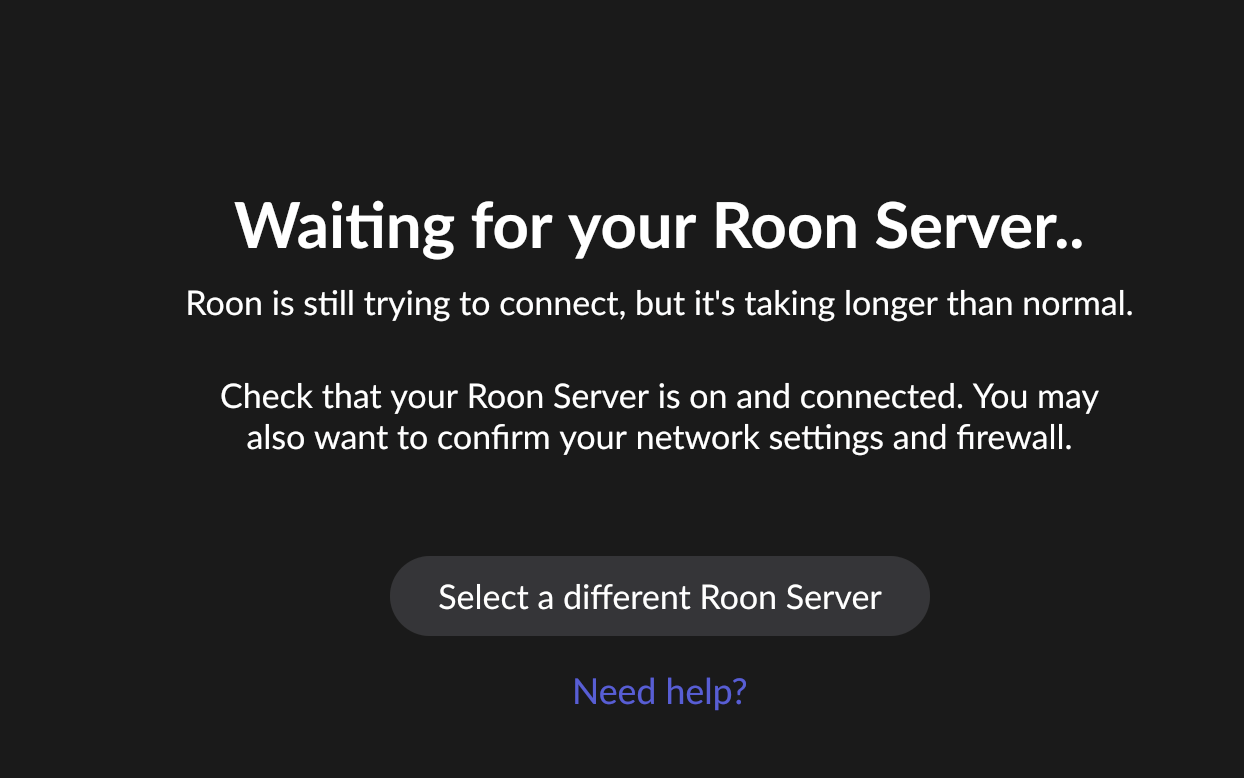
· i have been up date ing roon software .....could recent update be in compatible with my macintosh system version 12.7.6?......i get "waiting for your roon server
Tell us about your home network
· everything is the same and has been working since i got my innuos statement 3 years ago
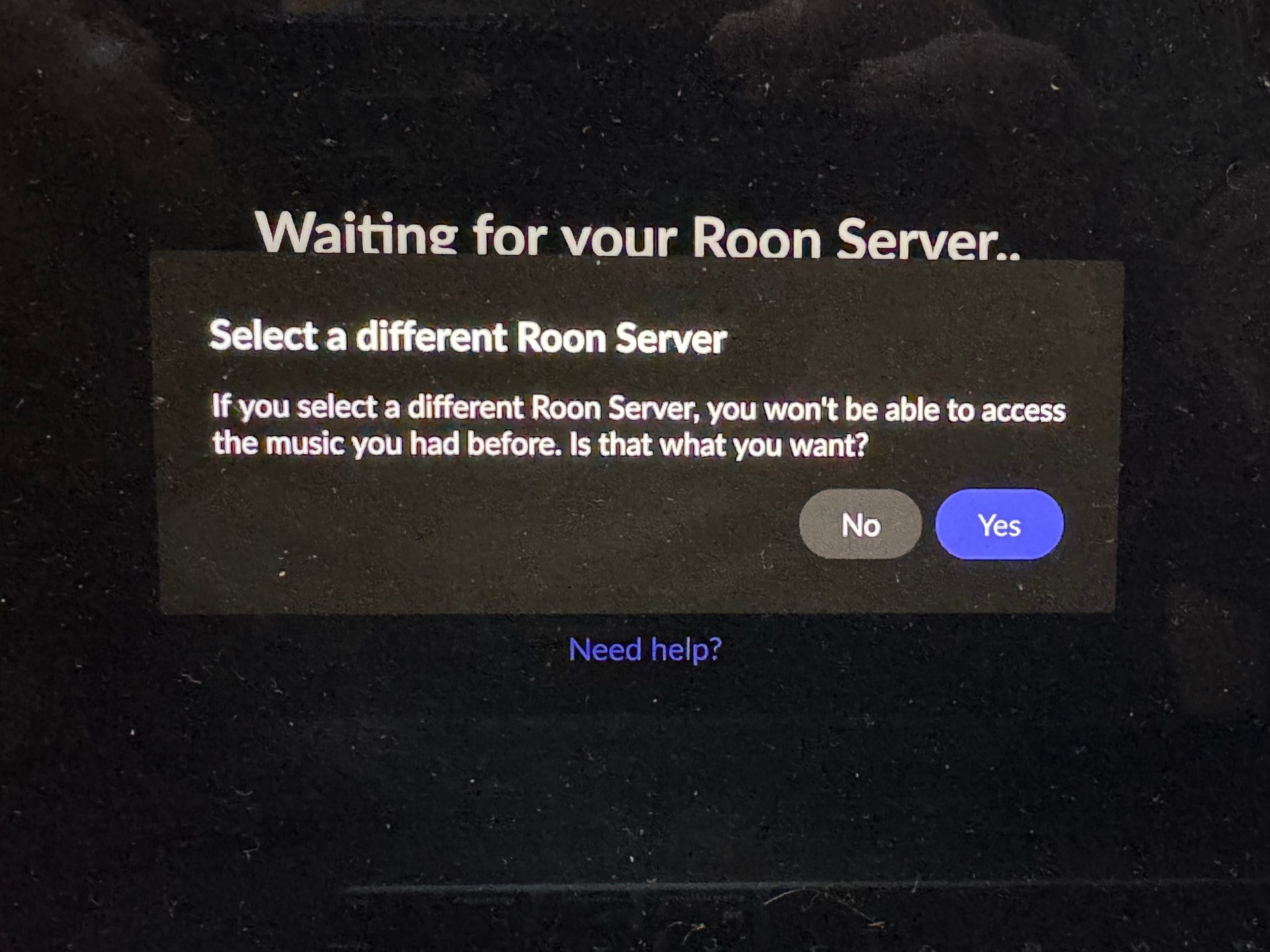
It’s not clear what warning you refer to, but this action is perfectly safe. It simply provides the opportunity to reconnect to your server. It will not delete anything.
I understand that seeing warnings about losing your music can be alarming, but I want to reassure you: clicking “Select a different Roon Server” is completely safe. It is simply a way to tell your Mac to look at the network and find any active Roon Servers. It does not delete your files or your database.
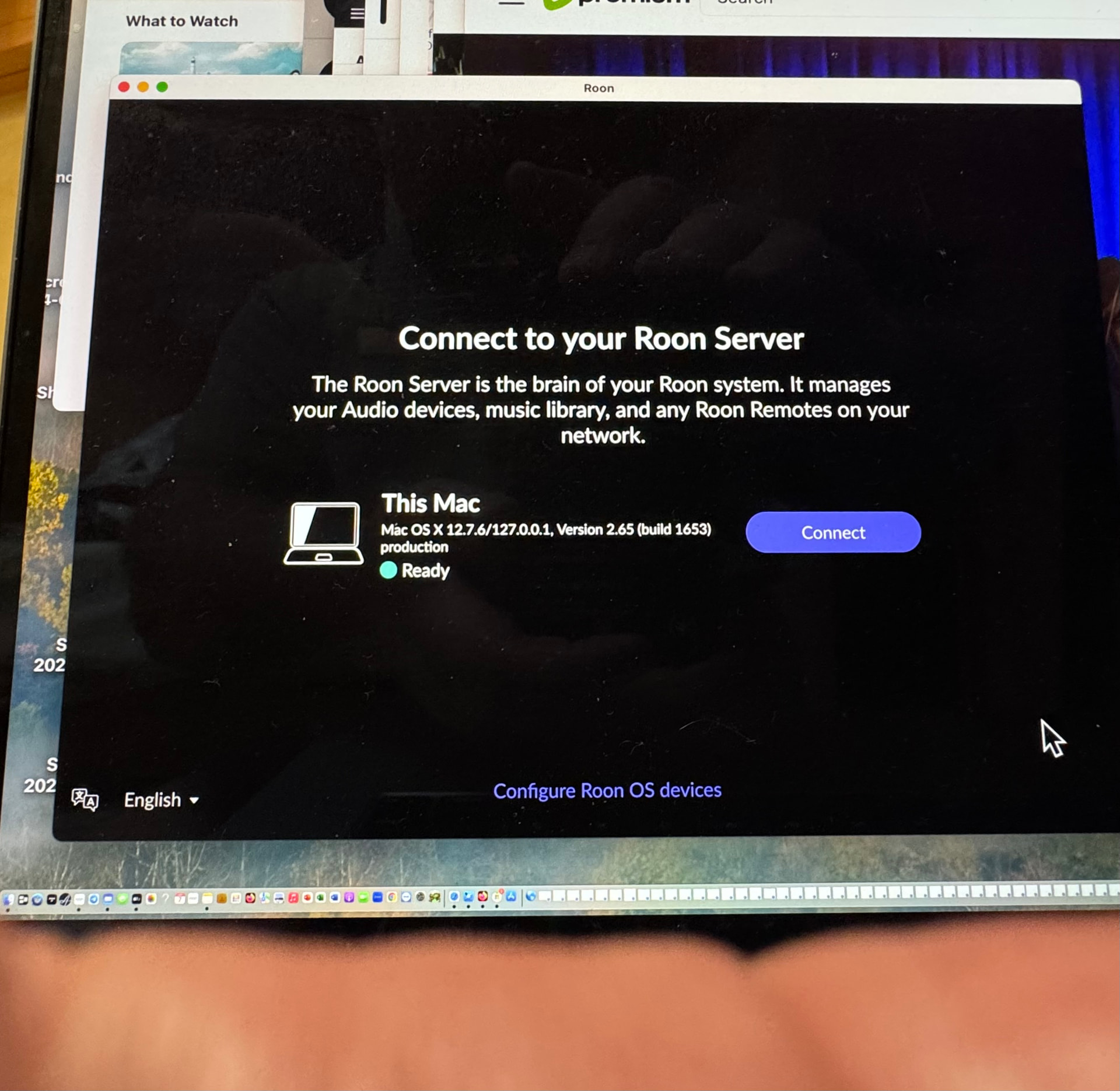
However, the reason your Innuos Statement isn’t showing up in that list is likely because the Roon Server software on the Innuos itself isn’t currently running or visible to the network.
What we see on our end
Our internal diagnostics show that your Innuos Statement has not checked in as an active Roon Server for about 14 days. This explains why your Mac can’t find it—from Roon’s perspective, the server is currently “offline.”
Why this is happening
Innuos manages its own operating system (innuOS) and handles the Roon implementation on their hardware. Because this is a third-party server, Roon Labs does not have direct access to its internal settings or logs to see why it stopped communicating. Due to the recent updates, the Roon Server requires new versions of the glibc and OpenSSL, which may be outdated on the Innous device.
If the Innuos dashboard shows Roon is “On” but it still won’t appear on your Mac: At this stage, you will need to contact Innuos Support directly. They are the experts on how their hardware manages the Roon software layer and can investigate why the server isn’t broadcasting itself to your network.