· I have correctly copied on the latest Chrome the Roon web display link that appears on Settings but it only shows a dark page with Roon logo, please help...
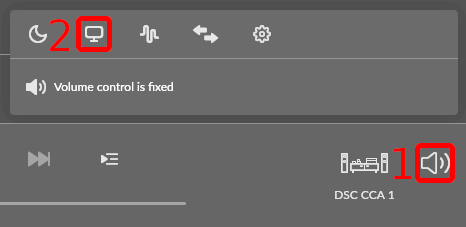
There is nothing more to see until you connect the display to a zone and play some music to that zone. A guide explaining how to do this should show up when you click the question mark top right on that screen. Here is the same guide directly:
Klick the loudspeaker symbol (1) to bring up the menu, klick on the display symbol (2) to select the display you want to use.
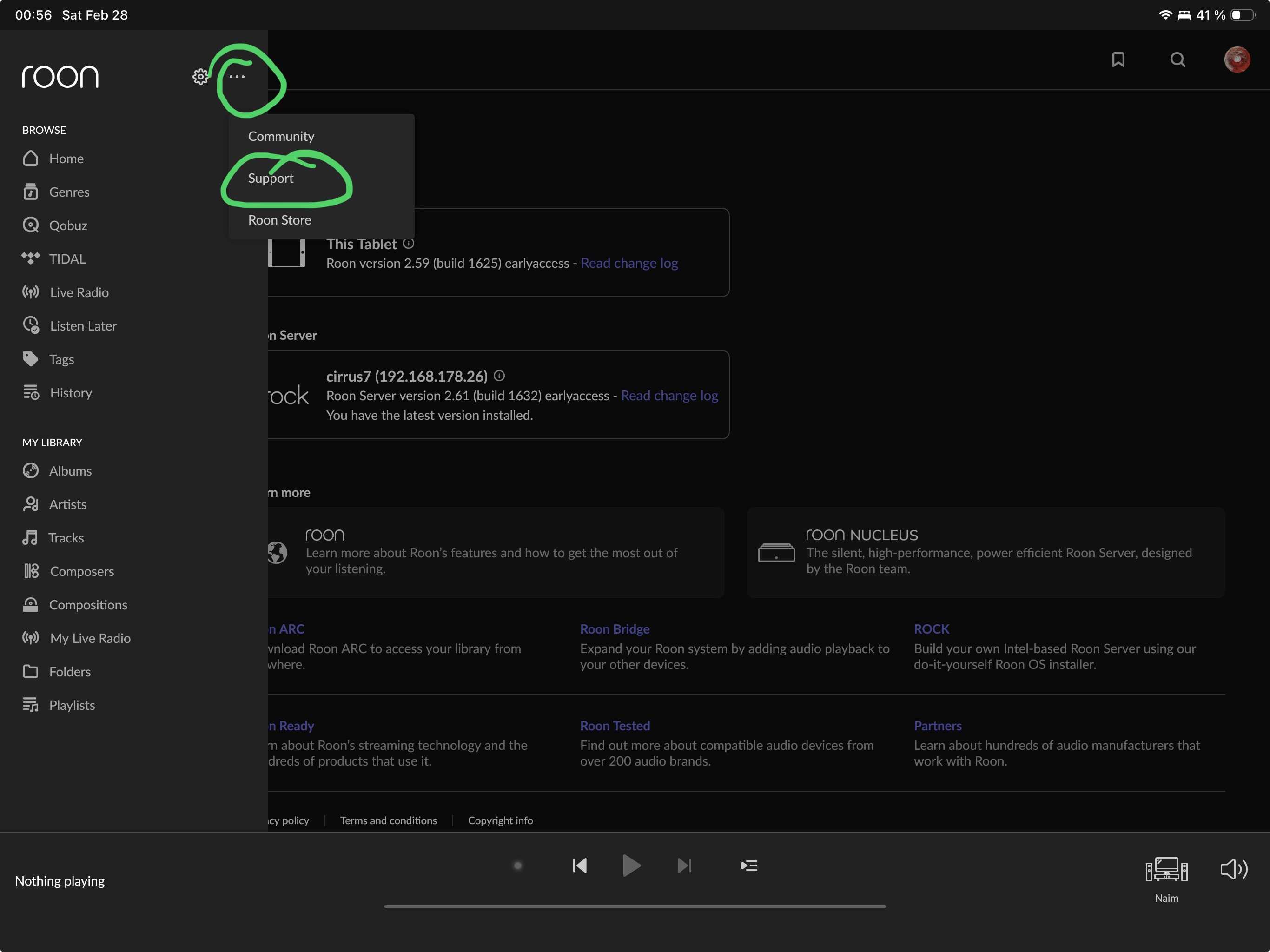
Thanks BlackJack, I did click on that question mark, but there was no guidance on how to do it. Your screenshot is the best way to understand it. I miss having a good manual explaining the “how to”, for example, MUSE is not easily reachable from the menu, someone told me there was an equaliser on Roon, had to Google it to finally find it…
Bookmarked the knowledge base page, thanks for sharing, I will have more white hair soon…
Edit: BTW I saw in your screenshot that you were using a tablet, now I’m using mine to control Roon, still many things to learn, but thanks for the tip…
Tablet and/or PC/laptop is IMO essential. Only the PC version offers all features, but the tablet is close and only a few (usually not essential) are missing. The phone is just a playback control and you can’t do any editing or MUSE setup.