Roon Core Machine
My core is iMac running OS.
Networking Gear & Setup Details
Connected Audio Devices
Number of Tracks in Library
Description of Issue
Application will not log me in and gives Error message each time.
My core is iMac running OS.
Application will not log me in and gives Error message each time.
Hey @Gad_Velan,
You have my sincerest apologies for the delayed response here, we’ve been dealing with a higher-than-usual volume following our release and we’re working as quickly as we can to get back to everyone.
As a good next step, if you could please upload the full Mac OS crash logs to the link here, that would be helpful.
With that, if you by chance have any USB audio devices currently plugged into your core device, please unplug and try to reboot again, and let me know if your issue persists.
I’ll be monitoring this thread for this reply 
sorry for the delay but I was away for 3 weeks.
I have disconnected all usb ports and now it want even come up.
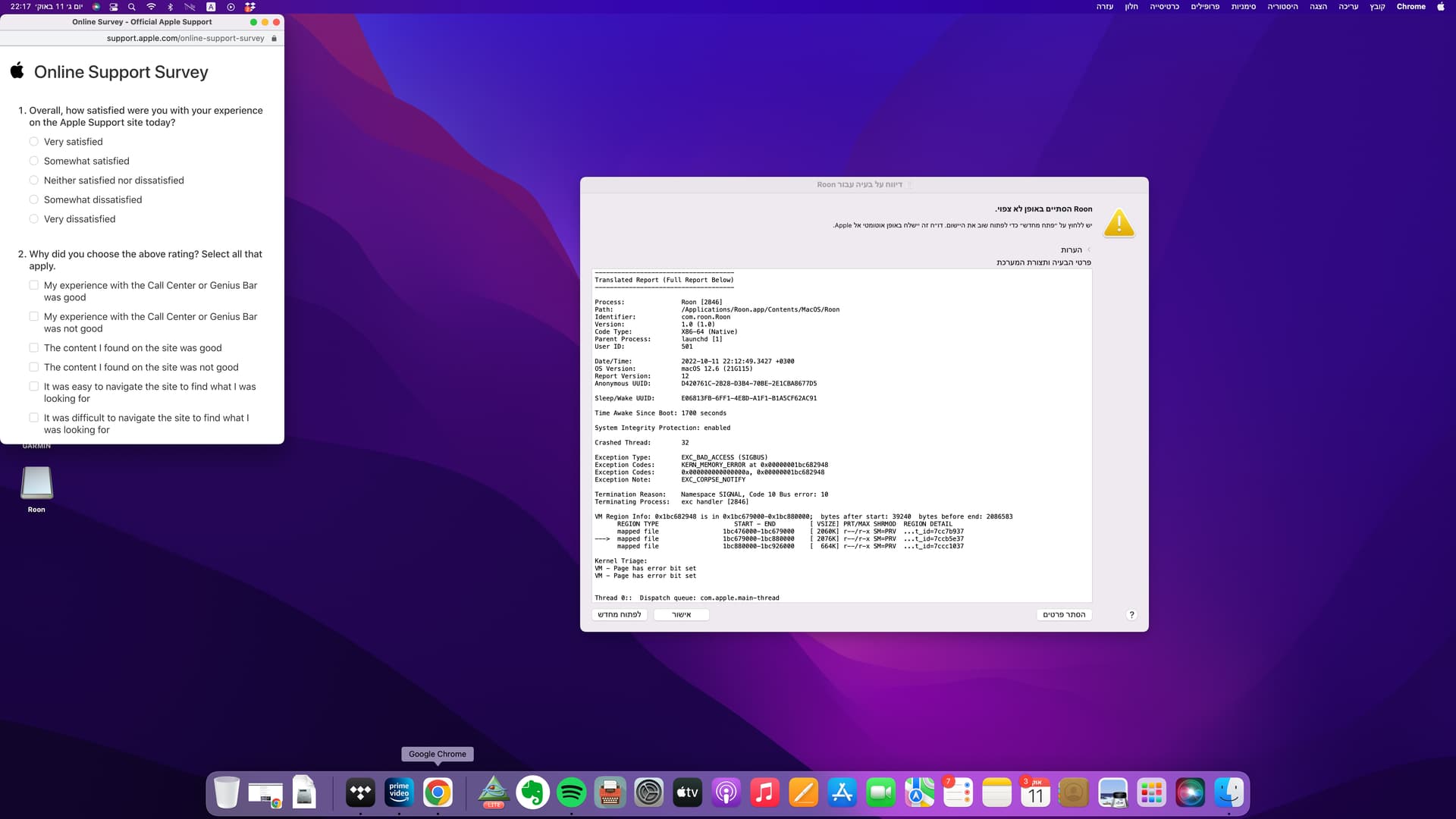
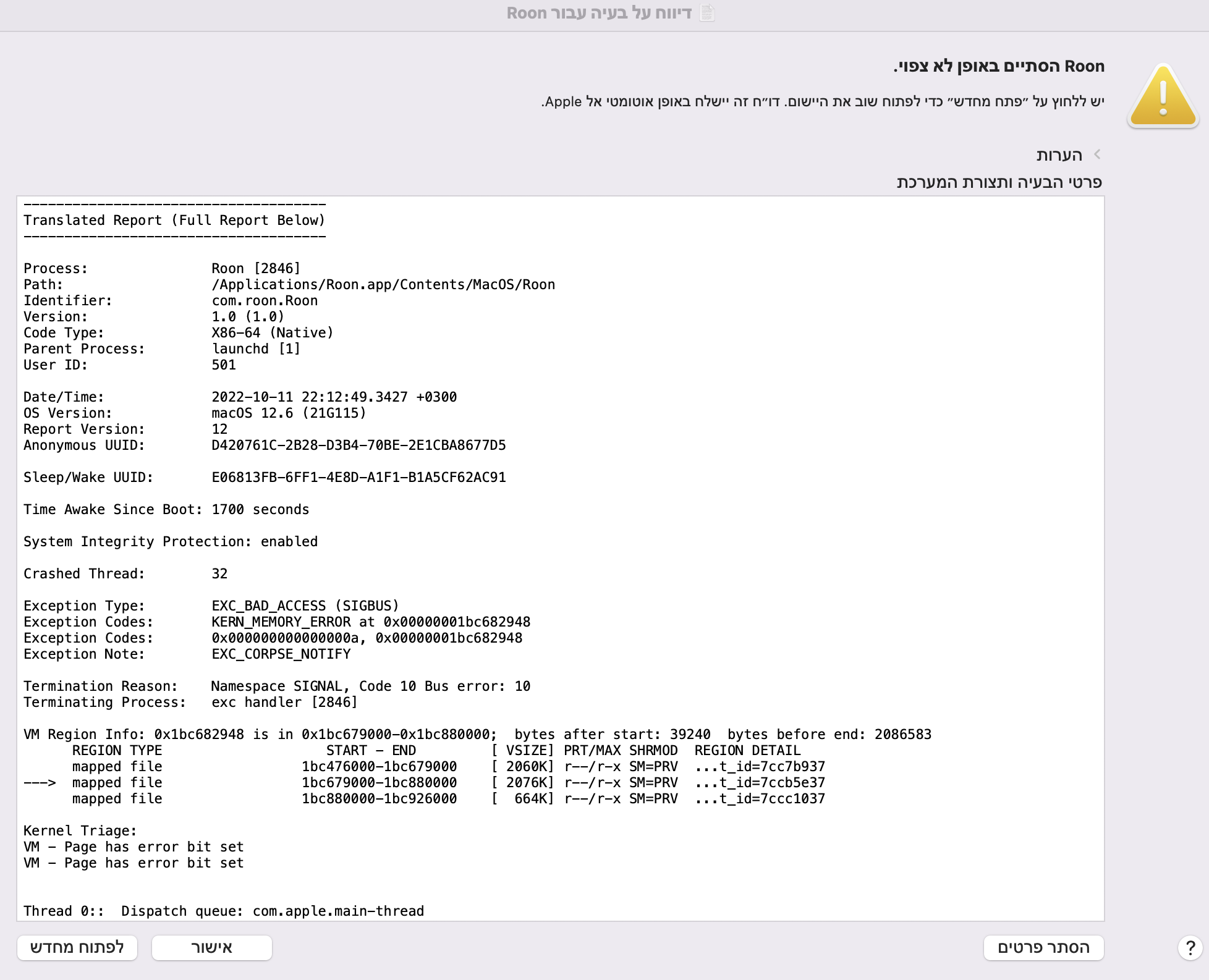
I have uploaded the screenshots form today.
Thank you.
Gad.
Hey @Gad_Velan,
Sorry for any confusion here, we’ll need the full crash log, not the screenshot you’ve shared. The easiest way to get there is to hold down the Option key before clicking on the Go menu in the Finder’s menu bar . The hidden Library folder will be shown in the list. Click on it to open it, then navigate into the ~/Library/Logs/DiagnosticReports/ folder to locate the crash logs.
From there, you can upload it here : https://workdrive.zohoexternal.com/collection/8i5239cc05950ac07456889838d9319545a82/external
Thanks!
This topic was automatically closed 45 days after the last reply. New replies are no longer allowed.