· I use RoPieee to stream and after the latest update it no longer shows up as an audio devise. Everything has been rebooted multiple times, latest version of all software installed. Have also uninstalled everything and reinstalled and still do not see the Pi in audio devises on any of my devises that I use to play from.
Thanks for the update on RoPieee disappearing as an audio device after the latest update. If you can access the web diagnostics page, let us know what it shows there and provide a Screenshot.
so when I go into settings/Setup/Find Roon Os it never finds the server. I am sitting in front of my server and using my phone to try it and it never populates. Is this the correct method/
RoonOS only refers to Roon ROCK or Nucleus servers. You can disregard this button entirely since your Roon Server is hosted on another machine. Since you’re already browsing around within Roon, you’re connected to your Roon Server already.
Ropieee runs Roon Bridge, not Roon Server, which means it’s a stand-alone RAATServer that relies on network traffic for device discovery.
Are you referring to a Roon update or the latest Ropieee update when you say an update caused this problem?
Let’s try a few steps:
Reboot the Raspberry Pi, connected to ethernet, and wait one minute. See if you notice any devices appearing (even briefly) in Settings → Audio in Roon.
Check the RoPieee web UI (http://ropieee.local or the Pi’s IP). Verify if the Roon / Roon Bridge component is enabled and running. Confirm your DAC is detected, since Roon won’t show an output for an undetected USB DAC.
If you don’t see the Ropieee in Roon still, check your router settings DHCP table. Has the Raspberry Pi’s network IP address changed? Is it listed at all?
We’ll watch for your reply and follow up from there. Thank you!
So the update was the Roon Update. I was listening to my music and saw that there was an update so I initiated the update and once that was complete I could no longer access the Pi.
Rebooted and monitored Audio for 2 minutes and nothing showed up.
Used the IP address and it is running and my DAC is detected.
I don’t use any static IP addresses for any of my devices. I have devices that are above and below to Pi’s IP address
Thanks for the update, and for checking those steps already. We have escalated your case to our team for review.
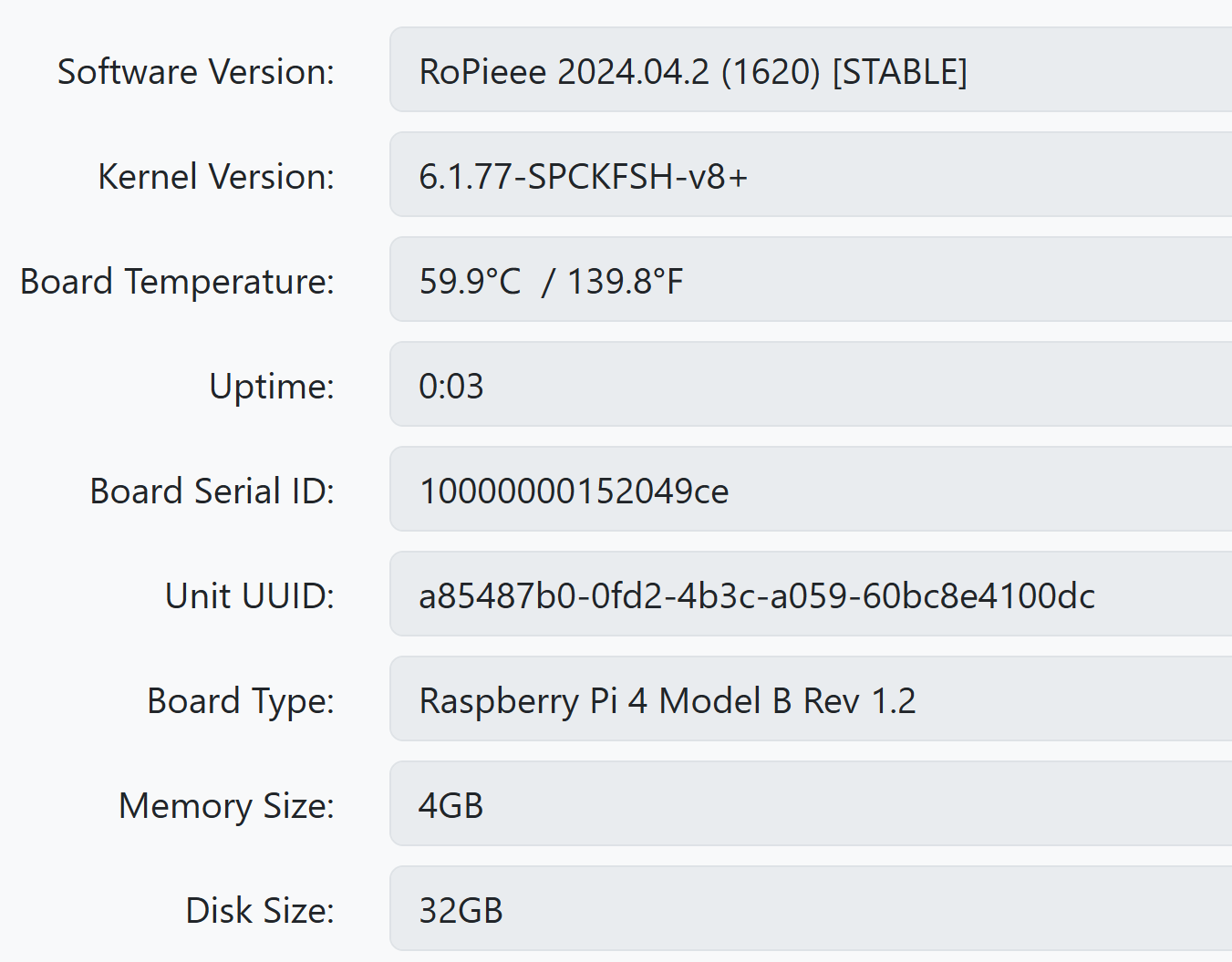
One more detail from you that would help with the investigation: can you please confirm the current IP address and firmware version of the RoPieee device?
We also noticed your note about device IP ranges. If you can share the RoPieee IP, that will help us compare it with the rest of your network setup while we review this. Let us know what you see.
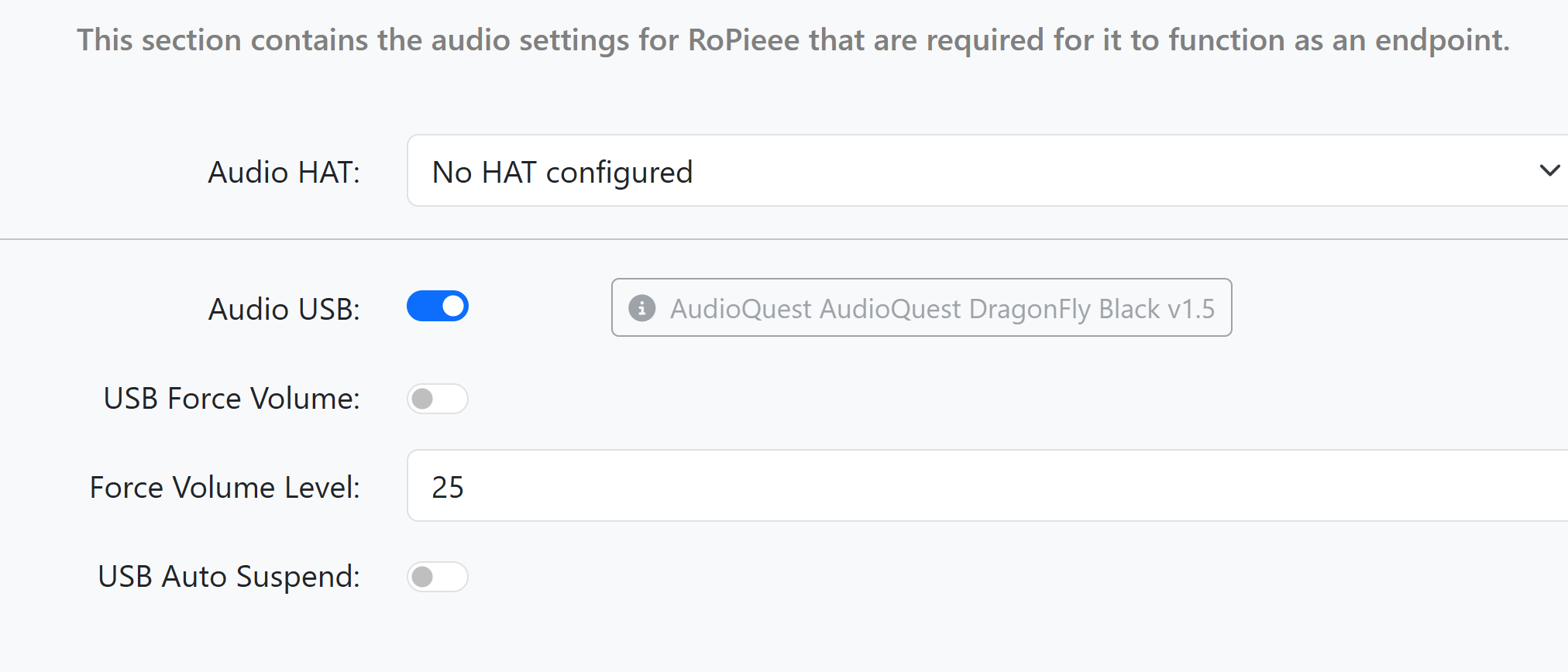
So I also just noticed that on the ropieee under audio I have this’ I have reinstalled it again, rebooted and also moved the DAC to a different USB port and it is still grayed out.
I have gone ahead and enabled diagnostics mode for your account and what this action will do is next time your Roon Server is active, a set of logs will automatically be generated and uploaded to our servers for analysis.
I wanted to reach out because I’ve been keeping an eye on our servers, waiting for the aforementioned diagnostics report.
For some reason it is not reaching our servers, even after I tried re-enabling diagnostics on your account. I also ran a quick test and I was able to submit a similar report from my setup here, so something else is going on.
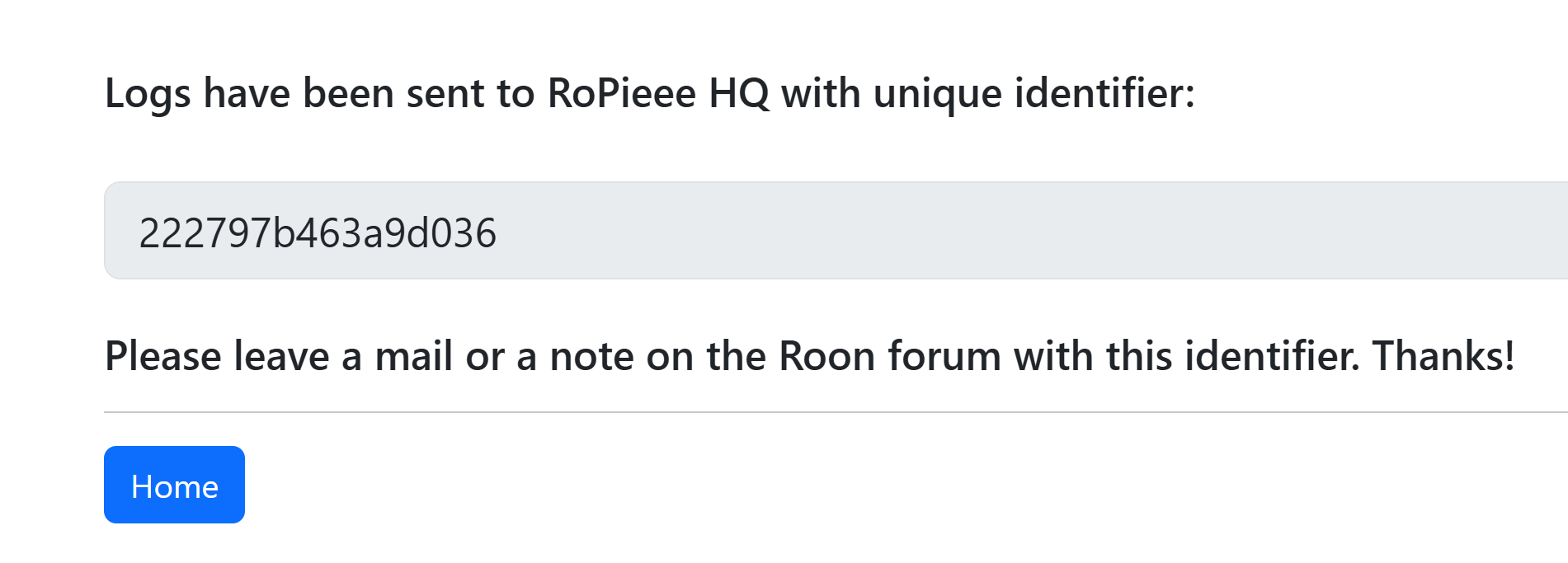
So we can move forward, I was hoping for now you could use the directions found here and send them to our Logs Uploader Service and let us know after, thanks!
Ok, I’ll check it out in a bit. The Roon server is active as I have been using it all day. I did switch Internet providers yesterday and the Pi is not currently hooked back into the network as I need to reconfigure a few things on the router, but as I said, the roon server is active .
Thank you for all your help and I’m glad that you are seeing on your end that something is going on.
OK, so I didn’t realize that since Ropiee was not showing an update button that I had the latest version. It turns out that I had an old version that had too many iterations between that and the new one. I just spent time re-flashing the SD card and now it shows up in my audio devices and operates normally.
I know you said that you were seeing something on your end so hopefully the log files can help you.
I thank you for all your help. Still strange how that 1 update completely broke the connection.