My teenage son, who’s just started getting serious about his musical likes and dislikes, is going to be visiting me for the summer. I’d like to set up a second listening profile, so that he won’t keep getting my music recommendations and vice versa.
Setting up the account is easy, but as far as Roon is concerned so far, his musical tastes–and his entire music library–are the same as mine.
Two questions:
Is there a way to run the initial setup wizard I ran to tell Roon what I liked, so that this second profile is tailored to his tastes?
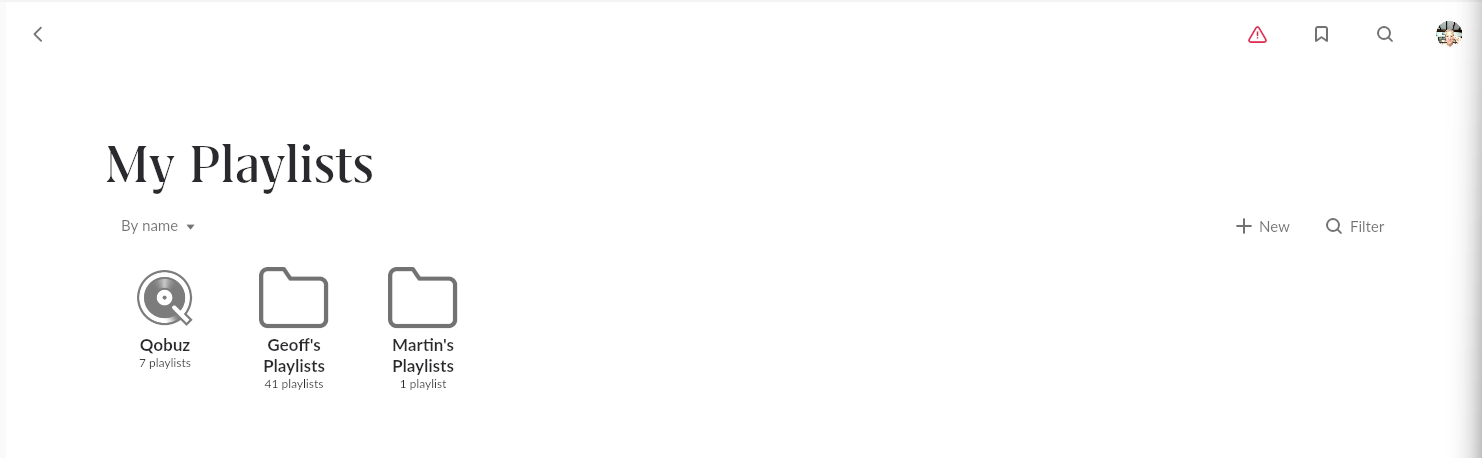
Is there a way to have separate playlists/tags under each profile?
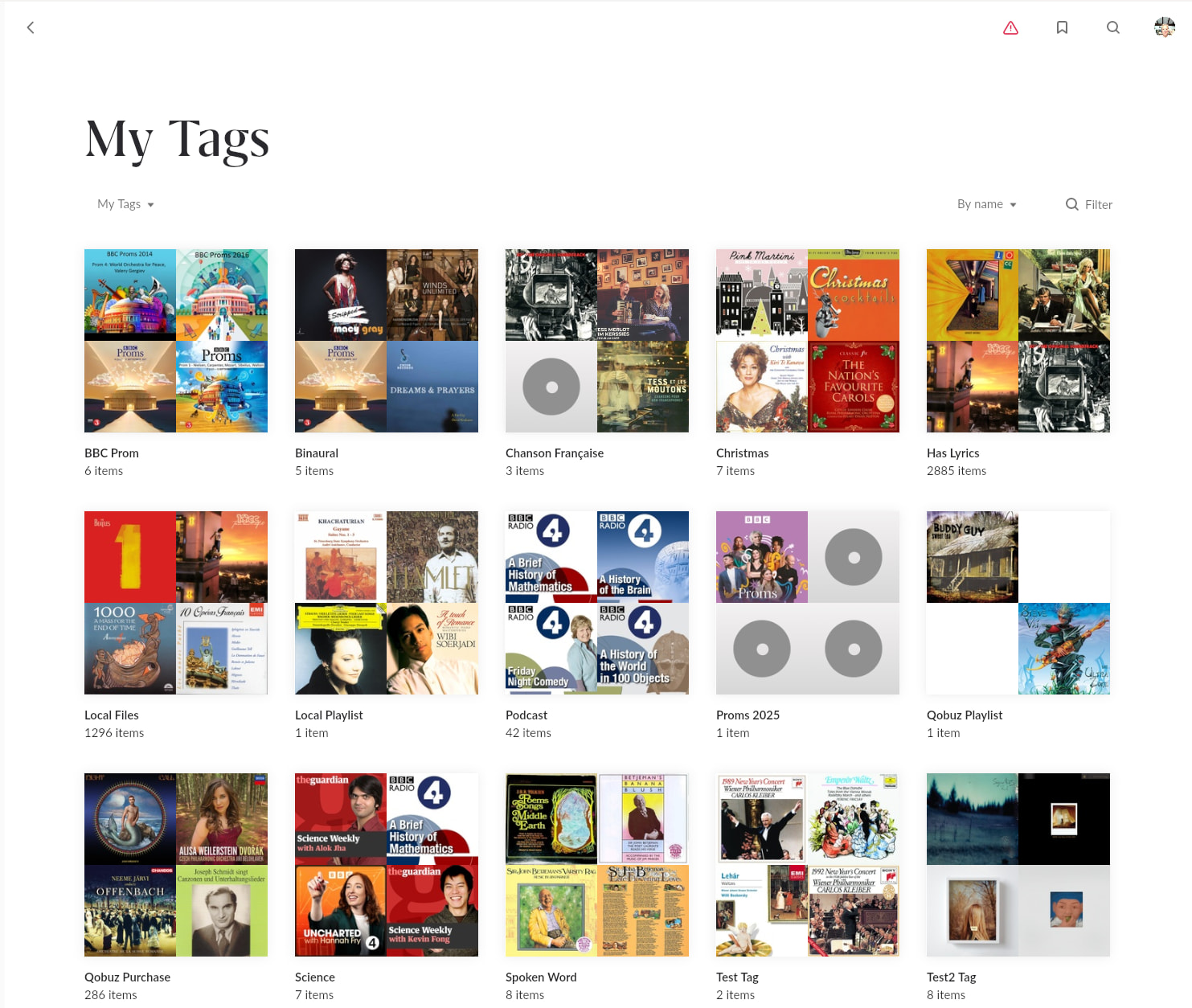
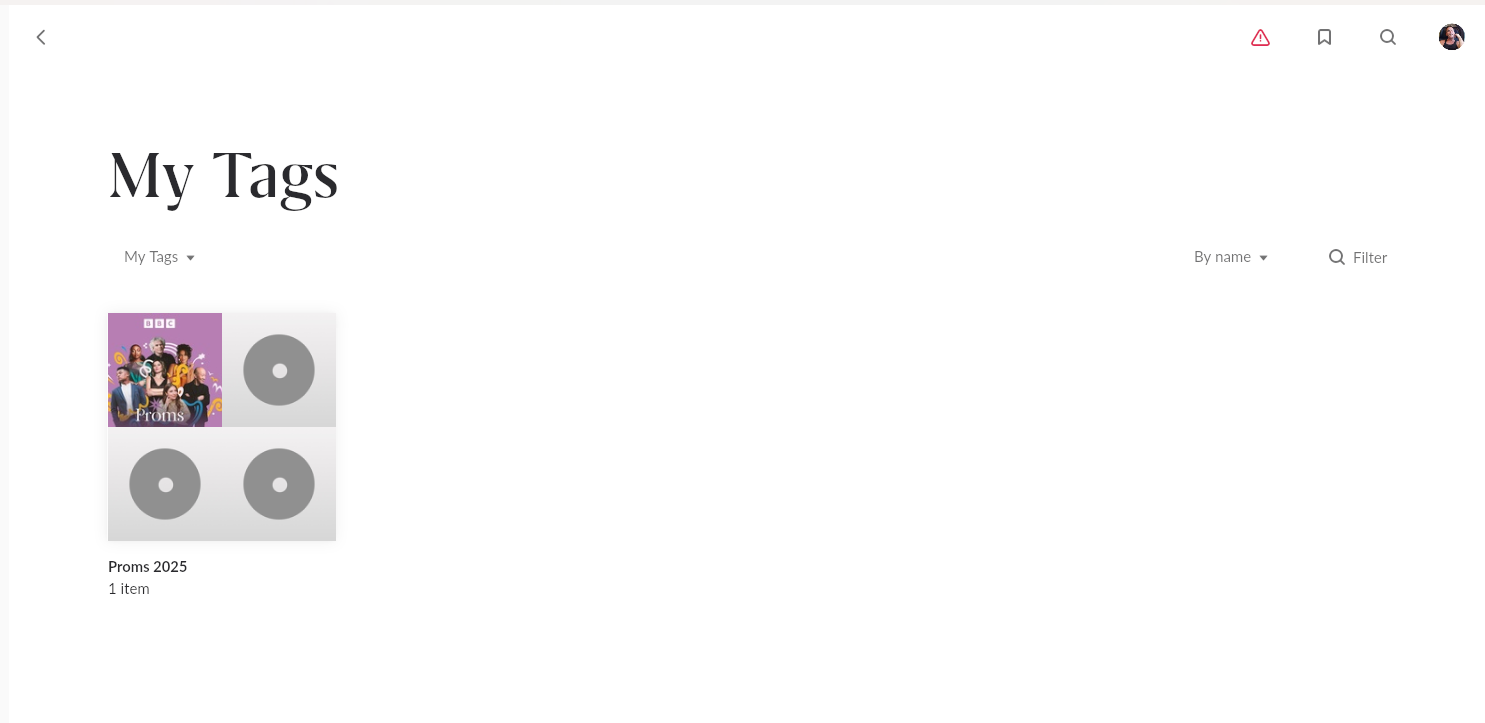
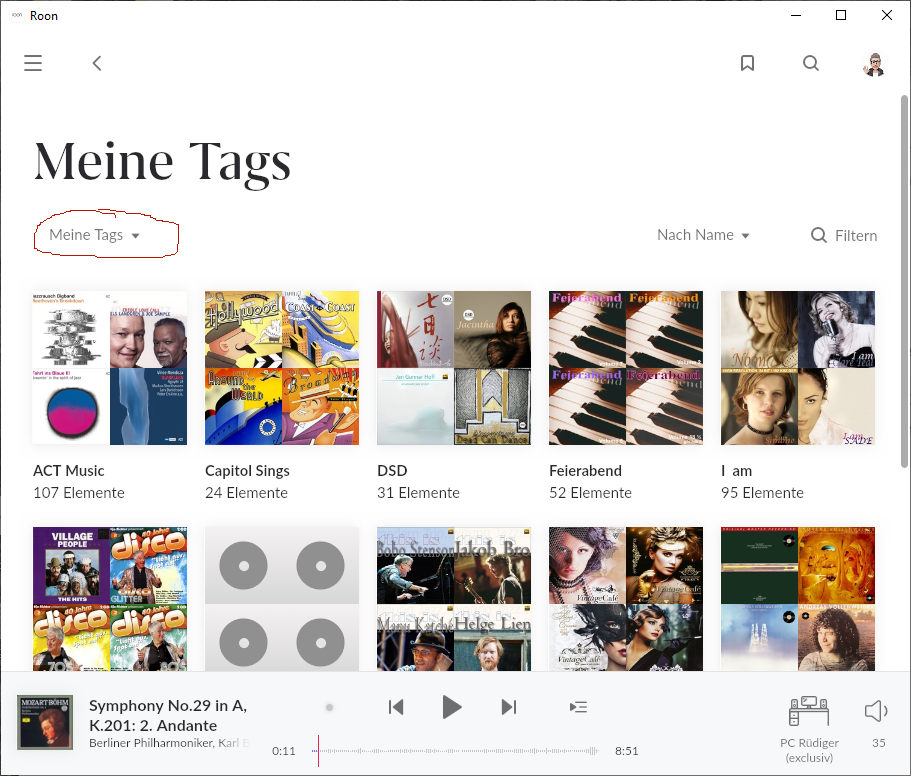
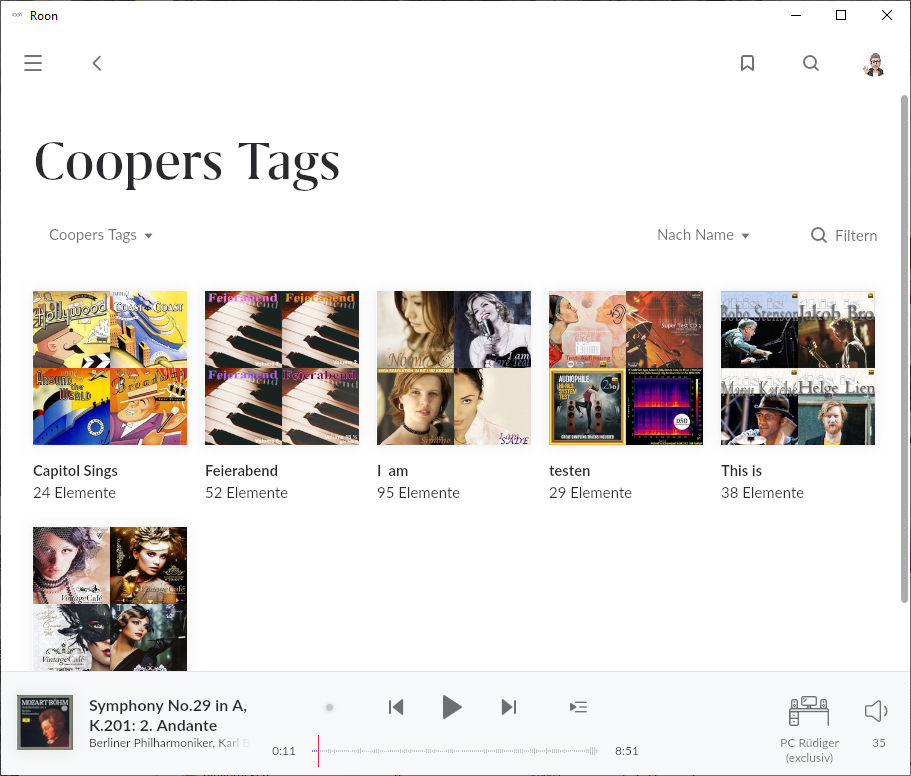
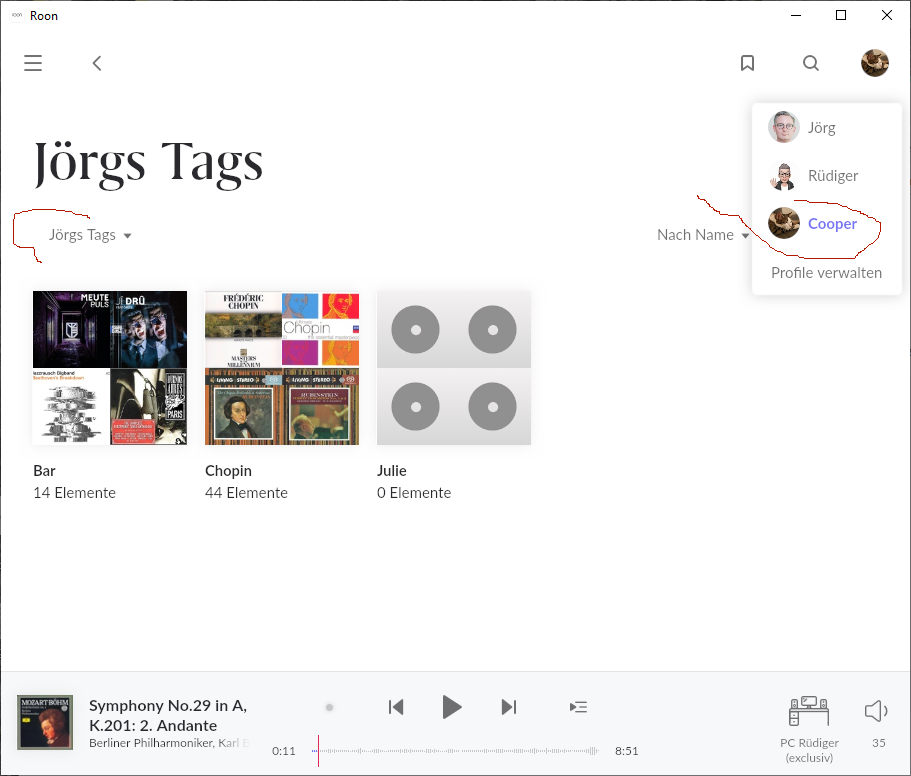
This is true for me, too, only in My Tags. If I go to My Tags, my regular profile shows all my tags, while the guest profile shows „You have no tags“, correctly.
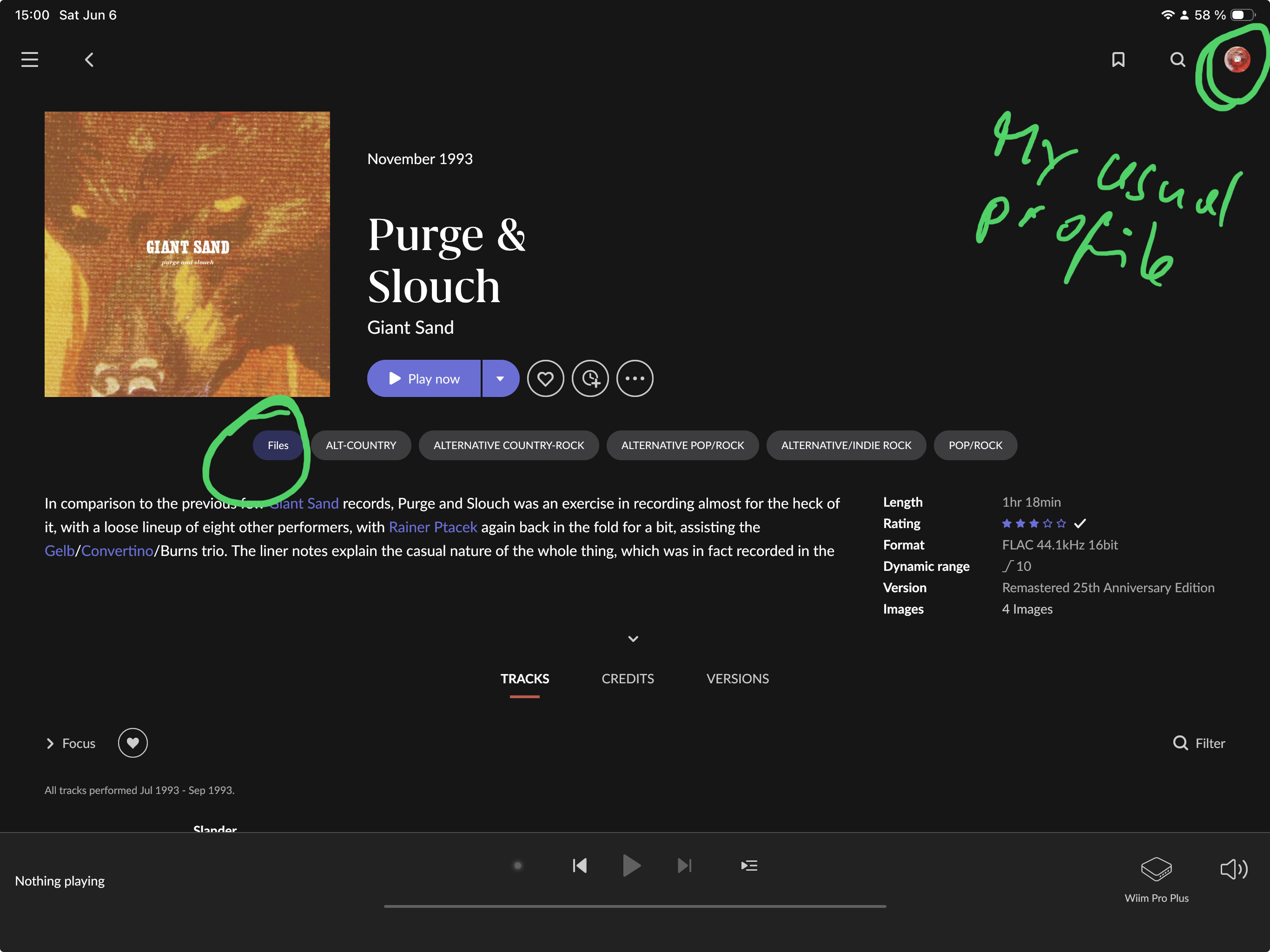
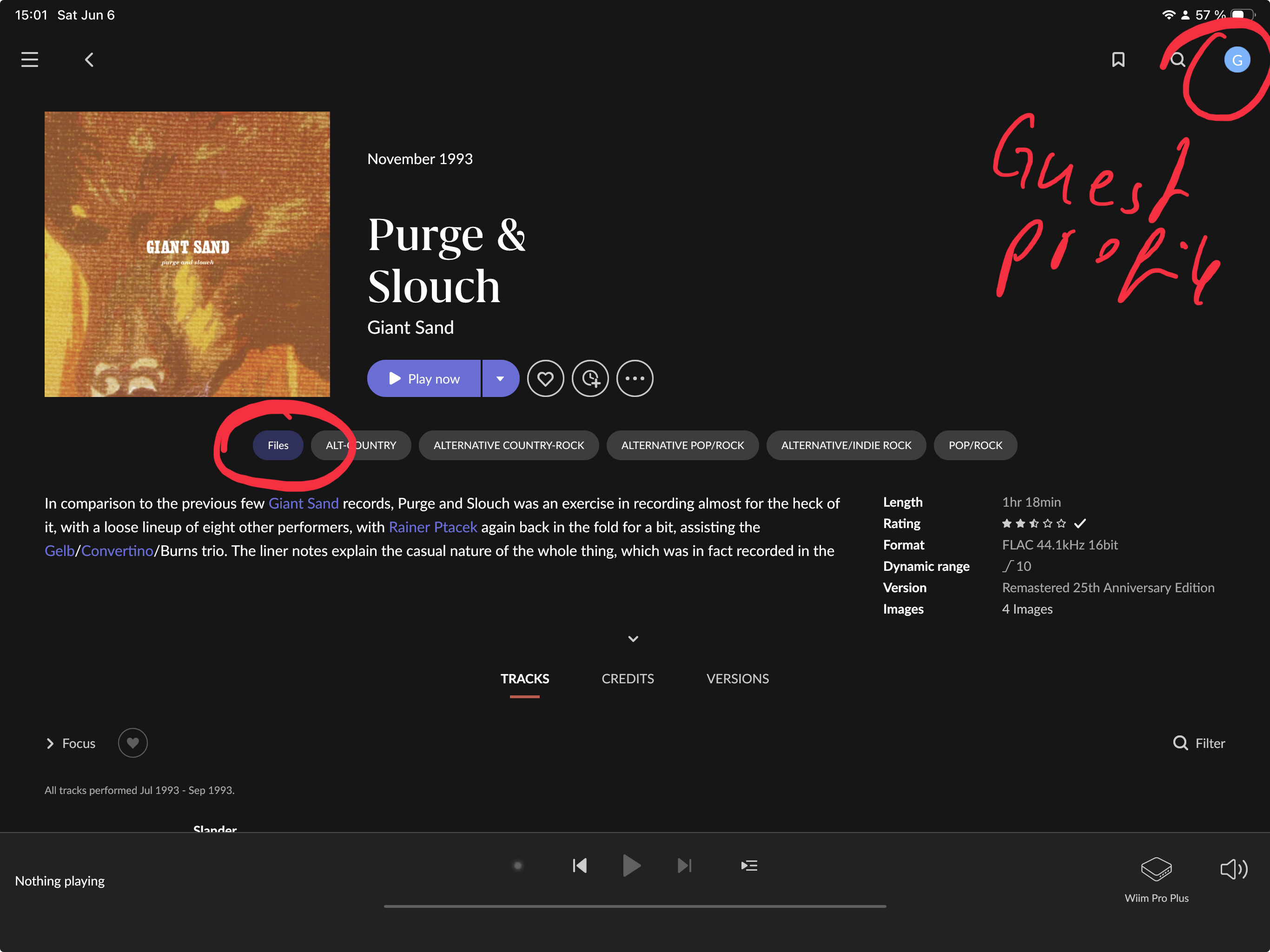
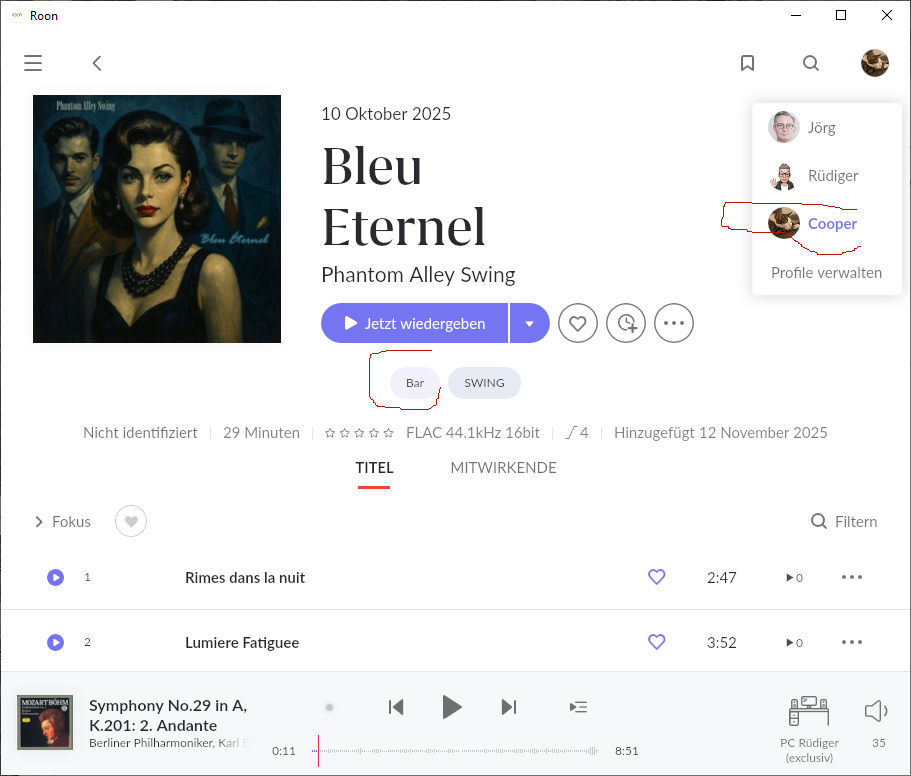
However, if I choose the guest profile and go to individual albums, then the tags from my regular profile ARE displayed on the album page (as in my above screenshots).
Looks like a bug to me. (My versions are all Early Access)
Interesting: On the album page in the Guest profile I see my regular profile‘s tags, but the Add To Tag menu option says that Guest has no tags and can’t edit the ones from the regular profile:
Good point, I didn’t notice this menu in My Tags, thanks.
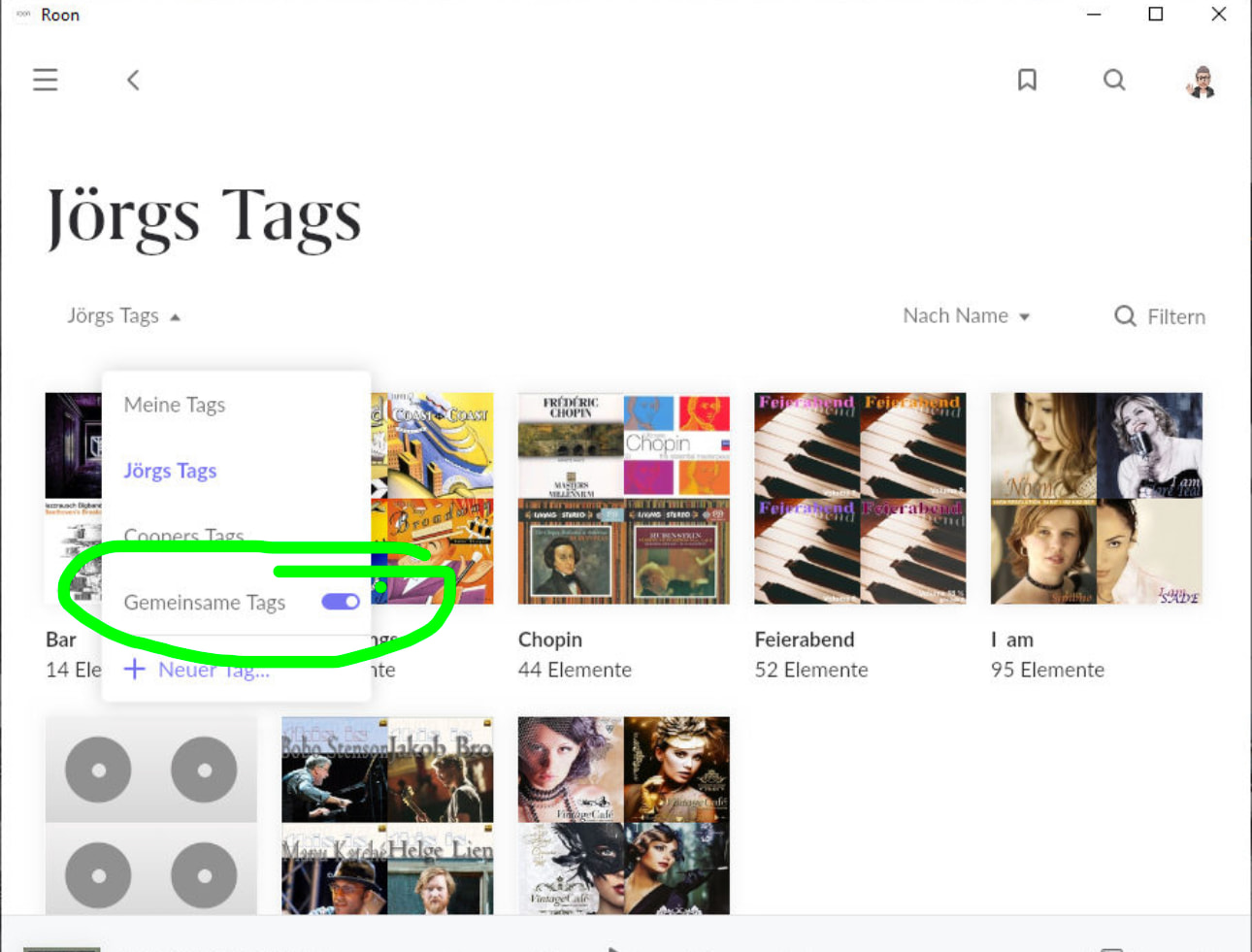
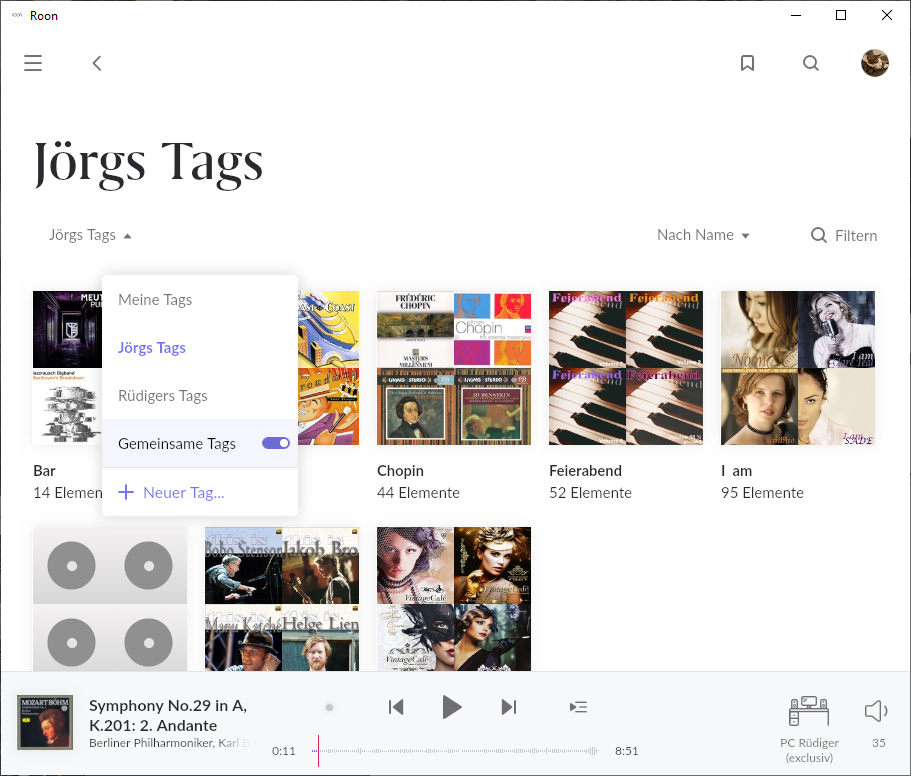
However, it nevertheless shows (regardless of the menu choice in My Tags) the tags of profile A in the profile B, and I can’t see a way to configure this. (It doesn’t matter whether I enable „Shared Tags“ in the menu in My Tags, either)
I see the difference if I go to Library > My Tags, but when I go to an individual album while I am in profile B (Guest), I see the tags that were created in profile A (my usual profile), as in the screenshots I posted above (and there seems to be no way to change this - the “Gemeinsame Tags”/“Shared Tags” switch in the menu from My Tags makes no difference)
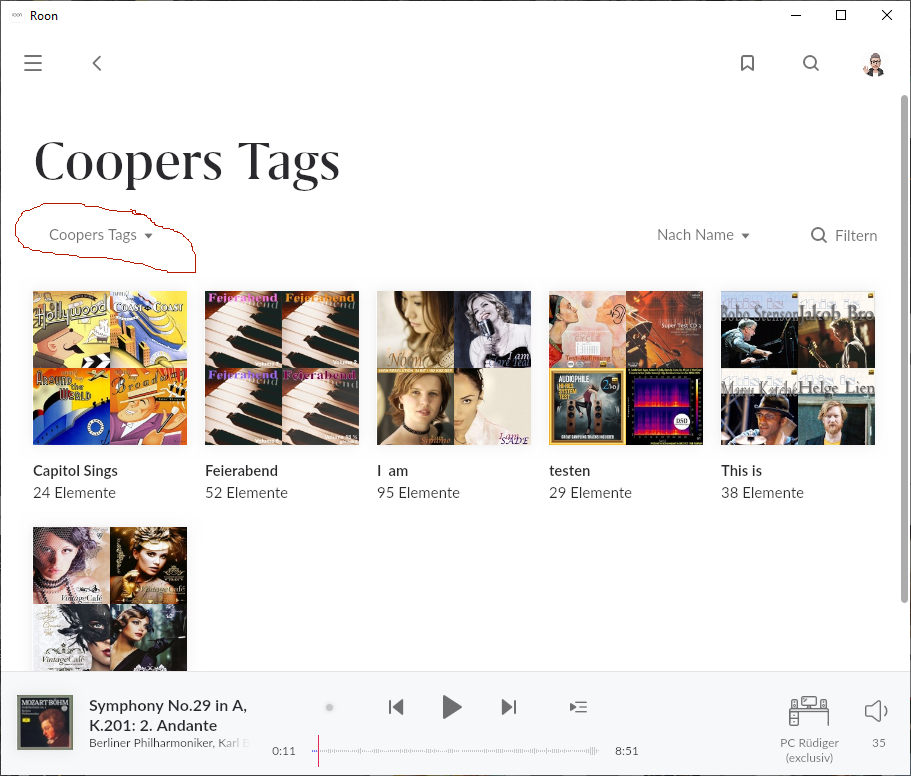
Cooper doesn’t actually have the “Bar” tag in his profile — but if I select an album that carries this tag, he naturally sees the tag in his profile because it is associated with the album.
I consider this correct, since the album properties are being displayed.
I don’t think that’s difficult at all. Roon already knows which profile created a tag (because it uses this info in My Tags already) so it can simply do something like:
If (tag_creator_profile(tag) == current_profile) {
display(tag);
} else {
do nothing;
}
(With some option added there for tag sharing yes/no)
Ok thank you, I don’t see a difference simply because only my regular profile has any tags.
I acknowledge all the limitations around profiles (and there definitely should be more optional separation and privacy/security) as per the existing feature suggestions, but I don’t think my suggestion depends on fixing this fundamentally (unless the existing code is weird).
But anyways, not a big problem for me and thanks for helping me understand this aspect of Roon better! (I barely use it)
Yes, that is how it has worked. Tags show just the Tag’s that profile has created by default, but, you can use the drop-down to look at other profile’s tags.
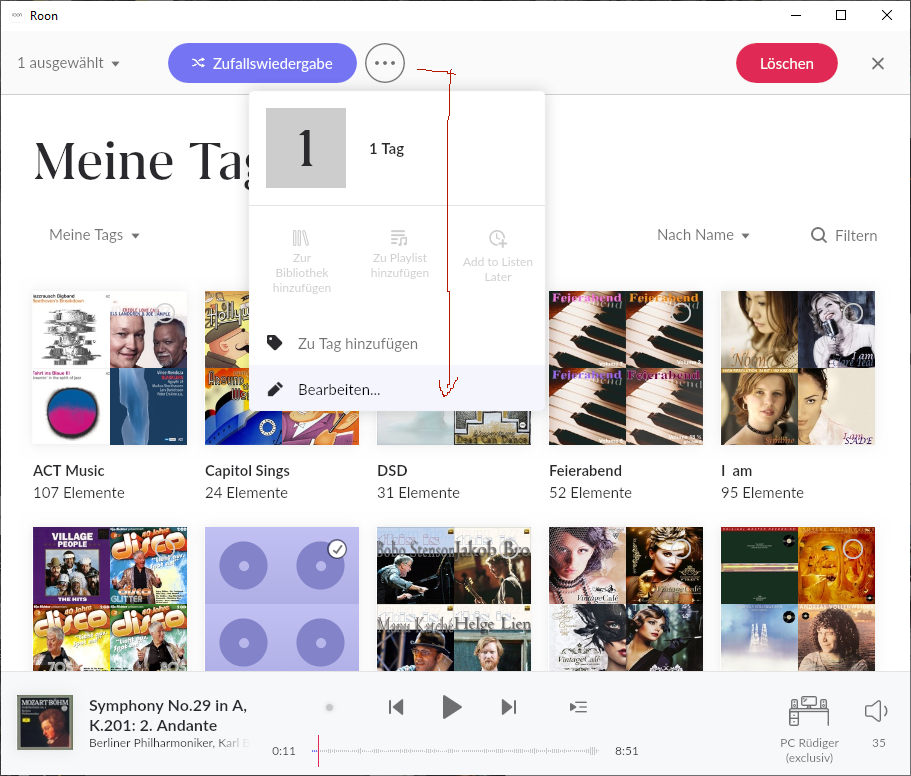
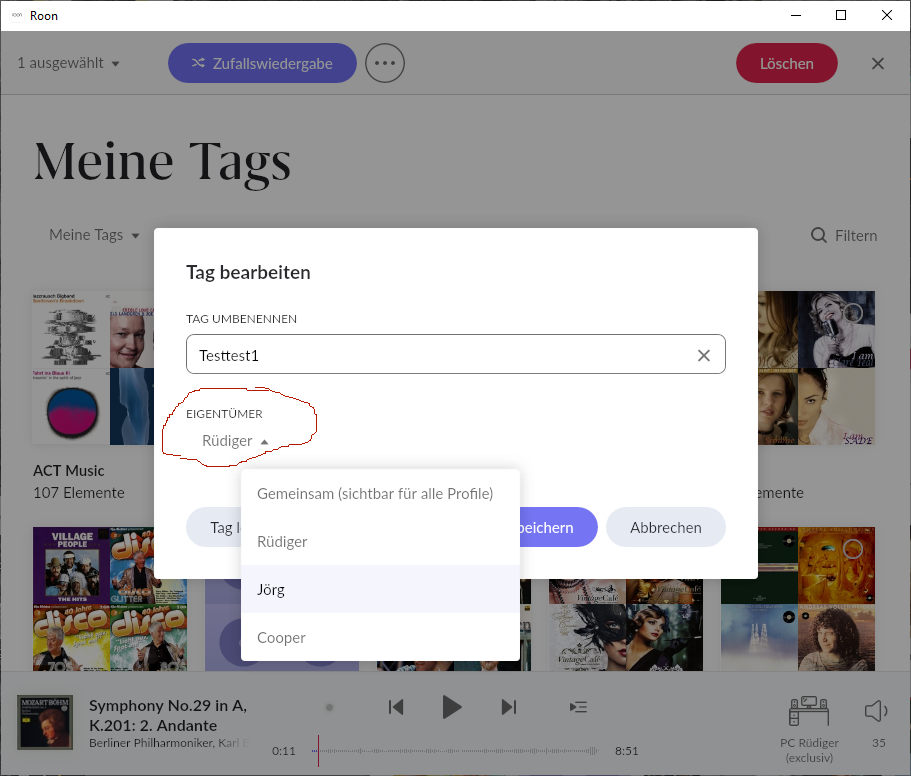
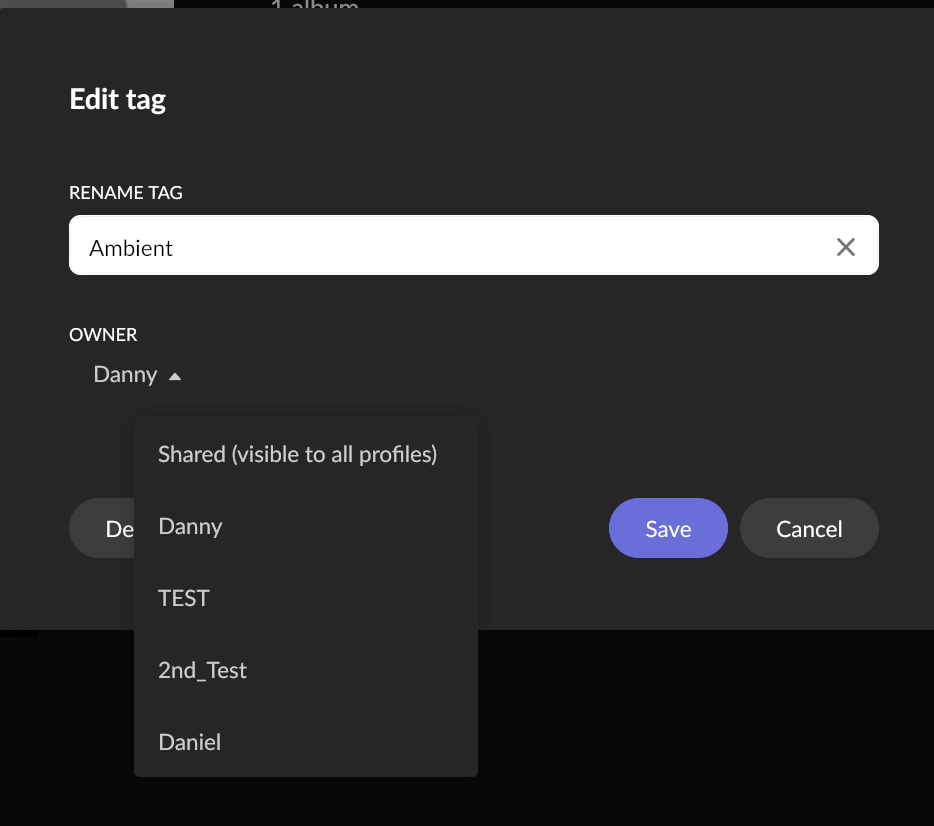
Keep in mind that there is a Tag Editor and under this editor you can assign ownership. Example,
As you can see you can switch ownership of the Tag between profiles, also, you can set the Tag to Shared. It is these Shared Tags which are toggled on/off by switch in the Tags dropdown. Ages ago Roon, the owner management screen was more visible. It also used to be used for Playlists in the same manner.
What I still don’t understand is why tags would be visible only to the owner in My Tags by default, if they are visible to everyone (without a choice) on the individual albums, tracks, etc., anyway.