Samba SharePoint Unavailability and Fixes (ref#SA4FLJ)

Hi! What’s not quite right with Roon?

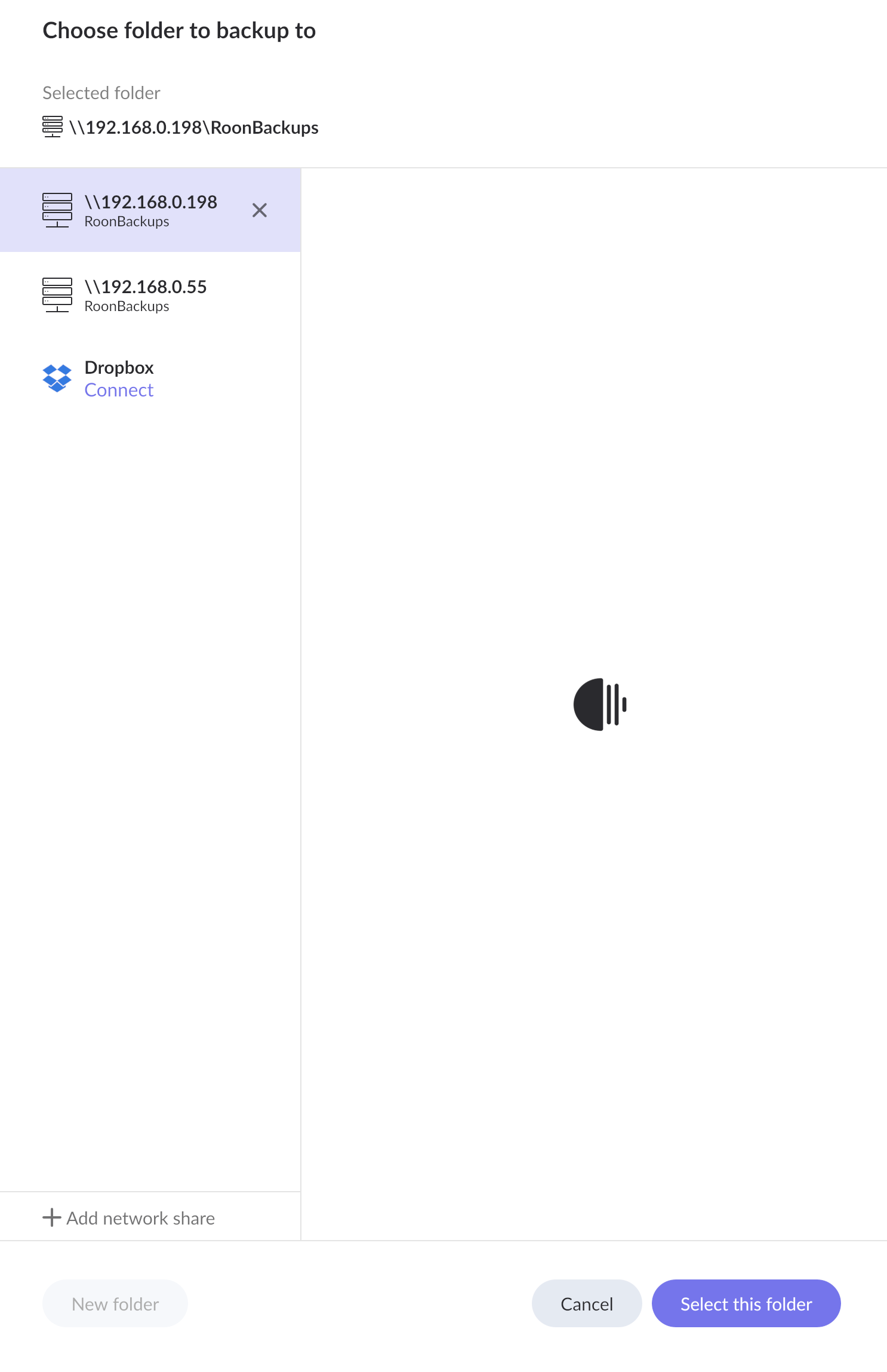
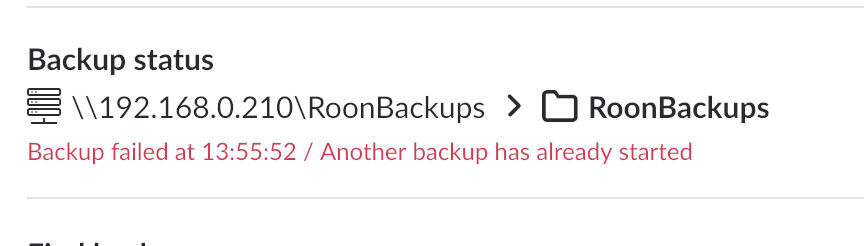
· My Samba Share becomes unavailable for Roon to back up to; I have changed nothing

Why does this happen? How do I find the cause and fix it once and for all, please?

· None of these quite match

Tell us what's going on

· What causes a Samba SharePoint to become unavailable; how do I fix it

Tell us about your home network

· Synology RT6600ax

macOS 26.5

Mark,

It can happen if the IP address changes during a lease renewal, unless you’ve set up a DHCP reservation or static mapping for your device.

1 Like

Thanks, @DDPS!

That could be it, of course :slight_smile: .

I assumed that since I used a canonical name (not IP address) in System Settings, it’d resolve itself to the correct address no matter what. Probably because I upgraded to 26.5 this afternoon… forced a lease renewal.

If I follow the instructions here, I don’t see my Mac in the results.

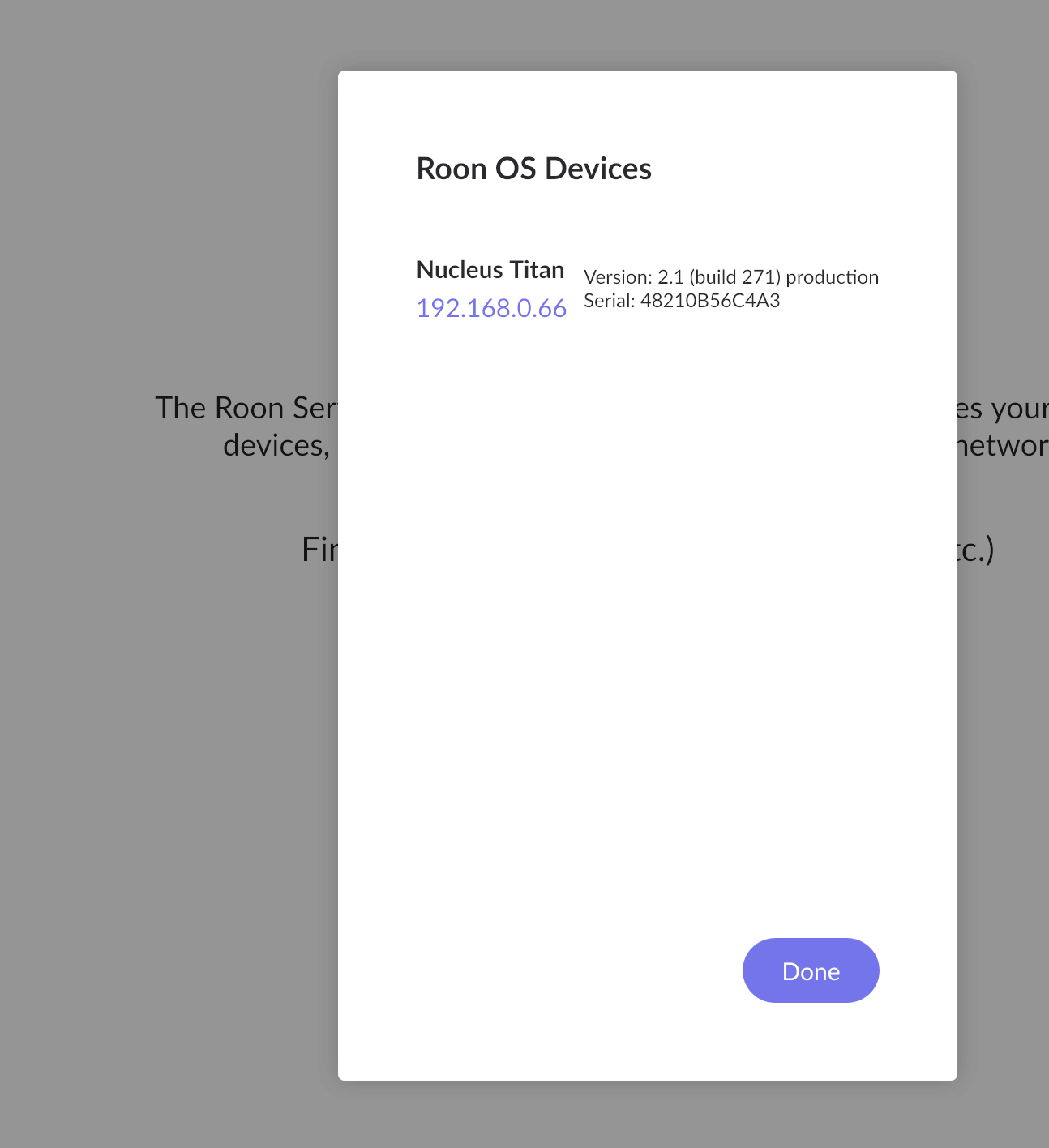
Would my Mac (Studio M4 Max) be the same IP address as under Networking > Ethernet > DHCP (‘Static IP‘ is all zeroes for all four parameters of all four octets in each case) > IP Address in the Nucleus web GUI?

If so, it’s not now what’s been set in Roon, 192.168.0.198.

So presumably my ISP renewed and it’s now safe to delete that SharePoint, is it, please?

The new one I created works.

Is it safe/advisable/good practice to set up a DHCP reservation in the Access SRM?

Your help greatly appreciated!

From Network & DHCP | SRM - Synology Knowledge Center

Manage DHCP clients

At Network Center > Local Network > DHCP Client, you can see a list of DHCP clients and their properties. If you want a client to always receive the same IP address during DHCP lease renewal, select the client and click Add to Address Reservation. Alternatively, you can follow the steps below.

To add a client from the DHCP reservation list

  1. Go to Network Center > Local Network > DHCP Reservation.
  2. Click Add.
  3. Specify a client’s MAC address, hostname, and the IP address you want to assign to the client.
  4. Click OK to save your settings.

And yes you can delete the old share reference. BTW your ISP has nothing to do with this side of your network. This is all internal networking, governed by your router.

1 Like

Very many thanks, @DDPS!

Why and when does the Synology decide to re-lease?

Is it good practice (safe, more efficient, simpler) for me to add devices to the reserve list? No adverse side effects?

There is no real logic to it. All routers are somewhat stochastic about DHCP IP address assignment. That’s why, when it matters, one should set up a DHCP reservation between a device MAC address and its desired IP address. This is the new-world alternative to a static IP address, the benefit being that you can actually set up the mapping before you even plug in a new piece of equipment, presuming you look for the little label on most equipment that lists its MAC address…And yes, it’s more efficient, 100% safe, and simpler to do it whenever you can. ALL of my household devices have DHCP reservations as a matter of fact :slight_smile:

2 Likes

Thanks again, @DDPS!

Shall follow your guidance :slight_smile: .

1 Like

Hey @Mark_Sealey,

Good to see you! Sorry to hear about the disconnects you’re experiencing. @DDPS is spot on correct with all the information shared so far - thank you @DDPS :raising_hands:

Let us know if it gets you back up and running properly, Mark!

1 Like

Benjamin.

Thanks; and thanks to @DDPS. Yes; that fixed it for now.

But I’m still encountering situations (far more often than I’d like to) when the only way to get Roon working is physically to disconnect and reconnect the power from/to Titan. That seems to do resets which nothing else will.

Appreciating that you and your team are extremely busy, what would be the best way for you to help me here with this, please: I am all too well aware that such hard resets - however carefully I make sure that nothing is running - are dangerous for the integrity of the database?

A DM to you, a new ticket, more info here; what will get the best solution, please?

TIA…!

Hello @Mark_Sealey,

You are absolutely right to be concerned—while the Titan is a robust machine, frequent “hard resets” by pulling the power are never ideal for database integrity. We definitely want to find out why the system is getting into a state where it feels unresponsive.

I’ve taken an initial look at the current diagnostics, but nothing is jumping out as an obvious culprit for these freezes. To catch this in the act, we need to look at the logs from a very specific window.

Next time this happens, please do the following:

  • Note the Time: Write down the exact local time when the Titan becomes unresponsive.
  • Note the Activity: If music was playing, let us know which track or which zone was active.
  • Post the Timestamp: Perform your reset to get back online, and then post that timestamp here immediately.
This will allow us to pull a fresh set of diagnostics and look at the "tombstone" logs right before the crash to see what triggered the hang.

There is no need for a new ticket or a DM; staying in this thread is the best way to keep all the information in one place for the team to review. We’ll be standing by for your update!

1 Like

Thanks very much for this, @vadim! I’ll do as you say.

I’ll note (and post here) the exact time… it’ll be Pacific Daylight (California, US West Coast).

I never get freezes or crashes in the normal course of events.

Circumstances, though, in which I reluctantly need to physically power down Titan (I can supply its serial number and date of purchase from you etc) include:

  • when I apply both Roon Server and Remote updates at the same time/in the same session
  • when a backup fails or a backup (from Titan)’s destination becomes unavailable as DDPS kindly solved for me here
  • on other rare occasions when one or more components of the Server-Remote system doesn’t ‘see’ the others.

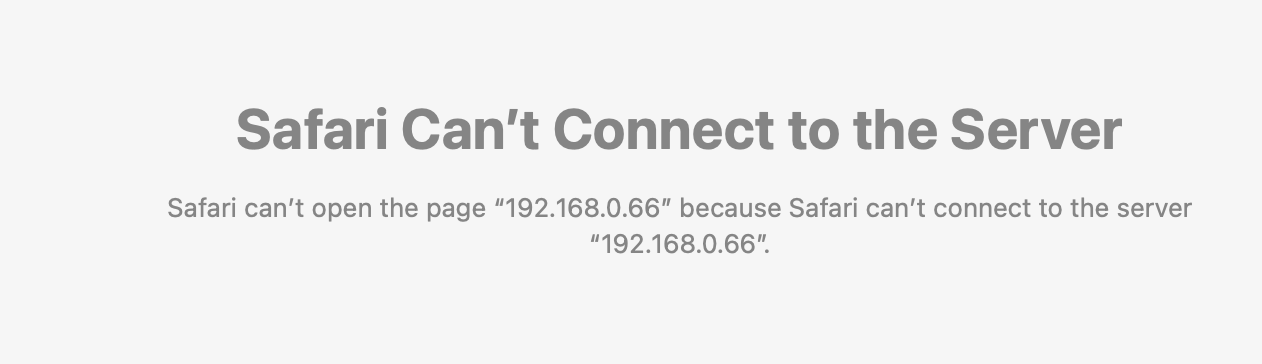
Then I first soft restart Titan in the web GUI interface. That usually appears to work. But on those occasions Roon on my Mac (currently 2.66 build 1658 on Tahoe, 26.5… will advise if either changes) fails to see Titan… ‘Waiting for server’ etc

It’s at that point that neither another web-gui-induced (Re-)Start, nor even a Power Off or Reboot (red button top right) works.

Yes, those will appear (in macOS’s Finder > Network) to bring Titan back online; it remains visible in the SMB Share setup. But still Roon ‘client’ cannot connect.

As suggested in this thread (mine is a longstanding problem), I have tried waiting for up to 15 minutes. But Titan never becomes available to Roon itself. That reluctant, very reluctant (!) power down with the low volt power cable always seems to reset it and get it back online.

If (when?) there’s a next time, I’ll annotate it all as fully as I can…

Many thanks again!