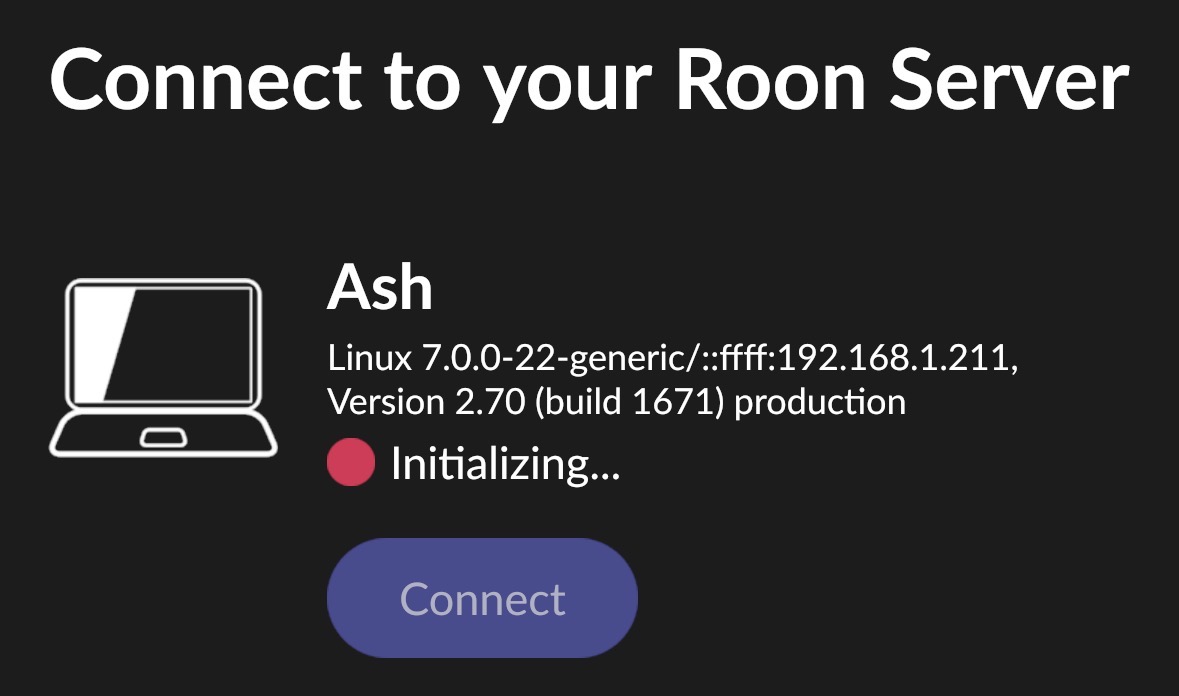
Thanks for the report. Does this issue have any pattern associated with it, for example, does it only happen on initial server bootup? Or does it happen even if the Roon Server is already running for some time? Once connected, is the system operating as expected, or are you noticing any other issues, such as slowdowns?
The issue seems to get worse the longer the server runs. Restarting the server can make connections fast for a short time, but within minutes to hours the issue returns. Everything seems normally responsive once it’s connected, it’s primarily the initial connection time that is slow.
Roon Server 2.70 (build 1671) production, official Package roonserver · GitHub , Docker with network_mode: host
Host: Ubuntu, kernel 7.0.0-22-generic, 4 CPU i5-6500T, 16GB RAM, no other containers
No container memory limit — HostConfig.Memory = 0, cgroup memory.max = max
Database on local NVMe; media on NFS
Some excerpts from the logs:
Idle:
07/23 04:49:05 [stats] 2561mb GC-committed (2162mb Managed-live = 84% of committed)
  ... 181ms GC pause in last window (1.21% of window)
During a client connect:
07/23 04:56:11 [stats] 3010mb GC-committed (2739mb Managed-live = 90% of committed)
  ... 9915ms GC pause in last window (66.05% of window)
Worst observed:
07/16 01:24:56 [stats] 3282mb GC-committed (2855mb Managed-live = 86% of committed)
  ... 15120ms GC pause in last window (98.37% of window)
Thanks for the detailed writeup and the logs, that combination made this much easier to pin down.
Your instinct is right that the slowness is on the server side, and specifically it’s garbage collection that’s the culprit. Across your logs the managed heap is sitting at 83–90% of committed almost continuously, which forces the runtime into back-to-back “stop-the-world” GC pauses. In your capture the median pause is close to 4 seconds and the worst are 15–16 seconds, with a meaningful share of time windows spent more than half inside a pause. While the process is paused like that, the component that answers a remote’s initial connection is frozen too, so a client that reaches out mid-pause just waits. That’s exactly why the initial connect is slow while everything feels normal once you’re in, and why it gets worse the longer the server has been up: the footprint climbs steadily with uptime (which is also why a restart helps for a while).
The good news: our current Early Access branch includes a memory optimization aimed squarely at this GC behavior, and it should reduce both the heap pressure and the long pauses you’re seeing. I’d really like to have you try it and let us know whether your initial-connection times improve.
This said, we’ll be moving all the work from Early Access over to the full Production branch with our next Roon update. If you’d like to continue with a daily reboot of Roon Server until the auto-update prompt pops up, that is completely fine as well.
I’ll share a link to EA below:
A couple of things worth checking in parallel, independent of the branch:
Your nightly backup (around 03:00 local, to the NFS target) lines up with the heaviest spikes in the logs. If it's convenient, try backing up to local storage rather than NFS and see if that smooths out the worst of it.
Given the library size and the amount of works/performances metadata, it's worth confirming the host isn't dipping into swap under load, that would exaggerate the pauses considerably.
Thanks for letting us know of the improvement; this is great news. We also released another Early Access shortly after your response, so if you haven’t had a chance to test that one, perhaps it would show even more improvements.
Things are generally better, but today on the latest build I experienced a connection time >60s. After that I changed my backup to run locally instead of over NFS. Will check back in the AM to see if that reduces the load.