What kind of performance/speed issue are you experiencing?
· Adding music to library take a long time/doesn't complete
Please try to reboot your Roon Server
· No, the issue is still the same even immediately after a reboot
Please try to reboot your networking gear (Router/Switches/etc.)
· No, the issue is still the same even after a reboot
Is there any change in behavior if you try to navigate to Roon Settings -> Library and set both Background and On-Demand Audio Analysis to Throttled or Off?
· No, the issue is still the same
Does the issue happen on multiple Roon Remotes (controllers) or just one?
· I only have one Roon remote to test with
Please try to restart your Roon Remote (controller) app
· No, the issue is still the same even after a restart
What is the operating system of your Roon Remote (controller)?
· Mac
Reinstall Windows/MacOS Roon Remote App
· No, I am still having the issue even after reinstalling
Router Domain Name System (DNS) change
· I don't know how to do this
What is the operating system of your Roon Server host machine?
· Roon Optimized Core Kit (ROCK)
Timestamp of issue occurrences
· regularly, but sometimes everything works well.
Describe the issue
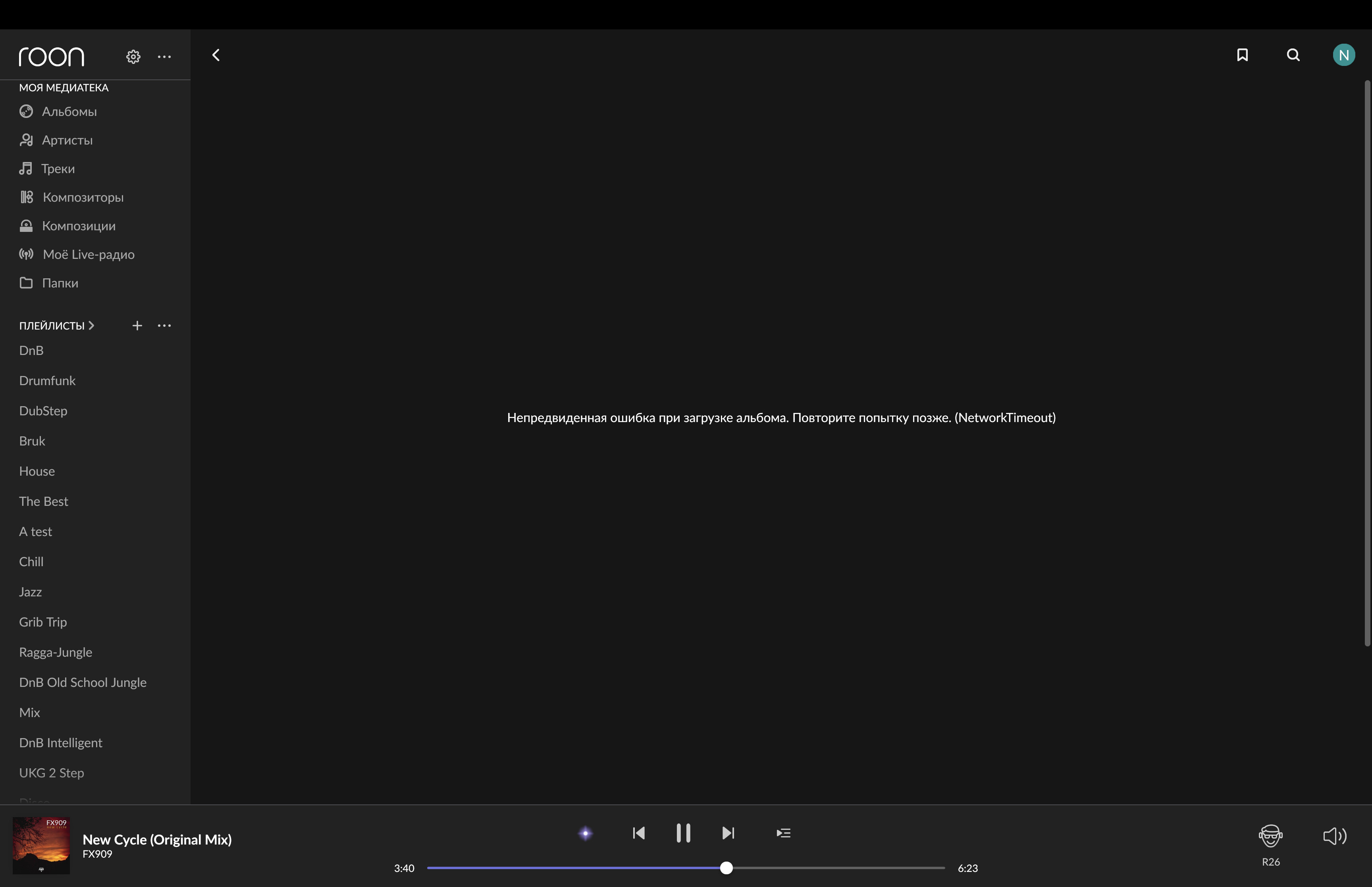
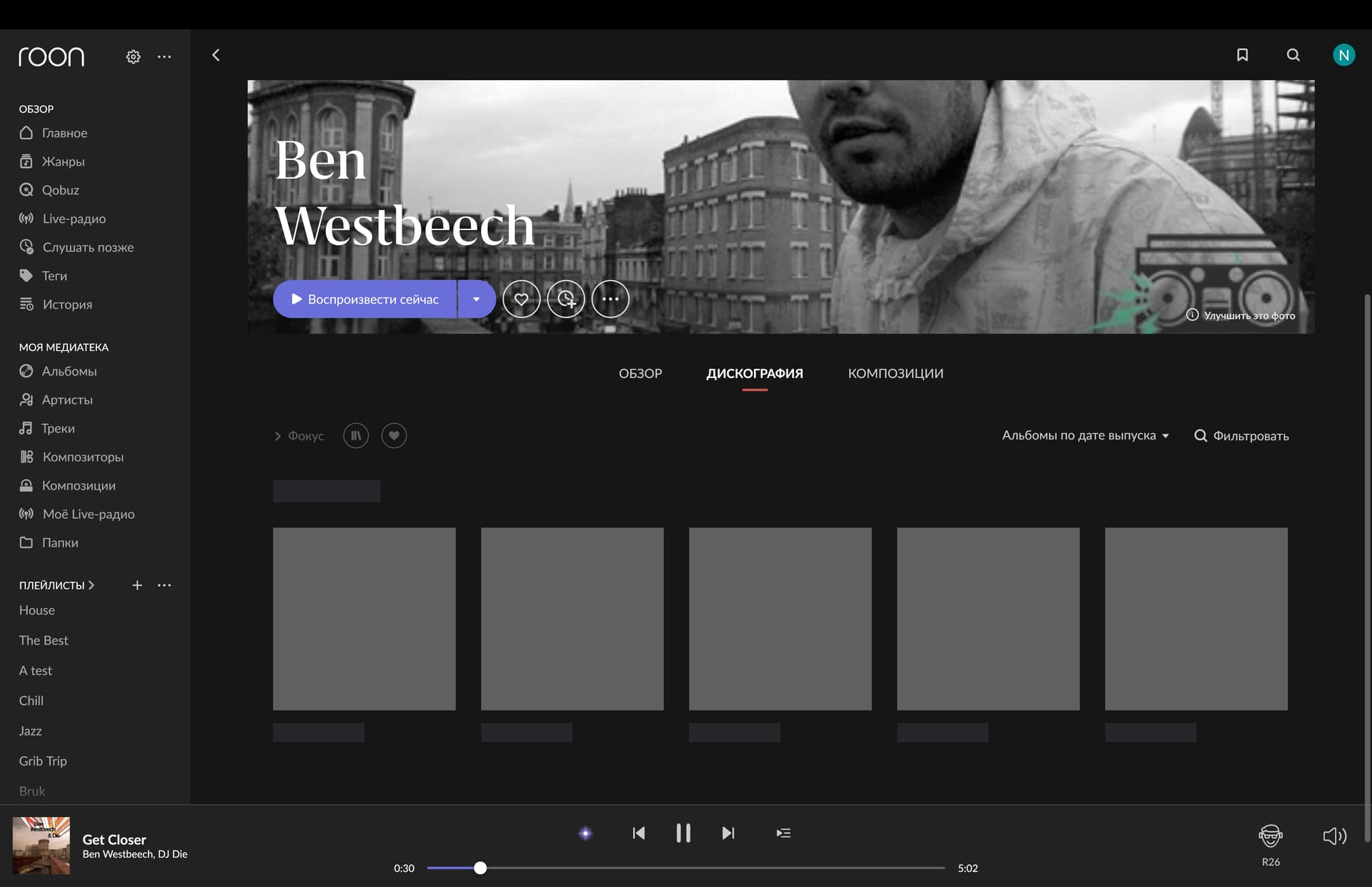
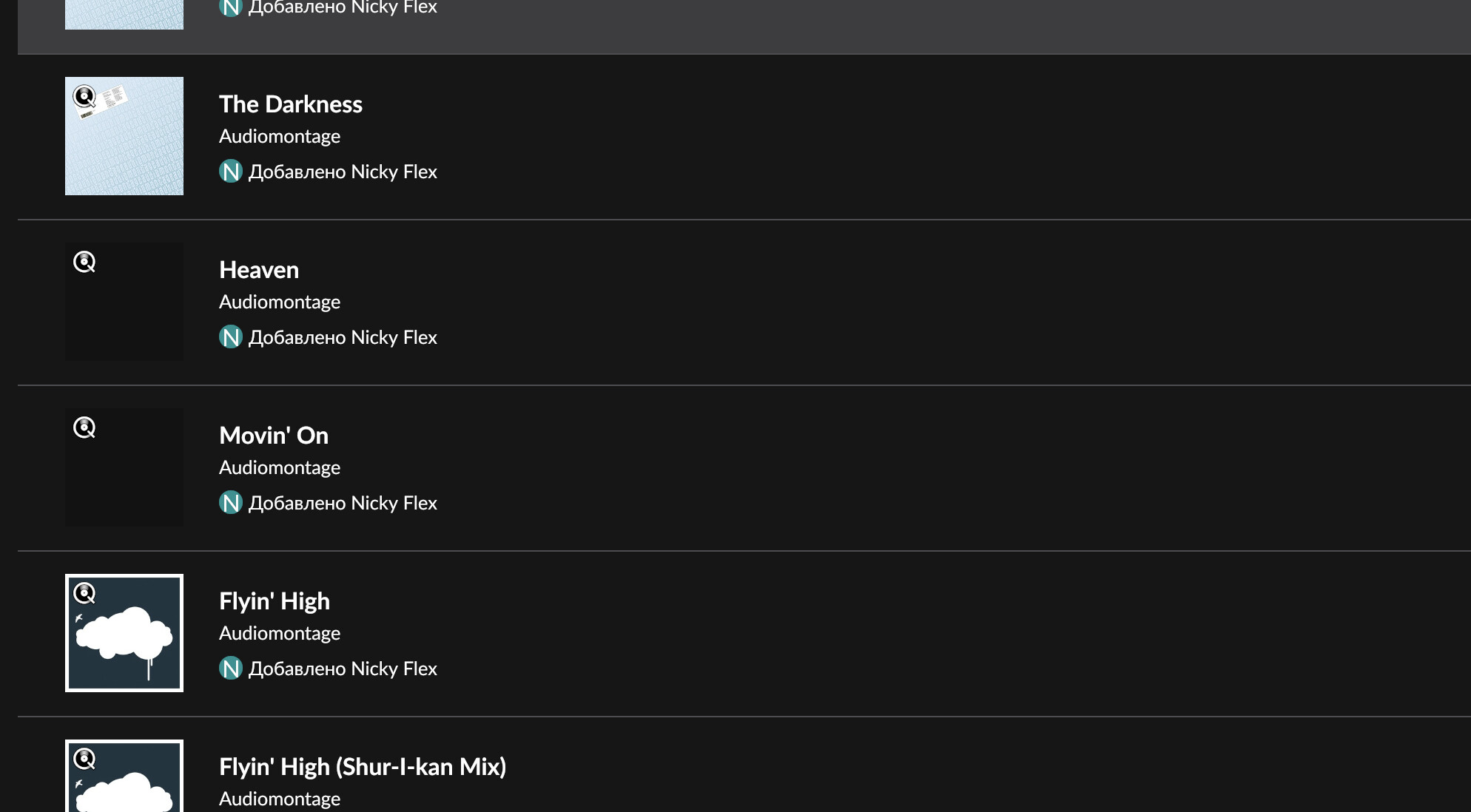
The interface is slow when saving an album to the media. It often does not show the album cover, cannot open the album (Unexpected error when loading the album. Please try again later). Я могу приложить скрины экрана со всеми проблемами. ROCK i5 gen. 10 16/256 Gb. Ethernet 600 mbps. I have 30000 tracks.
Describe your network setup
router Xiaomi AX ->switch Bonn N8 -> ROCK i5 10 gen. 16/256 Gb. LAN 8
Hi @Nikolay_Frolov,
Thanks for reaching out to ask us about this issue. I activated diagnostics on your account. The diagnostics report is showing a lot of issues with network. It seems like your Roon server is unable to reach anything outside of your local network. Can you test out connecting your server directly to your router bypassing the switch? That will help us narrow down where the problem is with the connection.
Do you see this happen with both streaming content as well as local content?
I’d be curious to see if testing out a different DNS server for your Roon Server may help?
We have seen users have a better experience in the past if they change their Router’s DNS servers from the ISP provided ones to Cloudflare DNS, Quad9 or Google DNS. Can you please give this a try and let me know if it helps?
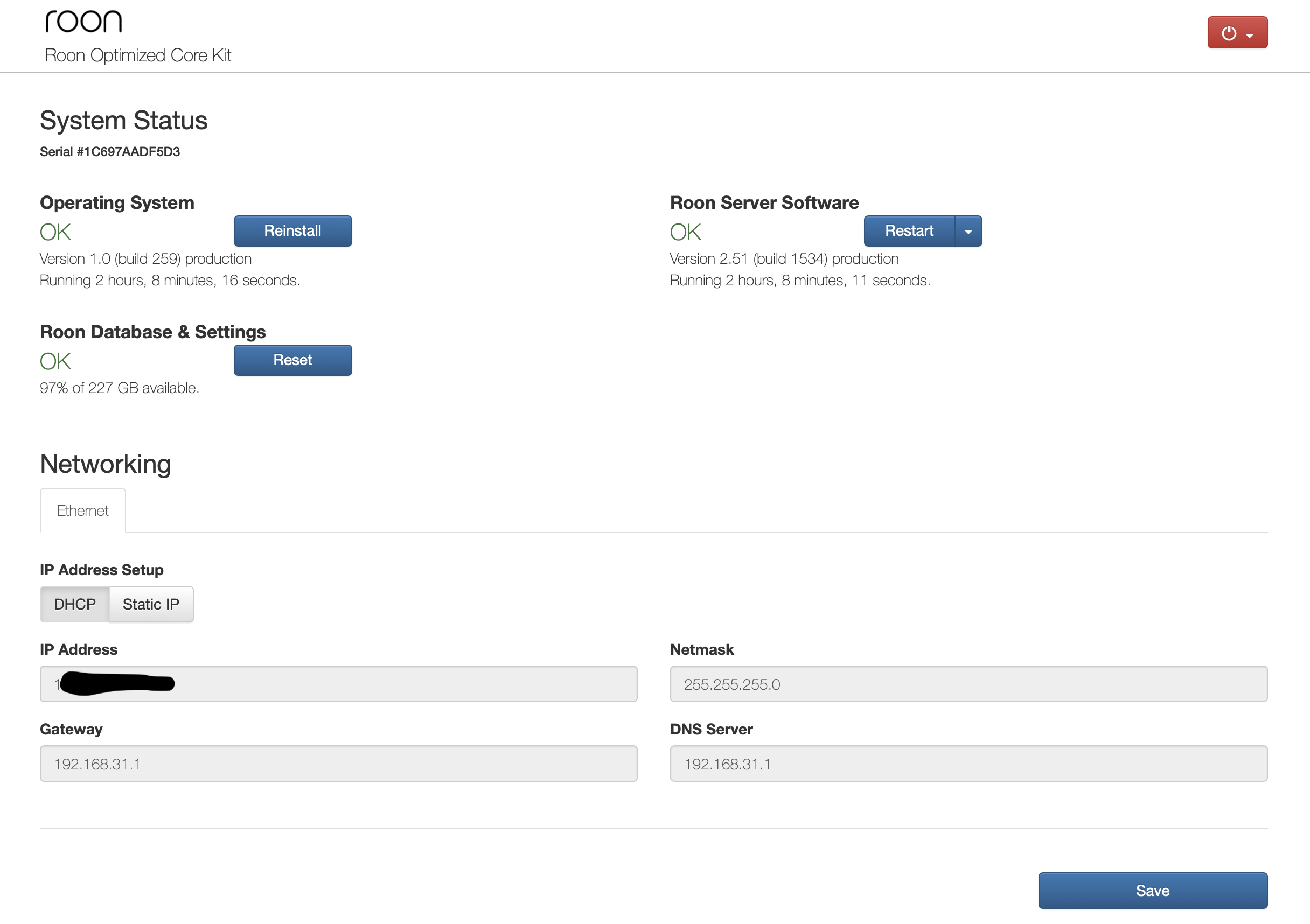
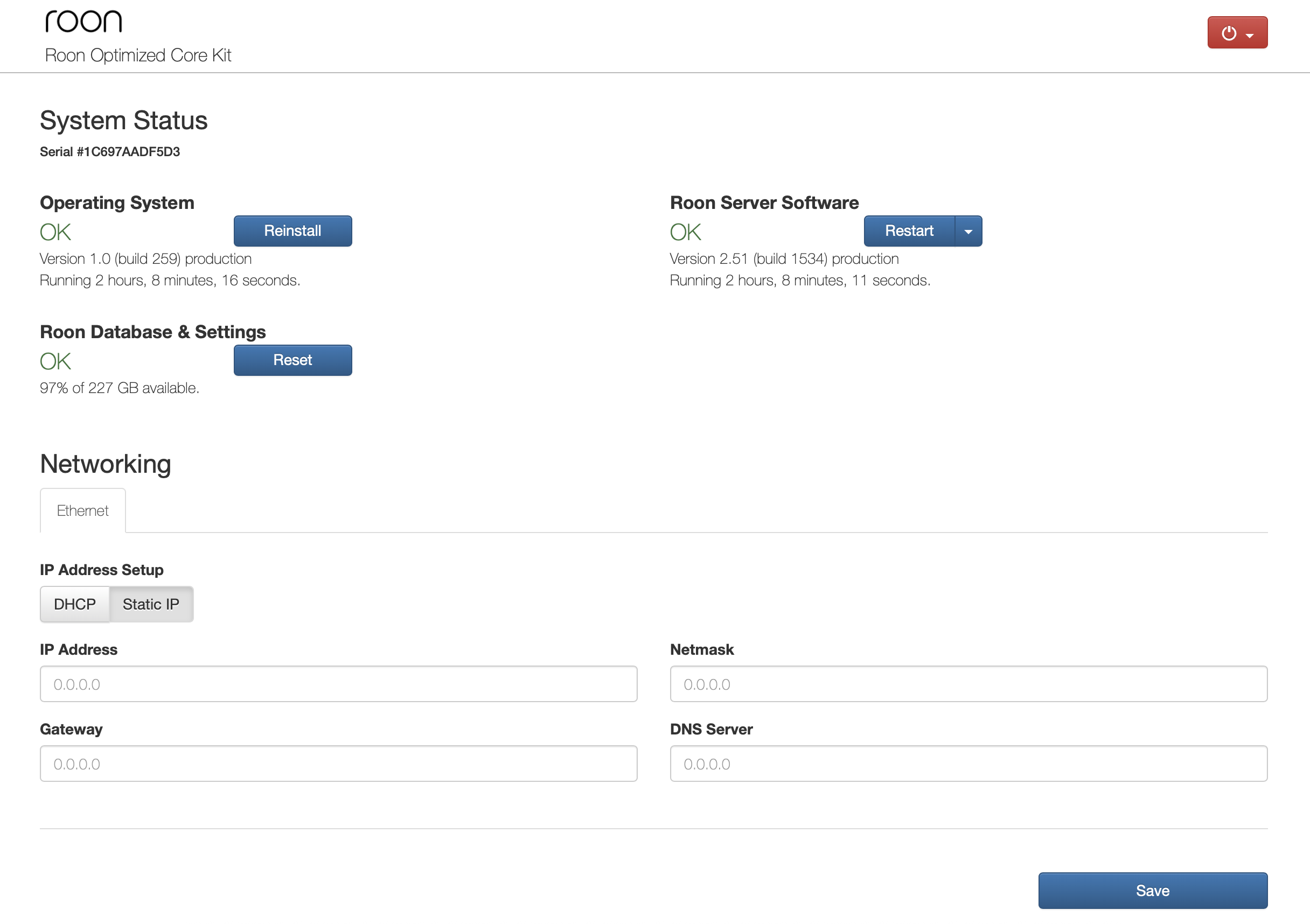
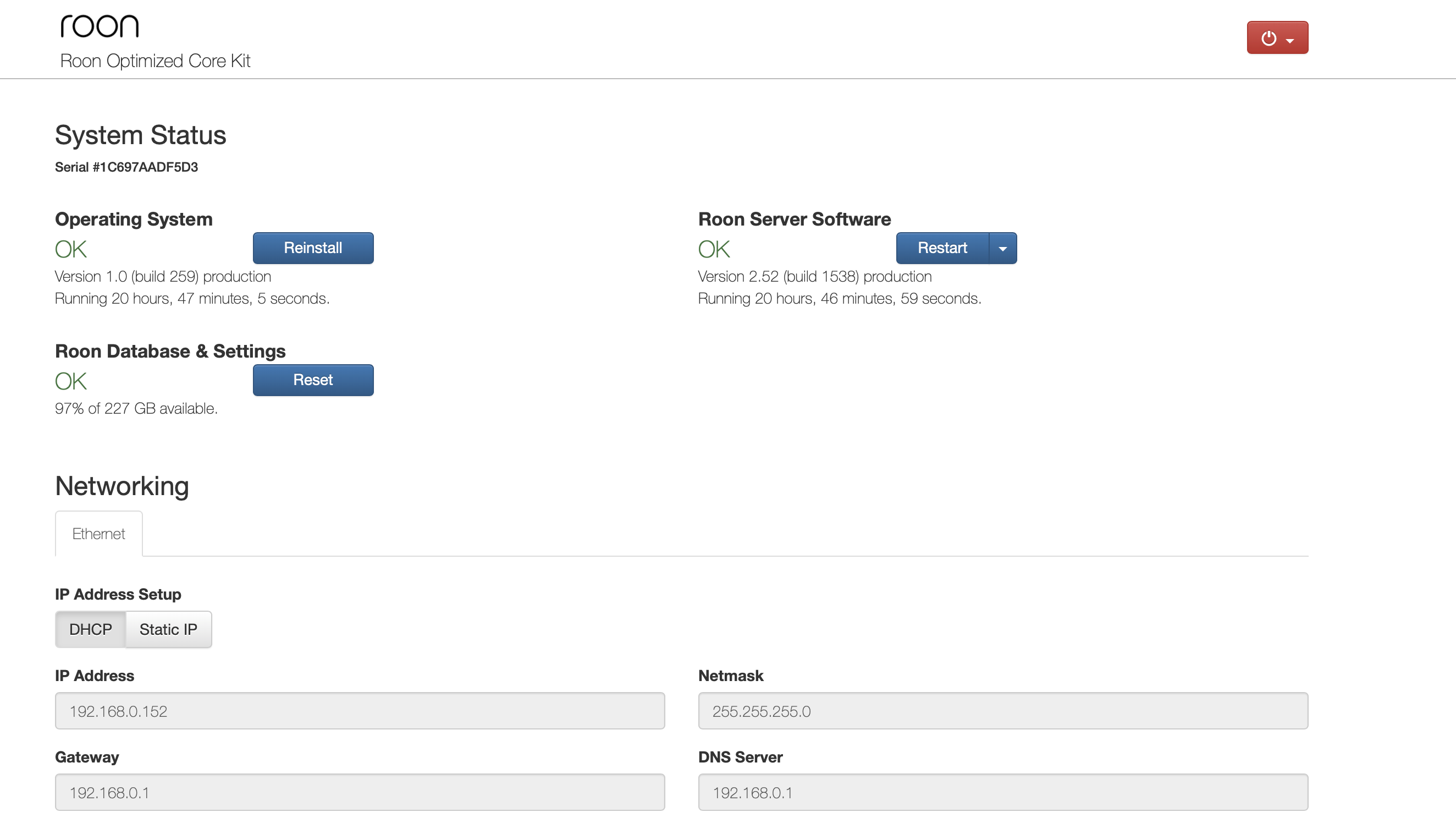
I don’t understand how to change DNS and not break anything. I went to the ROCK network settings menu via IP address. I am attaching screenshots
DNS server does not allow you to change in the DHCP tab
A DNS change is usually best done at the router-level. Are you able to edit the setting there and try to use one of the DNS suggested above? The other option would be to switch ROCK to a static IP, and to assign a reserved IP address in the router to ensure that the router doesn’t provide the IP to any other device.
I changed the DNS in the router settings. Nothing has changed. Sometimes everything works well, and often the album image takes a very long time to load, or a new album is saved for a long time (from 2 to 80 seconds)
Could this be due to the fact that you need more productive hardware or memory in ROCK? It’s currently i5 gen10 16/256.
I notice that you mentioned you turned the switch off - does this also mean you’ve completely bypassed it? Can you reproduce the issue when a direct Ethernet connection from your ROCK to your primary router?
I just connected directly from the router again. The same problems remain.
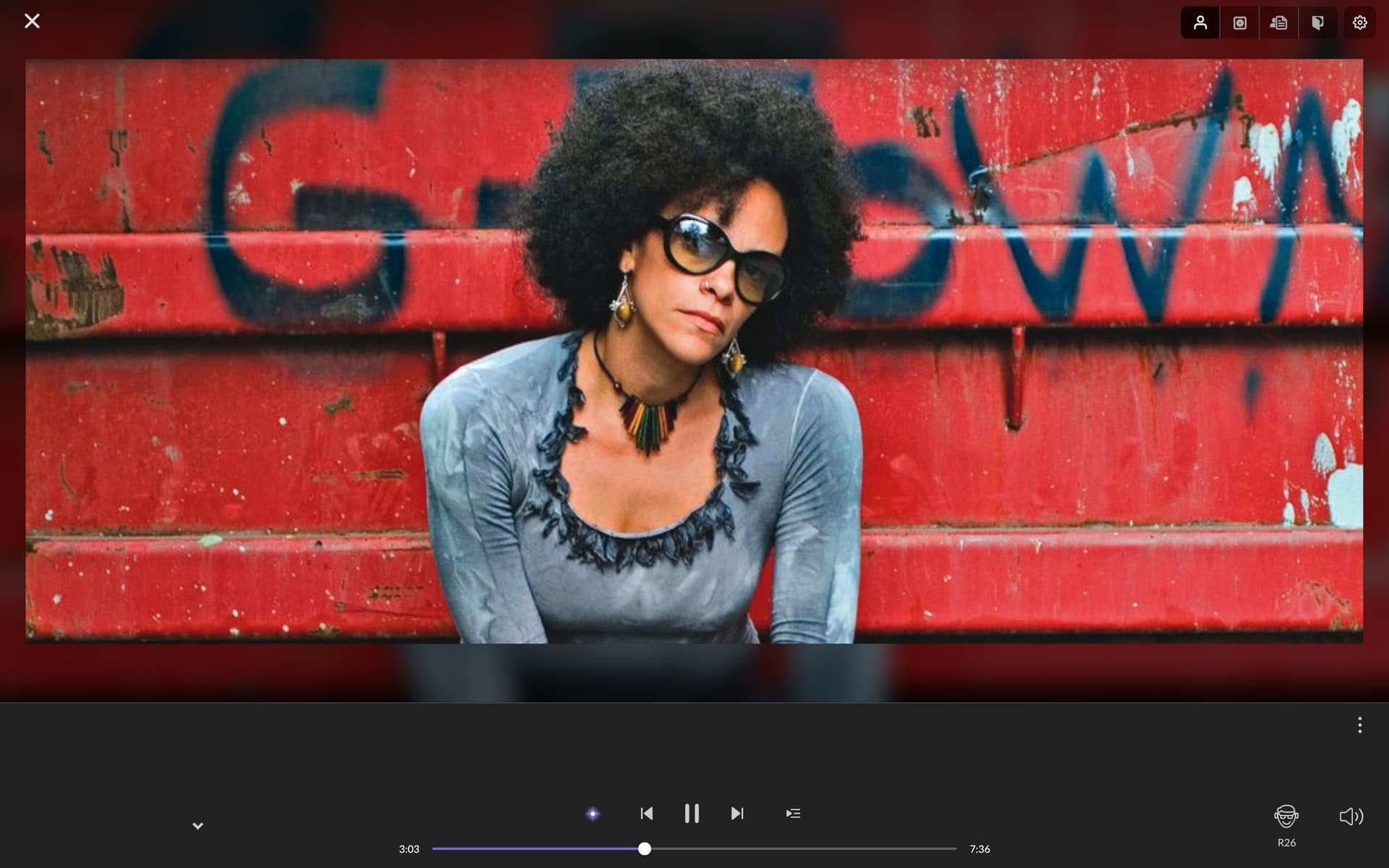
I have a video with all the difficulties that I have been experiencing lately with the ROON interface.
However, sometimes everything works quickly and error-free
Thanks for sharing the video. Looking over your diagnostics, it looks like you are still getting quite a lot of network errors. If you try to perform a full reboot of the router (unplug, wait 30s, plug back in), does that help with the issue? If you happen to have another PC you can install Roon on, I would be curious to know if the same issue occurs on the other PC, of if the issue is limited to just the ROCK install.
Hi!
I reboot the router every day. For ROCK, I use a separate Linux computer in a fanless enclosure with a linear power supply. There are no other suitable computers.
Other devices work stably from this router.
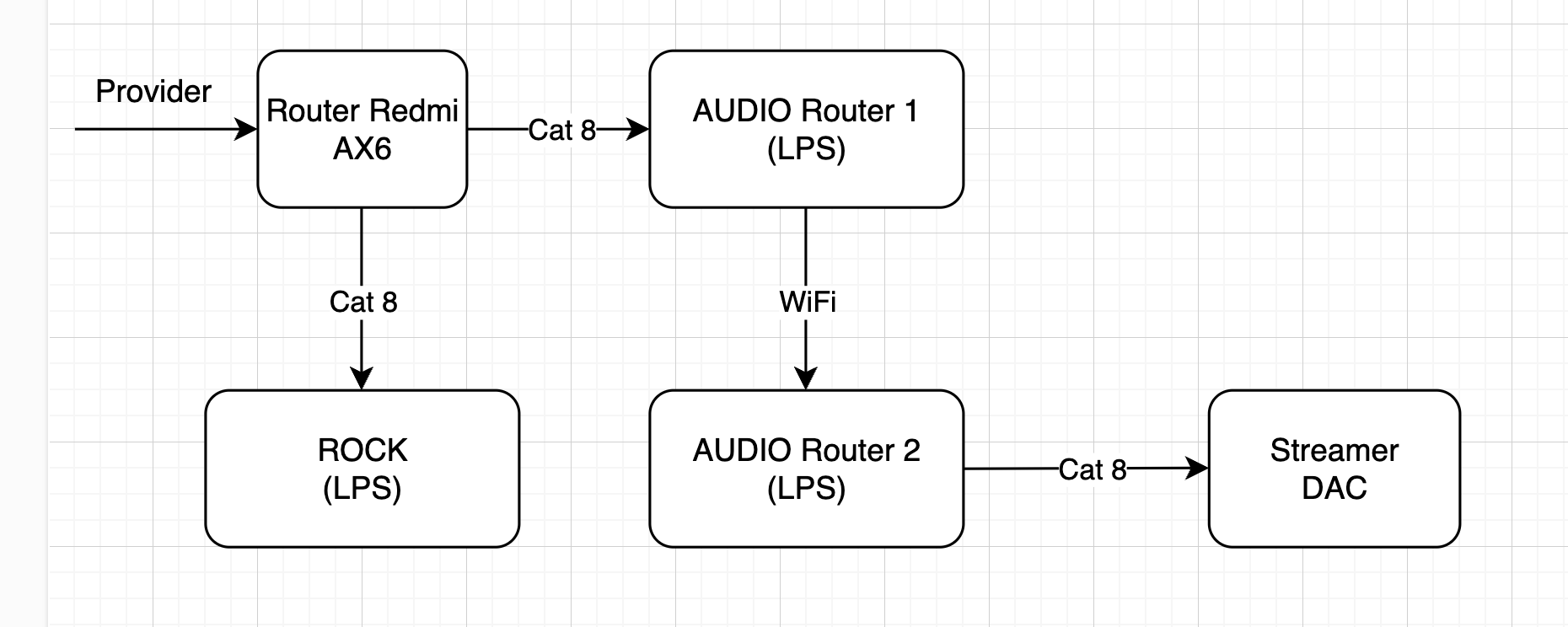
Thanks for sharing the network diagram. Could you provide a bit more detail about the two AUDIO routers shown there? Specifically, I’m curious about the make and model of each — that’ll help us better understand how everything is connected and where potential issues might lie.
Also, I noticed you’re using Cat8 Ethernet cables. These are typically designed for specialized environments like data centers. Is there a particular reason you chose Cat8 for your setup? Just trying to get a full picture so we can better assist.
NETIS(N4)-V1.5
The power supply has been improved. Cables are also an audiophile fad
Everything worked well for 1 year. I used a different cable to bypass the routers - no improvements.
I’ll try another router instead of the main one.
I tried a different cable from the main router to the ROCK - no changes
Thanks for running that test. Just to clarify on a previous point, the network errors that we saw were on the ROCK side, and it looked like the ROCK was timing out getting album details. Have you tried to move the ROCK itself to a different router? I’m also escalating your case for team review and we will let you know once we have their feedback on your logging.
Hi! I connected the ROCK cable to another old router, and now I have bought a new main router ( Tenda Wi-Fi 7 Роутер RE6L Pro,BE5100) and connected it to it. I also stopped the ROON server and deleted cashes, reinstalled ROON OS (I have version 1).
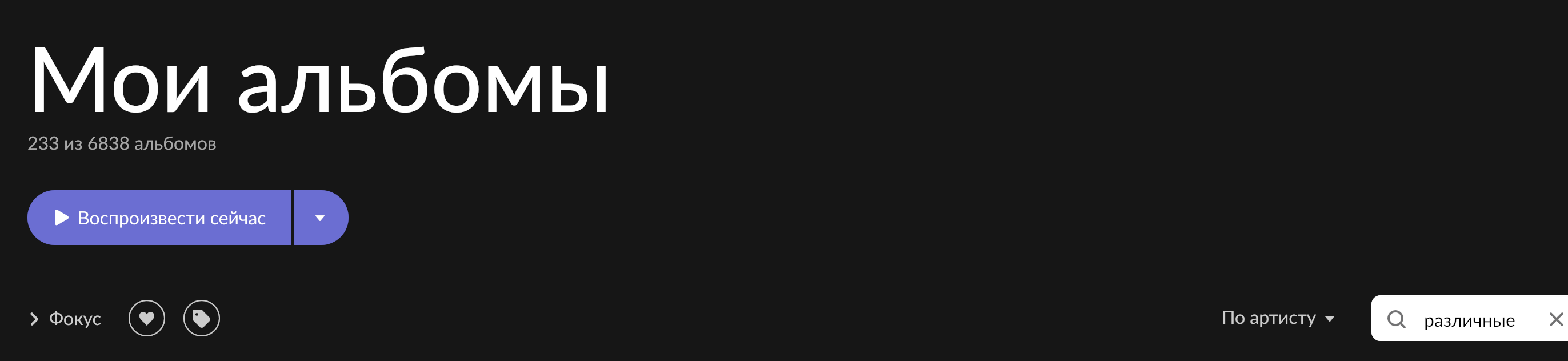
Thanks for the update. The team did have a chance to look over your case and we were wondering - do you happen to have a lot of “Various Artists” albums? You can verify this by going to Albums or Artists in the Roon sidebar and filtering in the text box for Various Artists. Please confirm the amount of albums you have for this type.