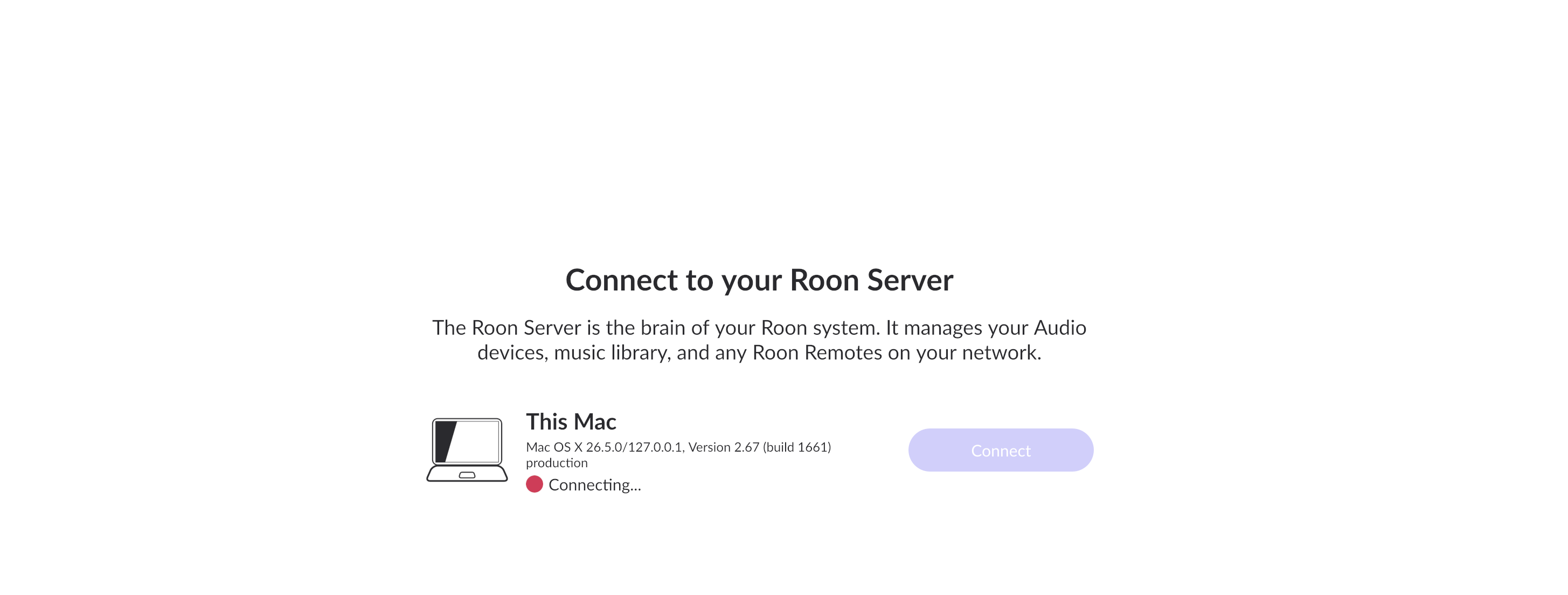
Since you’re running macOS, the behavior you’re seeing is consistent with the newer, stricter Local Network permission controls in the recent macOS releases.
Please try the following steps:
Open macOS System Settings → Privacy & Security → Local Network
Make sure Roon and Roon Server are both enabled
Even if they are already enabled, please toggle them off and back on
Fully quit Roon Server from the macOS menu bar / task bar
Reboot your Mac
After reboot, launch Roon again and check if the devices is avaliable again.
Once these permissions are refreshed and the system restarted, your audio devices should reappear.
Please let us know if the issue persists after these steps, and we’ll continue from there.
Just checking in on this. Have you had a chance to review the Mac Local Network permissions we mentioned, including toggling Roon and Roon Server off and back on, quitting Roon Server fully, and then rebooting the Mac? If the audio devices are still missing after that, let us know what you’re seeing and we’ll pick it up from there, thanks.
We have not heard back from you, so we will go ahead and close this thread due to inactivity. If you need further assistance, please submit a reopen support request via the form link and specify that the issue be reopened. Thank you.