Hi @Ned_Lenny
After reviewing your logs, we can see GPT partition table errors on your Toshiba drive that are logged every time ROCK boots:
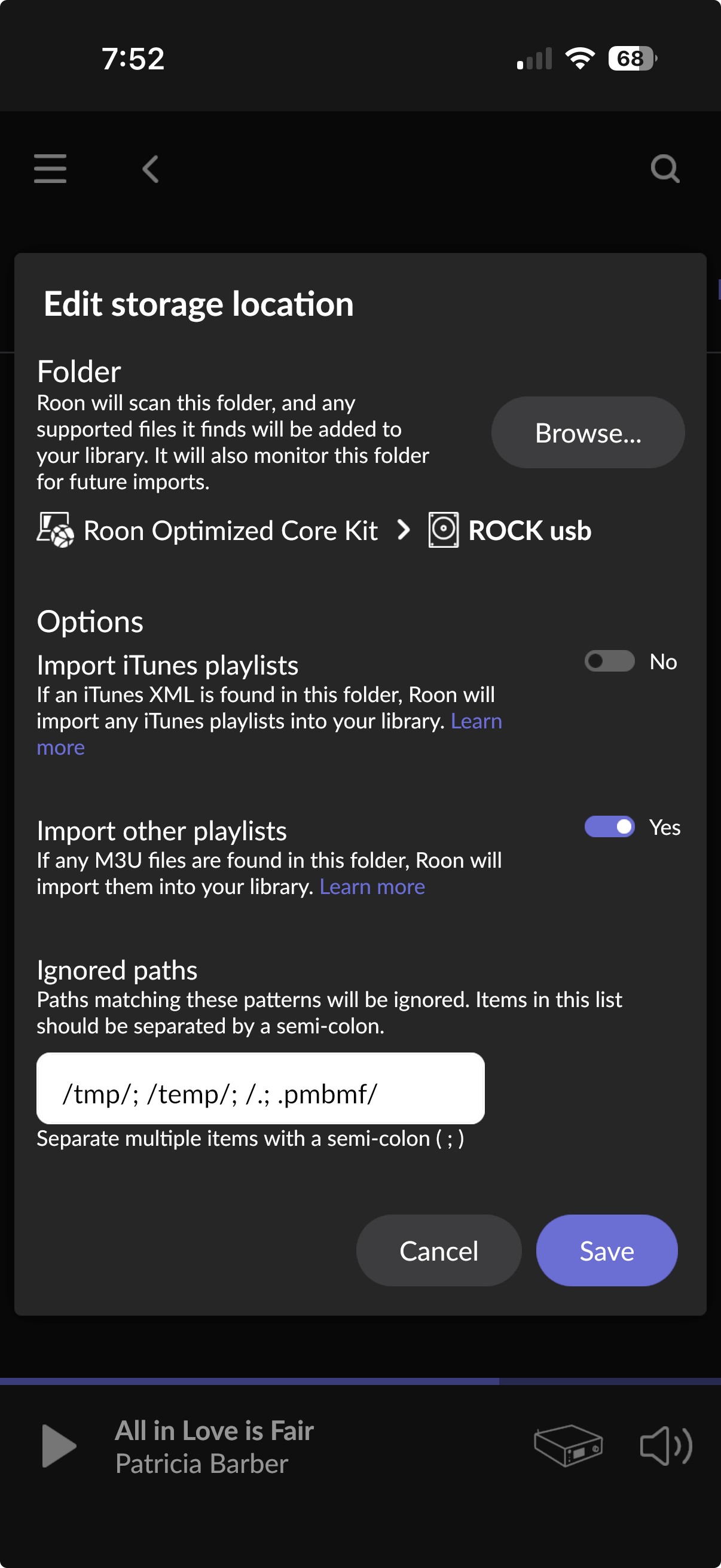
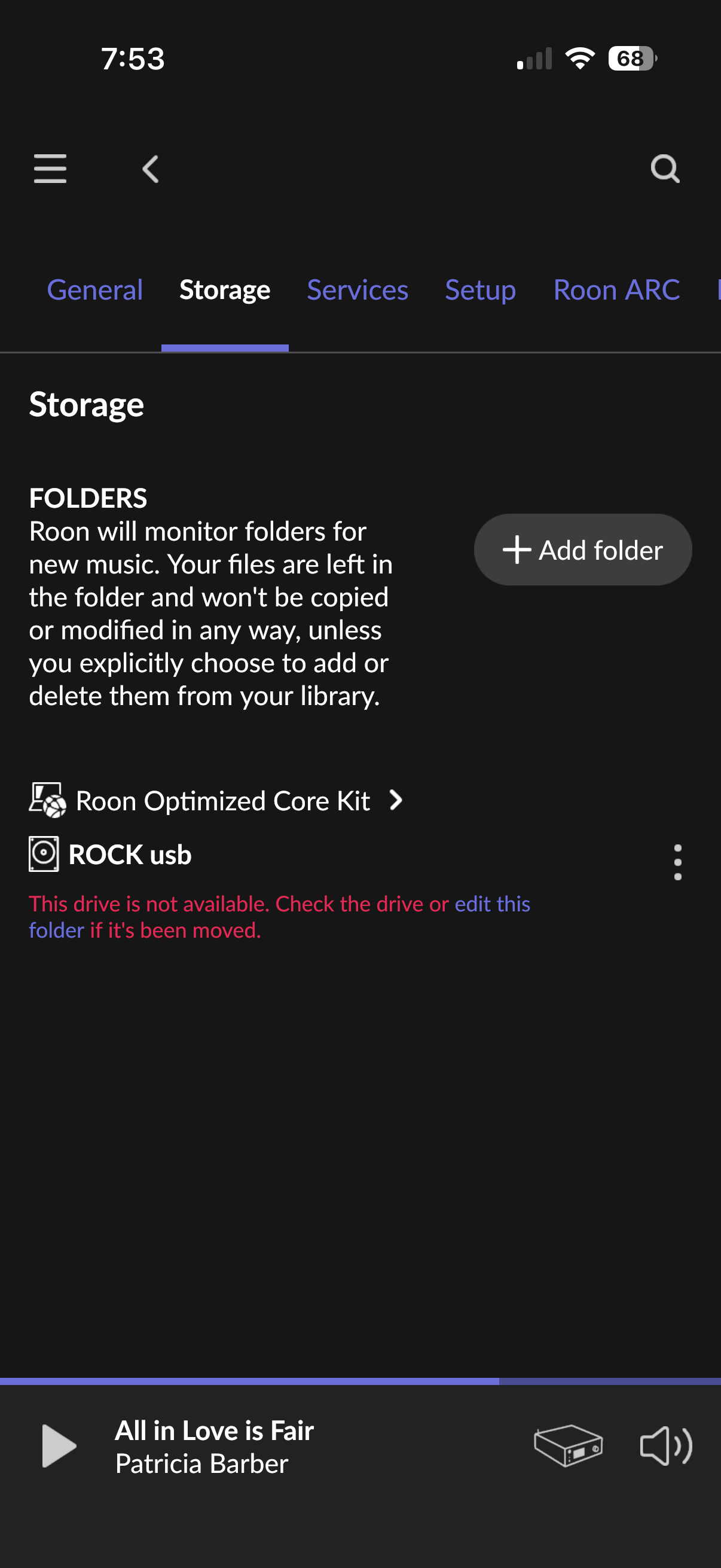
The physical files disappeared from the drive even when viewed on a separate computer — this rules out a Roon database issue. Something physically erased or corrupted the filesystem.
Most likely cause: exFAT filesystem corruption following an unclean unmount.
exFAT has no journaling or transaction log. If the NUC was hard-restarted (e.g., ROCK auto-applied an update around May 26, as the user mentions) while the filesystem was still dirty/flushed, the FAT allocation tables and directory entries could be zeroed out. The drive would appear completely empty even though raw data blocks may still exist on the platters.
The GPT corruption makes this worse: with a corrupted backup partition table, certain filesystem recovery tools may misidentify the drive, and the exFAT driver may behave unpredictably on edge cases.
GPT: Primary header thinks Alt. header is not at the end of the disk.
GPT: Alternate GPT header not at the end of the disk.
GPT: Use GNU Parted to correct GPT errors.
This means the drive’s partition table is corrupted, which can cause filesystem instability and may be related to your files disappearing. Please try the following steps to check and reformat the drive on your Mac — this will also fix the GPT corruption.
Step 1 — Check SMART status
- Connect the Toshiba drive to your Mac via USB
- Open Disk Utility (Applications → Utilities → Disk Utility)
- In the left sidebar, select the top-level drive entry (the Toshiba disk itself, not the partition underneath it)
- Look at the bottom of the window for S.M.A.R.T. Status
- Verified = drive hardware is OK
- Failing = drive is dying, do not trust it for storage
Step 2 — Run First Aid
With the top-level drive selected, click First Aid → Run. This checks both the partition table and the filesystem for errors. Note any errors it reports.
Step 3 — Reformat as exFAT
 This will erase all data on the drive. Make sure your music is safely restored on ROCK first, or backed up elsewhere.
- Select the top-level Toshiba disk in Disk Utility (not the partition)
- Click Erase
- Set the following:
- Name:
Music (or whatever you prefer)
- Format:
ExFAT
- Scheme:
GUID Partition Map
- Click Erase
Using GUID Partition Map is important — it will create a fresh, correct partition table and eliminate the GPT errors we see in your logs.
After reformatting, reconnect the drive to your ROCK NUC, wait for it to mount, then copy your music files back to it.
Please let us know the SMART status result from Step 1 — if it shows Failing, the drive itself is the problem and should be replaced regardless of reformatting.