Does the issue happen with local library music, streaming service music, or both?
· *Both streaming and local* *library* music are affected.
Do you encounter any playback errors with the "System Output" Zone?
· The System Output has the same problem as my other Zone.
Do you have a complex network setup?
· Both the device and RoonServer are connecting to a *single router*
Please try rebooting your router.
· No, I'm still having trouble
Do you have an approximate timestamp of when the issue last occurred?
· 7:09PM 14-January. KEXP radio streaming. Group of Dining Space and Kitchen fails. 7:10, removed grouping and playback begun on devices individually.
What are the make and model of the affected audio device(s) and the connection type?
· All above speakers are unable to reliably group. On occasion a grouping of Roam 2 and Port will work. Logs should show that.
Describe the issue
Device Setup: - Mac Mini as server - Naim Uniti Core as storage - 2 Sonos Ports - 1 Sonos 5 - 1 Sonos 100 - 1 Sonos Roam - 1 Sonos Move 2 - 1 Sonos Roam 2
- Lyngdorf TDAI-1120
All Sonos are configured to use Roon via the Sonos streaming protocol, not Airplay 2.
Network Setup: - Ariss G54 Modem & Router - Mac & Naim connected via Ethernet - All audio endpoints connected via WiFi
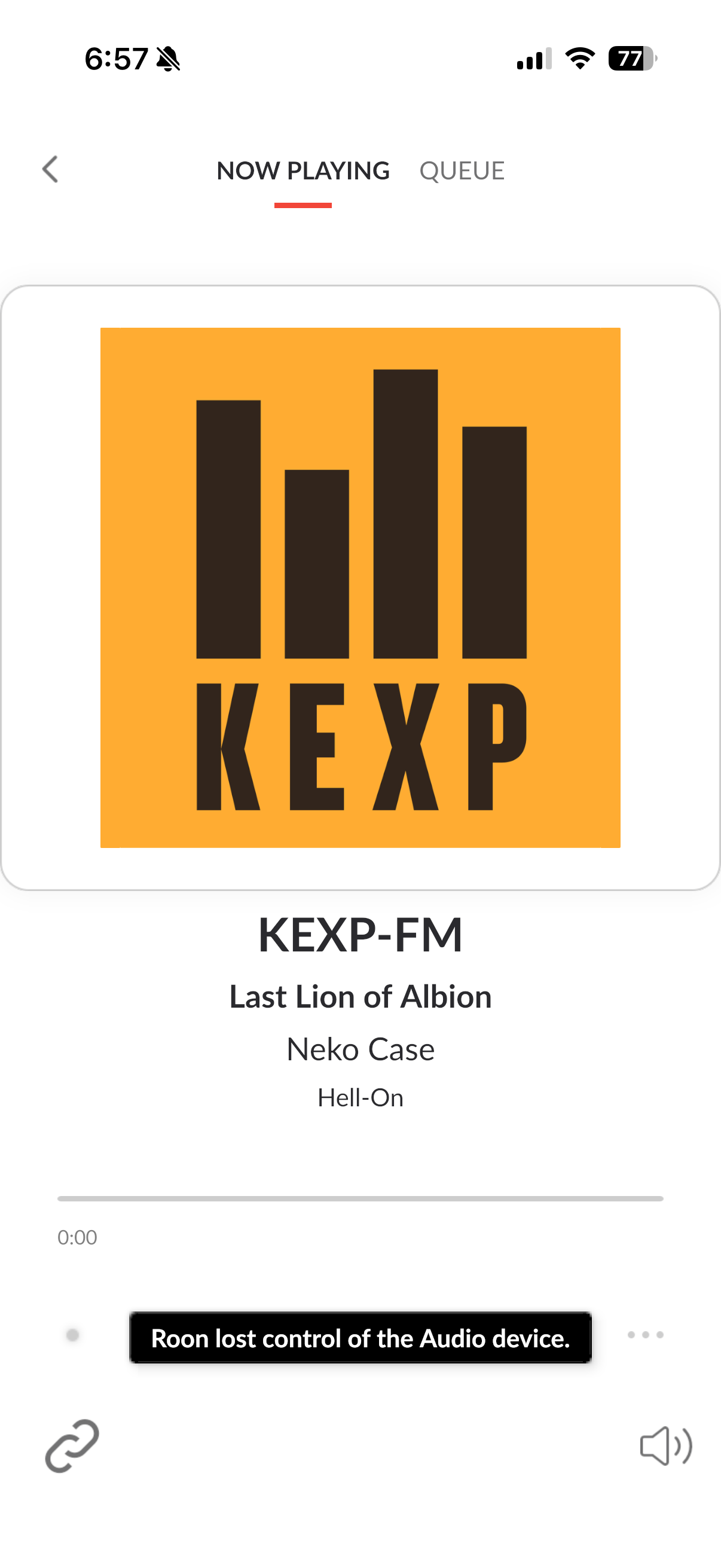
Issue: Am unable to reliably or regularly group Sonos devices. In nearly all instances I receive the “Roon Lost Control of the Audio Device” error.
I can reliably play to any endpoint individually with no problem. I can play the same content to different endpoints at the same time reliably. It is only grouping that seems to be failing. Again, only happens when attempting to group the Sonos devices together.
Simulcast errors do not repro via an iPhone sending to multiple Sonos devices via AirPlay 2 protocol.
Describe your network setup
Dining Room - Sonos Move 2. Kitchen - Sonos Move 2. Both connected via local WiFi. Server and storage hard wired via network router attached to Modem/Router/WiFi unit. As above, network is run via Arris G54 combined modem and WiFi router.
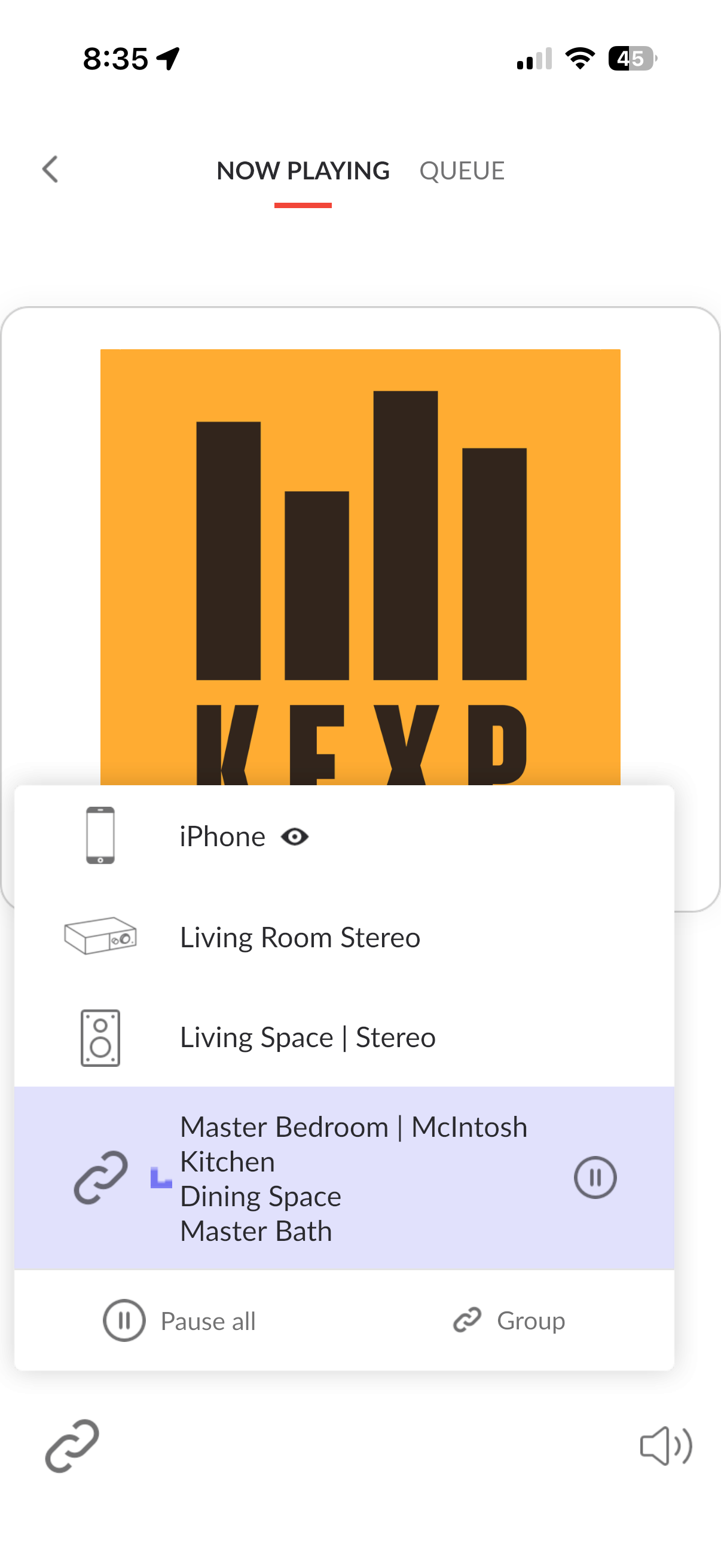
I’ve tried grouping together all devices in various ways. They consistently repro the issue across every device. That is, the second device will (nearly) always return the “lost control of the audio device” error.
Since I cannot wire these devices via Ethernet, I found a path on the Arris G54 Modem/WiFi router unit to disable IGMP. For posterity and anyone searching in the future, you have to enable a custom security profile in the G54 management console to do this.
After the change I reboooted the router and power cycled the endpoints.
This has given me partial relief . I have a hit rate of about fifty percent when pairing one to two devices. I still have a nearly 100 percent failure rate when attempting to pair four devices.
Starting at 8:24 I will run this script then pull logs and send them under name Robert_Howard_logs_2 to your server.
Run #1
stop any streams playing
Remove any current groups
Connect stream to Master Bedroom
Attempt to group with Master Bathroom
Result = fail
Run #2
stop playback
remove groups
start stream to Kitchen
Pair with Dining Space
Result = fail
Run #3
Stop stream. Upgroup devices
-start stream with Master Bedroom
group with kitchen
Result = Success
Add Dining Space to Group
Result = Success
Add Master Bathroom to group
Result = new type of failure.
All devices show as receiving audio and streaming. No audio coming from any device. Eventually get the “room lost control of the audio device” . Now shows Kitchen, Dining Space and Master Bath still in group.
attempt to restart playback on selected group.
Result = No audio and “Roon lost control error” and UI now shows only Kitchen and Master Bath grouped. Master.
attempt playback on last two grouped devices.
result = success
attempt to add Dining Space back to Group
result = no audio playback on any device and eventual error message
I could keep this up with various random connection configurations but the results are always the same. Sometimes it works for pairing two. Sometimes three. Never four. And it is very inconsistent as to what endpoints will group together successfully and what will result in an error.
What is the network topology of this space? Do you have mesh nodes/access points in addition to the router you’ve described above?
The fact that disabling IGMP has had a noticeable effect indicates that there might be multicast congestion on the WiFi. There may also be some aggressive band steering going on at the WiFi access points.
Please try disabling Band Steering in the Arris G54 settings if you see that option presented. Try to force as many of the Sonos endpoints to a single band as possible (2.4GHz is ideal here for stability).
If you’re in a position to hardwire even a single Sonos device (other than the Roams, which don’t have this capability), it will automatically activate SonosNET. This opens up a dedicated network channel for Sonos traffic; it will offload some group syncing from the WiFi traffic.
The Roam-series devices will have more aggressive battery saver features that police the WiFi antenna. Outside of the topology and network settings, the Roams will be the weak point in the Sonos network infrastructure here. Just for due diligence, have you tried any group combinations with no Sonos Roam devices at all?