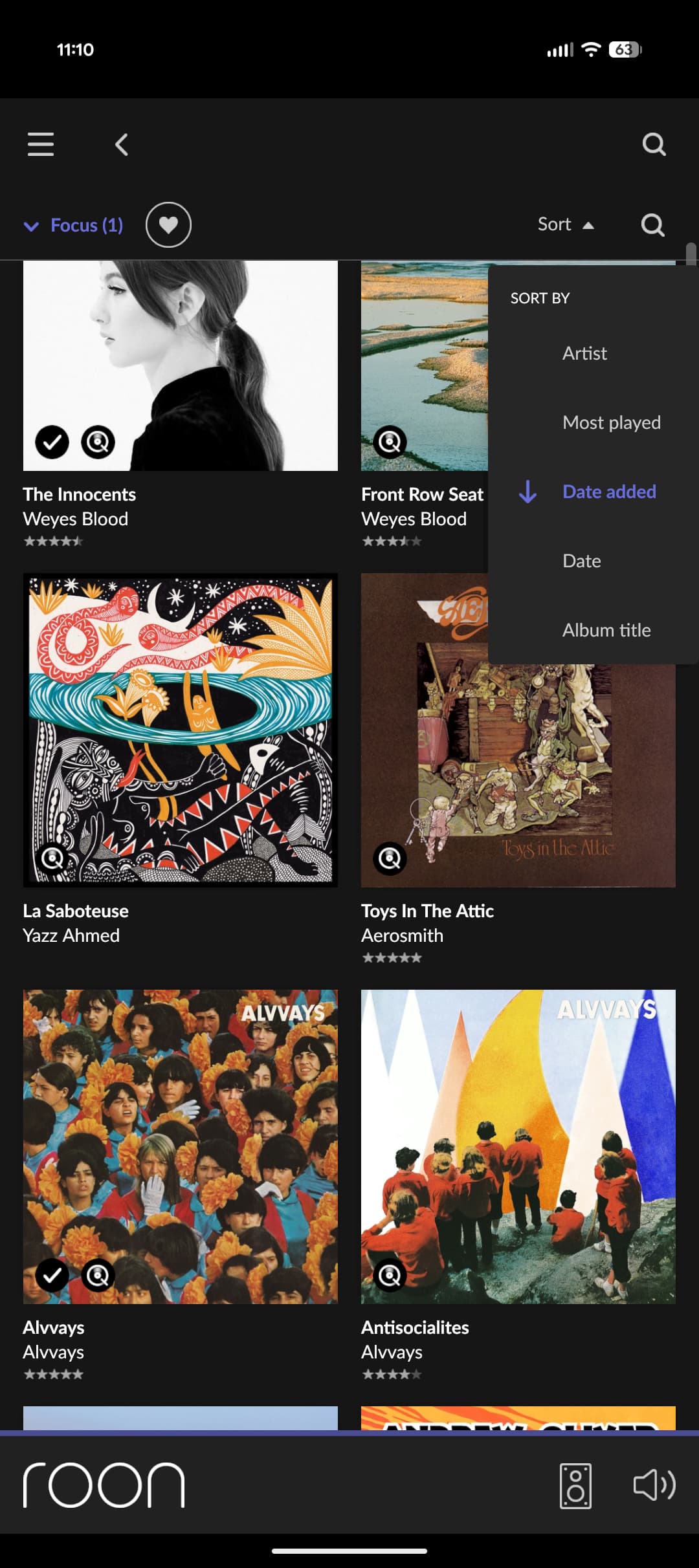
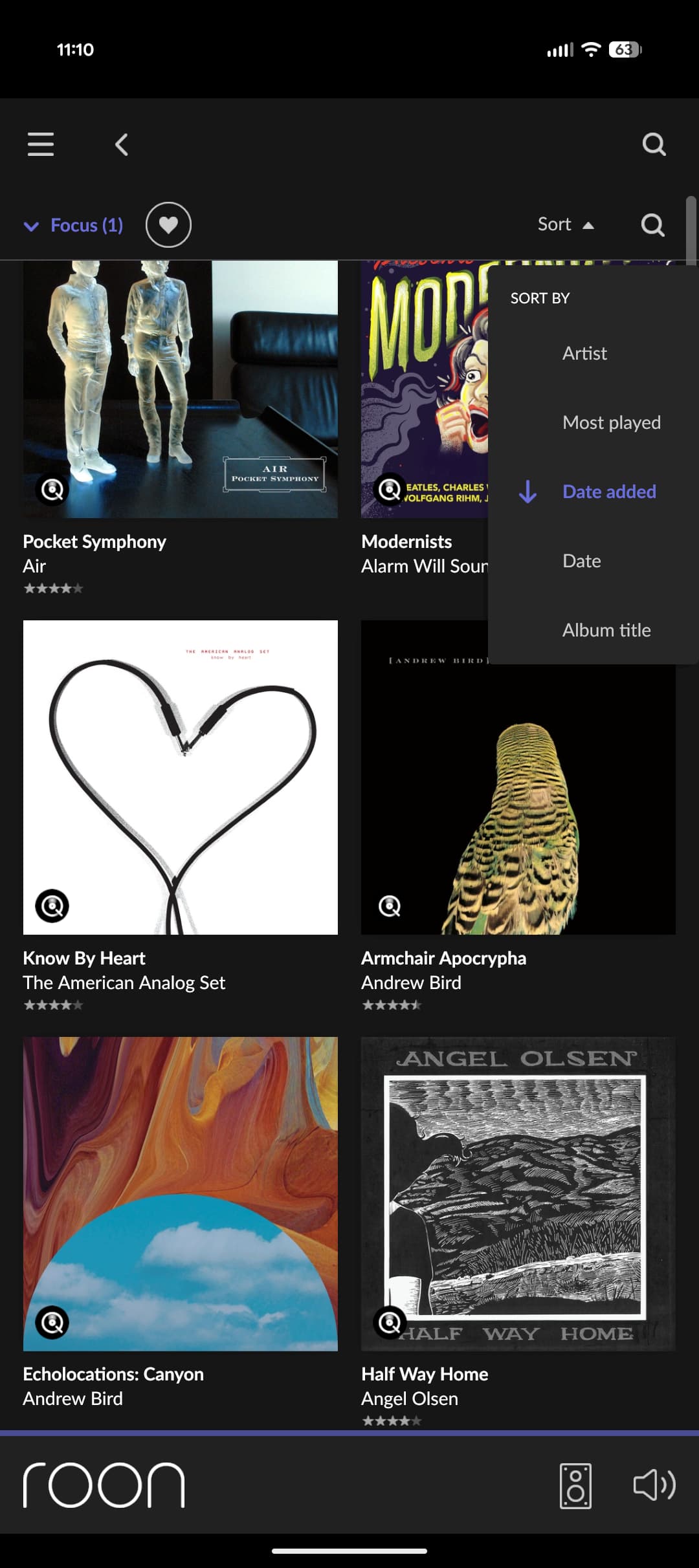
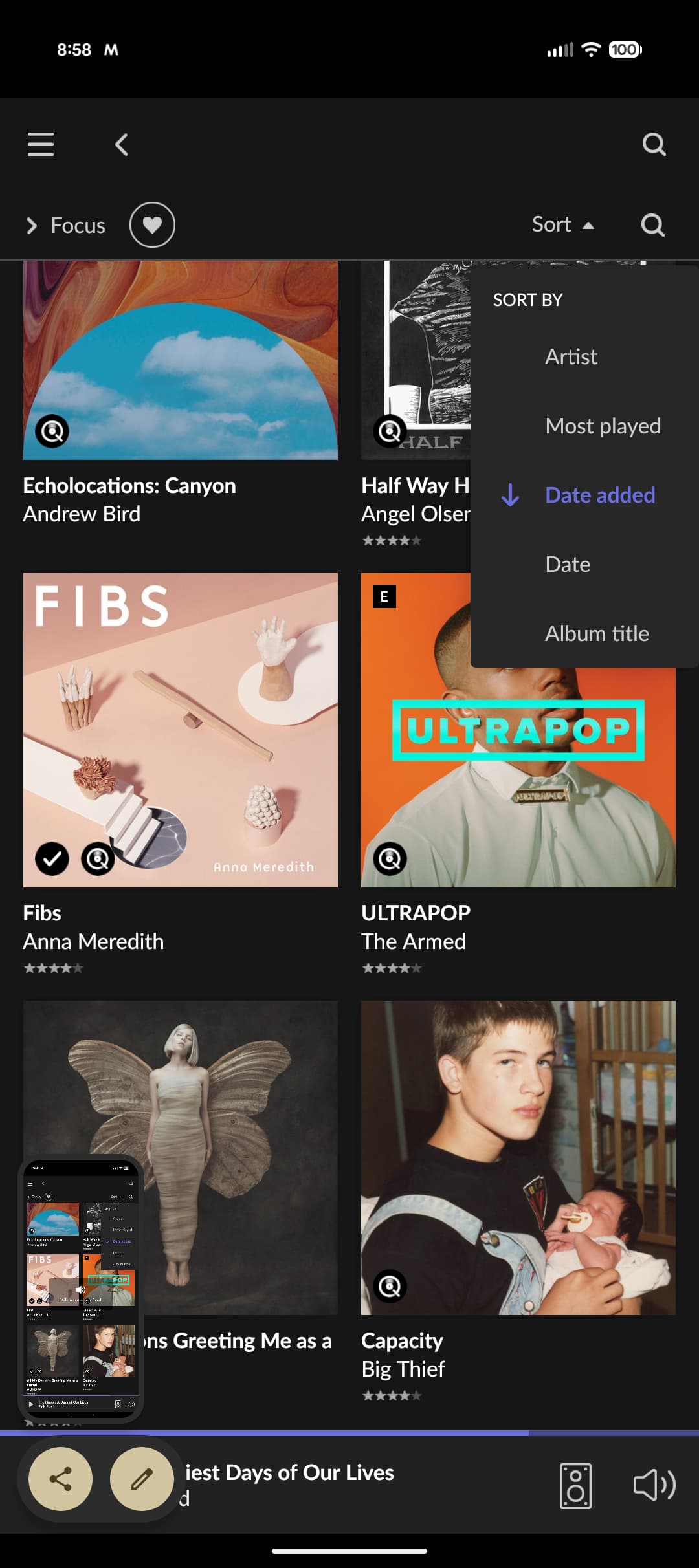
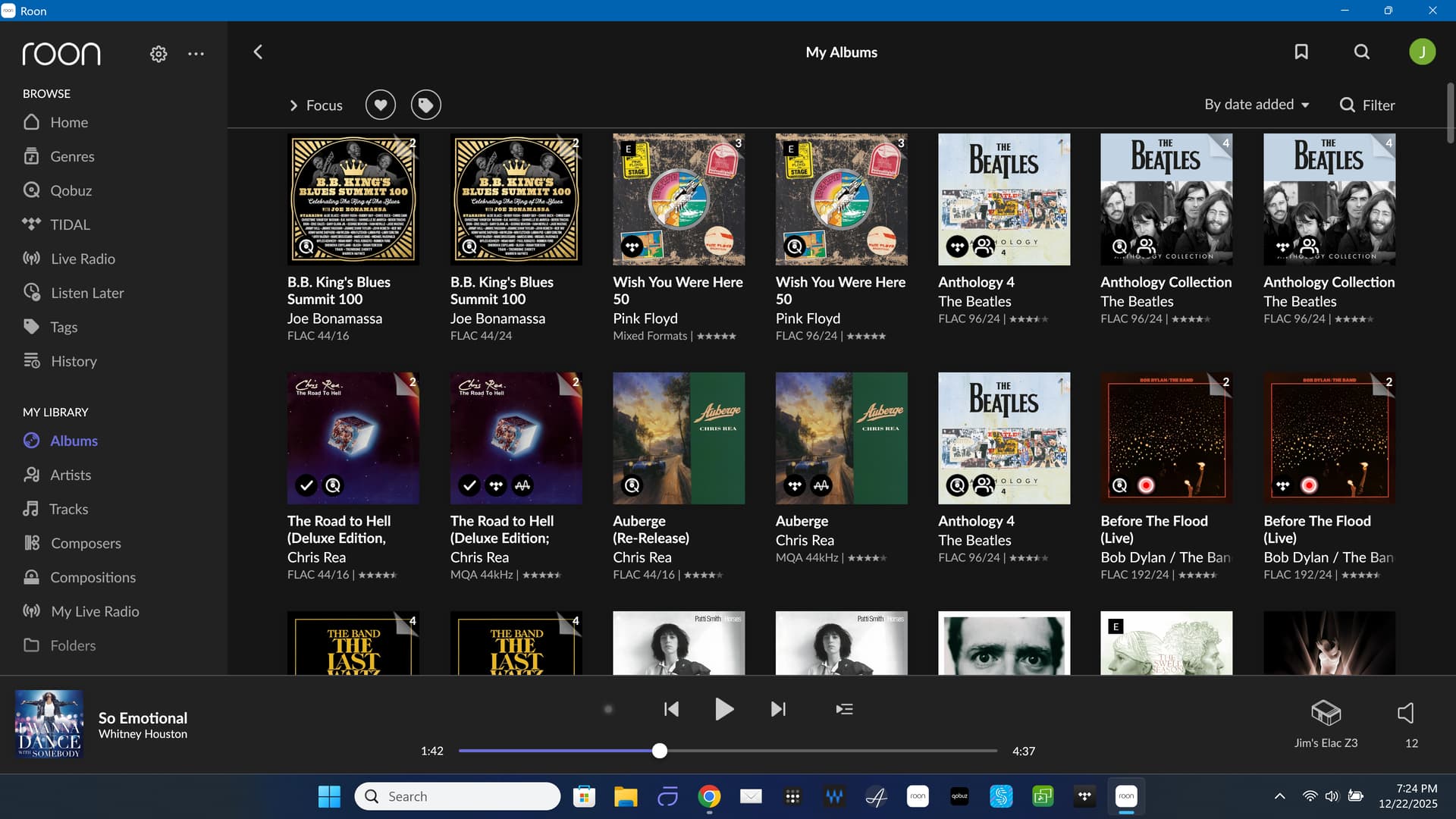
· The date added sorting on the albums page sorts alphabetically by Artist name for about 300 albums. Specifically there are 3 groups of 90 albums and each group is sorted alphabetically. This appears to include both qobuz and local albums. My albums in qobuz are sorted correctly by date added. This happened one day a few weeks ago. Is there any way to fix this? i liked to use date added to see my most recent finds but now it's filled with a bunch of alphabetically sorted albums at the top
Before drawing any conclusions, we’ll need to take a closer look at what you’re seeing. Could you please share a few screenshots showing:
My Library → Albums, sorted by Date Added (no Focus filters applied)
The same view with Focus → Format → Qobuz applied
One of the affected albums “groups.”
Additionally, do you have a Roon backup from before this behavior started?
If so, please let us know the approximate date of that backup — that will help us determine whether this change coincided with a library or metadata update.
Once we have the screenshots and backup information, we’ll be able to advise on next steps.
The issue affects both local and Qobuz albums.
i did the Libary cleanup and rescan. I also reloaded to a backup from last month but the problem is not resolved.
On qobuz, the albums are sorted correctly by date added. So it looks like Roon has created some weird date added metadata for these albums.
The block of albums that are alphabetically sorted when sorting by date added all have the Added date 15 November 2025.
On 14 November, I changed the router in my house which also served as the DNS for the NAS where i store my music. I had configured Roon with the FQDN of the NAS but that broke after I got the new router. I hadn’t created a new DNS record for the NAS so i just configured Roon to use the NAS ip address. Could this have caused the problem?
The backup i loaded yesterday was after the FQDN configured storage broke.
We are not sure that the changes related to the FQDN, as you mentioned the Qobuz and which is a streaming service object.
Unfortunately, if there is no historical backup from before the date when the changes occurred, our ability to assist further is limited, as there’s no reliable way to revert or reconstruct the prior state without such a backup.
Please let us know if you happen to locate an older backup, and we’ll be happy to help review the available restore options.
Am i correct to assume that items added after the date of a specific backup should not appear in that backup? How would that be possible unless the backup or restore features are buggy?
I’ll just restate that i did load a backup that was older than the “Added” date of the suspicious albums.
We’d like to test to see if we’re able to reproduce the behavior internally, could you please upload a copy of the issue database?
Zip up your RoonBackups folder (right-click it and select "Compress..."):
Submit the .zip file to us through our [Database Issues portal](
https://workdrive.zohoexternal.com/collection/gnhz54df9ddffa33d49a3be8619bd6376a5de/external
)
Sorting my date added works. If you do something that changes the date added that will, of course, change the sorting to the latest date added, not the original.
Thanks. That generally works for me too except for a specific block of albums whose “date added” date changed for an unknown reason. Those same albums also appear in my Roon backups that are older than the albums’ “date added” date, which is unexpected.