I have a ROCK core and sometimes when I use my iPhone or iPad, it sees my MacBook laptop as an available core. Is there a way to stop having my laptop be a core while still using it as a Roon client?
I don’t think there is a way to stop it as such, but I am curious why that might be happening. I have a ROCK core, a MacBook client, an iPad and an Android phone, and the iPad and phone asked me once what the core was and have never asked about the MacBook again, as far as I can recall. In rare cases after an update or backup restore I recall that I had to search for the core again from a mobile, but the ROCK was always clearly offered as the default and I just had to confirm
You can delete the Roon app from your laptop, then reinstall as Roon client only. However, I don’t know why you would need to do this. If you don’t authorize the laptop as your core, it makes no difference.
Can you? I thought the Roon app includes GUI and core and I don’t remember that it asked me not to install the core? But yeah, as you say shouldn’t matter and never did for me
Yes, you can. I did that with my recently acquired Mac Mini and ran it that way until I decided I needed the full Roon.
I would only be concerned and want to dig further if it is constantly wanting to switch Core over to the laptop.
Which I would be shocked if it’s the case.
Like @Suedkiez I have multiple devices that all can be run as Core if I needed and tbh I quite like that as if my current Core craps out for whatever reason then it’s simplicity to move to a different Core, enjoying music while I figure out the other ones issues.
How to do that? Thx
Thanks All! At some point in time I had run my laptop as core (on vacation). In 95% of the cases, this is not popping up – I am connected to my main core. I just did a restore and it offered up both. It is no real harm. If I can install as client only, I will try that.
Somewhere in the install process it gives you the option.

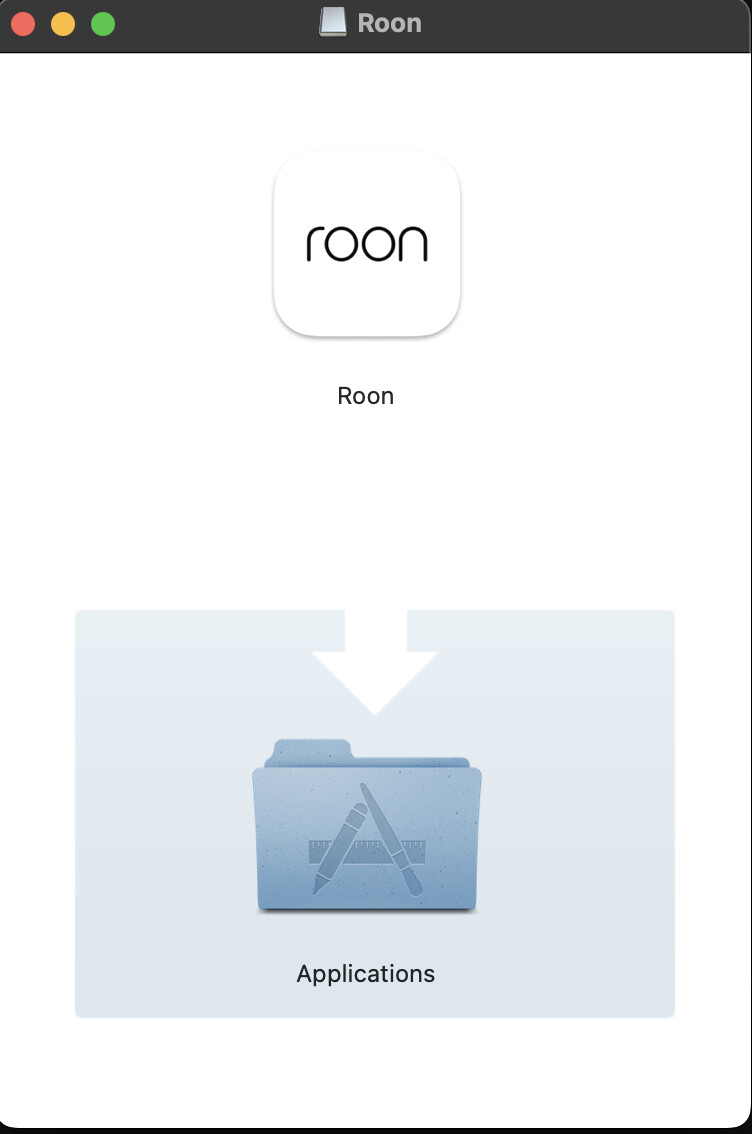
I figure, that’s why I’m confused and I’m asking for help for once - where is the option?
@Jim_F - I think you’re confusing us. There is no need to uninstall the full Roon for Windows or MacOS and then reinstall it again to use a Core on another system.
Just go to Settings > General and disconnect from the Core on your PC and Mac and choose another Core elsewhere…
I did not say that. The OP asked how to get rid of the core option on his laptop and ONLY have the client option.
I think you did… 
Please people. Learn how to read.
Well I for one would like to read but as you are not writing what the answer to my question is, it’s hard
I’m not going to uninstall Roon and reinstall it so that I can find the option to only install Roon client. It is there. Find it yourself if you want.
You wouldn’t have to uninstall it anyway, but I didn’t find it, that’s why I’m asking, but OK whatever. Not sure that’s the forum spirit but hey ho
