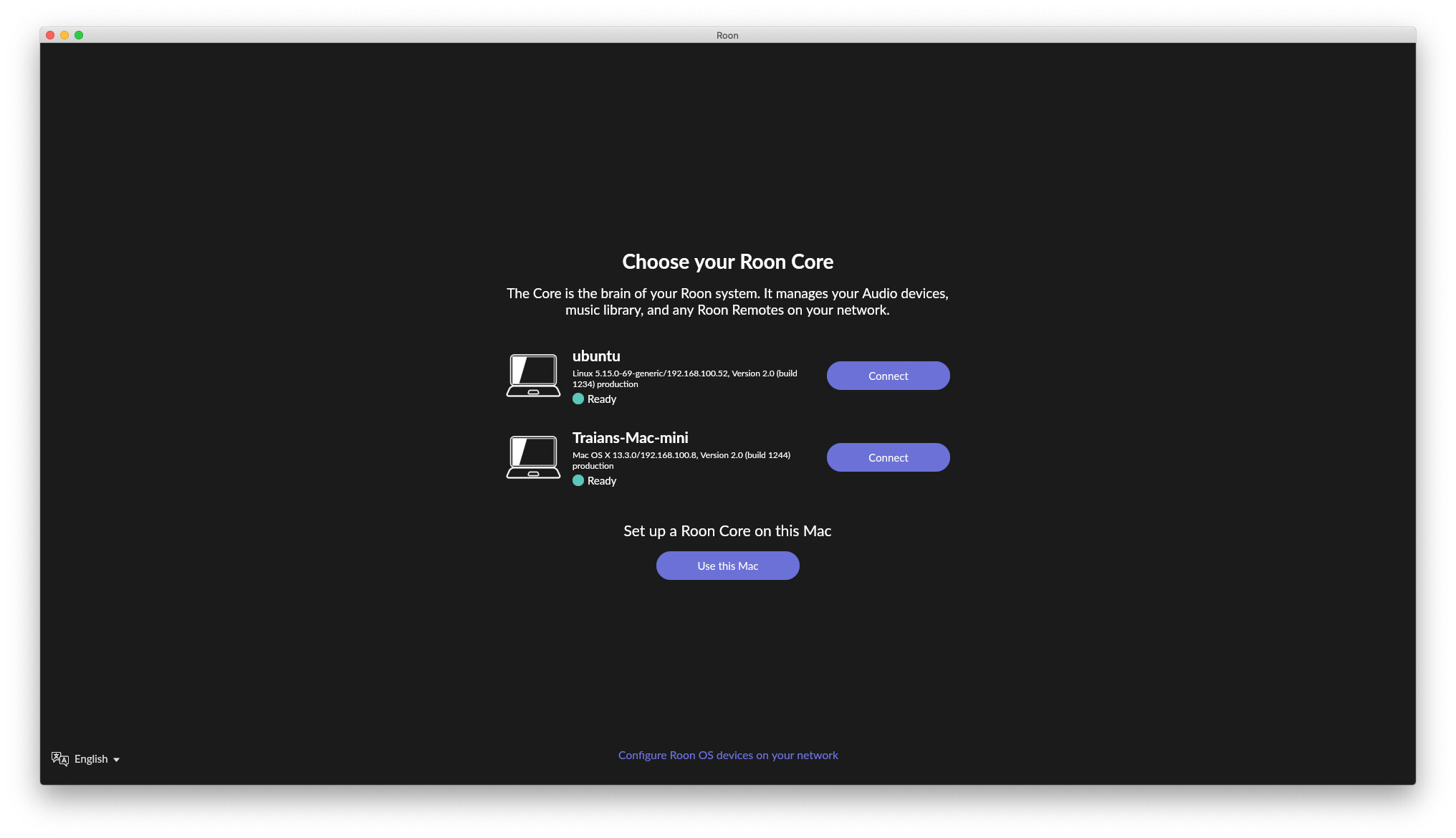
mmm, my core is running elsewhere too, but:

…
I’m confused.
I have full Roon installed on a MacBook that I use solely as a remote.
I never see messages on other remotes about multiple cores.
Isn’t the setup on Mac the same as Windows where one chooses whether it’s to be a core or not?
I don’t think @Jim_F is wrong.
Yeah, so that’s the Roon app I suppose, just like for me. Maybe the server is in-process, but there’s not a separate Roon Server (core) running anyway
Yeah me neither
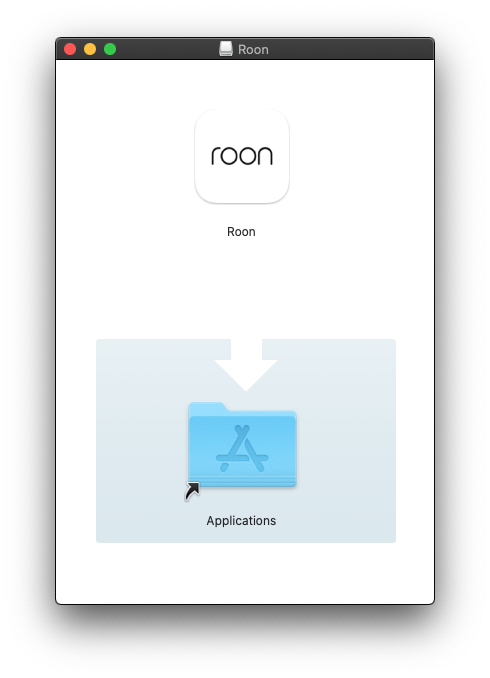
I don’t remember and if Jim_F says it asks, he’s probably right. I just don’t know when and wanted to know, but apparently asking questions is now an insult. The “drop app into folder” install process from a dmg file on the Mac does not allow for asking questions during install, it literally only drops the files into the Applications folder. (macOS has a different install format, PKG, that can ask questions and run scripts during installation). Maybe the app asks during first launch, that’s certainly possible.
I think you’re right.
We’re stumbling over nuances in language.
Ie: Installation vs, Setup.
It’s been a while but I’m nearly sure it asks at first launch if you want to setup as a new Core or connect to a current one.
And as stated this can be changed later in settings (Pretty sure. This MacBook was once my core and I do not recall having to reinstall)
 I think you’re right.
Thanks, I guess (as Rugby didn’t say exactly) that this happens probably when starting. In any case, OK, so 1) no we don’t need a separate control-only app because the same is apparently achieved by making this choice, and 2) back to the OP, maybe @RobOK didn’t make this “run only as control” choice and hence the core on macOS is sometimes found by the mobile remotes, possibly.
For me this only happens if I lose connection with my core. Roon then offers up other devices with possible cores to connect to. fwiw I was using rock on a nuc only to give me a multichannel endpoint but hated that it was always offered as a possible core. My core is on my Antipodes K30. I then found AudioLinux would give me a multichannel roon bridge without a core. @Jim_F I think when installing roon on one of my macs it asks if you will be using it as a core. I said no and it has never been offered as a core.
That’s because, if you said no, then it is not a core and does not have that part of the software installed. It is a Roon client only.
It was not my understanding, and also on Mac is just drag and drop roon app to app folder. (I do not know about windows)
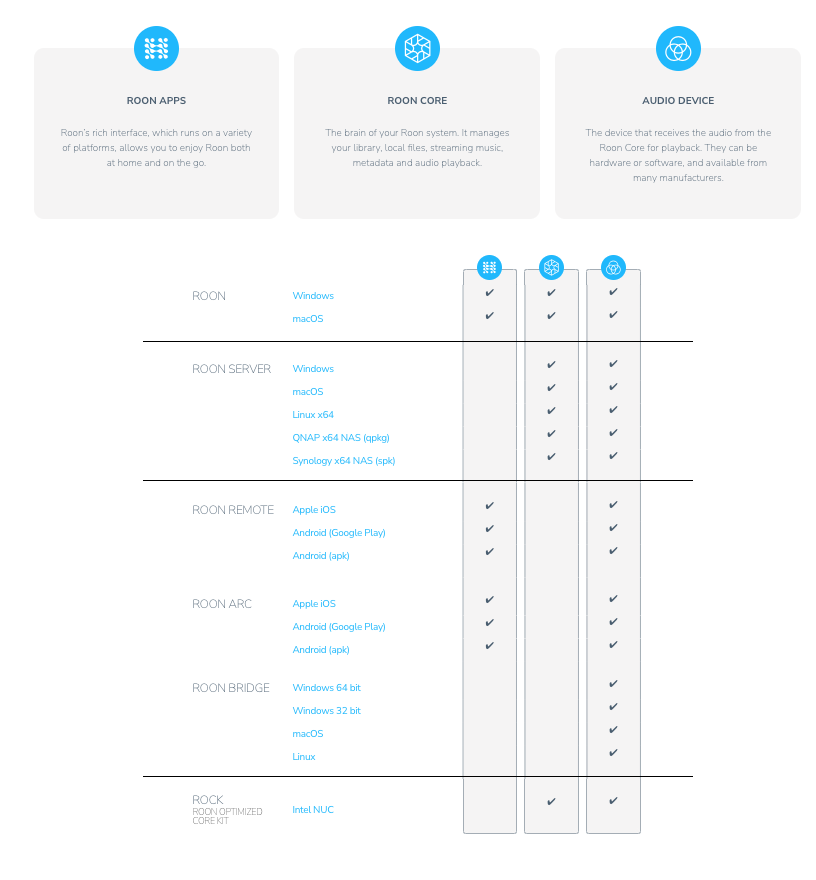
There is no remote only app for macOS, only Roon (apps&core&audio) or Roon Server (core&Audio)
@RobOK I second @Suedkiez and @mikeb it is something unusual to be asked for the core if the core is running. (I have core on mini, remotes on iMac, 2 windows laptops of my kids, Android phone and iPhone) My old iPhone asked me yesterday but when I did pay attention the iPhone was not on the same network
During the install, it will ask you. If you don’t believe it, delete Roon from your laptop and reinstall it.
It is not a separate app, it’s the Roon install for Windows or Mac. It will only give you the choice if you have another Roon core on your network. That’s because the client option needs a core to control.
I deleted roon app on my iMac (the remote)
Downloaded the macOS from Downloads - Roon Labs
Reinstalled (but no option)
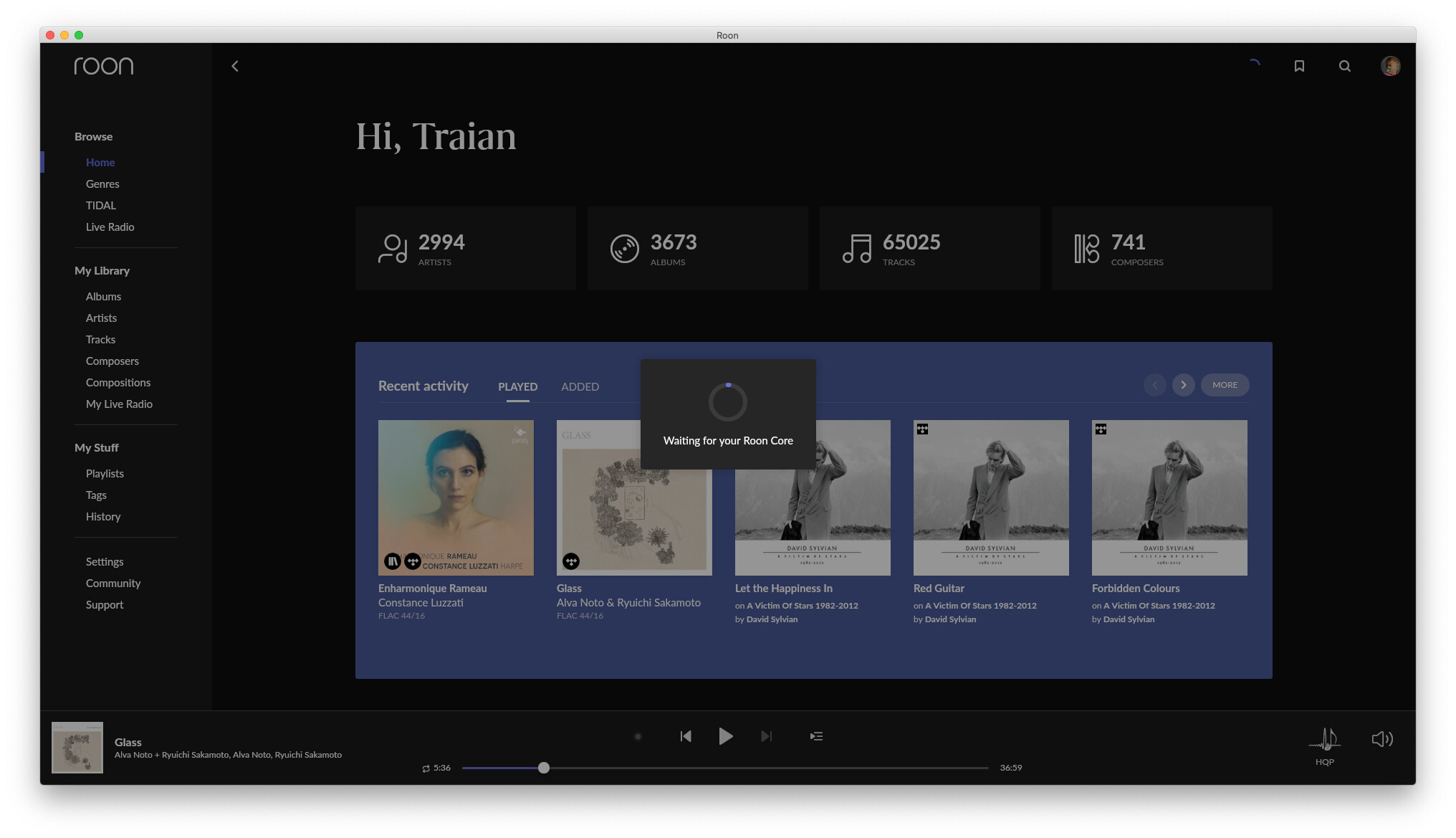
Roon on iMac directly connected on my core (mini)
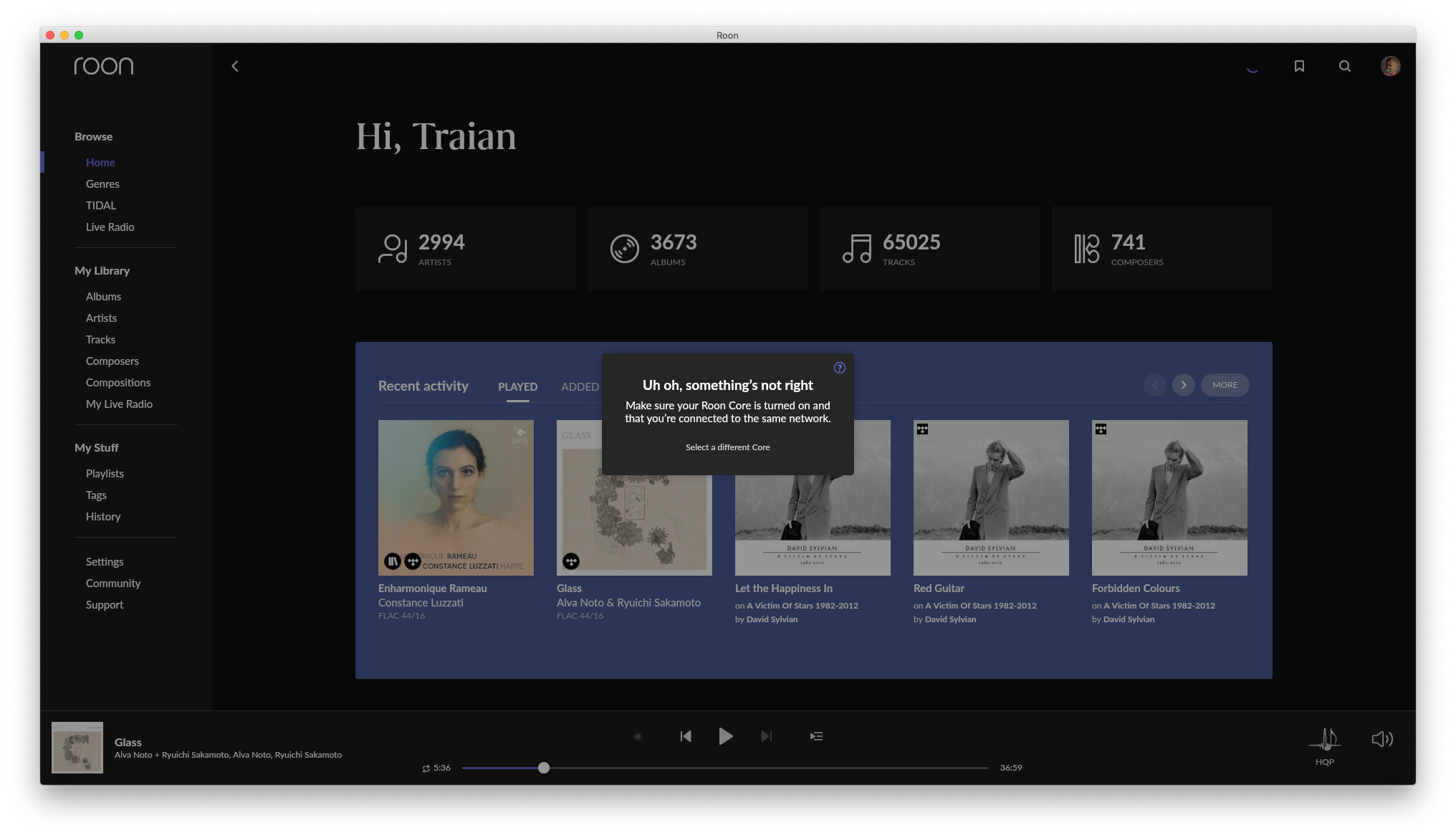
If I shut down the Roon Core (the Mac mini) I get an option to create a core on this Mac (iMac) or other computers
mini powered off:
@Traian_Boldea, can you confirm that you do not have two Roon accounts, whether they are subscription or lifetime? One of the screenshots is showing two available Cores, one on an Ubuntu system and one on a Mac mini.
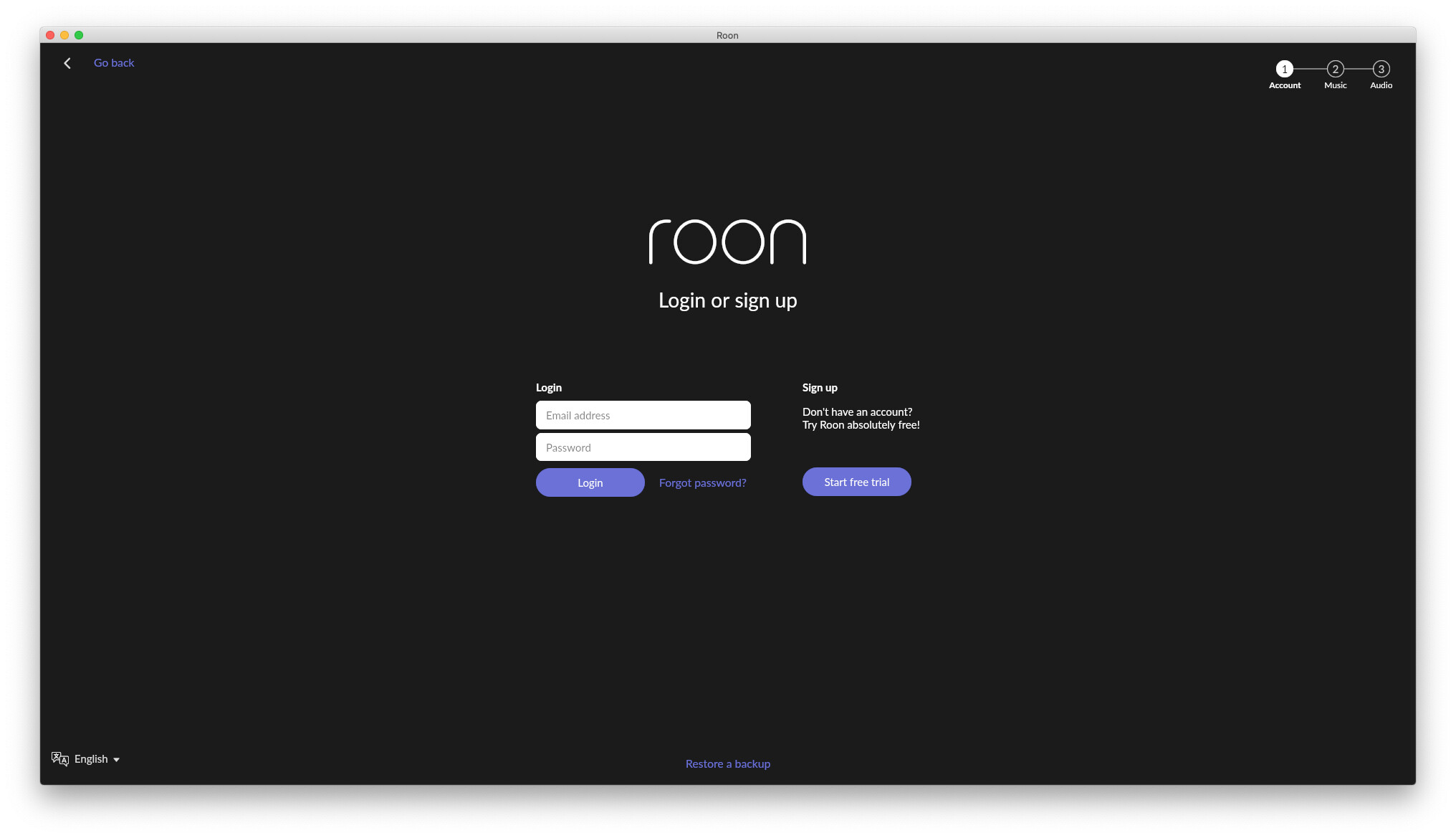
No 2 accounts, if I install Roon in 10 computers I’ll have options to create a core on any of the computers. The option to log (email and passwords) comes after selecting the computer on which you want the new core to be. Never used ubuntu as core, just as bridge but installed roon_server on it not roon_bridge (right now I have the roon app on ubuntu, mini, iMac => 3 options)
I understand, but what I find odd is that I have never seen this during the multiple times I have moved Cores or added Remotes on different PCs and Macs. I see available only the single Core I used and to which I was going to connect, or from which I was going to migrate.
That you have two Core options available simultaneously is the interesting issue here. Unless you have mutliple Roon subscriptions, I don’t believe you would see more than your designated Core.
So, I guess @Rugby and I just made this up. Maybe I was dreaming for the 3 weeks I ran my Mac Mini as a Roon client without an installed Roon core. In all seriousness, I can’t explain why someone can’t get it to work, nor do I need to.
https://community.roonlabs.com/t/restart-roon-rock-remotely/233079/51?u=jim_f
I’m not going to explain this again. Read this thread if you want to understand it.
I have 3. Ubuntu, mini and Use this Mac
If I’ll install roon on another Mac or roonserver-installer-linuxx64.sh on another linux I’ll have more.
My understanding is that if you instal roon you can have cores on any of them, logging on one of them with your account makes the others remotes (but they still are potentially cores).