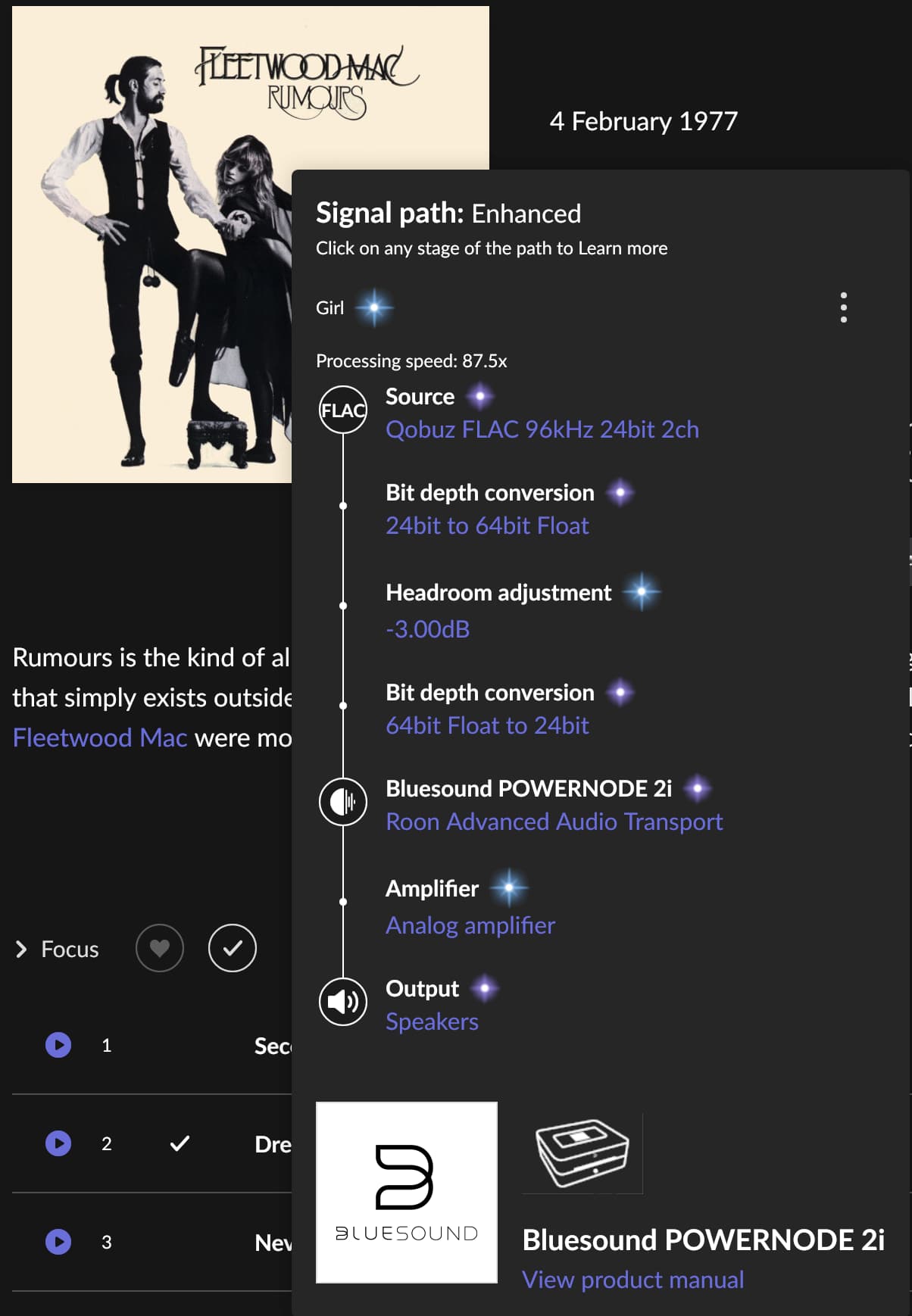
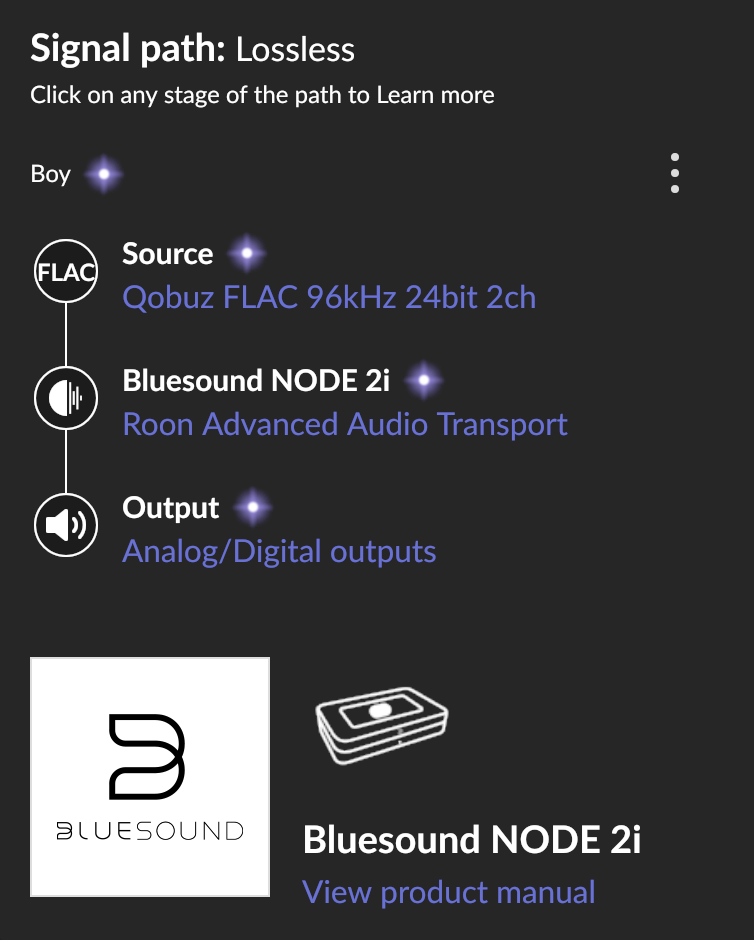
Stuttering audio stream (every 20s sometimes work, sometimes better, there is no difference between wired or wireless connection. Sound quality is very good.
(replying as another “full UniFi” user at two different locations, no stuttering ever)
Are your tracks local or streamed from Tidal or Qobuz? If local, where are they stored?
I use Qobuz (Western US) without any issues on both locations. The few times I’ve had issues, I tested with local tracks to confirm it was not a problem with my local network.
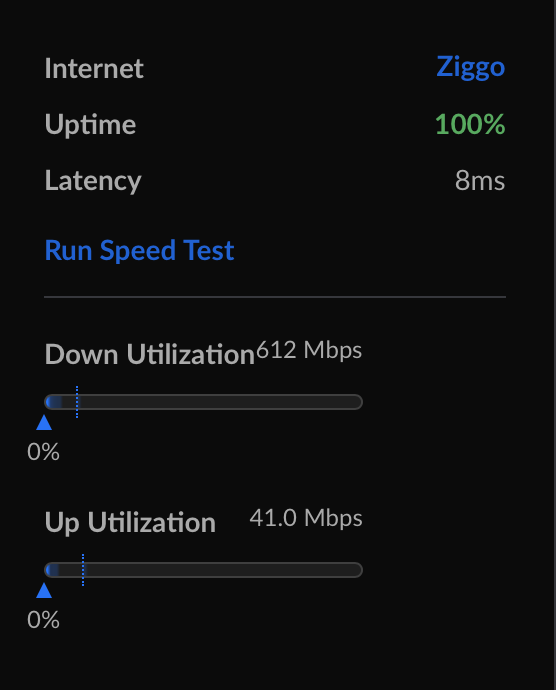
Thanks Fernando for your insights. I do expect it’s an isp issue, and that will be a to big challenge to address (they will just test access/connection speed). I wish Roon could buffer the stream so I will not notice it. Using the native BluOS Controller software of Bluesound/Nad (thus excluding Roon): same issues. Using Spotify: no issues, using Apple Music: no issues. It’s such a shame after spending so much in my setup a basic stream is not working.
RoonServer pulls down the next track from the music service at whatever rate is allowed by your ISP. If there is some channel contention on your local areas network, that can be enough to interrupt the core->endpoint stream; for instance, of some of the links for this traffic (ISP->core->endpoint) are wireless.
Yes, I understand. Thanks.
Also I do assume this is the formal support contact point for customers, could one of Roon support people jump in to address a way to solve my issue.
Your Roon Core should always have a wired connection
Yes/OK
2
If your library is stored elsewhere on the network, always ensure that both your Core and storage location are using a wired connection. Avoid WiFi between your Core and media storage at all costs.
Yes/OK
3
Avoid connecting high resolution/high performance audio devices to Roon via WiFi to ensure optimal performance.
One Bluesound wired, one Bluesound wireless. Both: stuttering
4
A wireless connection from your remote device to your Core is perfectly acceptable and expected in most cases
Yes/OK
5
WiFi interference
Not Applicable
6
Poor quality or underpowered routers
Unifi UDM Pro
7
Misconfigured access points
Unifi Nano
8
WiFi Range Extenders
No
9
Multiple Subnets
No
10
IPv6
No
11
Audio Dropouts
Yes
12
Remotes that don’t connect to the Core
Not Applicable
13
Audio devices that don’t show up in Roon
Not Applicable
14
Skipped tracks and playback interruptions.
Skiped: none, playback interruption: no, but stuttering
15
Error messages including
No
16
Power cycling your Core machine
Done, same result
17
Simplify then Rebuild – connect Roon to UDM Pro (instead via Unifi switch)
Done, same result
18
Managed Switches - flow control, pass multicast and broadcast traffic
If the Nuc is new then it should be ok, but as it’s about 5yrs old, I would open it up and check for clogged fan, assuming it’s not in a Fanless case. I’m guessing it might be thermal throttling. Is it ruining hot?
I will check this wizardofoz. My nuc is in a rack, maybe not the best environment for a nuc. I will clean it and connect the nuc using a switch in the living room. If that does not work I will buy a nucleus , mini Mac or Mac Studio to replace the nuc. I already tried another Roon server (on my MBP - connection is wifi only) this works fine.
Have you had any further issues since your post? If you are still having difficulties, can you check to see if System Output on a Roon Remote or the HDMI output from the NUC also exhibits the same behavior?
I’m working on it. My plan is to update my server rack and get the nuc out of it. In the server rack the nuc is sharing the space with two pihole’s. This weekend I managed to migrate the pihole’s to my home server (same rack, different layer). I did switch off the pinholes and… the nuc issue disappeared! I still plan to clean the nuc, but this is already a result.
My problem is solved! Raspberry PI + Intel NUC in proximity of each other will cause the stuttering. As stated above I decommissioned my pihole raspberrypi’s: all no more stuttering audio stream.