Hi everyone,
I wanted to share a specific finding regarding manual PEQ entry in HQPlayer Embedded (v5.x) running on AudioLinux. Many users struggle with getting the Matrix to show the actual frequency response when not using a .wav convolution file.
My Setup:
-
OS: AudioLinux (Headless)
-
Hardware: Ryzen 5 5500 / 32GB RAM / NVIDIA GeForce RTX 5060 (CUDA offload enabled)
-
DAC: Mytek Liberty DAC
-
Headphones: McIntosh MHP-1000
The Solution for Manual Entry: If you want to enter EQ values manually without generating IR files, the syntax and mode selection are critical.
-
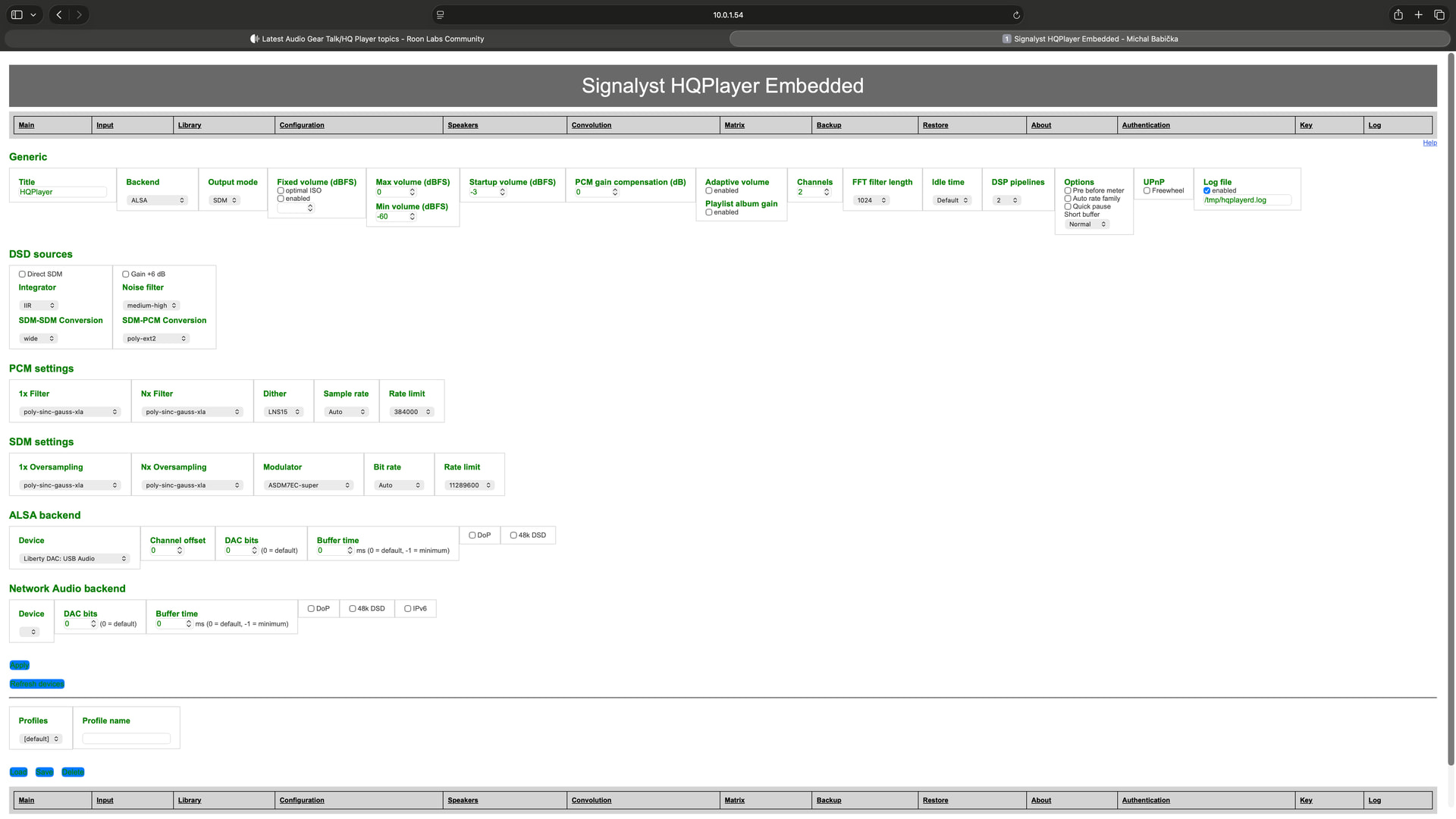
Configuration: Uncheck DirectSDM (otherwise Matrix is bypassed).
-
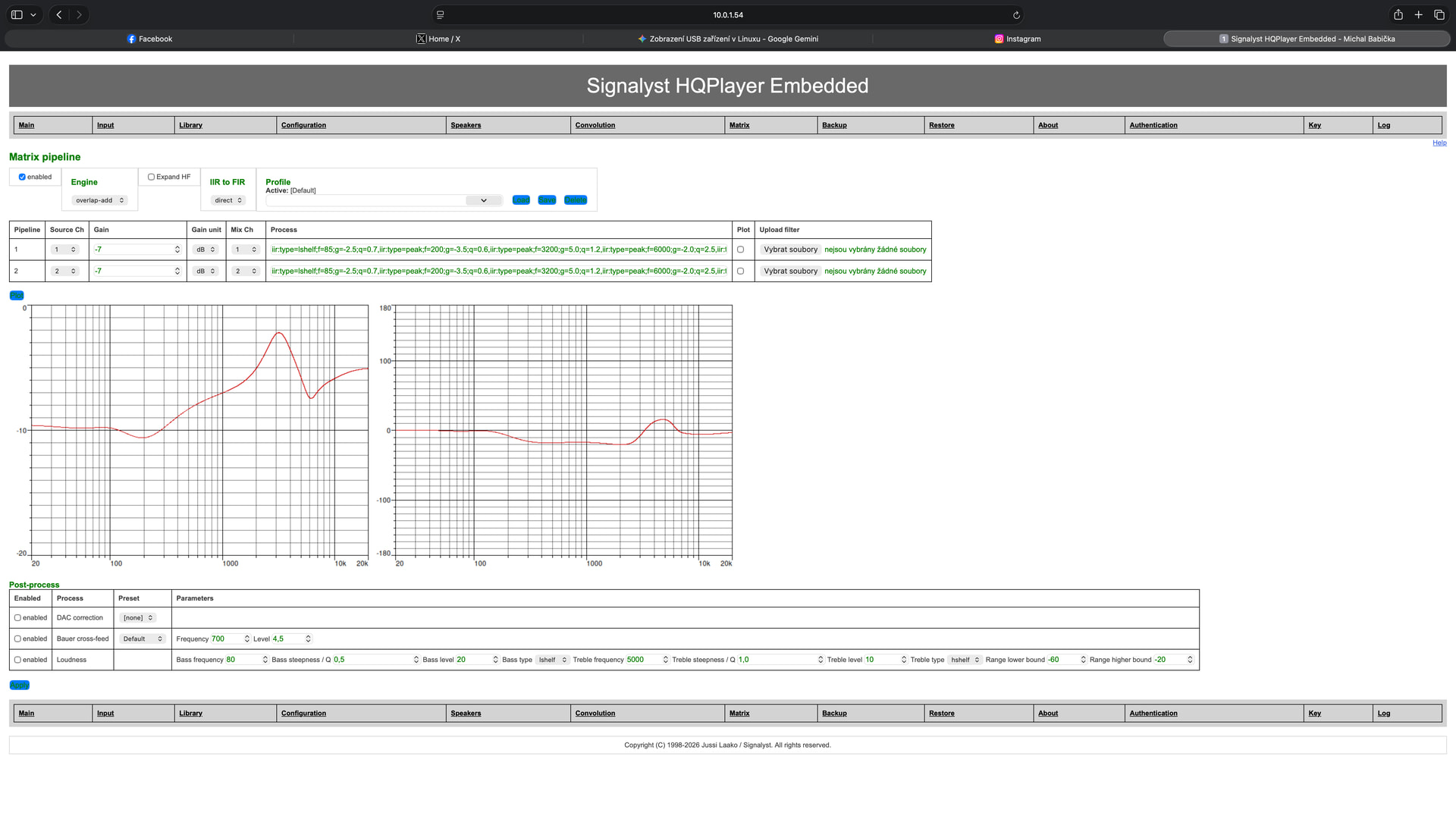
Matrix settings: Set Engine to
overlap-addand IR to FIR to “direct”. -
The “Red Line” Discovery: I noticed that when entering the IIR string, the Plot window often remains a flat green line or shows
sampling rate 0in logs if syntax is wrong. -
Correct Syntax: Use the
iir:prefix with semicolons and no spaces.- Example:
iir:type=lshelf;f=85;g=-2.5;q=0.7,iir:type=peak;f=3200;g=5.0;q=1.5
- Example:
-
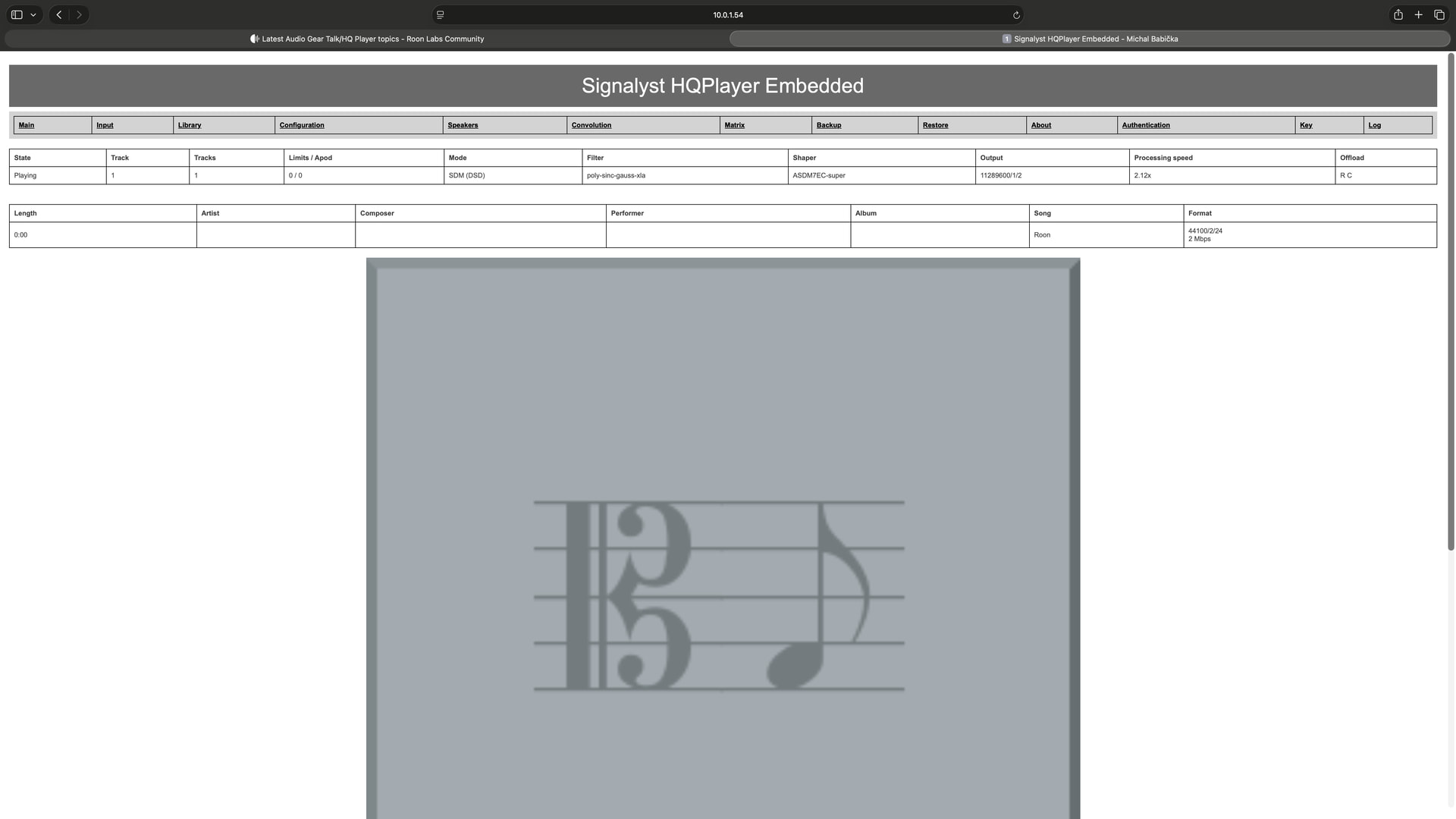
Gain is Key: The curve in the Plot window turned RED only after I set a specific Gain (e.g., -7.0) and started playback from Roon. The red color confirms that HQPlayer is calculating the final output level including the EQ boost, providing a visual safety check against clipping (keeping the curve below 0 dB).
Technical Note from Log: The log confirms that HQPlayer internally converts these manual IIR strings into a FIR filter: Convolution filter of length 3244 initialized = 4.83 dB. Crucially, the RTX 5060 handles this perfectly: Offload: resampler=enabled convolution=enabled.
This proves you can get high-precision, GPU-accelerated EQ in Embedded just by using text strings, provided the syntax and Gain are set correctly to trigger the engine.
Hope this helps others on AudioLinux