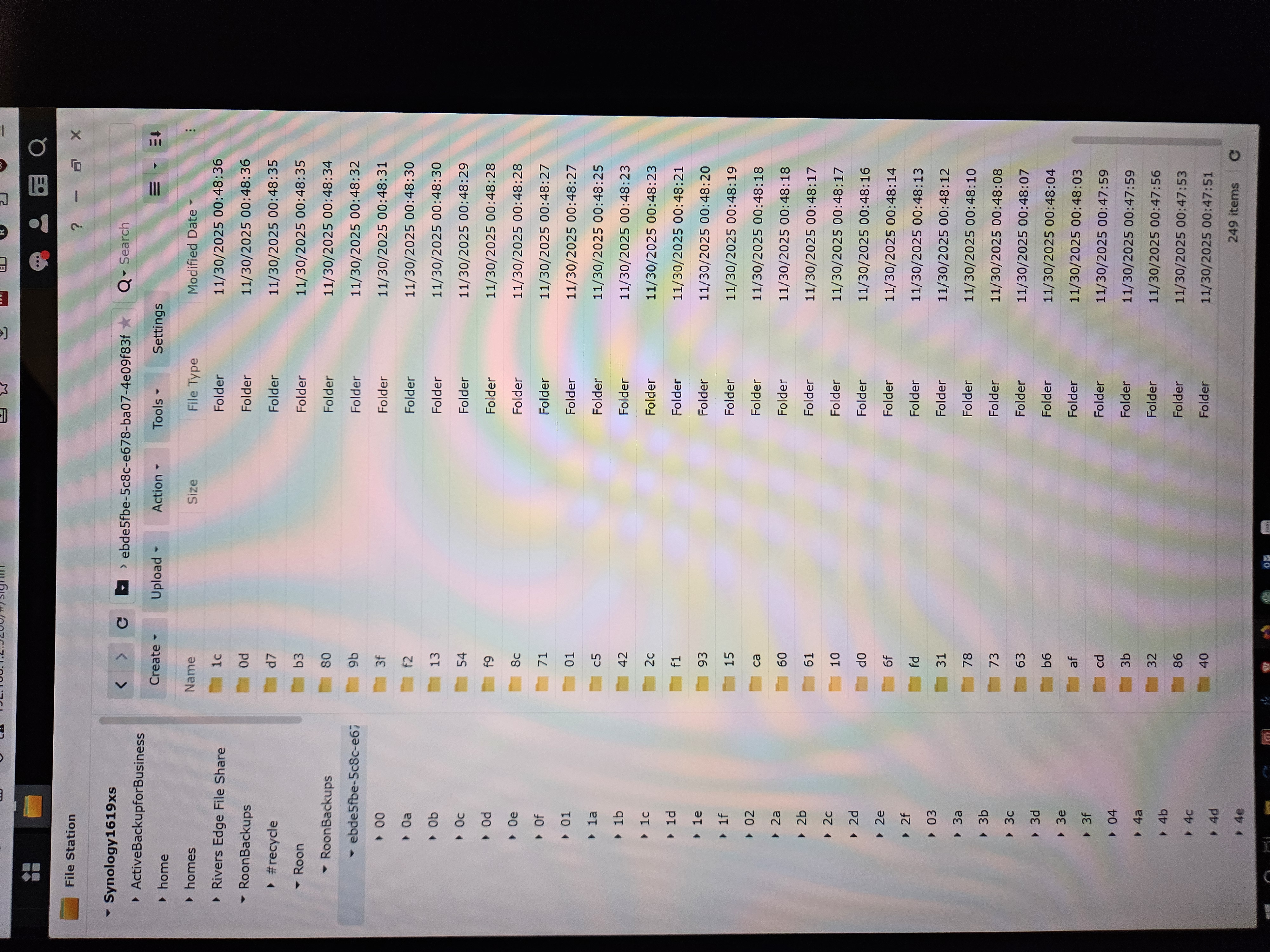
I am backing up to a synology NAS. The folders that wind up in the back up folders make no sense. One is _roon_backup_root_ the other is ebde5fbe-5c8c-e678-ba07-4e09f83fa0e3 inside the later is lots of folders labeled xx, f3 db,d1 all the way to 40. I have deleted the nas folder remapped it and still get this over and over.
The Backup system appears to be working as designed. The folder structure you describe is what is expected.
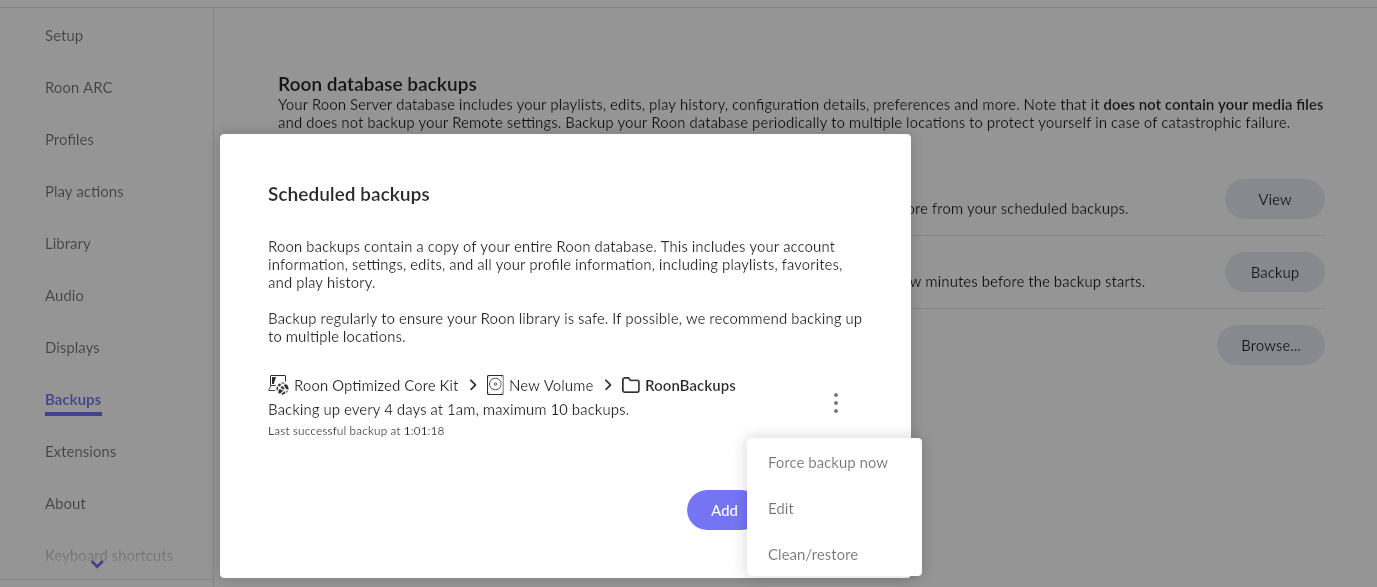
If you want to view the Backups - use the Backup Manager function in Roon. Go to >Backups, click the View button then the “3 dots” menu and click Clean/restore to display them…
We haven’t seen a response but want to ensure you’ve gotten the information you need to feel comfortable with the Backup process moving forward.
To reiterate, you’re not seeing anything unexpected in the file explorer when you peruse the Backup destination. Since you’d restore the Backups from within the Roon UI, the actual file nomenclature is not meant for clean, self-explanatory viewing.
Please let us know if you have problems restoring these Backups within Roon.
 >Backups, click the View button then the “3 dots” menu and click Clean/restore to display them…