Windows 11, Gigabyte H370HD3, 3.00 GHz Intel Core i5-8500, 8GB, System Name: Handel
Networking Gear & Setup Details
Technicolor DJA0231 modem/router via ethernet
Connected Audio Devices
Various including:
OPPO UDP-205/Ethernet
Google TV/WiFI
Yamaha RX-V481/Ethernet/AirPlay
Number of Tracks in Library
31,900 tracks
Description of Issue
I run Roon Core as RoonServer on my office PC (Handel above). I also have the “all in one” Roon installed on the same PC to act as a controller. I have run this configuration for a few years but lately I’ve been experiencing an annoying problem.
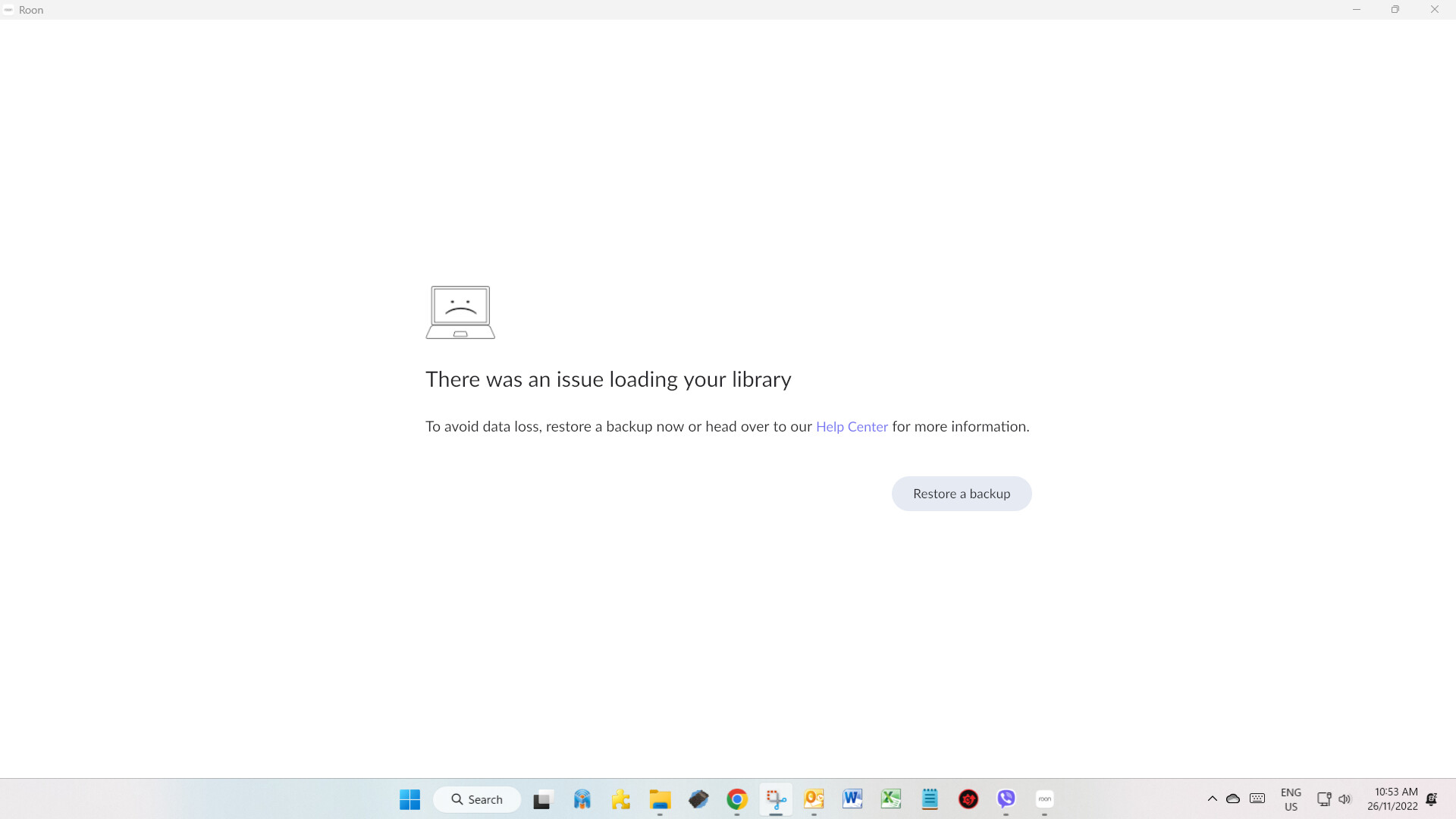
For the past 6 weeks or so, I’ve been getting the error: There was an issue loading your library - To avoid data loss, restore a backup now…
This happens randomly but around once a week or so. Every time I restore from backup, everything runs smoothly again until the next time it happens.
I have tried renaming the Roon, RoonServer/RAATServer folders with an “old” suffix, then downloading and reinstalling RoonServer, restoring library from backup, and then downloading and installing Roon. This has not solved the issue.
I have no idea why this started happening after so many years of trouble free operation. I’m hoping someone can help me resolve this issue.
Thanks @BlackJack. I’d seen and read that article before in the course of my investigations. I don’t have unstable power or a drive running out of space, so that leaves failing hardware. However, since I run Roon on my main working PC, that same hardware is used by the many other software applications that I use on a daily basis and nothing else has been playing up. That leaves me in doubt as to whether there is a hardware issue. In fact I’ve been wondering whether its more of a software clash or incompatibility, or some registry setting or something more obscure. I’m hoping the support team will come up with something.
Thanks for your patience as we continue to work through each thread. As a next step, please recreate the issue, and take note of the date and time the issue occurs.
From there, we’ll enable diagnostics on your account to take a closer look into what might be going on
With that, when you had a fresh database, the problem still persisted prior to loading a backup? Is your Roon library stored on the core machine?
To begin by addressing your questions - I’m actually not sure what you mean by the first question but the answer to the second one is that yes, the Roon library is stored on the core machine. Both RoonServer and and “all in one” Roon are installed on the same PC.
Since my last post, my PC actually started playing up. Not only did I start getting random errors in Windows but everything slowed down to a crawl. I think I spoke too soon above when I said I didn’t think it was failing hardware (or possibly some software corruption). Anyway, I decided to rebuild my Windows to a fresh install on a new HDD. It’s only been 3 days now but so far I haven’t seen the “issue loading your library” message from Roon. So fingers crossed but if it happens again I’ll provide the date and time as requested.